

What the member sees
A walk through the portal as a member sees it. Share this page with members who ask how to use it.
Who: A member with portal access.
Sign in
The member opens the SACCO’s web address, presses Member Login and signs in with their email and the password they chose. Reset Password on the same page sends a new link if the password is forgotten.
The pages
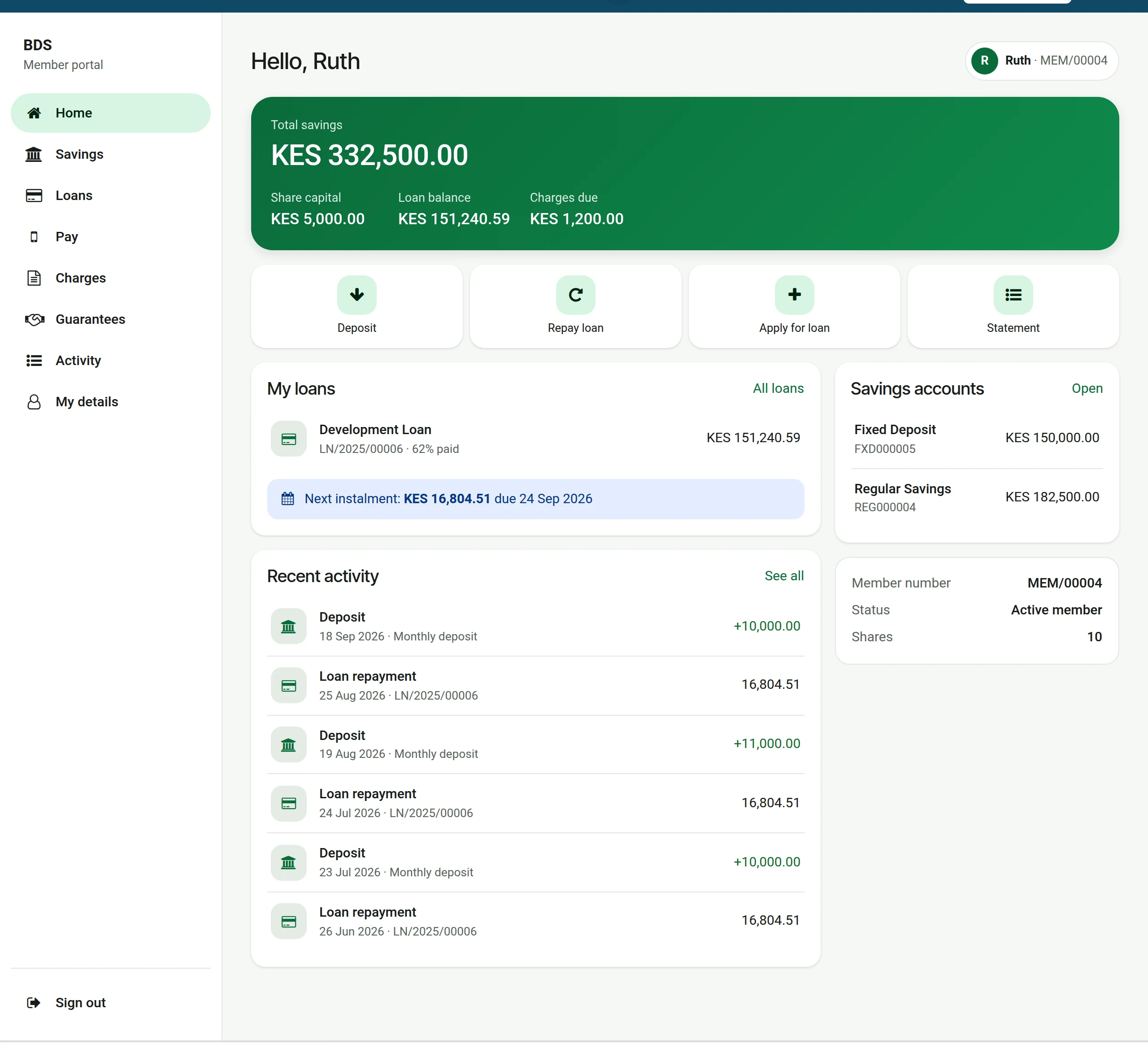
1Home
The first page shows the totals, four shortcuts (Deposit, Repay loan, Apply for loan, Statement), the loans with the next instalment, the savings accounts and the latest activity.
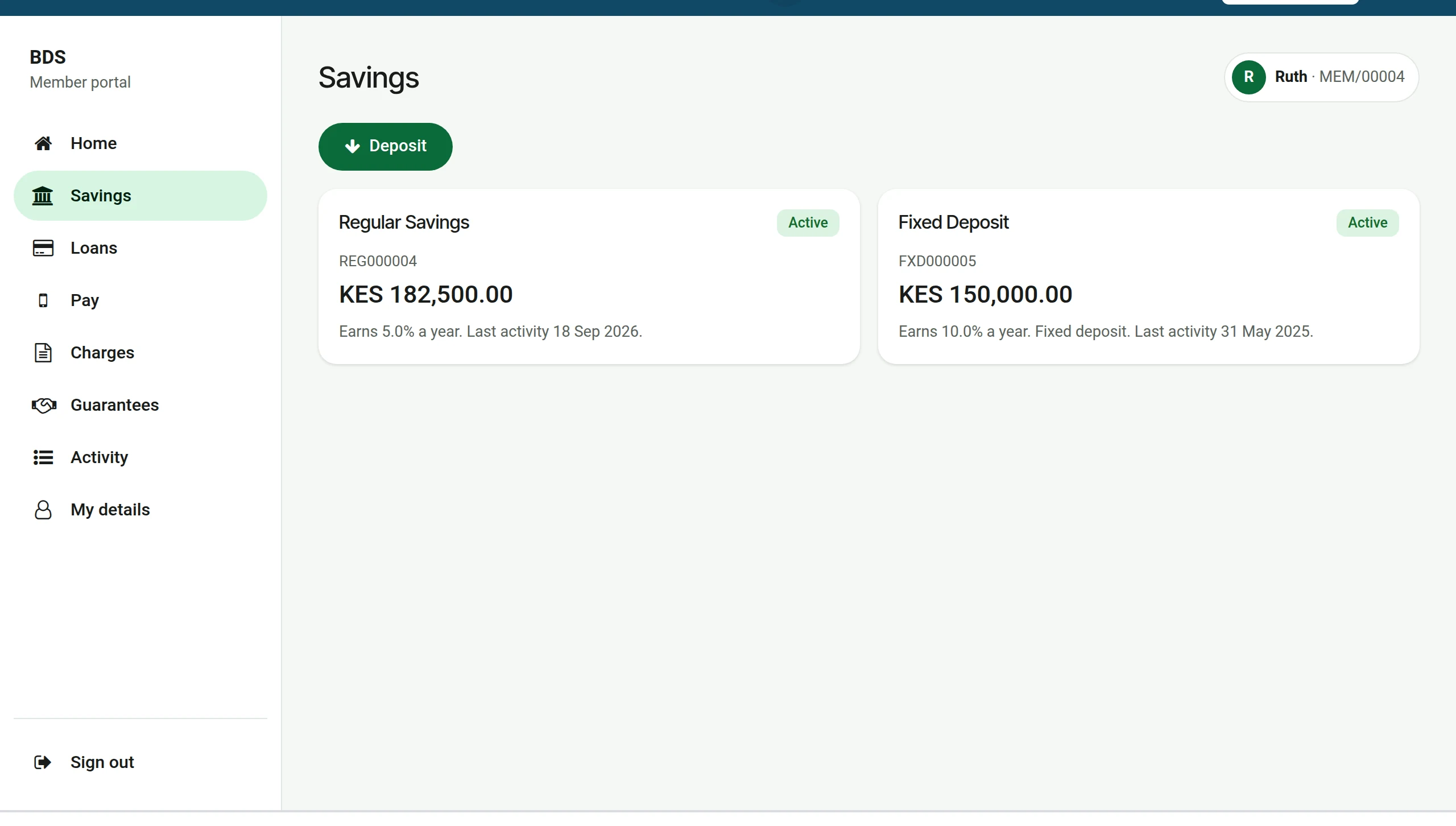
2Savings
Savings lists every account with its balance and interest rate. Click an account for its statement.
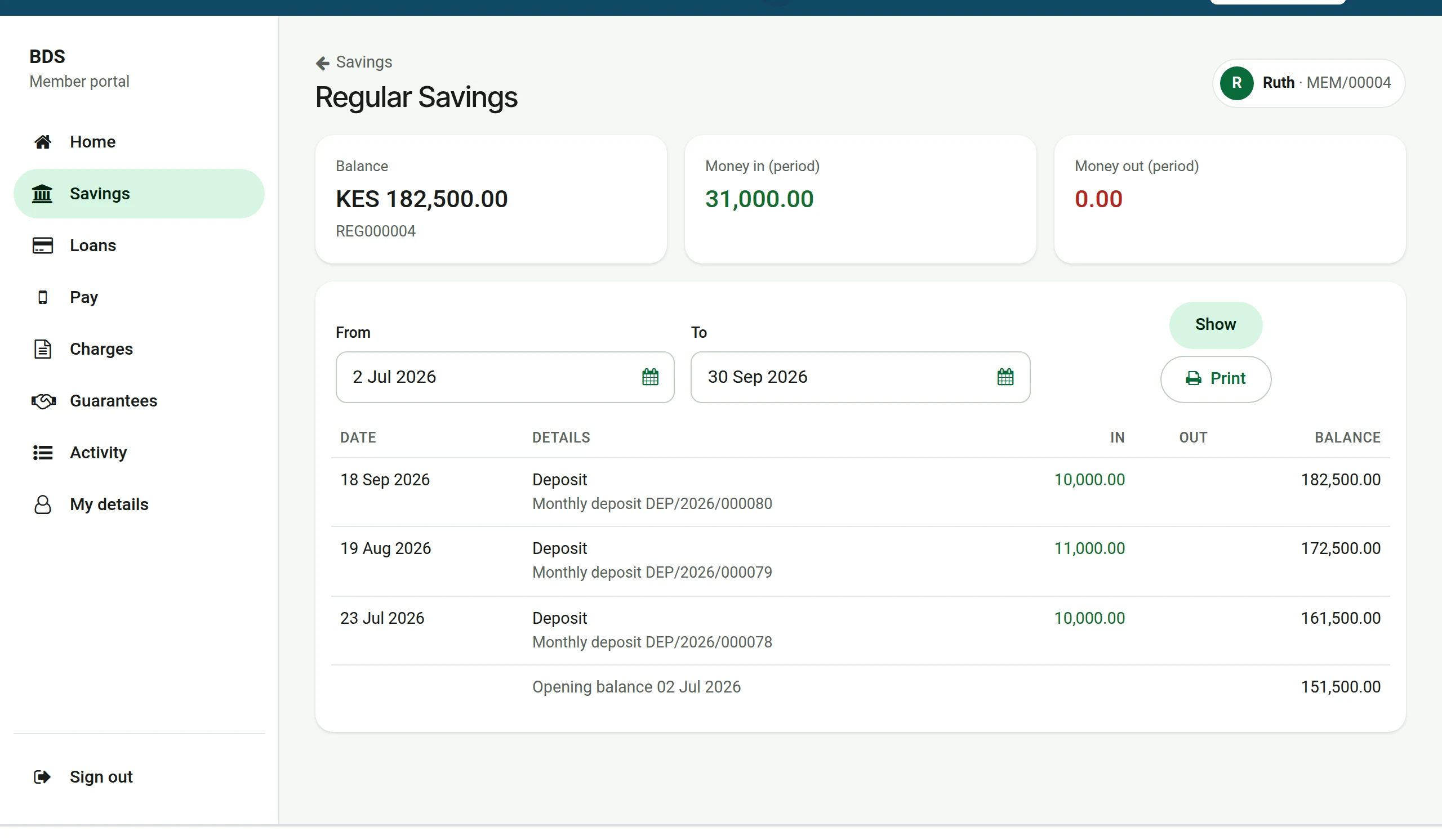
3A savings statement
The statement shows money in, money out and the running balance. Choose From and To and press Show; Print gives a copy to keep.
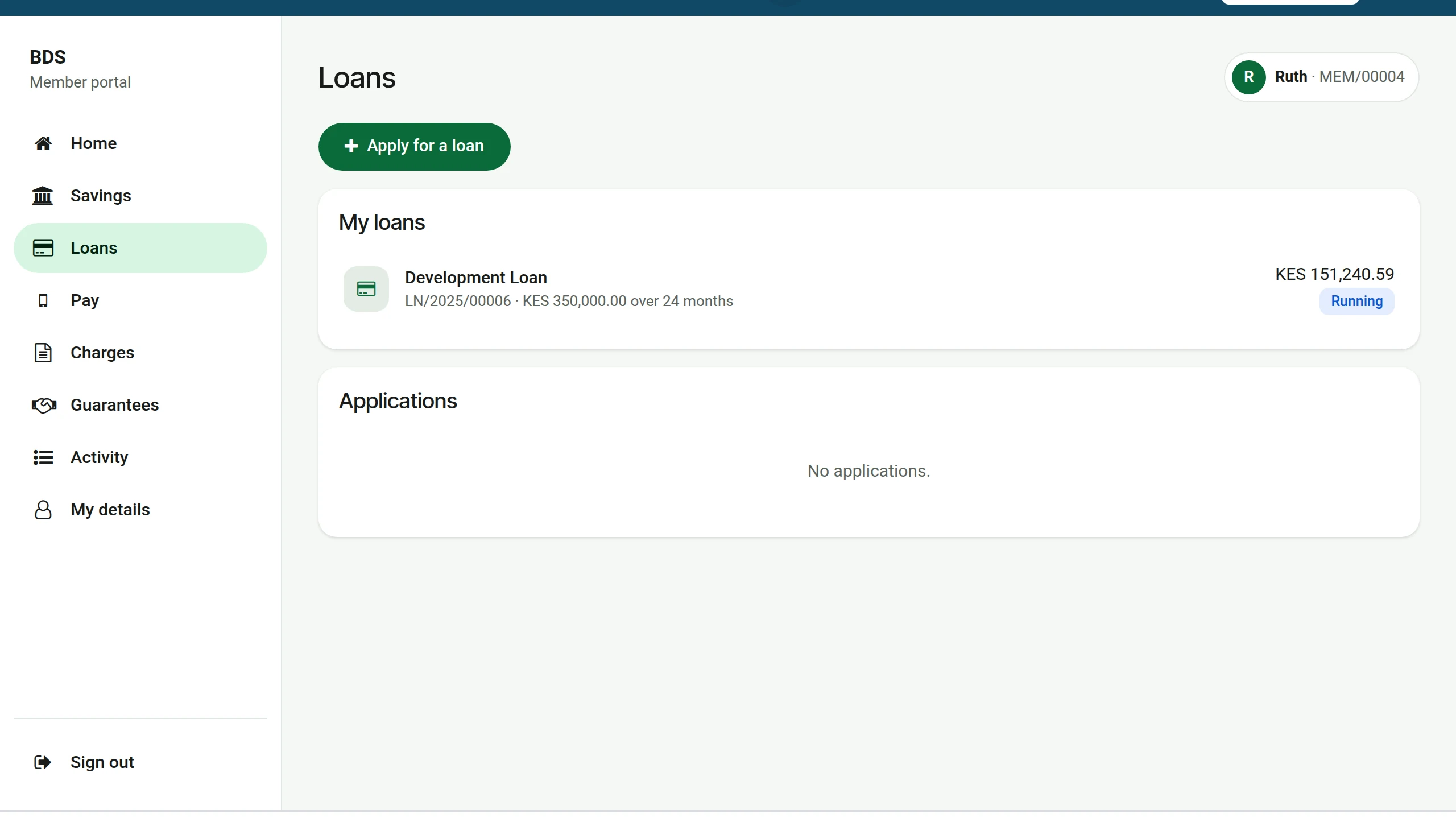
4Loans
Loans lists the running loans and the applications. Click a loan.
5A loan and its schedule
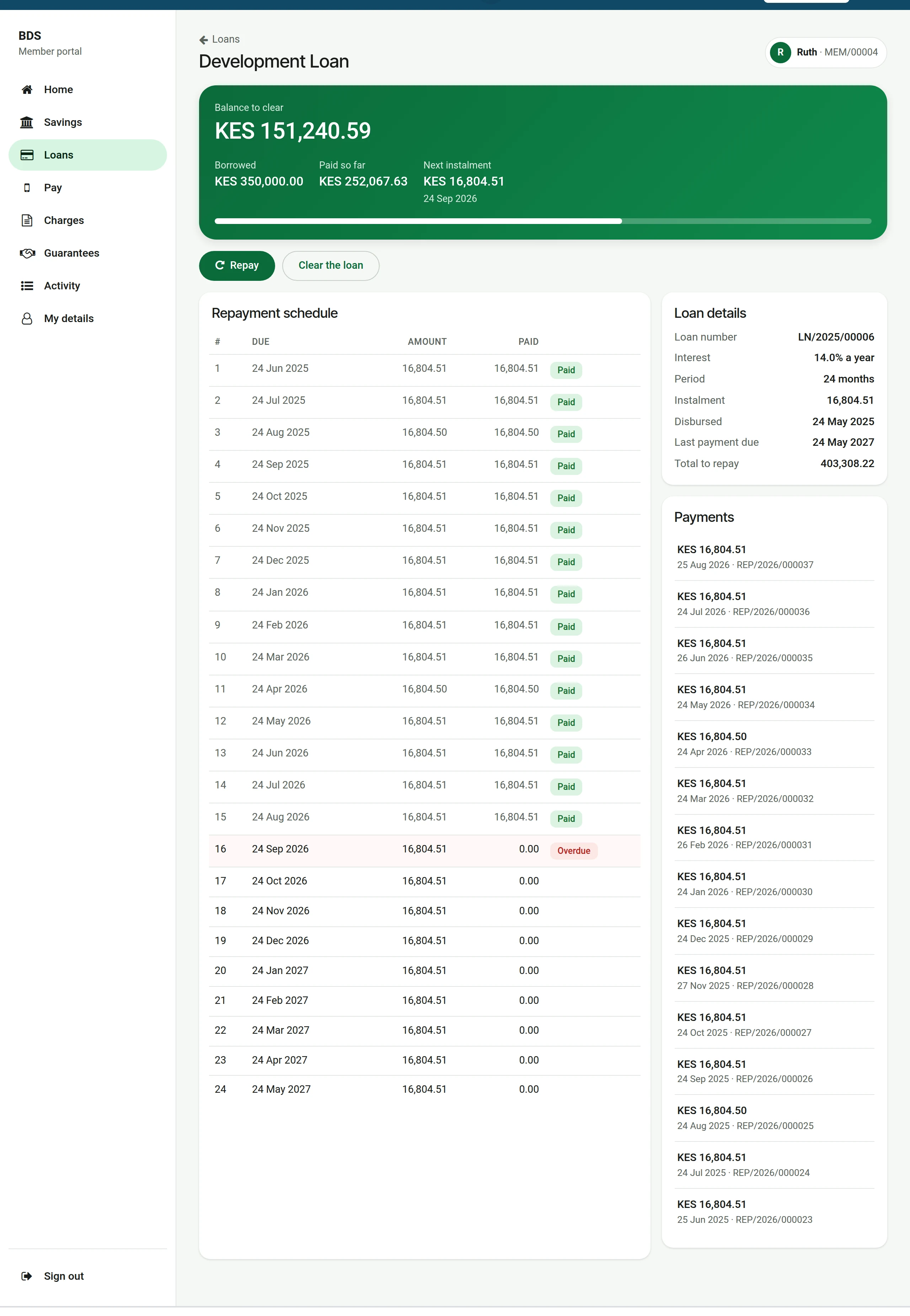
The loan page shows the balance to clear, every instalment with what has been paid, and the payments received. Repay and Clear the loan lead to the payment page with the amount filled in.
6Charges
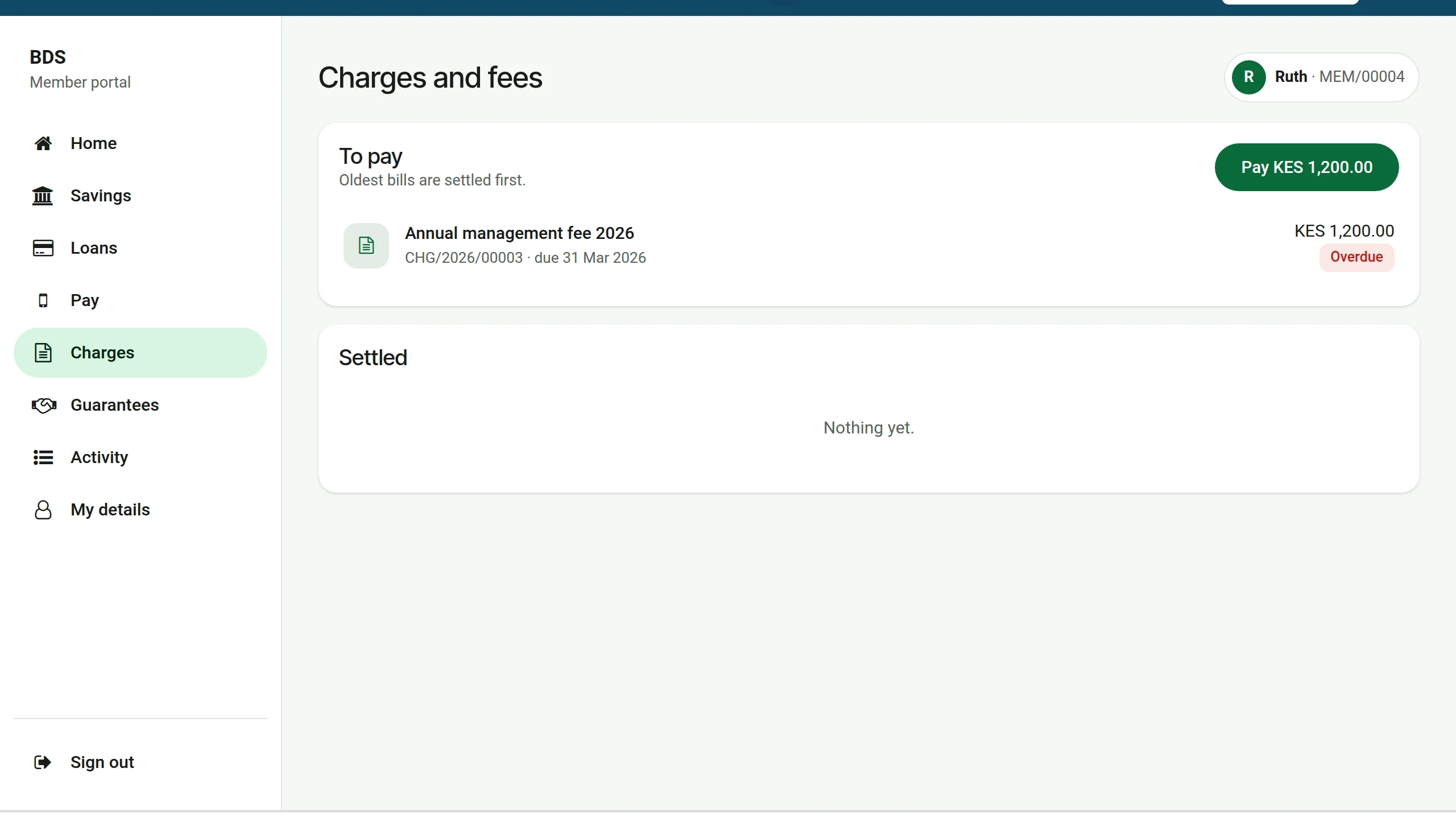
Charges shows the bills to pay, oldest first, and what can be ordered from the SACCO (a passbook, a uniform, the by-laws). Order raises the bill at once.
7Activity
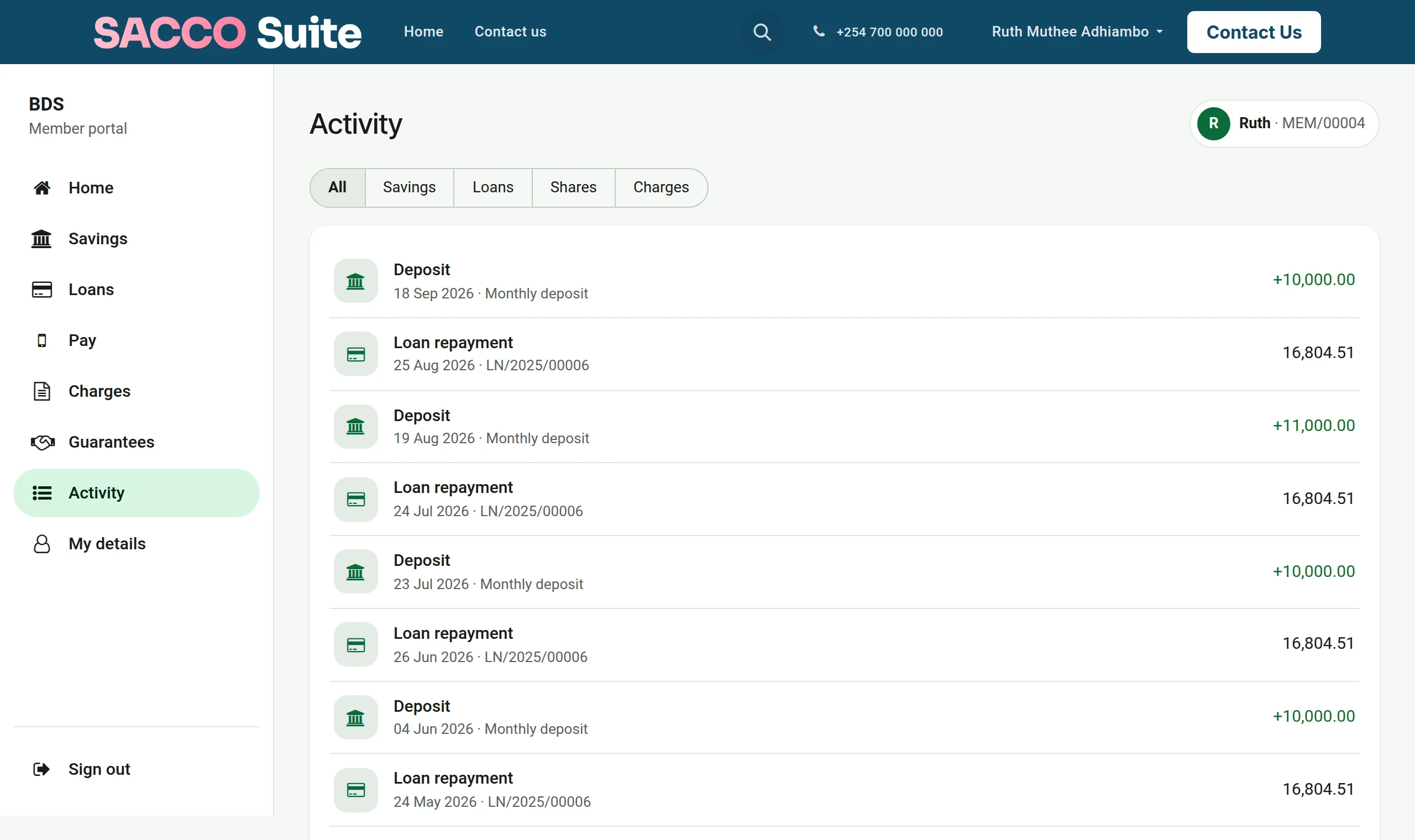
Activity is the full history. The buttons at the top keep only savings, loans, shares or charges; Older at the bottom goes further back.
8My details
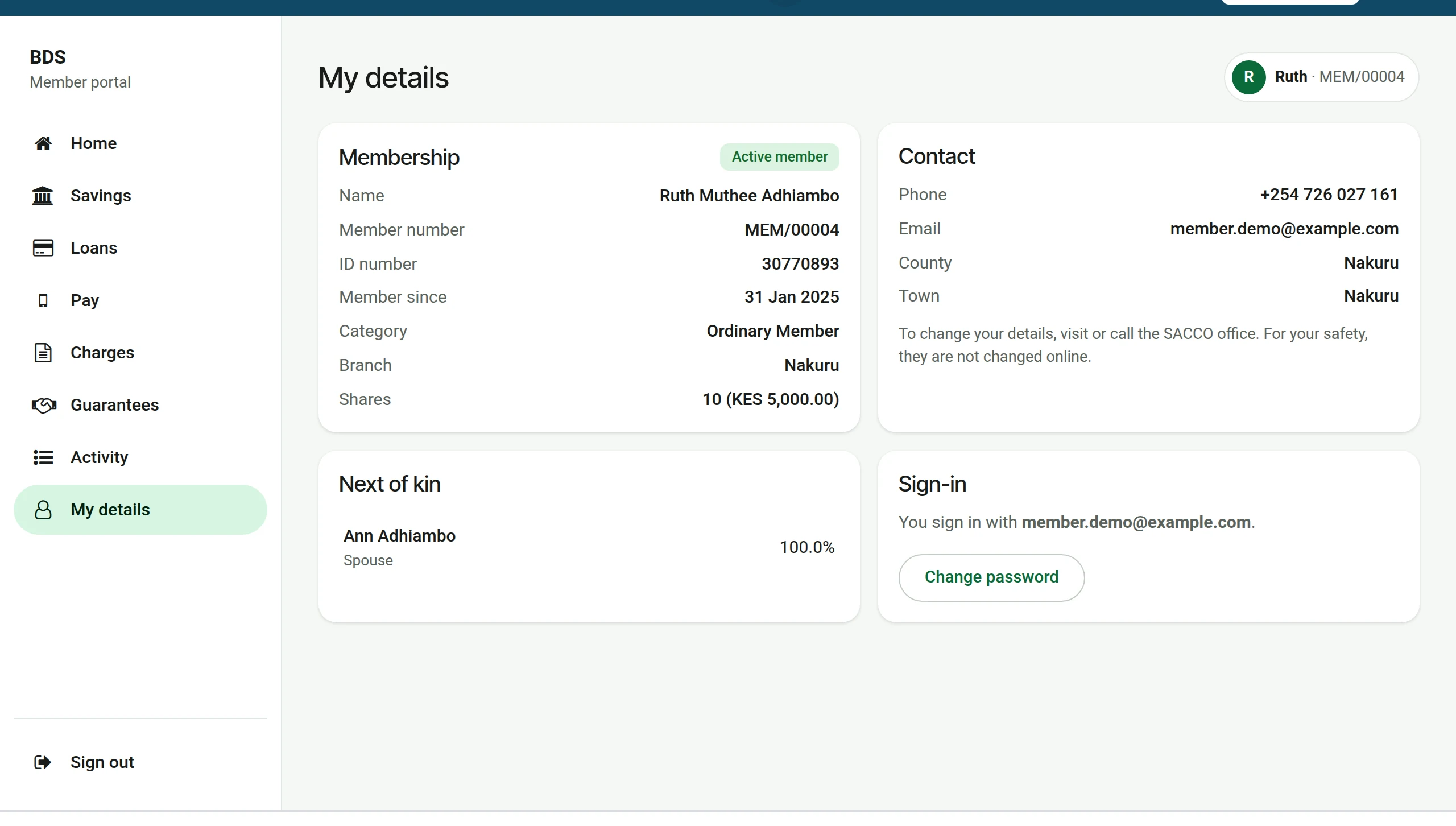
My details shows what the SACCO holds: membership, contact and next of kin. Details are changed at the office, for the member’s safety; Change password is done here.
On a phone
The portal is built for the phone first. In the phone’s browser the member can choose Add to Home screen: the portal then opens from its own icon, like an app, without going through an app store.