

Approve a withdrawal
Some products ask a manager to agree to every withdrawal: a junior account, a welfare fund, a group account. The teller submits, the manager approves, the teller pays.
Who: Teller submits and pays; Savings Manager approves. Before you start: The product has Require Withdrawal Approval ticked (savings products).
The example: a Junior Savings account
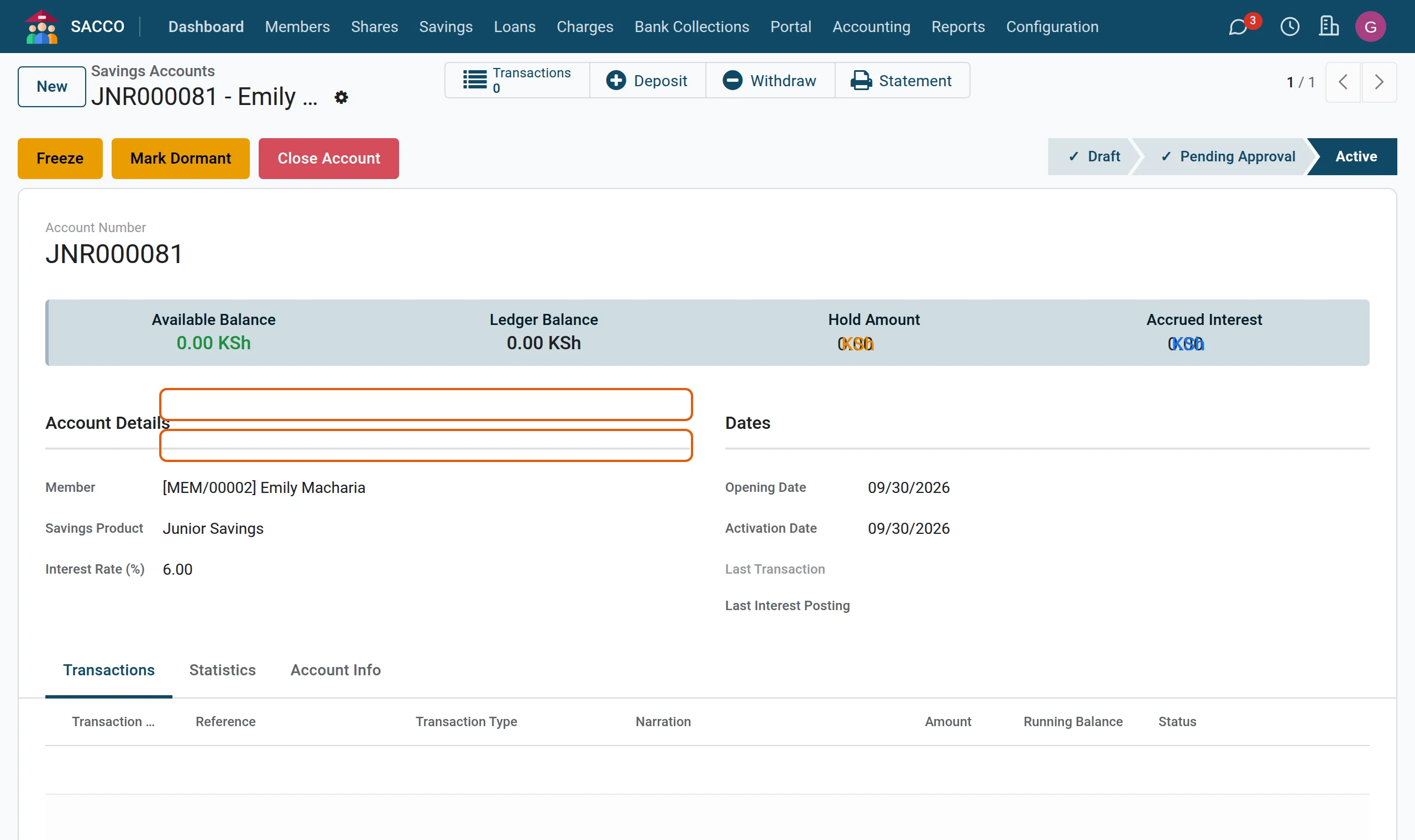
In the demonstration SACCO, Junior Savings asks for approval. The manager first opens one for a member and activates it directly.
1A manager opens and activates the account
In press New, choose the member and the product, and press Activate.
1. The teller submits the withdrawal
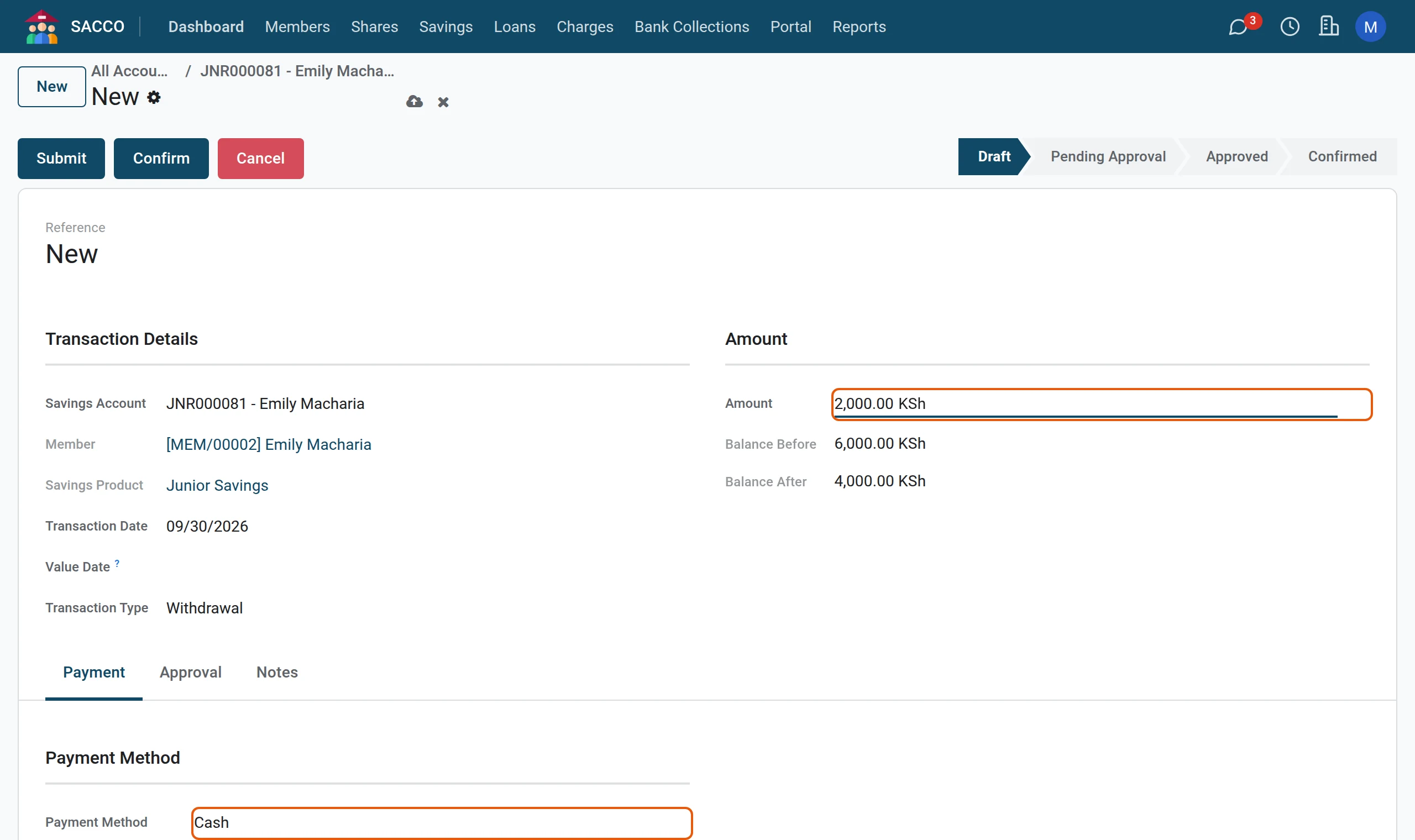
1Fill in the withdrawal
Open the account, press Withdraw, type the amount and pick the payment method.
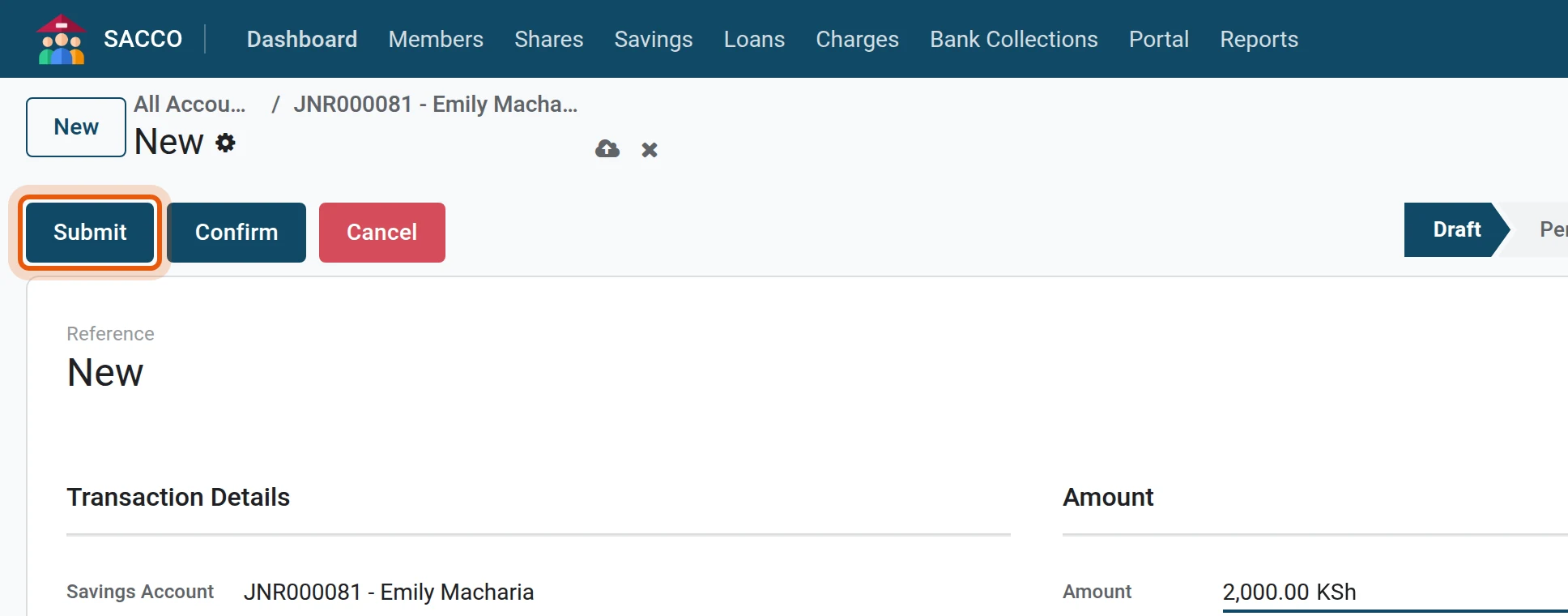
2Submit
Press Submit. This time the status is Pending Approval: nothing is paid yet. Ask the member to wait.
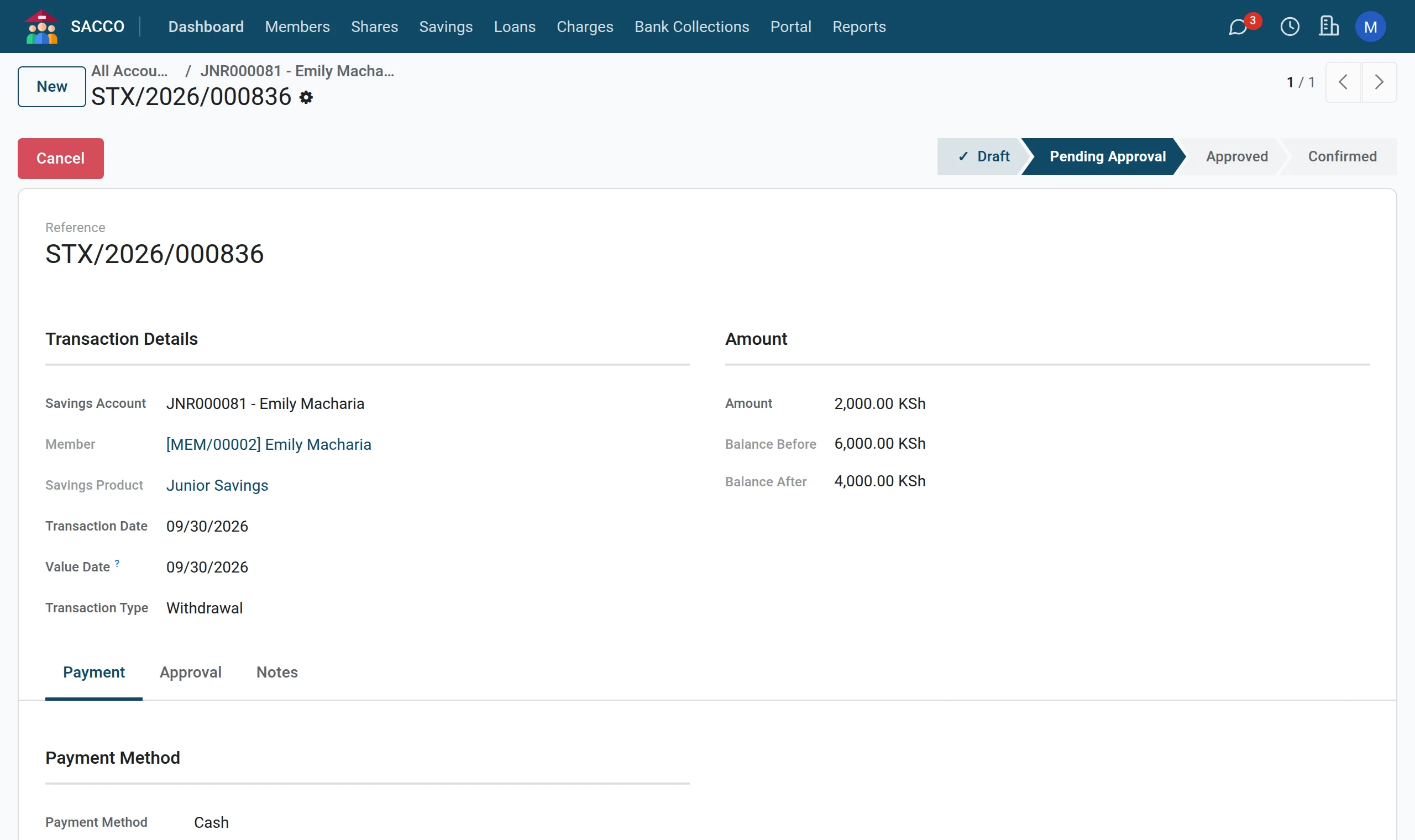
2. The manager approves
1Open the queue
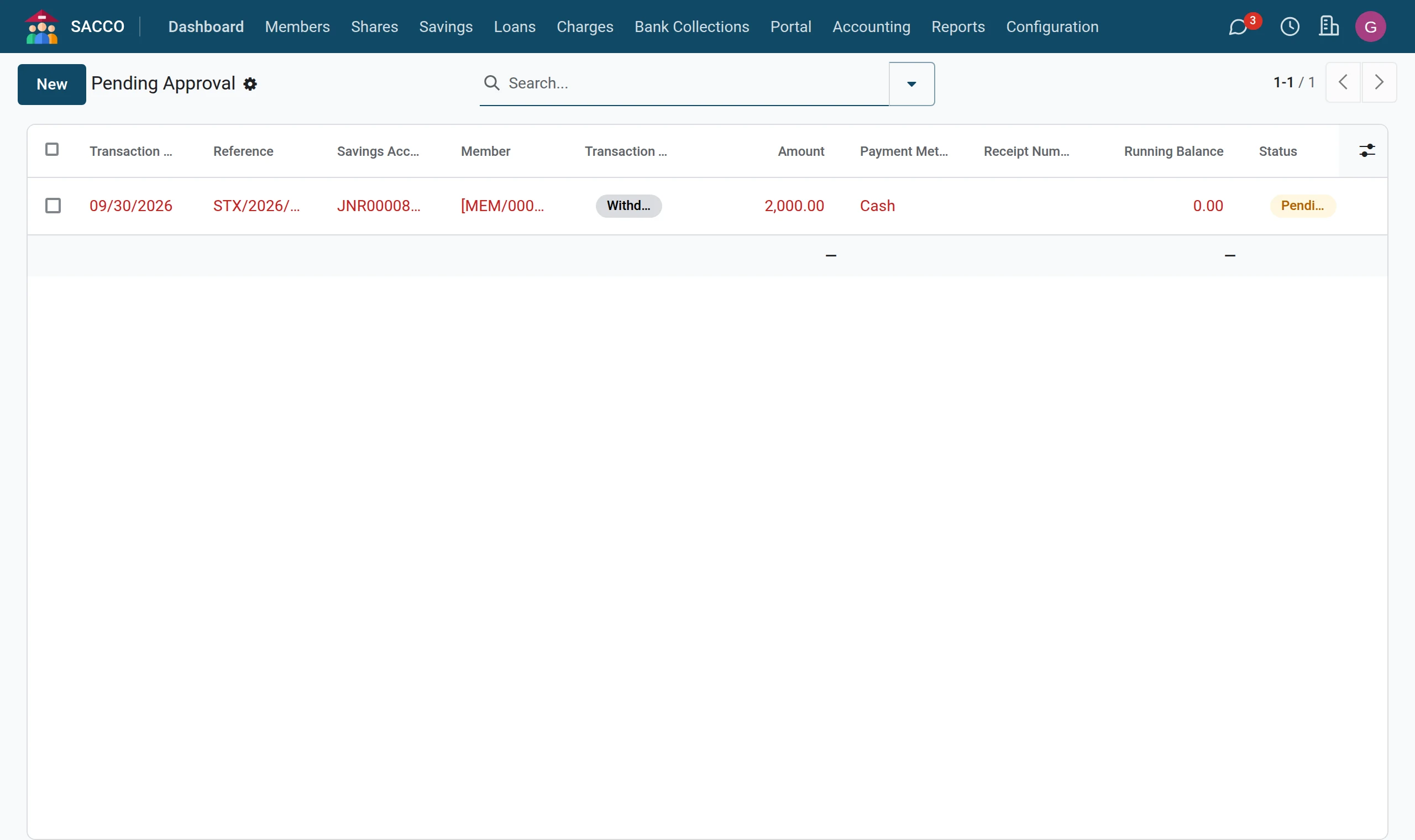
Open . It lists the transactions waiting for a manager and those approved and waiting to be paid.
2Open the withdrawal
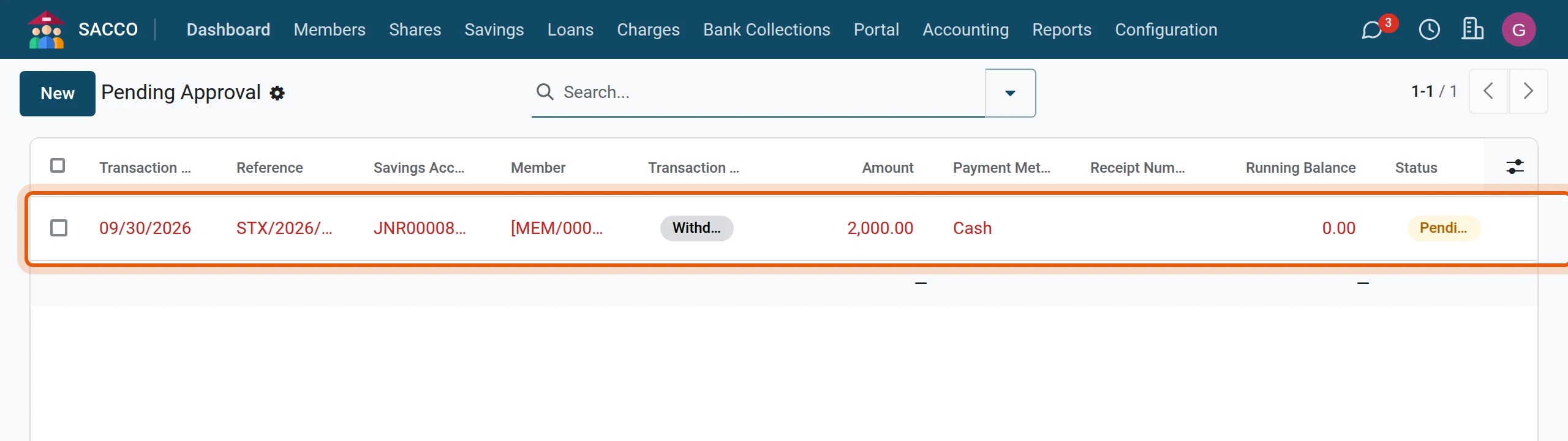
Click the line.
3Approve
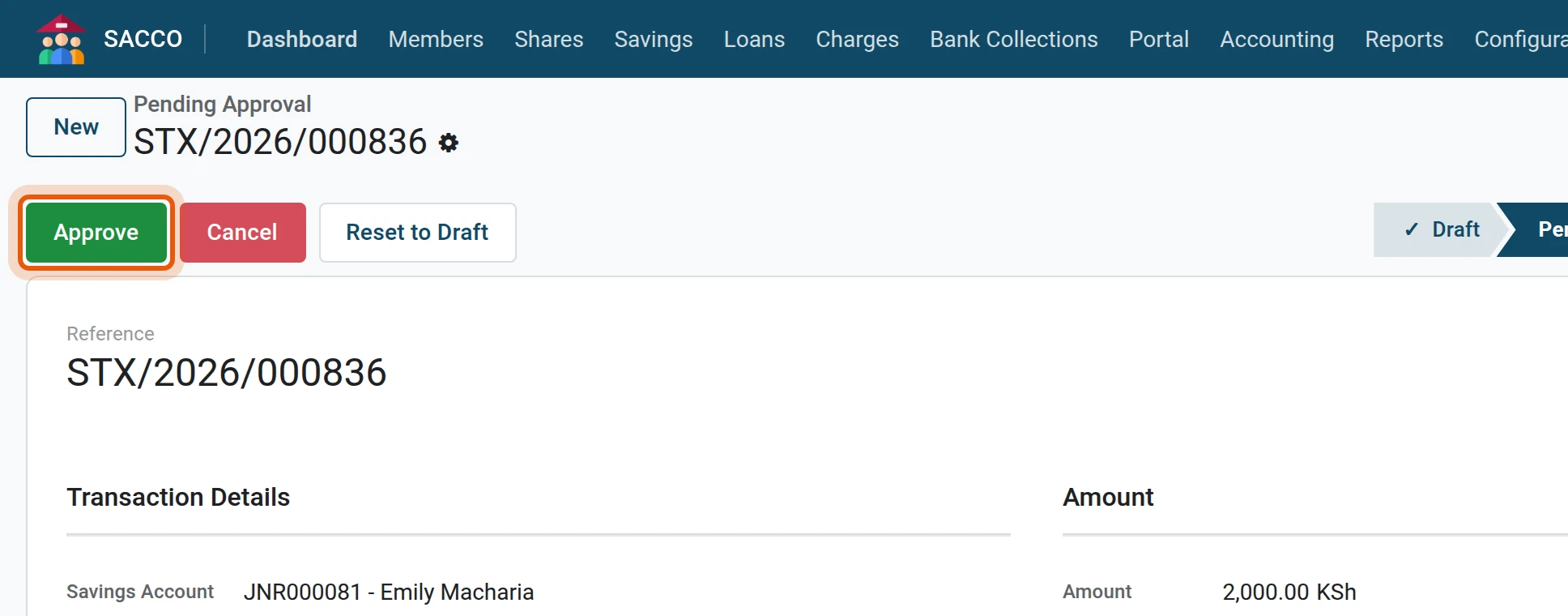
Check the account, the amount and the balance, then press Approve. To refuse, press Cancel and tell the teller why in the chatter below the form.
3. The teller pays
1Find the approved withdrawal
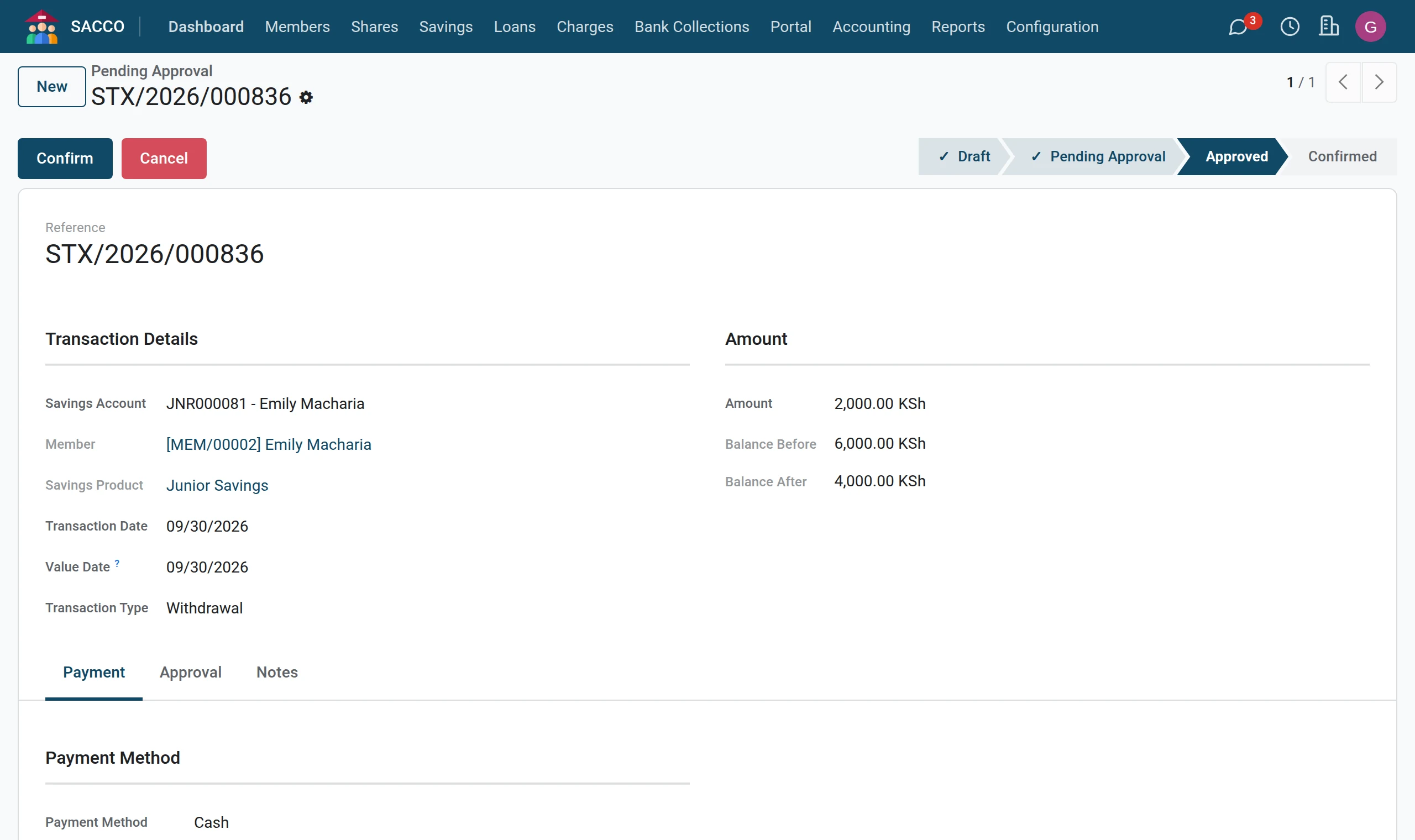
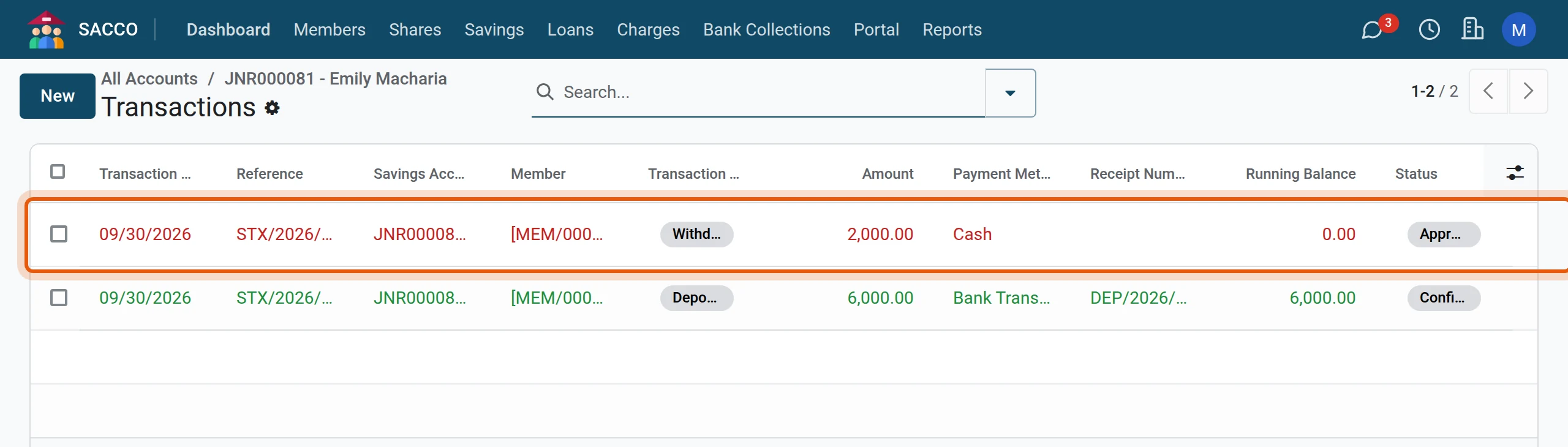
Open the member’s account and press Transactions across the top. The withdrawal now shows Approved; click it.
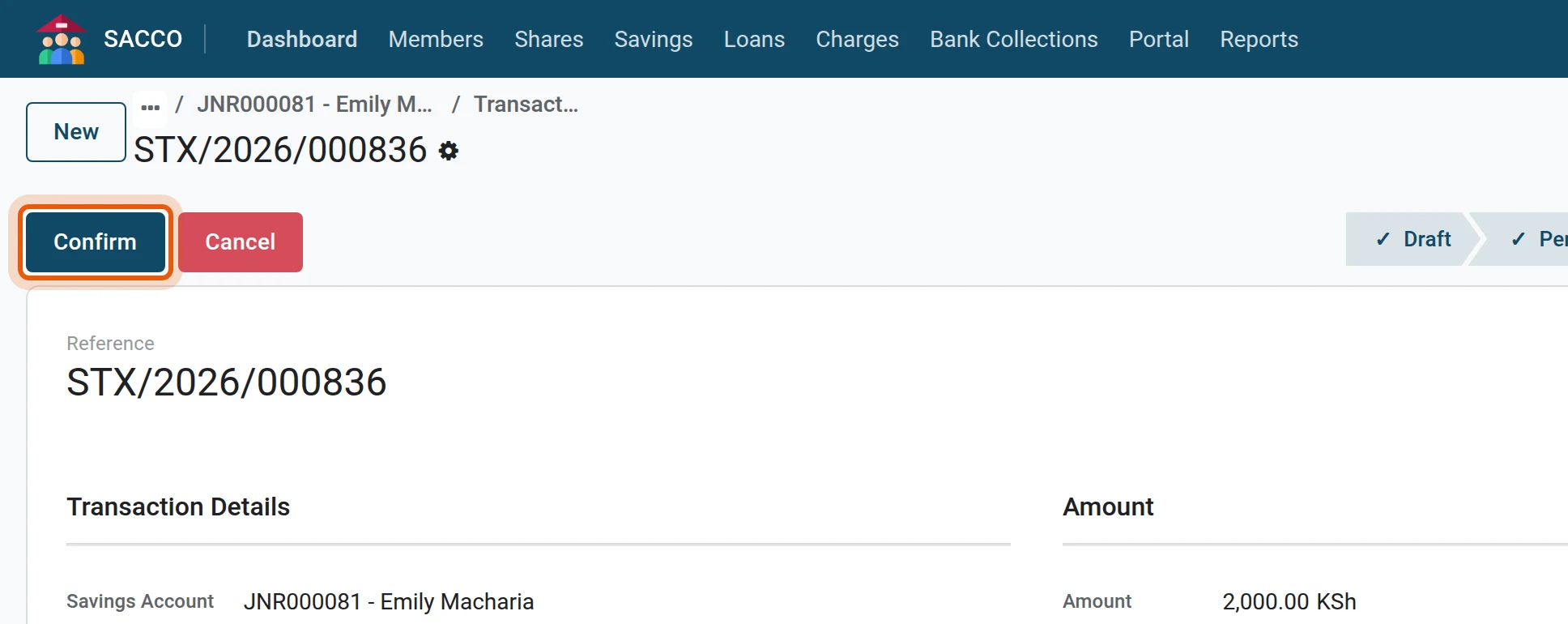
2Pay and confirm
Hand over the money and press Confirm.
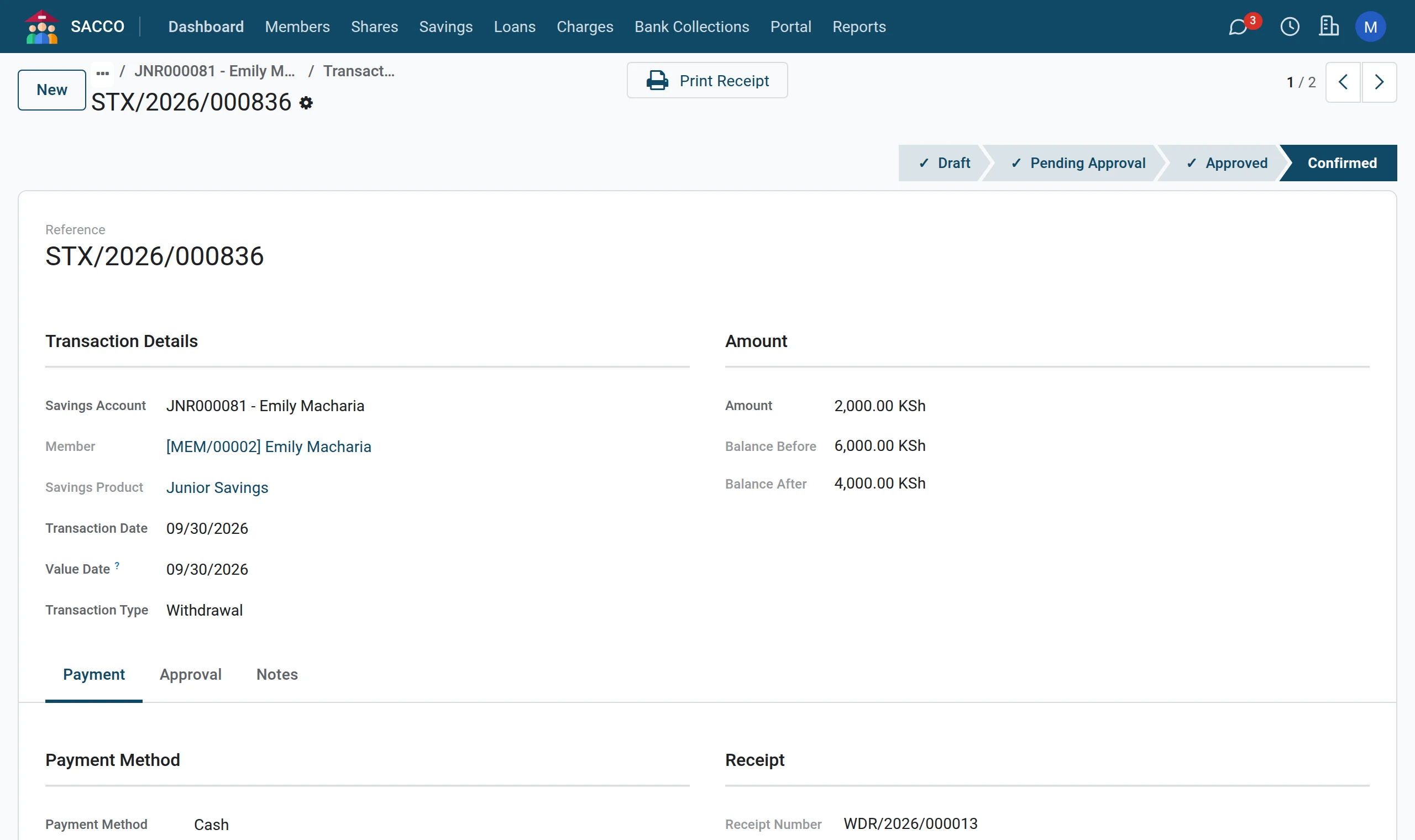
The Approval tab of the transaction keeps who submitted, who approved and who confirmed, with the date and time of each.