

Open a savings account
An account joins one member to one product. The front office fills it in and submits it; a savings manager approves it, and the account number is given at that moment.
Who: Any SACCO user opens and submits; a Savings Manager approves. Before you start: The member is Active (approve and activate).
Open and submit
1Open the accounts and press New
Open and press New.
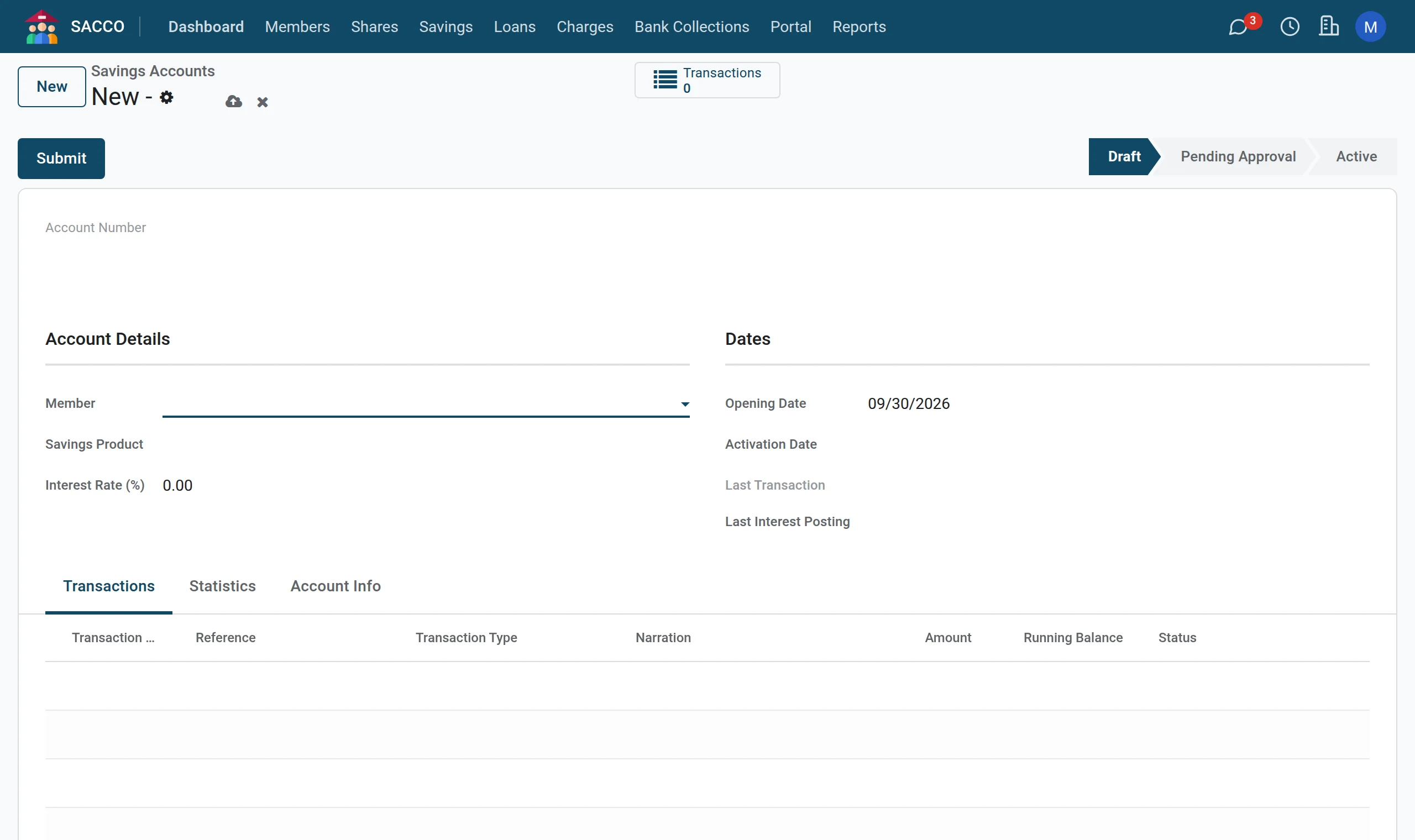
2Choose the member and the product
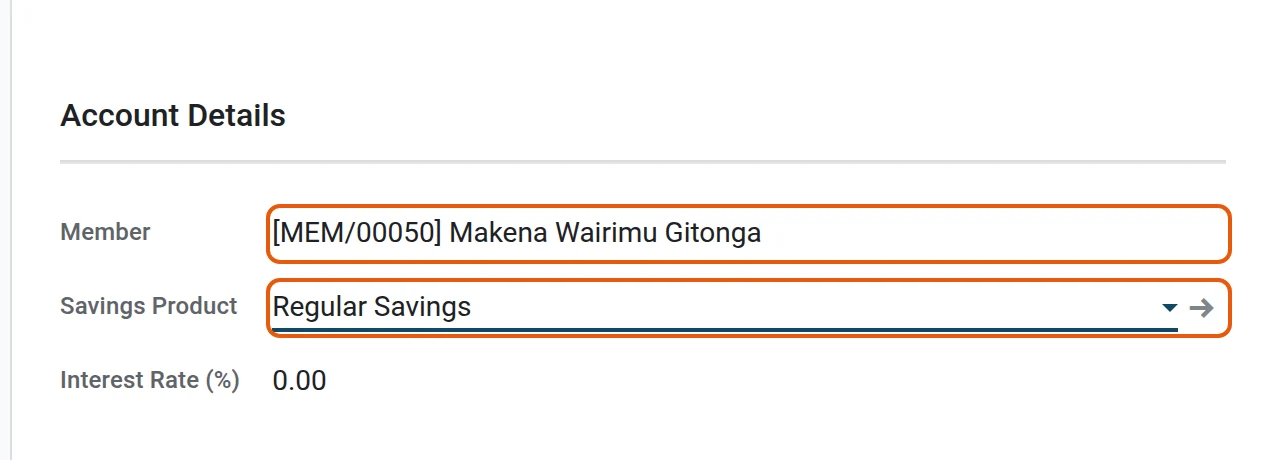
Start typing the member’s name or number in Member and pick the member, then pick the Savings Product. The interest rate comes from the product.
3Submit
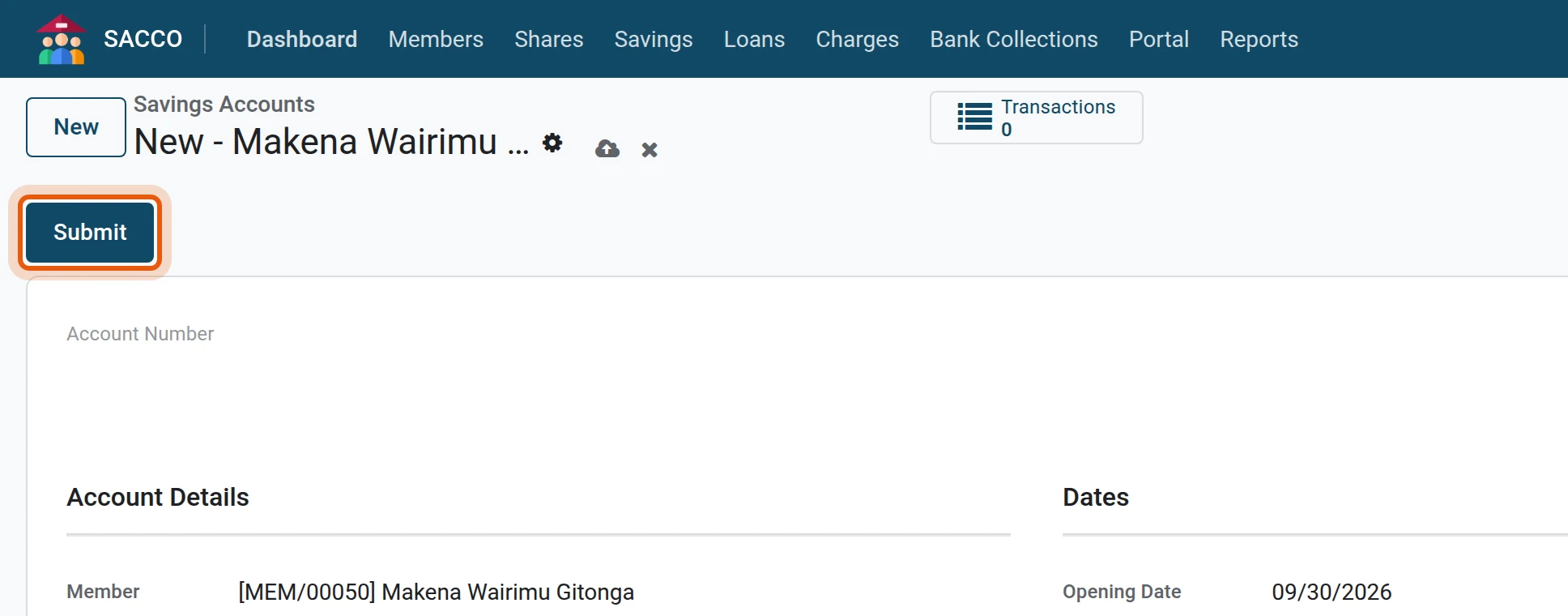
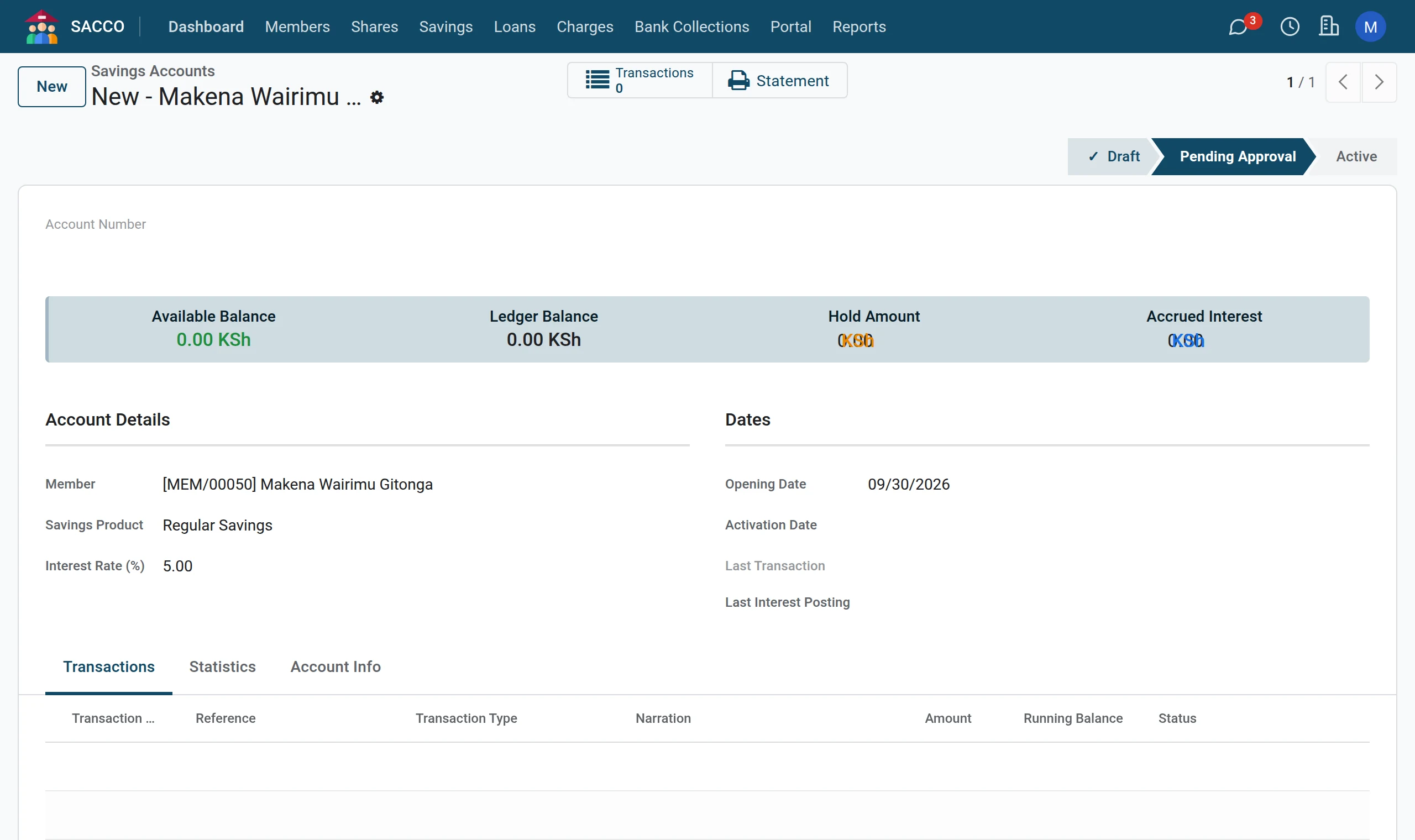
Press Submit. The account moves to Pending Approval.
Approve the account
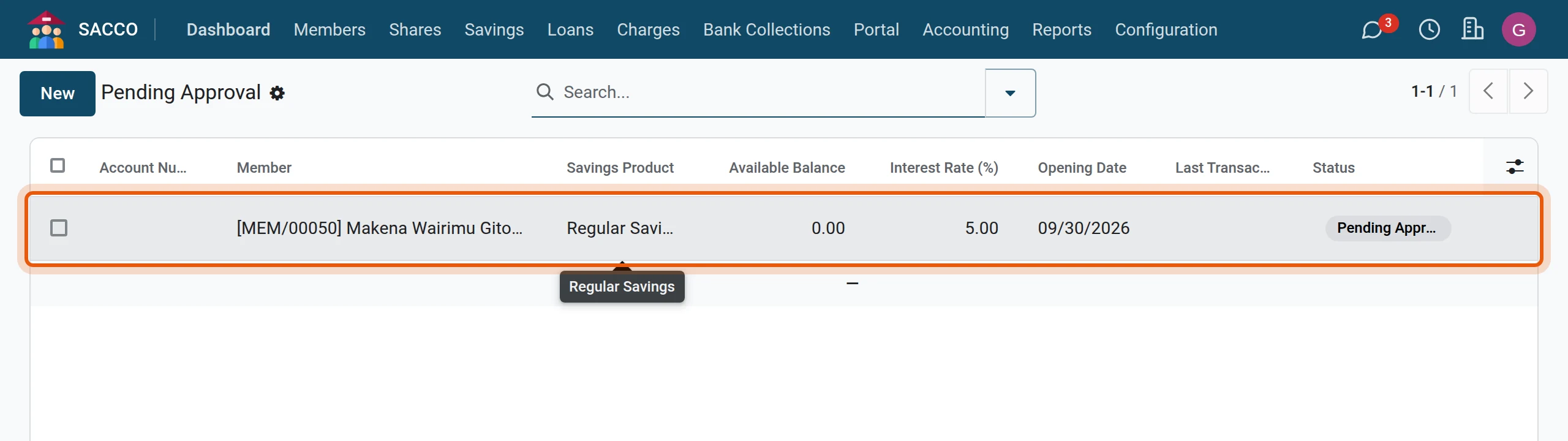
1Open the approval queue
Open and click the account.
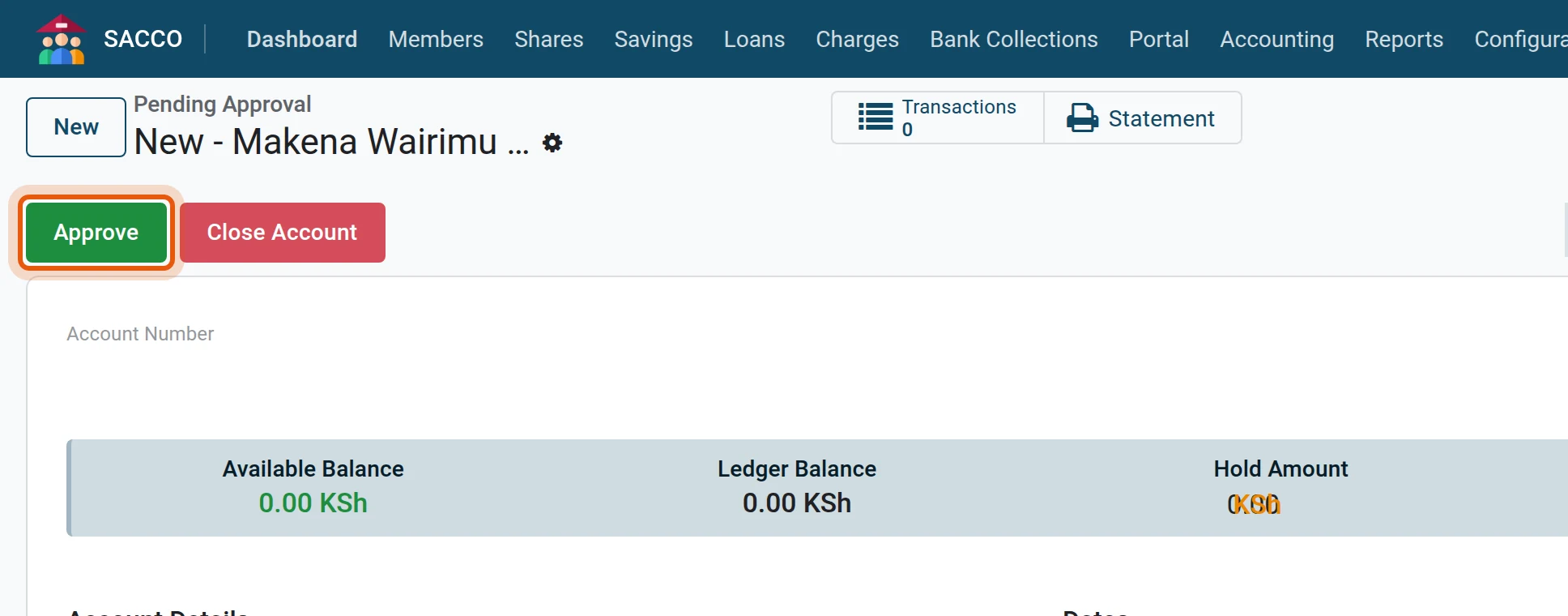
2Approve
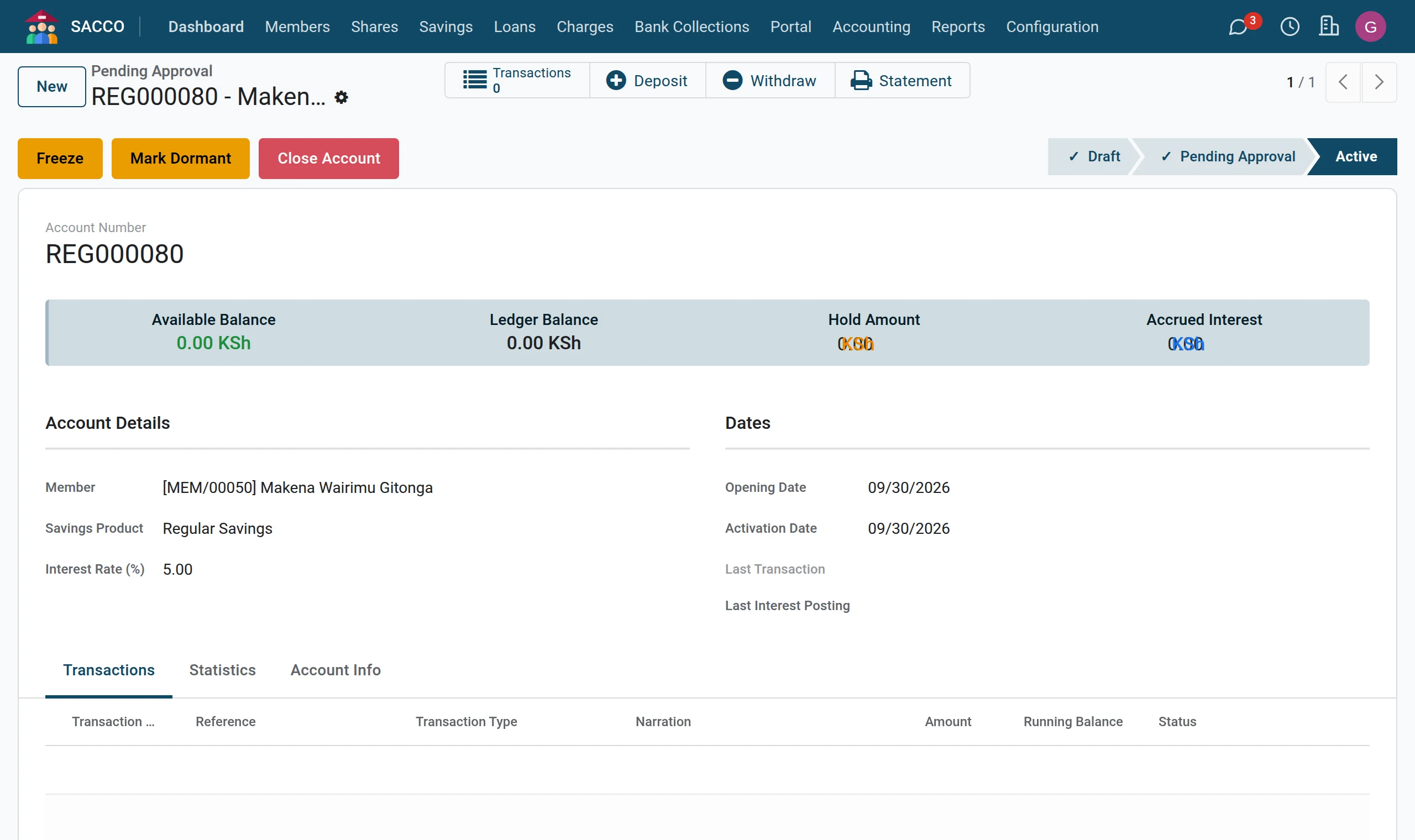
Press Approve. The account becomes Active and receives its account number.
Tip
A savings manager who opens the account personally can press Activate on the draft: the account is active at once, with no approval step.
From the member’s file
On a member, More › Savings lists that member’s accounts; New there starts an account with the member already filled in.
If the form stops you
| Message | What to do |
|---|---|
| Member category "…" is not eligible for this savings product. | The product is limited to certain categories (product, Eligibility tab). |
| Member must be active for at least … days. | The product asks for a minimum membership period. |
What happens next
- Take the first deposit.
- The member sees the account on the portal at once (the member portal).