

Take a deposit
A deposit is one transaction on one account. Confirming it moves the balance and gives the receipt.
Who: Savings Officer (tellers have this role). Before you start: The account is Active.
Step by step
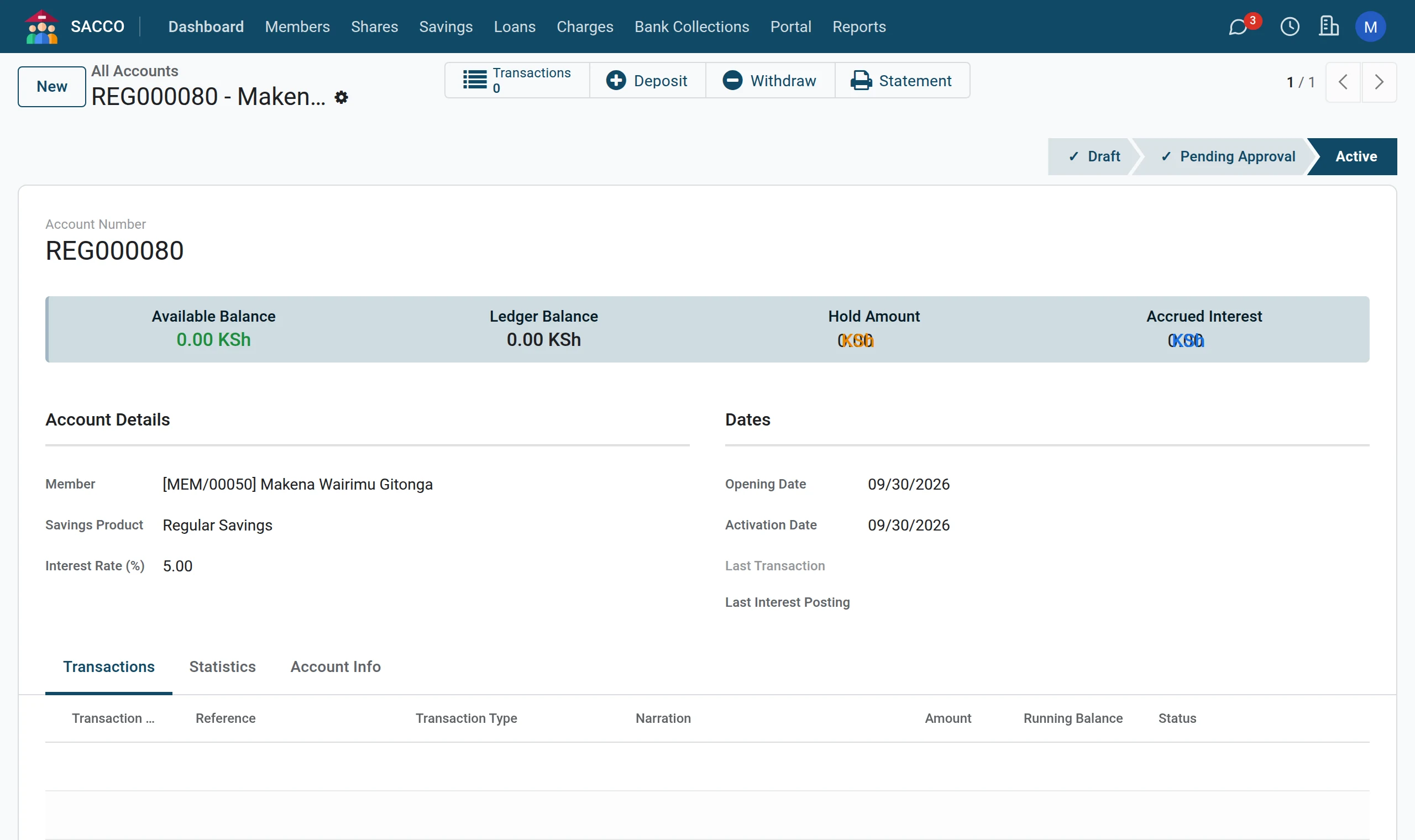
1Open the member’s account
Open , search the member and click the account.
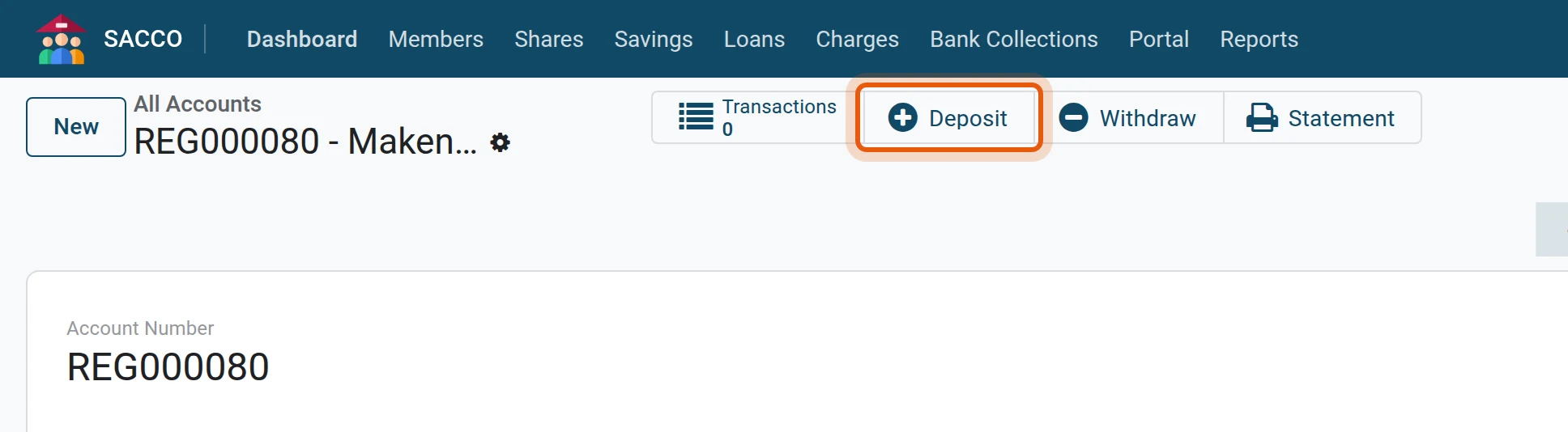
2Press Deposit
Press the Deposit button across the top. A new transaction opens with the account, the member and the type Deposit filled in.
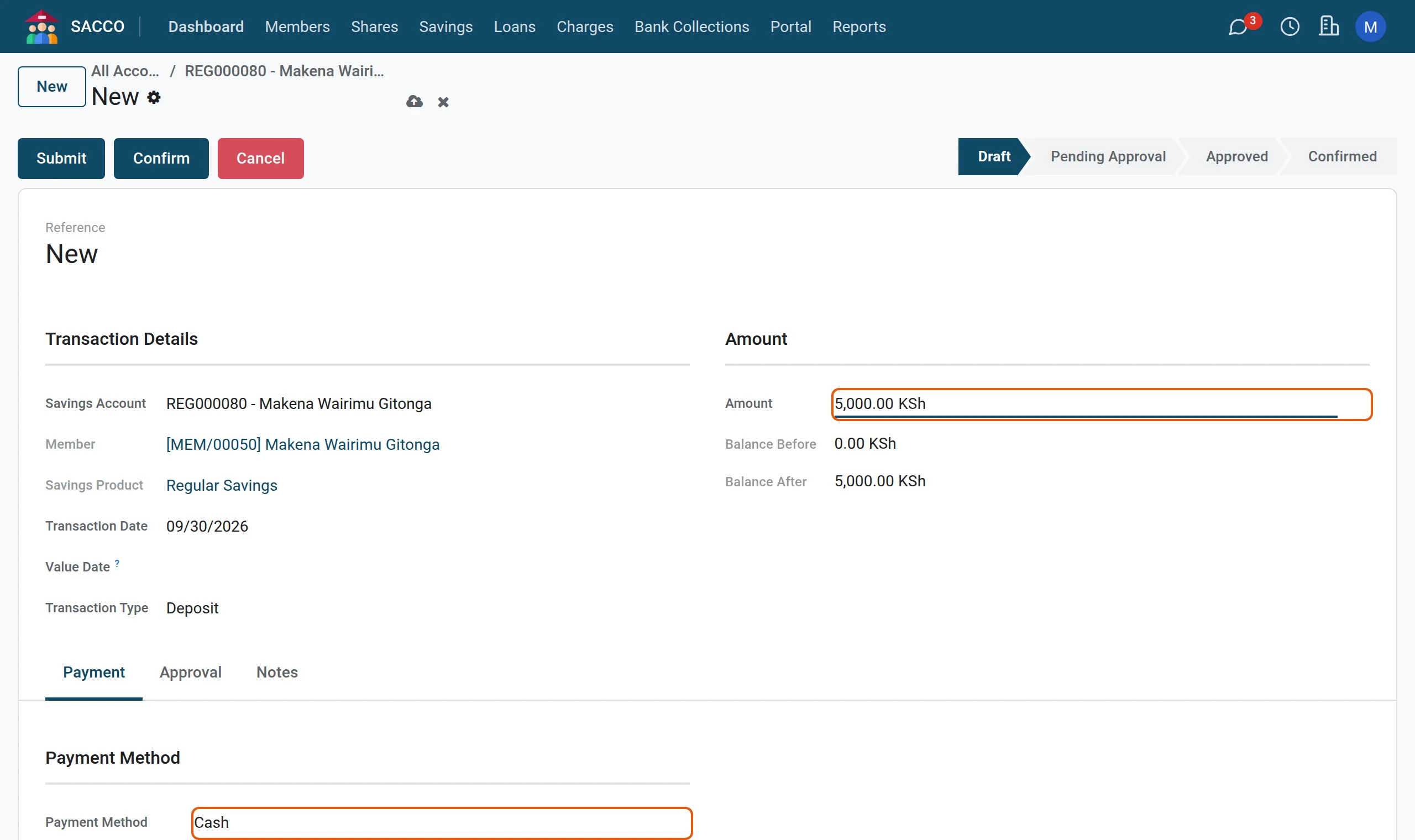
3Amount and how it was paid
Type the Amount and pick the Payment Method. Balance After shows what the account will hold.
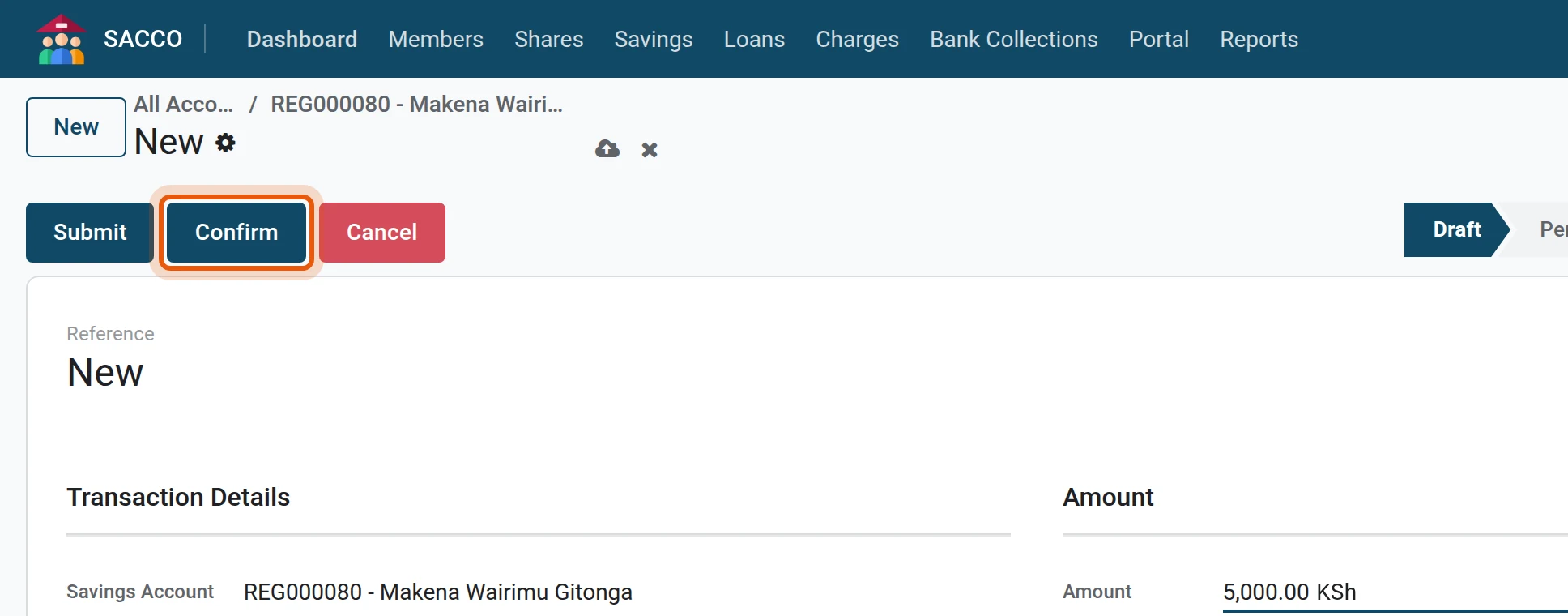
4Confirm
Press Confirm. The status becomes Confirmed, the receipt number appears and the balance has moved.
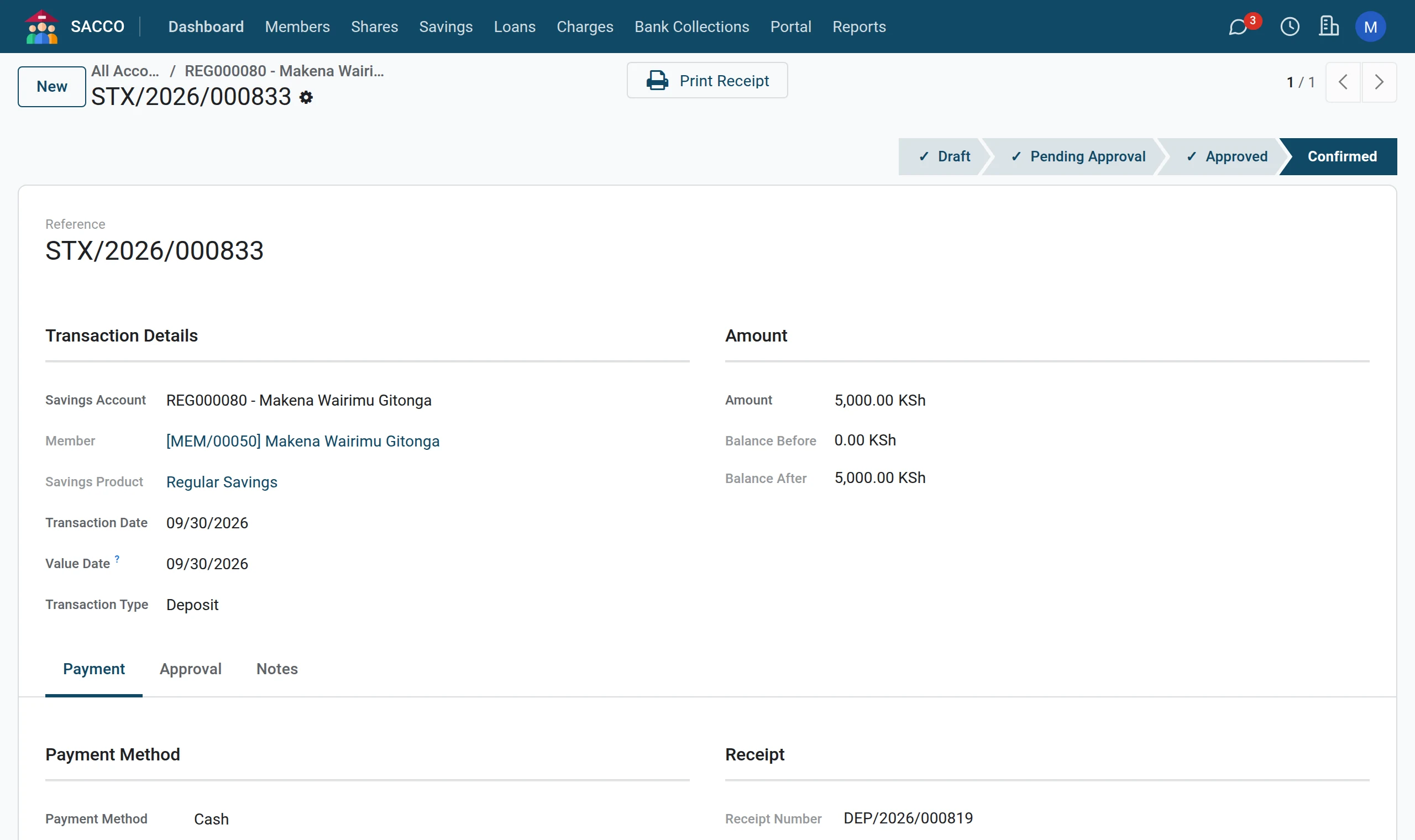
5Print the receipt
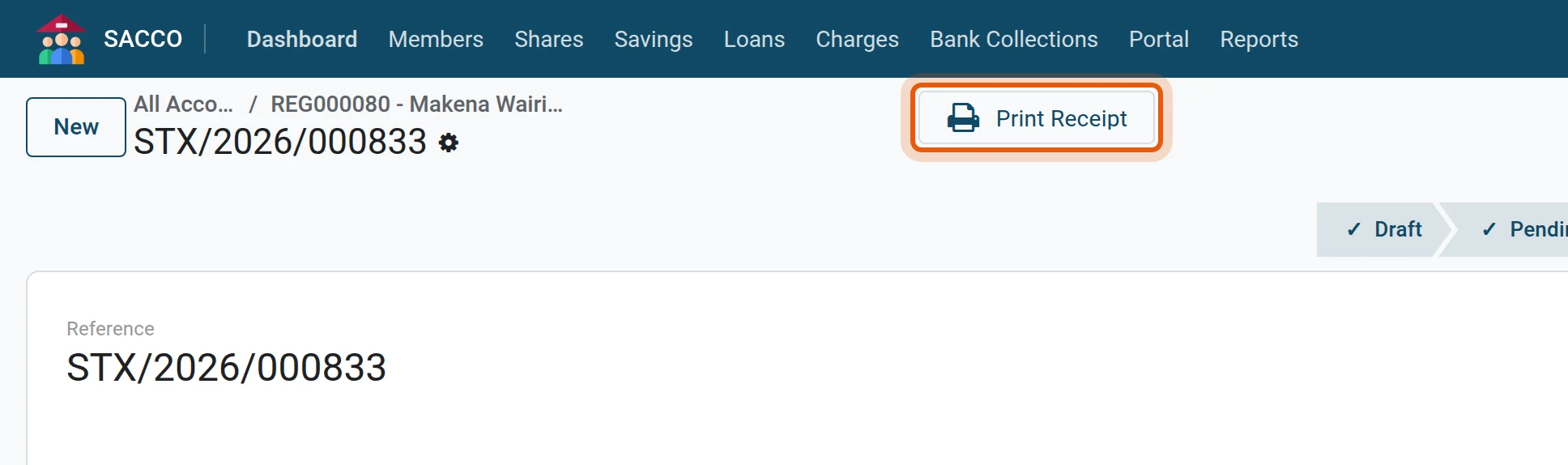
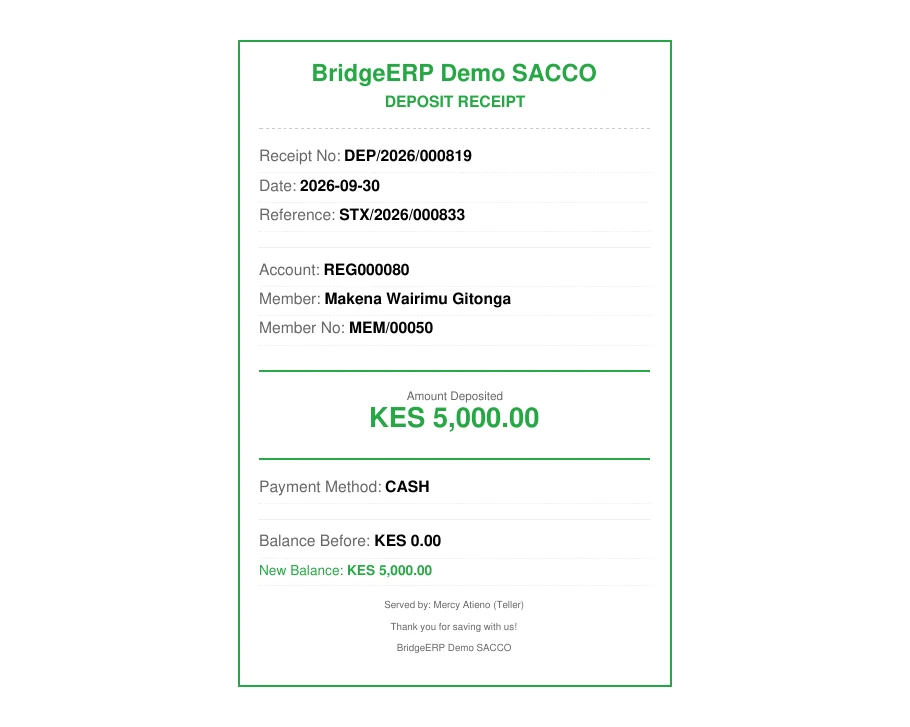
Press Print Receipt and hand the receipt to the member.
Payment methods
| Payment Method | Also fill in |
|---|---|
| Cash | Nothing more. |
| M-Pesa | M-Pesa Code and M-Pesa Phone. |
| Bank Transfer | Bank Name and the Payment Reference. |
| Cheque | Bank Name, Cheque Number and Cheque Date. |
| Check-off/Payroll, Standing Order, Internal Transfer | The Payment Reference, if there is one. |
Other ways a deposit arrives
- : the same form, starting from the account box.
- The member pays by M-Pesa to the paybill: Co-op Bank collections credit the account by themselves.
- The member tells you about a payment on the portal: portal payments.
If the form stops you
| Message | What to do |
|---|---|
| Account is not active. | The account is a draft, frozen or closed. Approve, unfreeze or choose another account. |
| Minimum deposit amount is … | The product sets a smallest deposit. |
| Maximum deposit amount is … | The product sets a largest deposit. |
| Maximum balance of … would be exceeded. | The product caps the balance. |
Note
A deposit on a Dormant account makes the account Active again.
Was this page helpful?