

Loan reports
Five printed reports on the loan book come from one screen: the portfolio, its ageing, arrears, what was disbursed and what was collected.
Who: Any user who may see loans.
The five reports
| Report Type | Lists | Asks for dates |
|---|---|---|
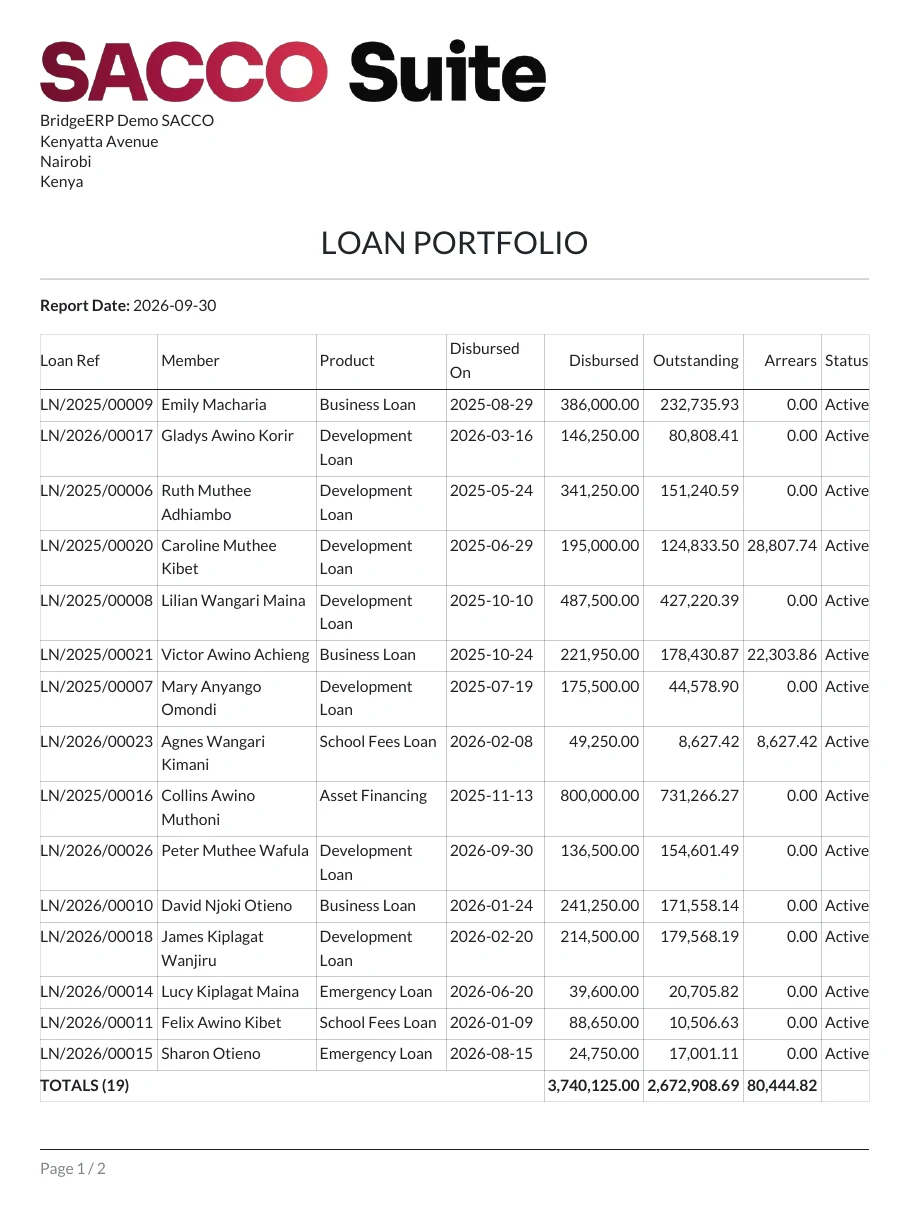
| Loan Portfolio | Every active loan: principal, outstanding balance, arrears. Tick Include Completed Loans to add the settled ones. | No |
| Loan Aging | Active loans with a missed instalment, by how long they have been in arrears. | No |
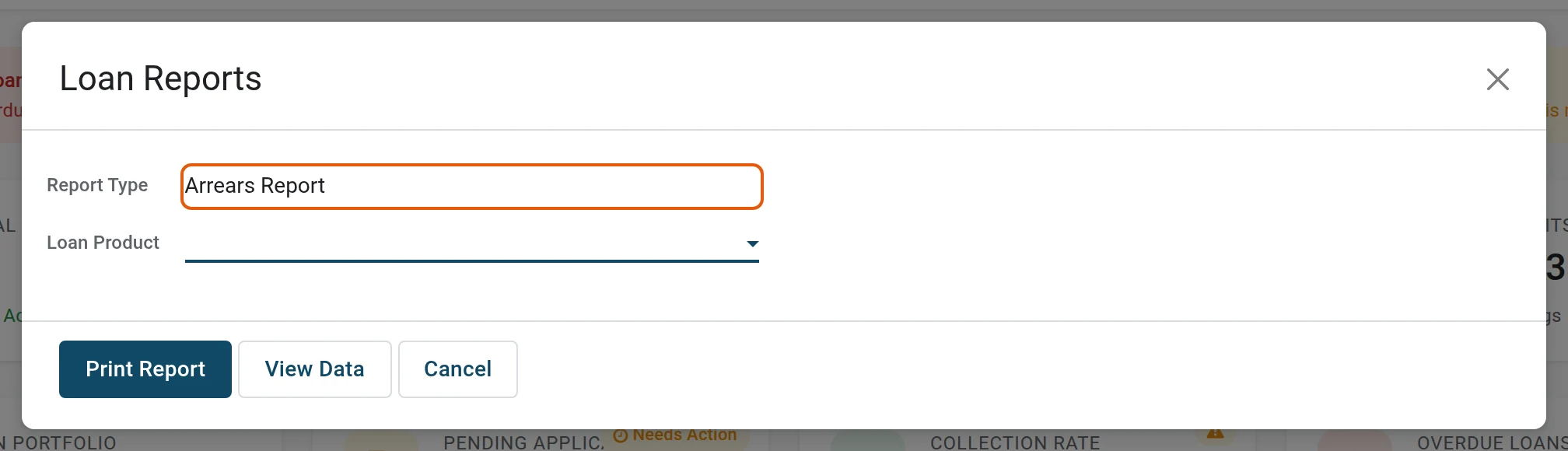
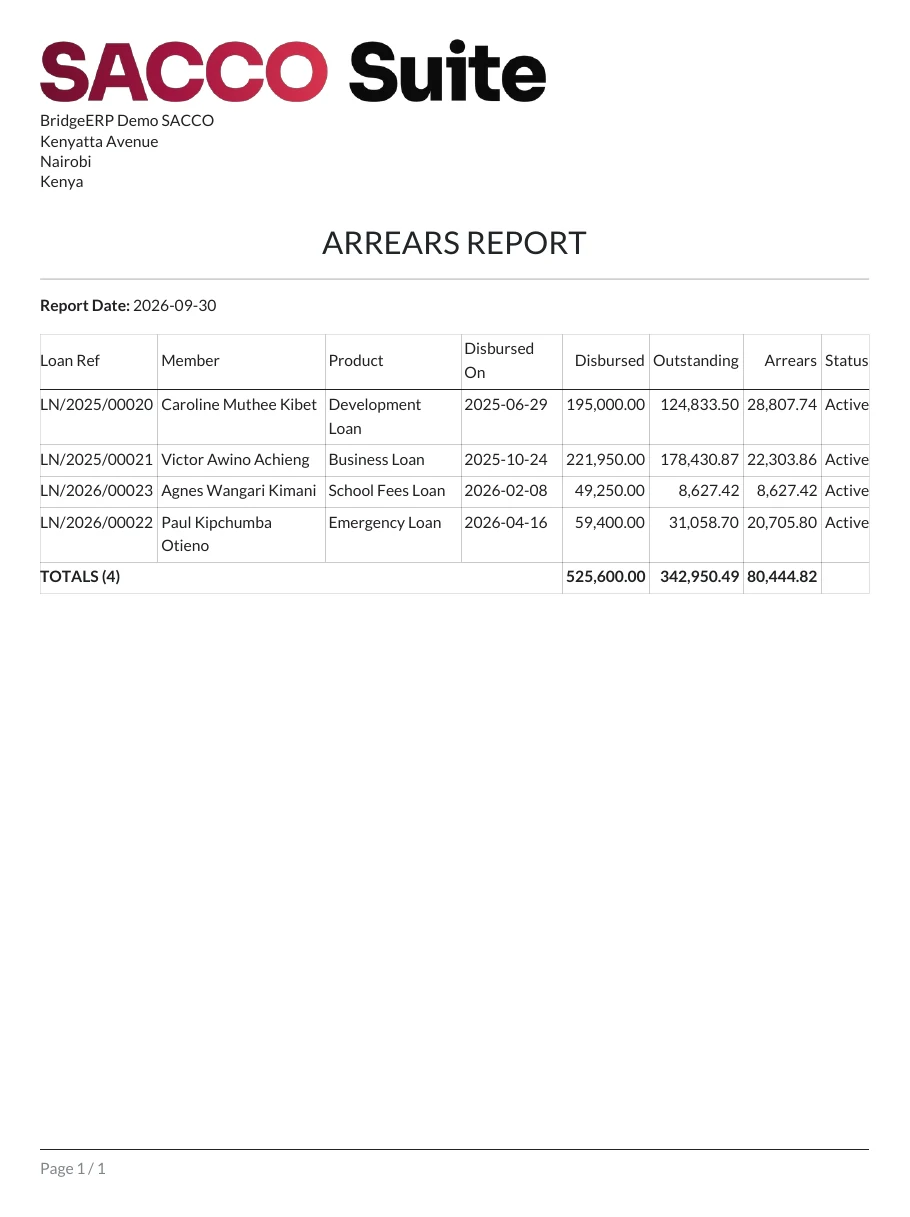
| Arrears Report | Active loans with a missed instalment and what is overdue on each. | No |
| Disbursement Report | Loans disbursed between two dates. | Yes |
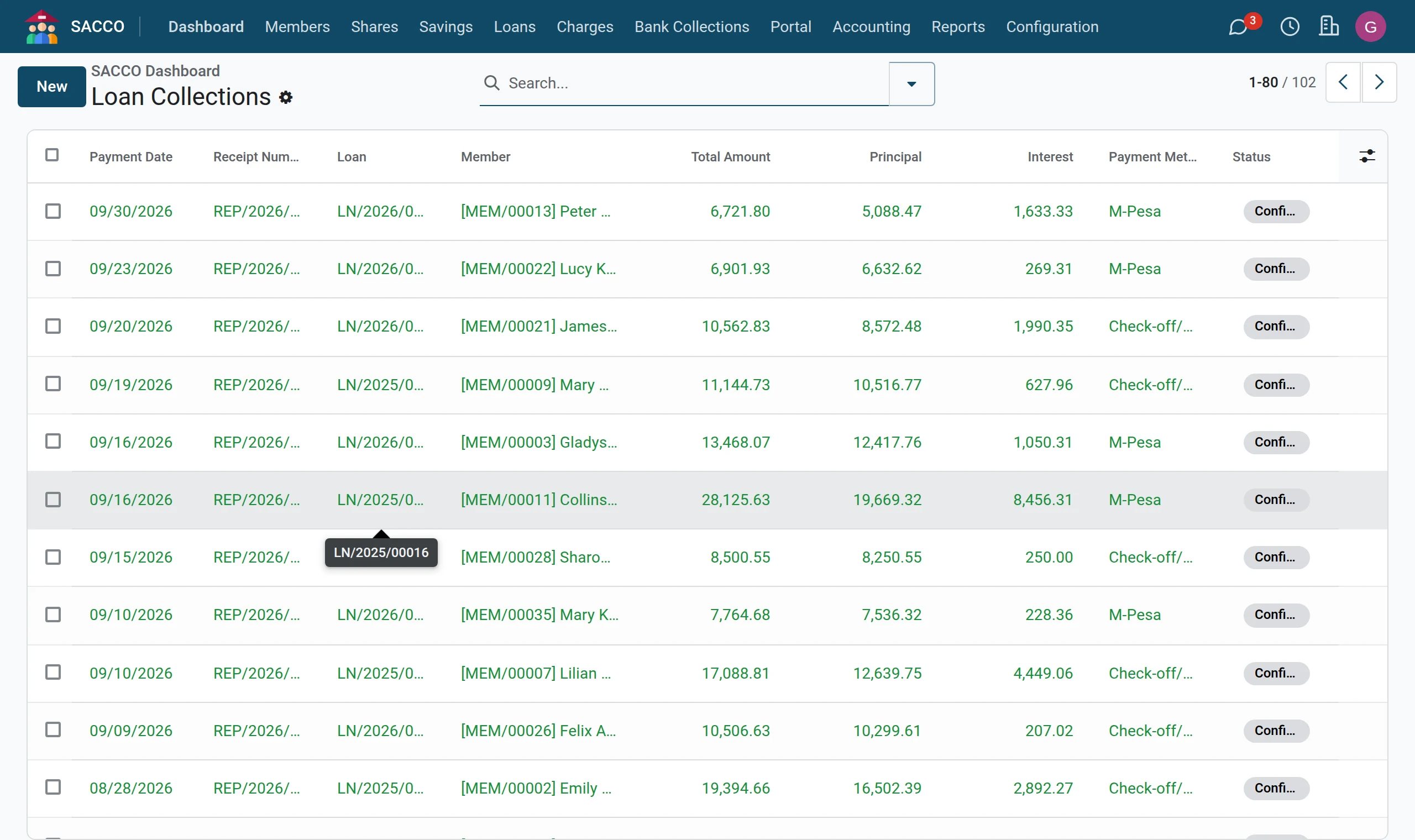
| Collection Report | Repayments received between two dates. | Yes |
Pick a Loan Product to limit any of them to one product.
Print the portfolio
1Open Loan Reports
Open .
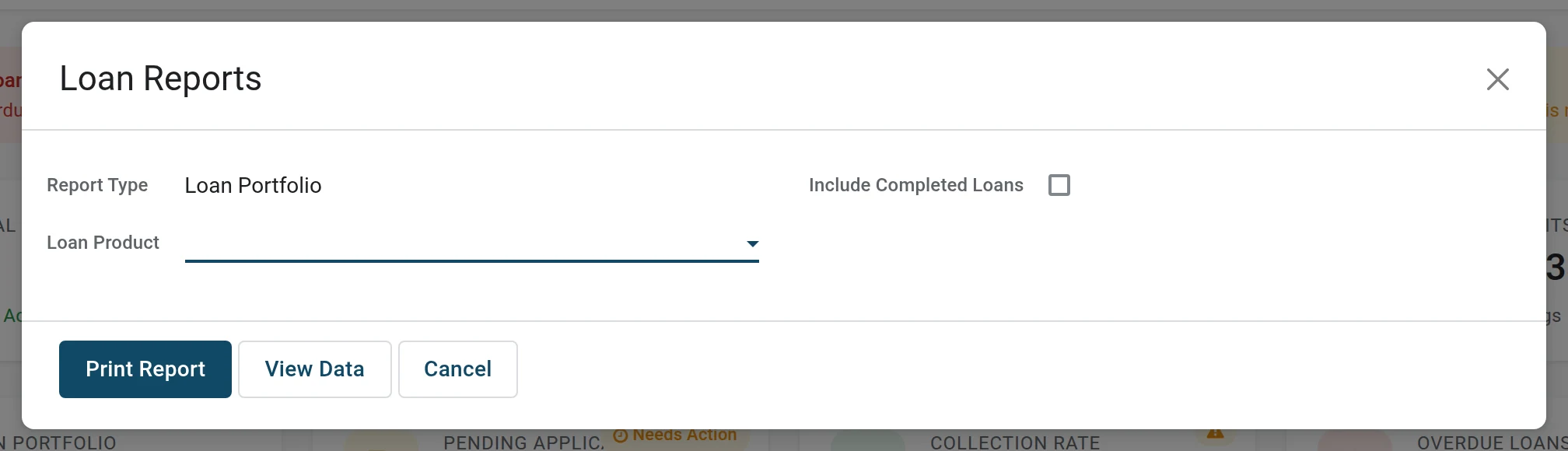
2Choose the report
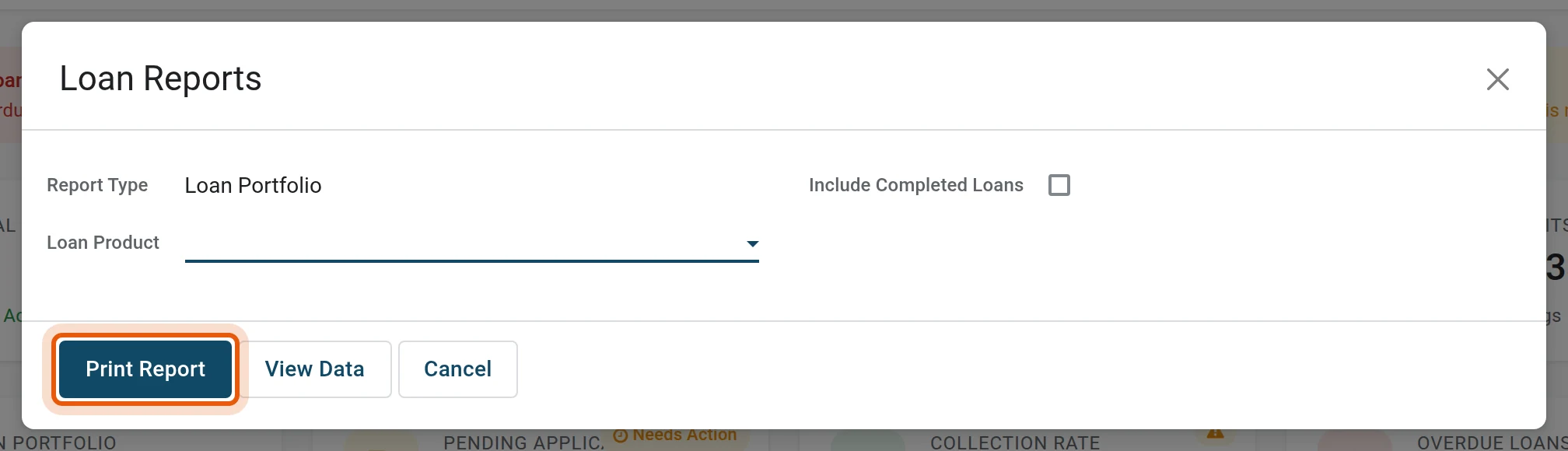
Leave Report Type on Loan Portfolio and press Print Report.
Print the arrears
1Choose Arrears Report
In the same screen set Report Type to Arrears Report.
2Print
Press Print Report. Take this list to the weekly arrears meeting.
See the figures on screen instead
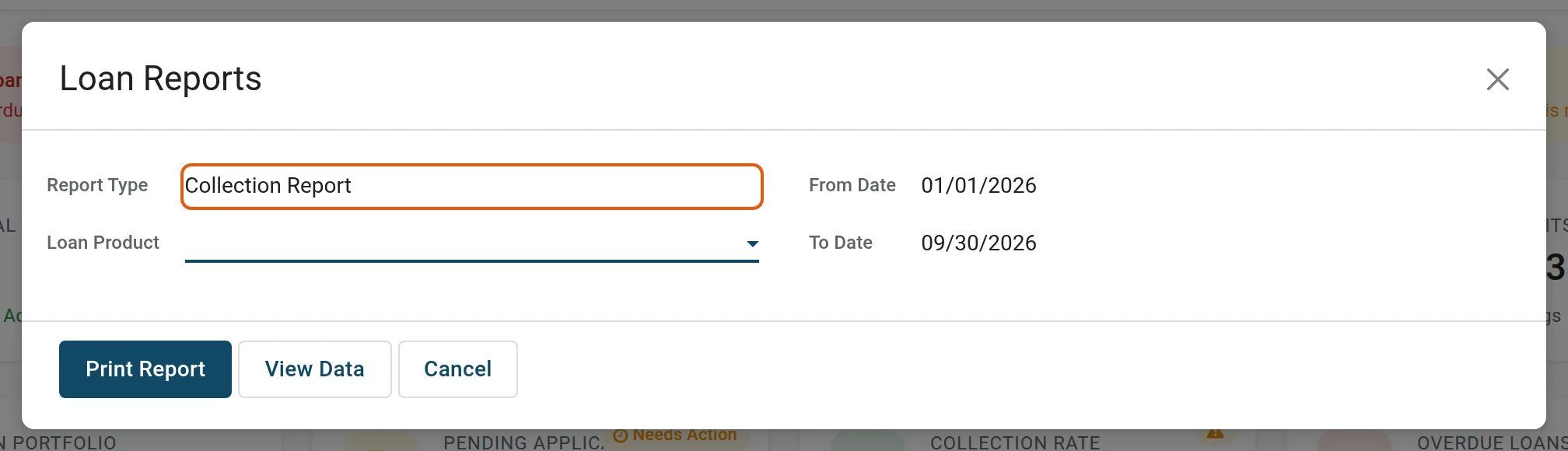
1Choose the report and the dates
Set Report Type to Collection Report; From Date and To Date appear. They start as this year to today.
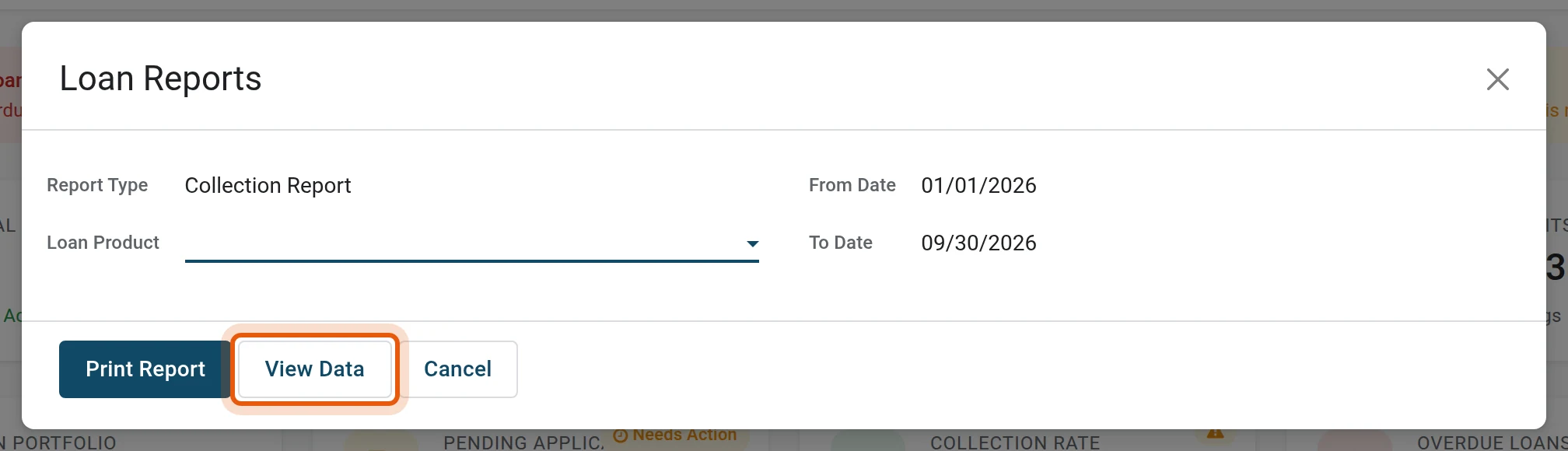
2Press View Data
View Data opens the same records as a list you can search, group and export, instead of a PDF.
Was this page helpful?