

Arrears and write-off
An instalment that passes its due date unpaid puts the loan in arrears. Follow the overdue list, and recover from the member’s savings and from the guarantors when the member does not pay.
Who: Loan Officer follows up; Loans Manager writes off.
The overdue list
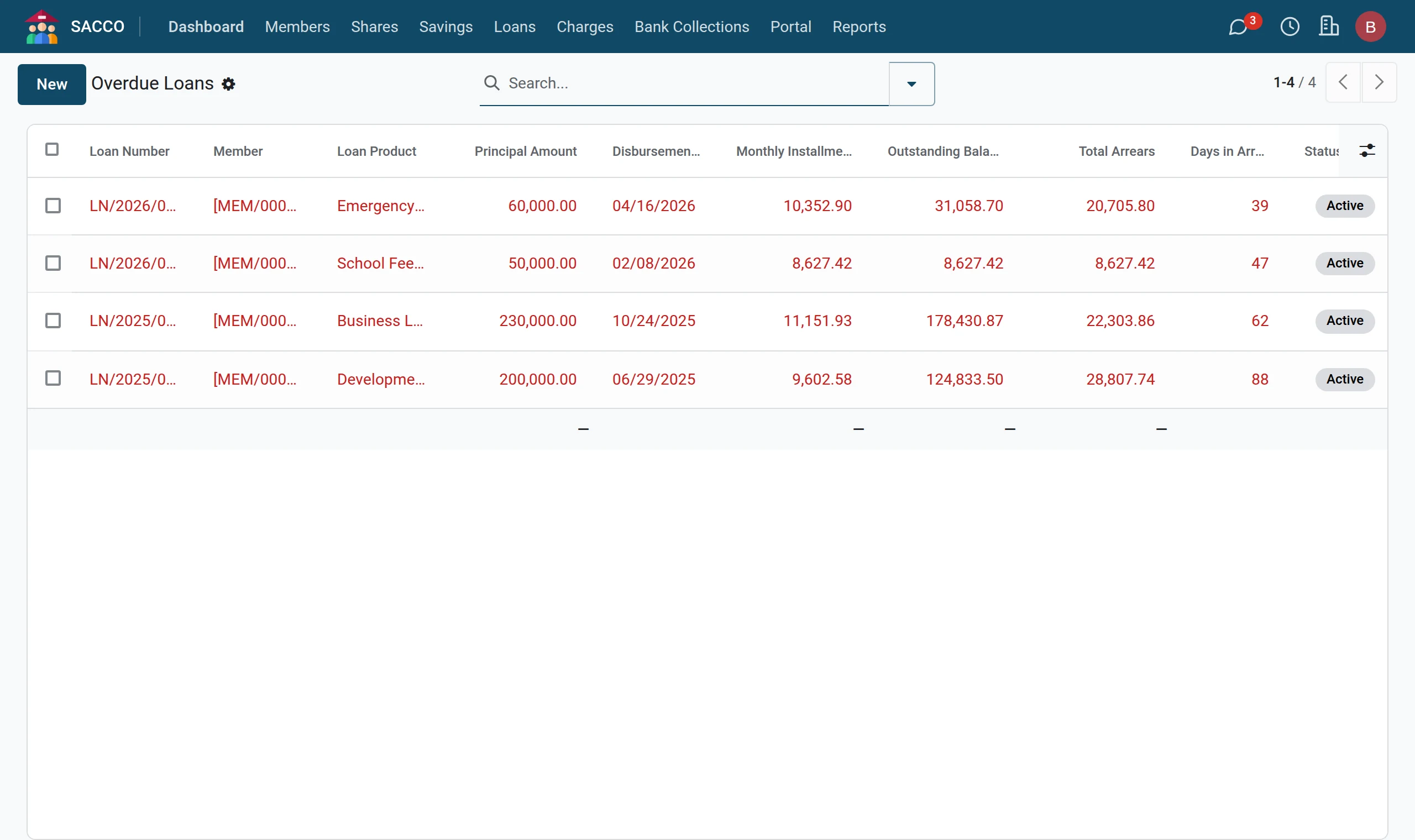
shows every running loan with an unpaid instalment past its due date. Total Arrears is what should have been paid by today; Days in Arrears counts from the oldest unpaid instalment. A scheduled job refreshes these figures every day.
Follow up
- Log calls and visits in the chatter under the loan, and plan the next one with Activities.
Recover what is owed
- Record a repayment with the payment method From Savings to take the arrears from the member’s own savings (record a repayment).
- If the member’s deposits are not enough, open each guarantee and press Mark Defaulted (guarantors), then recover from the guarantor’s deposits as your by-laws allow.
Write off a loan
When the board has resolved that a loan is lost, a loans manager opens it, presses Write Off and confirms. The loan leaves the running book with the status Written Off and its history stays. Write the board resolution in the chatter first.
Warning
A write-off is not undone from the screen. Make sure every recovery (deposits, guarantors, security) has been tried and recorded.
Mark a loan completed
A loan whose balance is zero is completed by its last repayment or payoff. Mark Completed does it by hand for a loan left with a rounding difference of less than one cent; with anything more it answers “Loan has outstanding balance of …”. Completing a loan releases its guarantors.