

Take a loan application
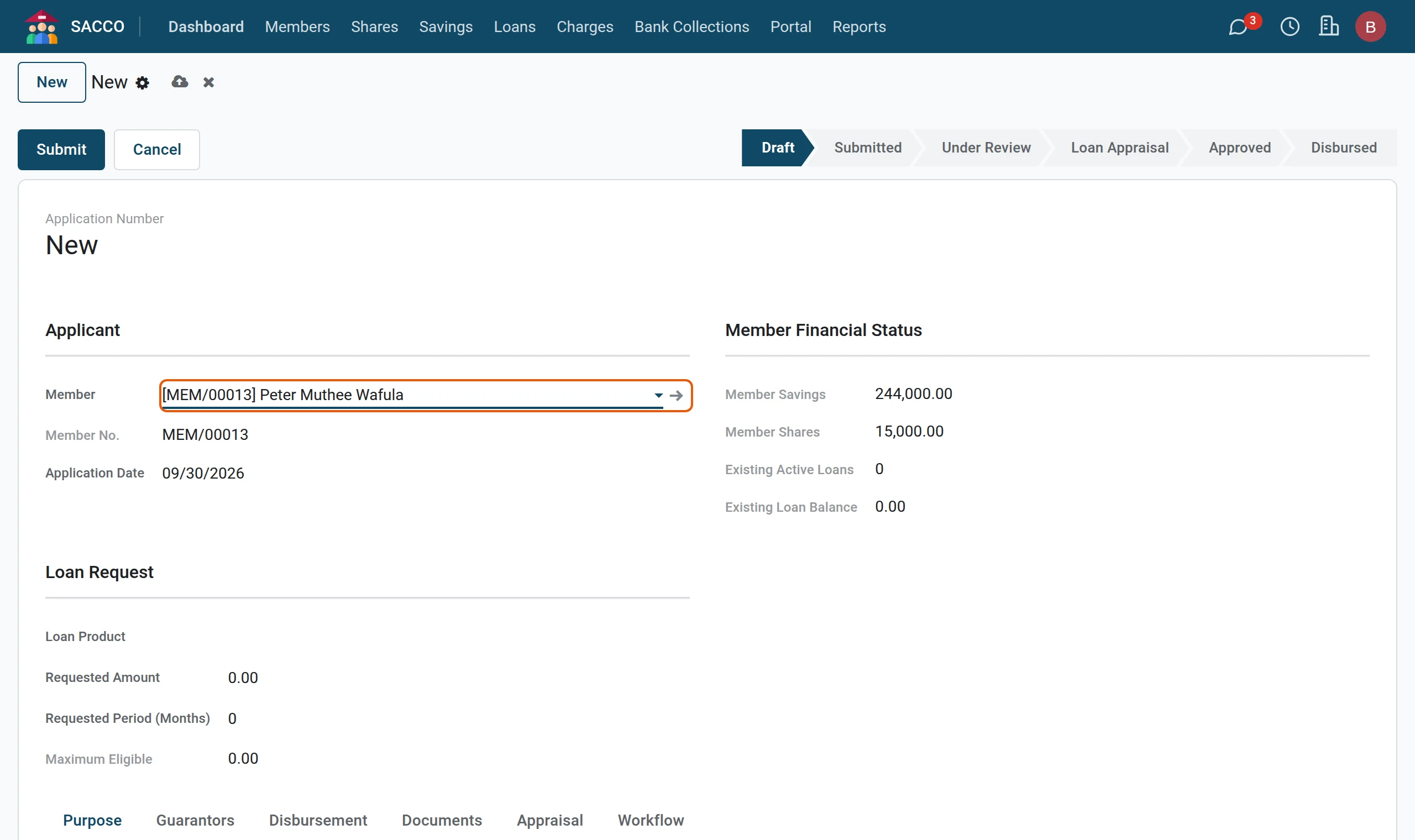
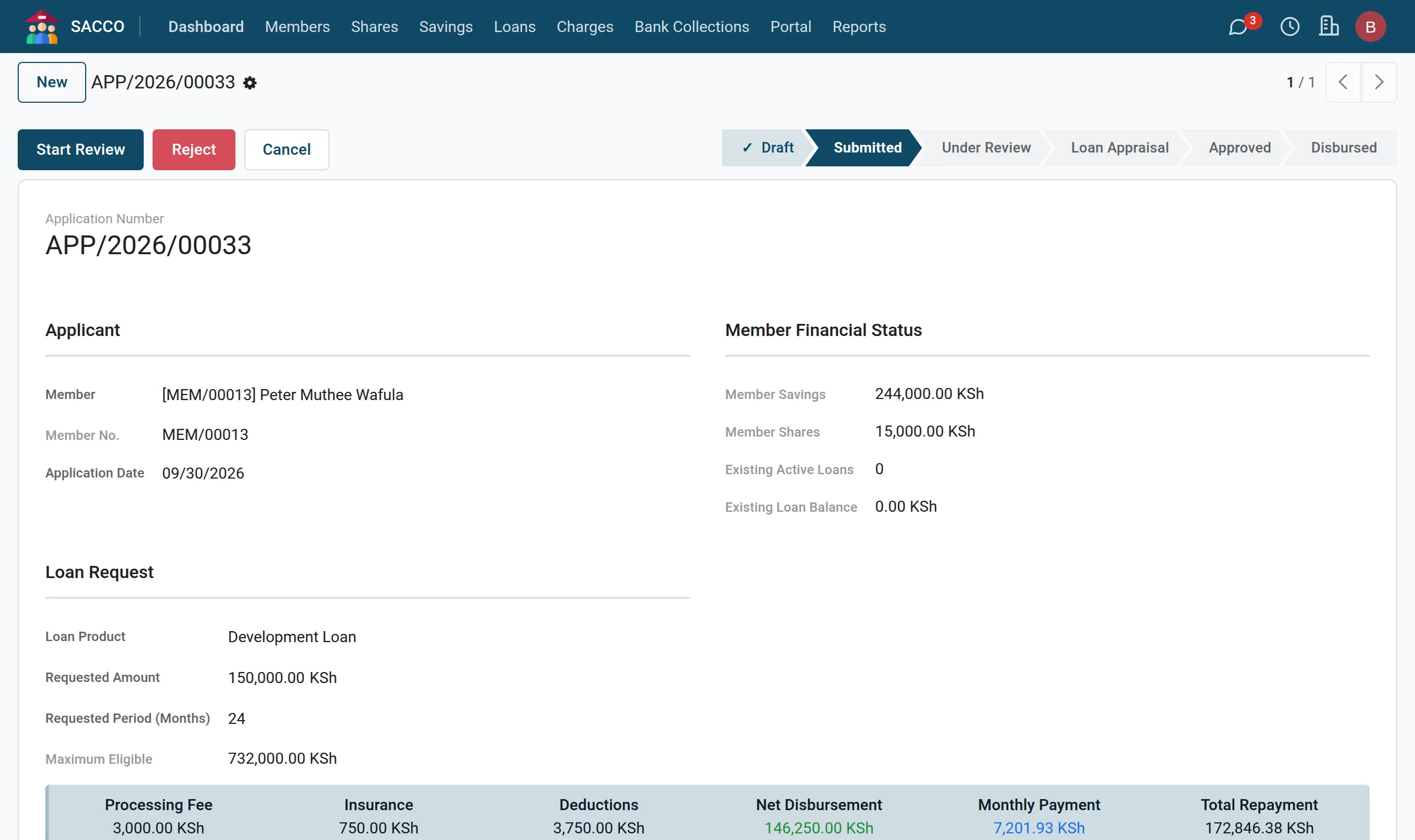
The loan officer types the member’s request. The form shows at once what the member holds, what they already owe and the most they can borrow on the chosen product.
Who: Loan Officer. Before you start: The member is Active and the loan product exists (loan products).
Tip
Members can apply by themselves on the portal; the application then arrives here already submitted, with the guarantors invited and the documents attached (loans on the portal).
Step by step
1Start an application
Open .
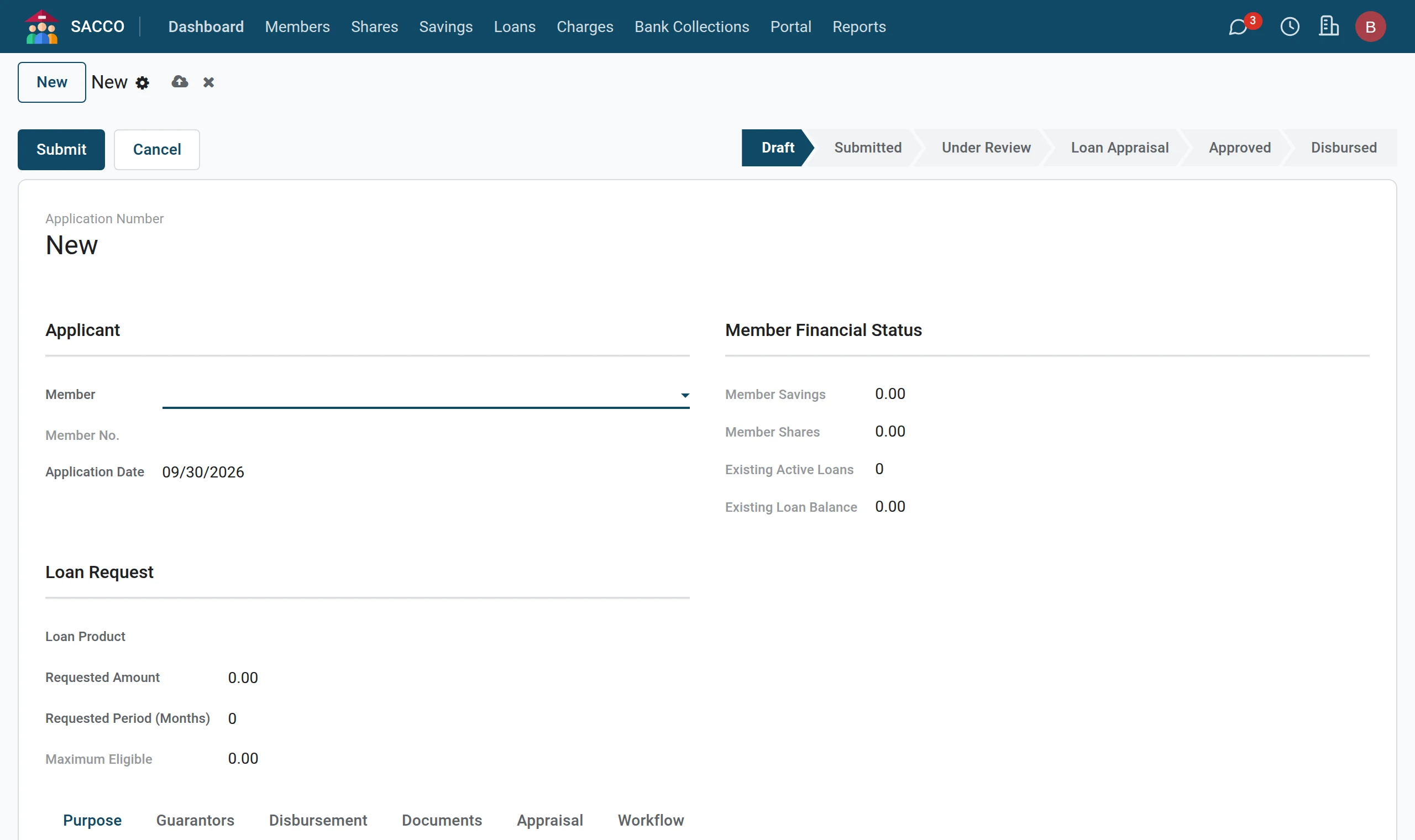
2Choose the member
Pick the Member. Member Financial Status fills in: savings, shares, running loans and what is owed on them.
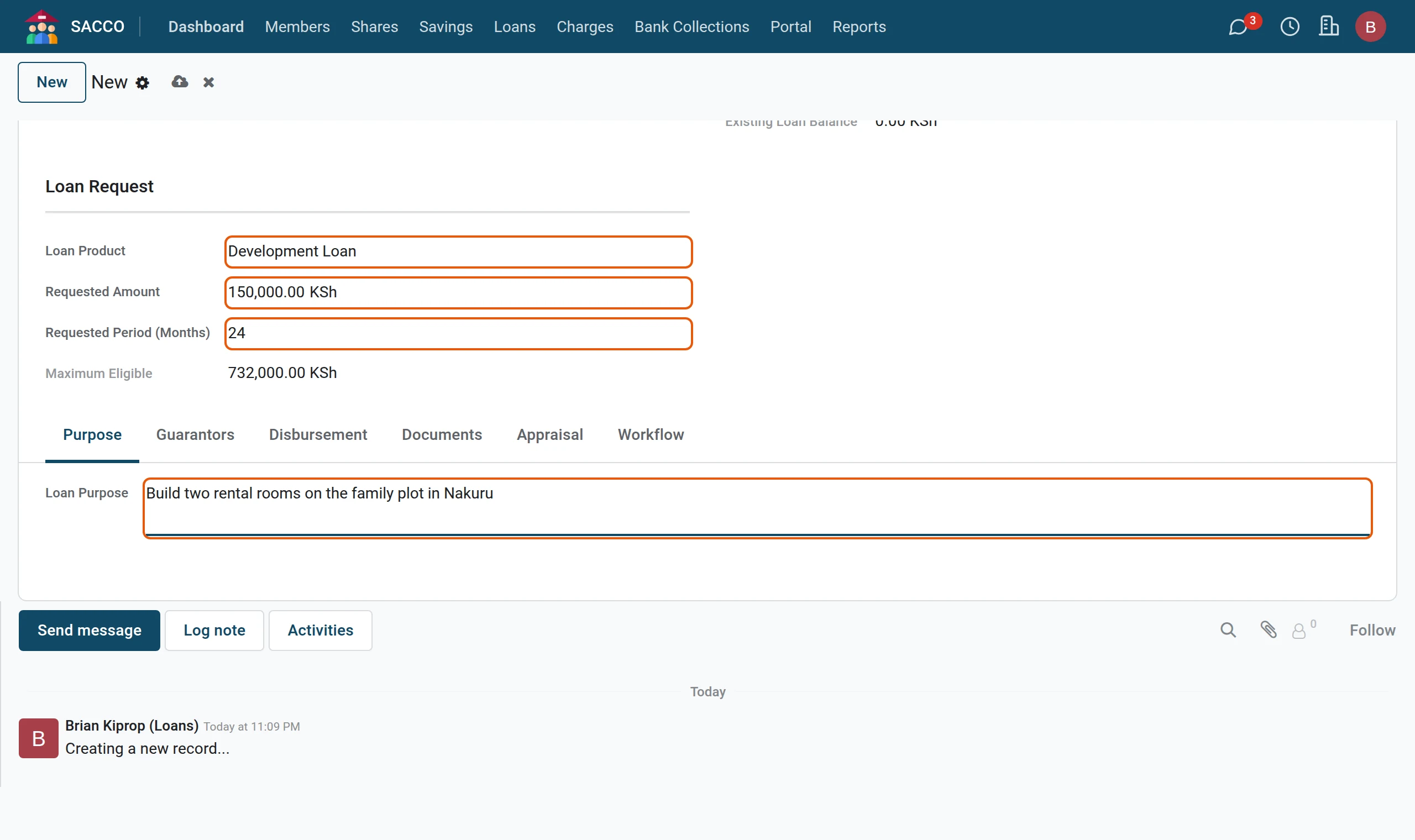
3The request
Pick the Loan Product, type the Requested Amount and the Requested Period (Months), and write the Loan Purpose. Maximum Eligible shows the ceiling for this member on this product.
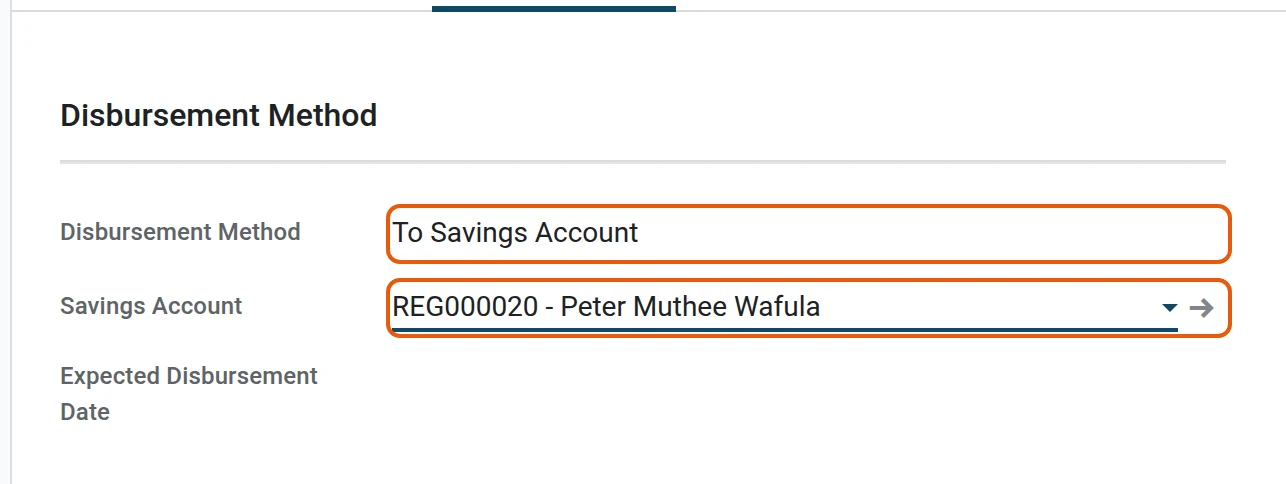
4How the money will be paid
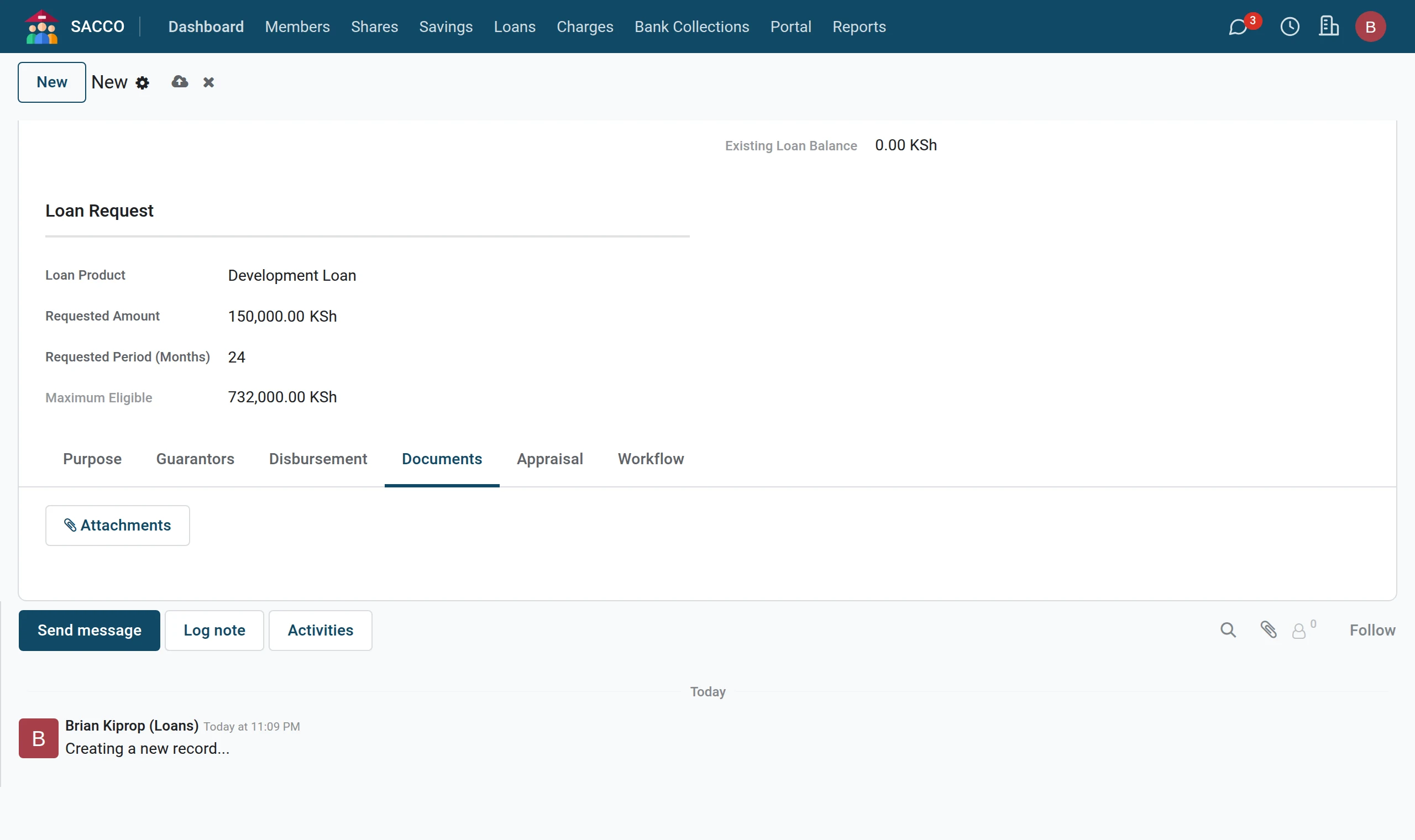
On the Disbursement tab pick the Disbursement Method. For To Savings Account choose which of the member’s accounts receives the money.
5Attach the papers
On the Documents tab attach the payslips, statements and any other papers the product asks for.
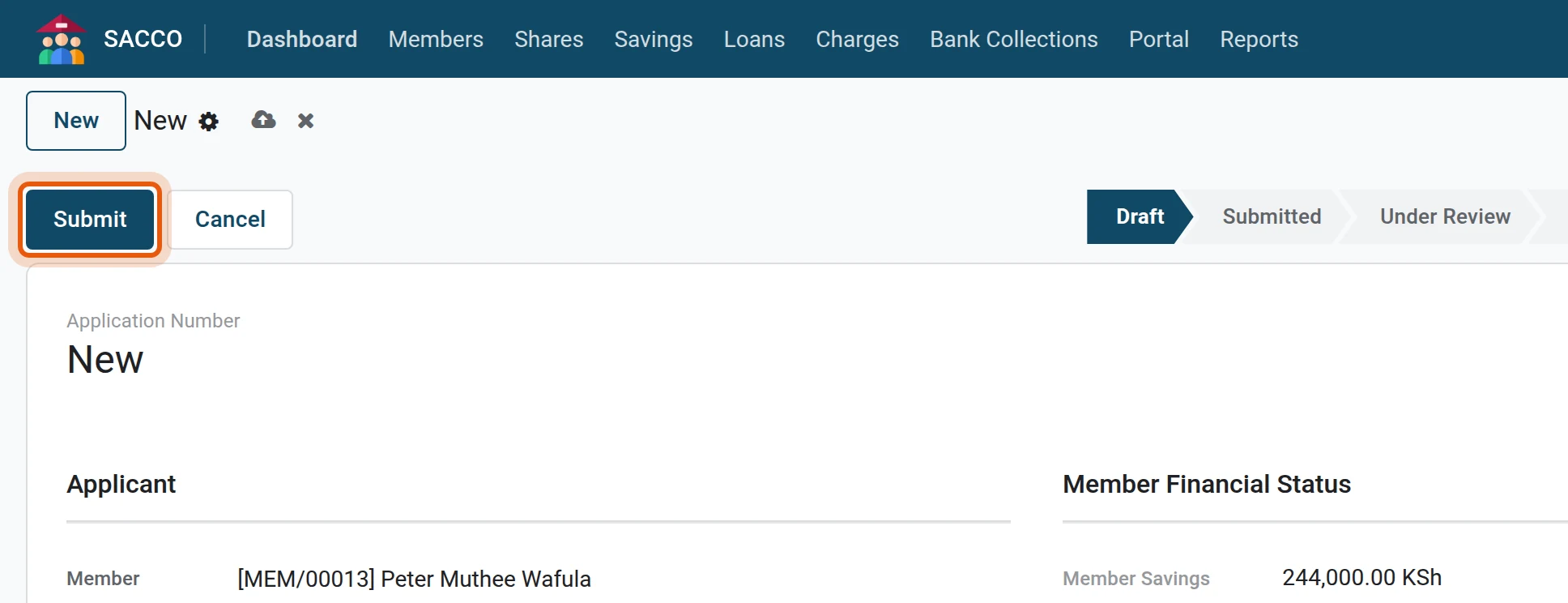
6Submit
Press Submit. The eligibility rules are checked; if all is well the status becomes Submitted and the box at the top shows the fees, the net amount the member will receive, the instalment and the total to repay.
How the ceiling is worked out
Maximum Eligible is the smallest of: the product’s Maximum Loan Amount; the member’s savings times the product’s Savings Multiplier; and, if the product uses it, the shares times the shares multiplier. In the settings, Loan limit counts decides whether all savings count or only BOSA deposits.
Top up a running loan
To clear a running loan with a new, larger one, pick the running loan in Top Up Loan on the application. At disbursement the old loan is paid off from the new one and the member receives the difference. The new loan must be larger than what is needed to clear the old one.
If Submit is refused
| Message | What it means |
|---|---|
| Member must be active for at least … days. Current: … days. | The product asks for a minimum membership period. |
| Minimum savings balance of … required. Current: … | The member must save more first. |
| Member category "…" is not eligible for this loan product. | The product is limited to certain categories. |
| Member already has an active loan of this type. | Clear the running loan, or make this application a top-up. |
| Requested amount exceeds maximum eligible amount of … | Lower the amount to the ceiling shown in Maximum Eligible. |
| Requested amount is below minimum of … / exceeds maximum of … | The product’s amount limits. |
| Requested period is below minimum of … months / exceeds maximum of … months | The product’s period limits. |