

Schedules and loan statements
Everything about a loan is on its form: the schedule, the repayments, the guarantors, the balances, and two documents to print.
Who: Any loans user.
Read a loan
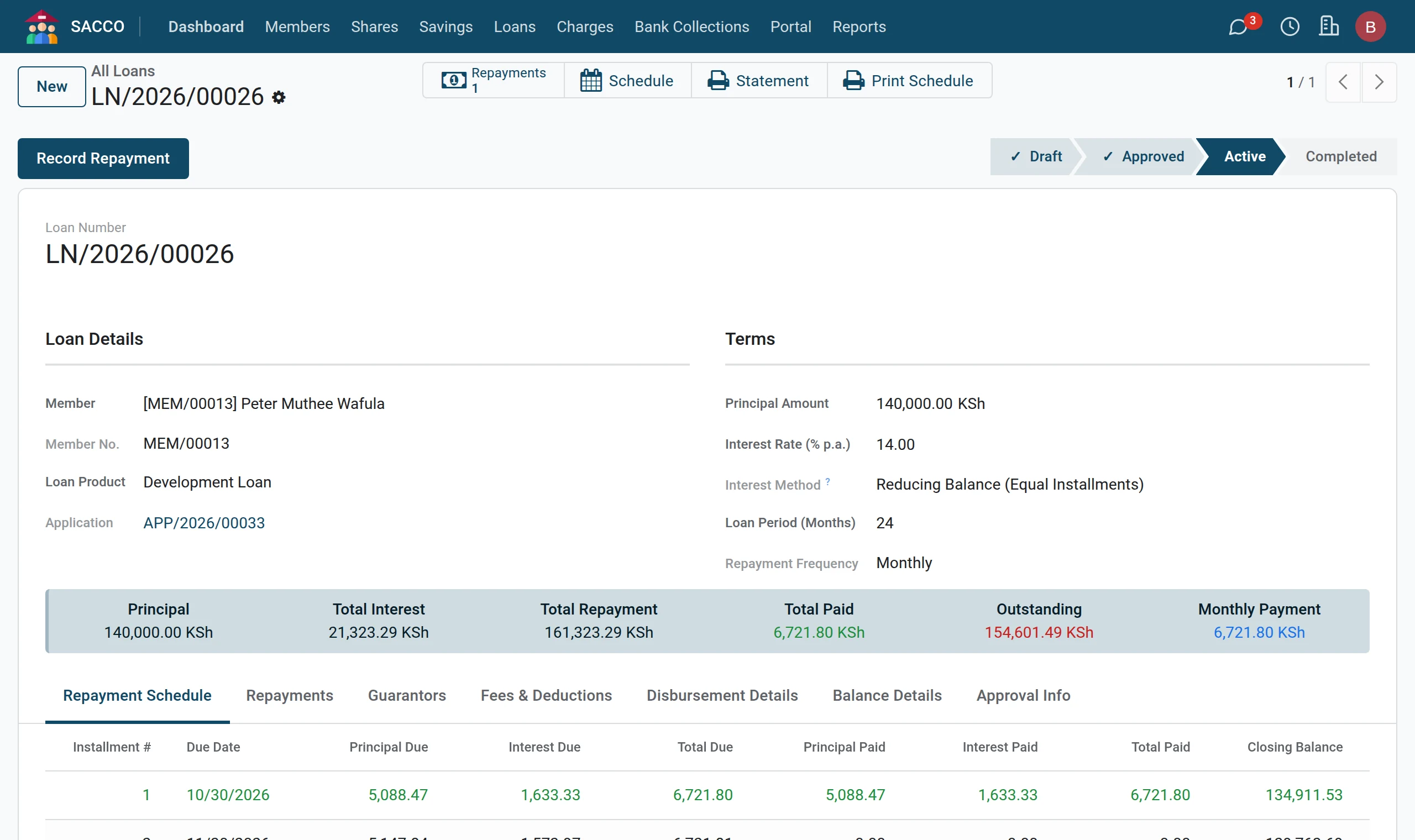
1The loan at a glance
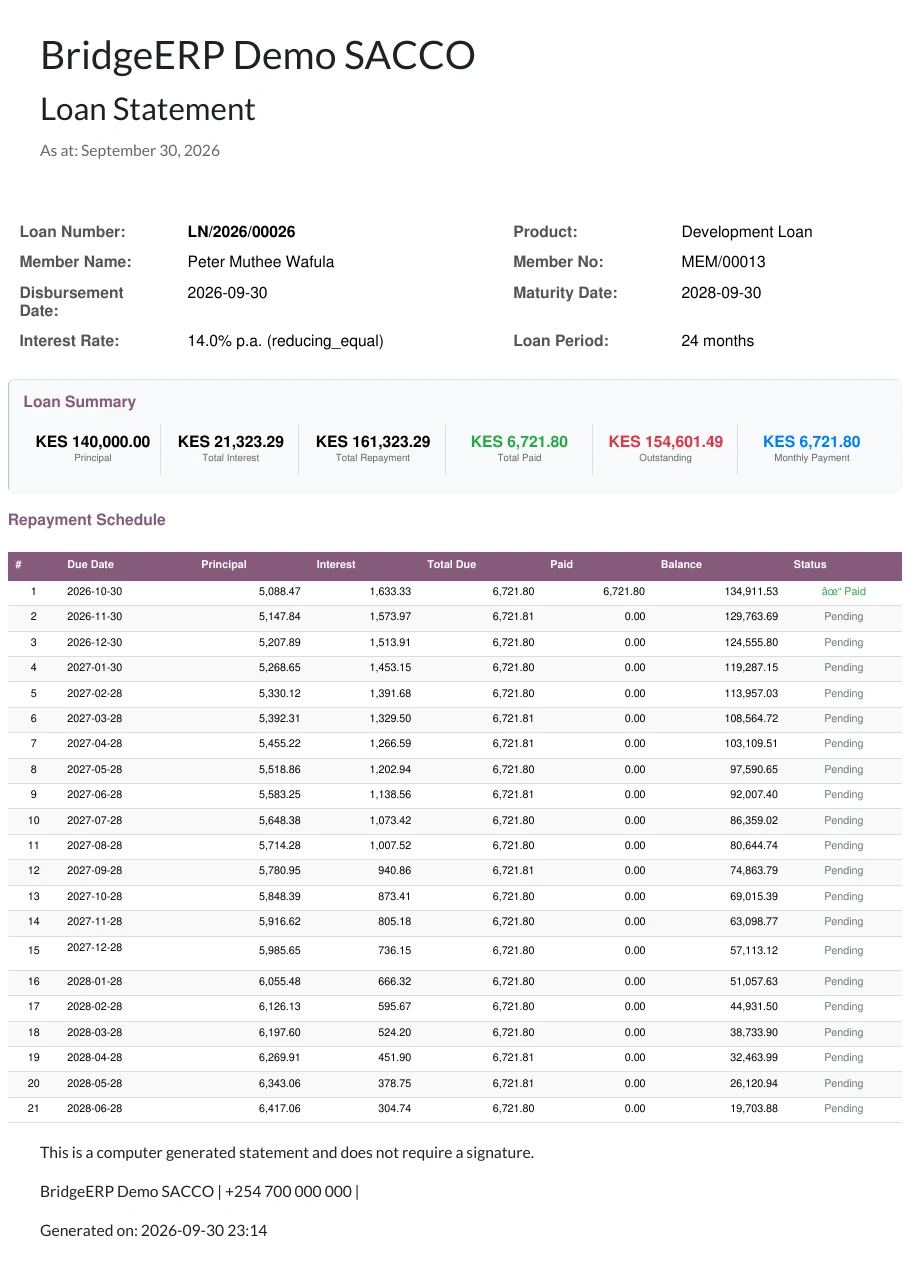
Open the loan. The box at the top shows the principal, the total interest, the total to repay, what has been paid, what is outstanding and the instalment.
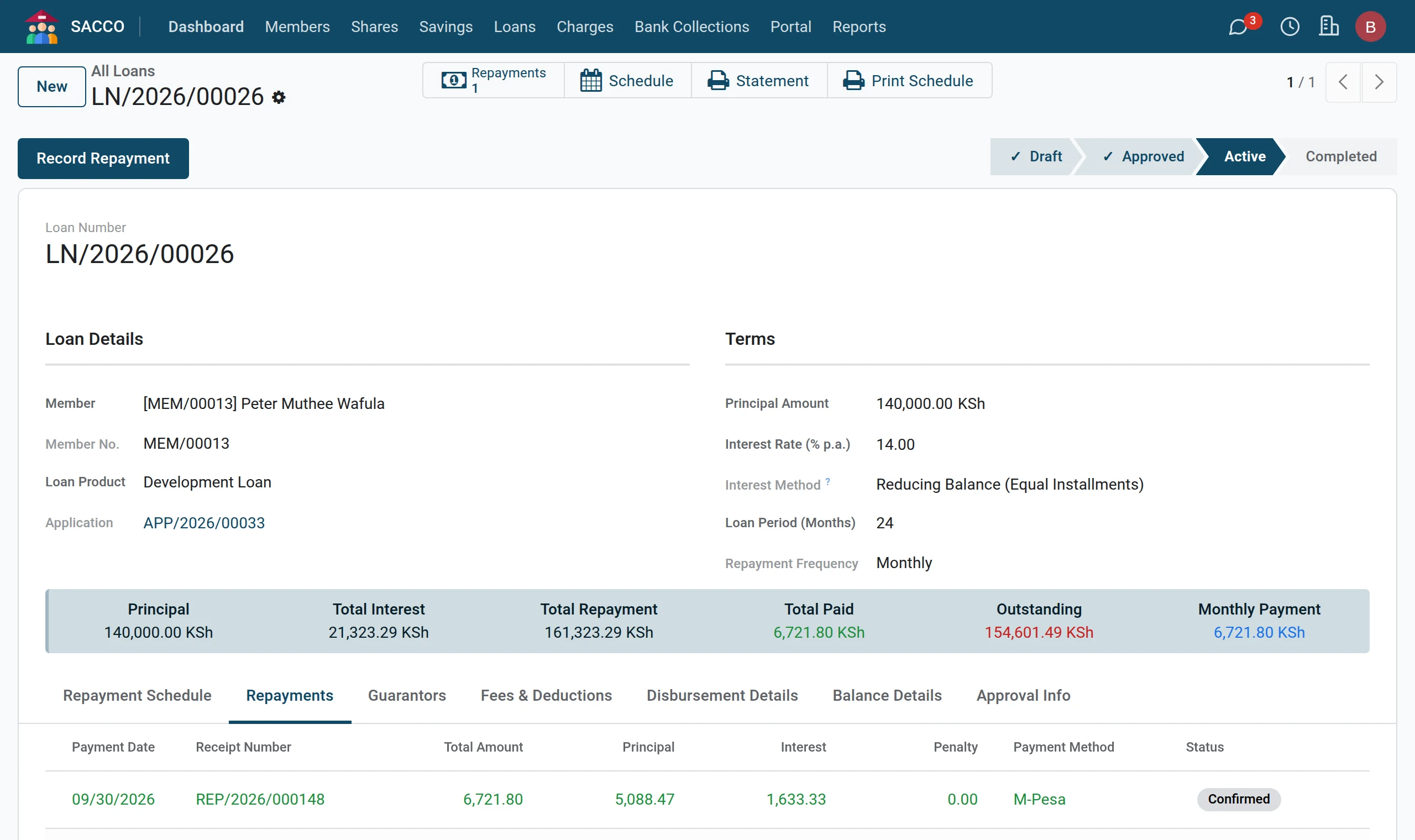
2Repayments
The Repayments tab lists every payment with its receipt number and its split into principal, interest and penalty.
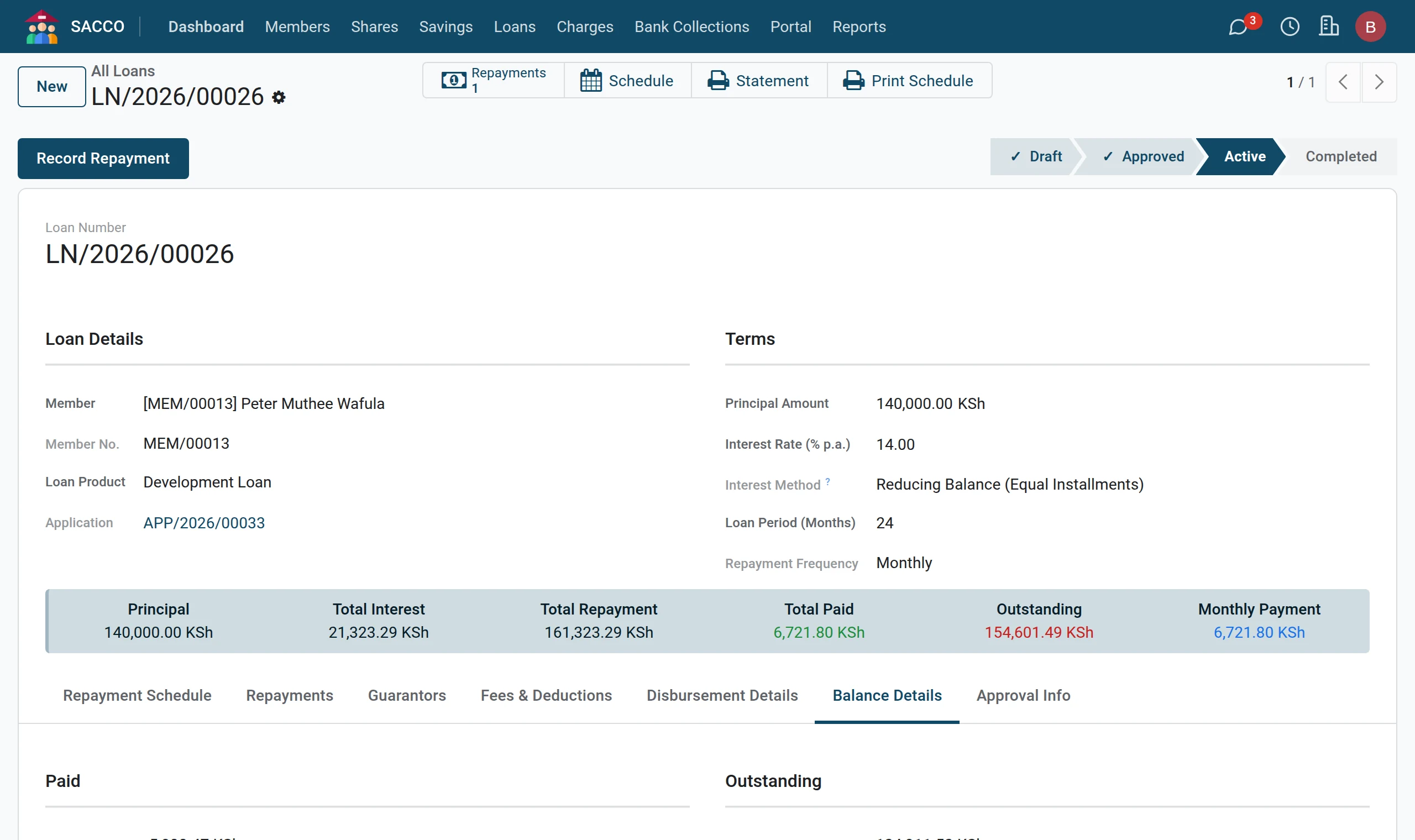
3Balances
The Balance Details tab separates what has been paid and what is outstanding into principal, interest and penalties.
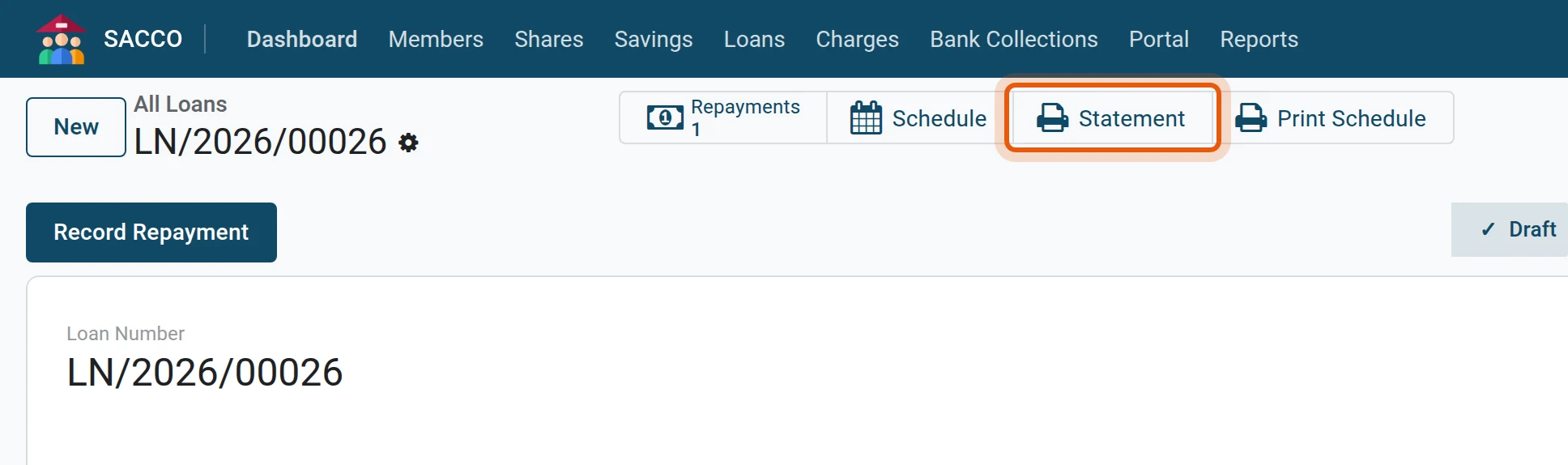
4The loan statement
Press Statement across the top for the loan statement.
Lists
| Menu | Shows |
|---|---|
| Every instalment of every loan: filter on due dates to see what falls due this week or month. | |
| What was received today. | |
| The portfolio for a period (reports). |
Note
Regenerate Schedule (loans manager) redraws the schedule of a running loan from its principal, rate and period. Use Reschedule instead when the terms change: it keeps what was paid and records the reason.