

Disburse a loan
An approved application becomes a loan. A loans manager approves the loan, the money is paid out, and the repayment schedule is drawn up.
Who: Loan Officer creates the loan; Loans Manager approves it; Loan Officer disburses. Before you start: The application is Approved (appraise and approve).
Create the loan
1Open the approved application
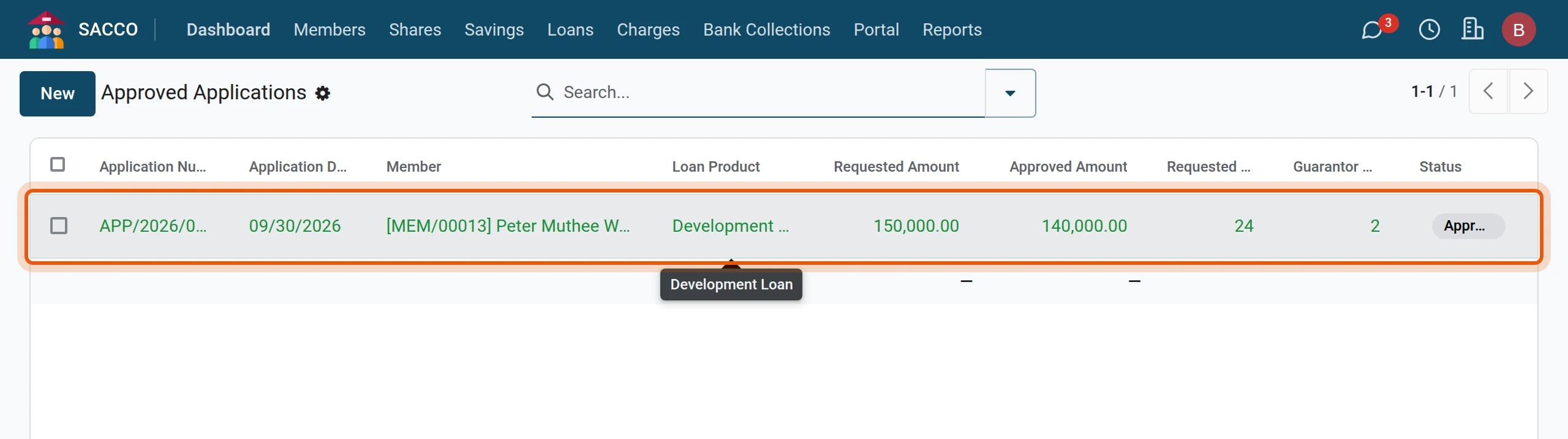
Open and click the application.
2Create the loan
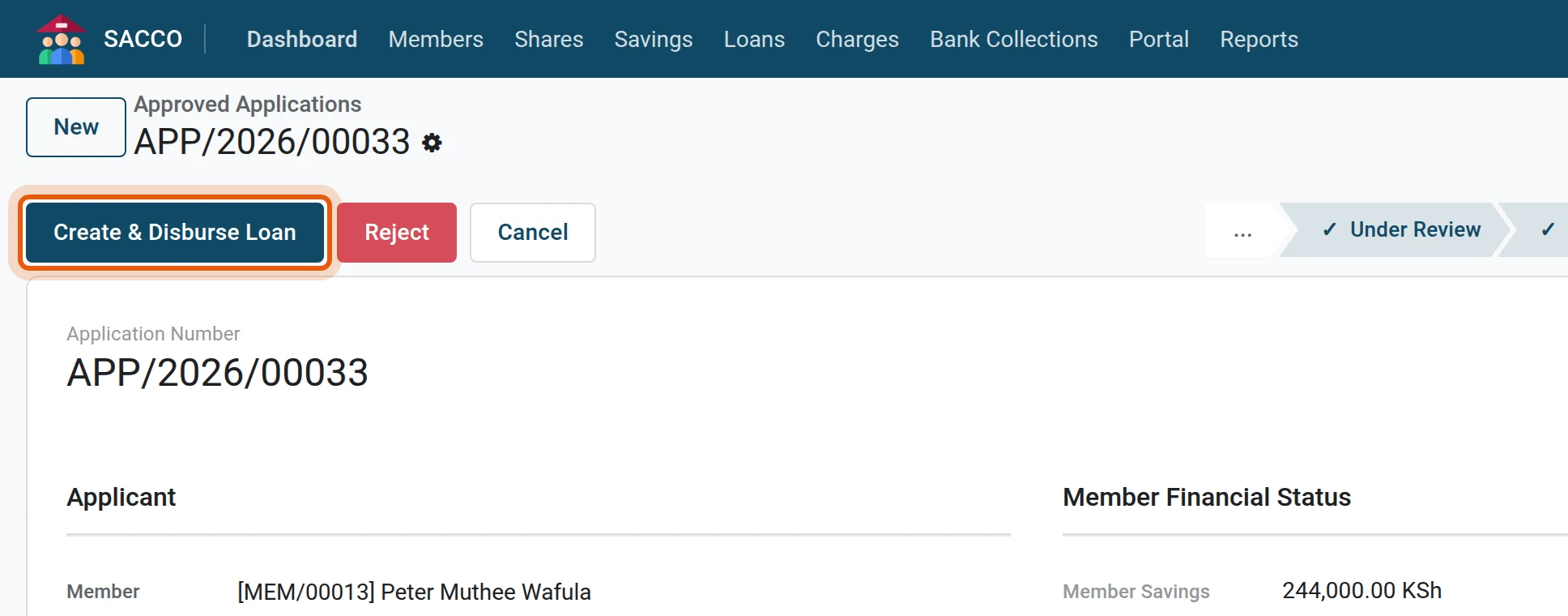
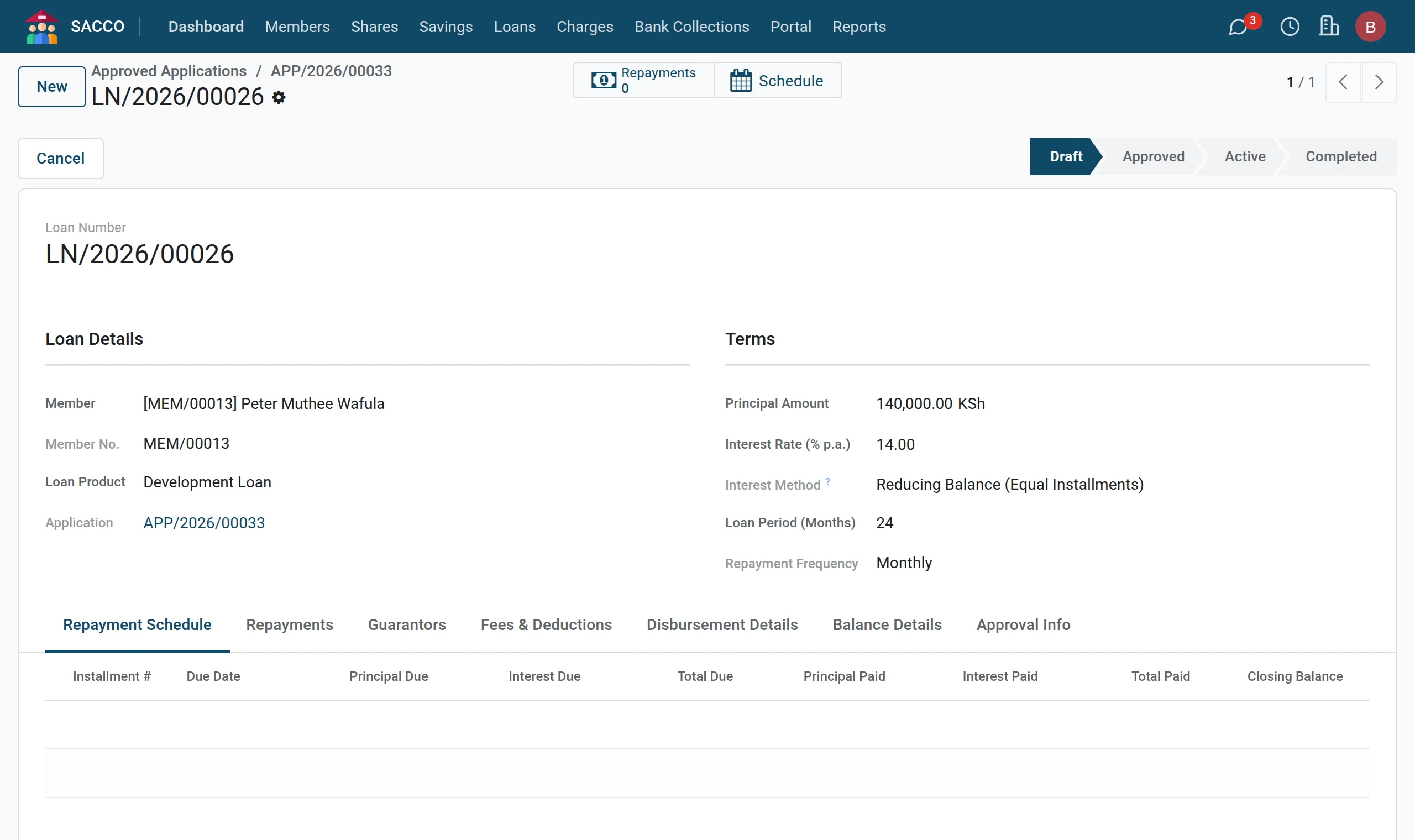
Press Create & Disburse Loan. The loan opens with its number, in the status Draft, carrying the approved amount, the period, the rate, the fees and the accepted guarantors.
Approve and pay out
1Approve the loan
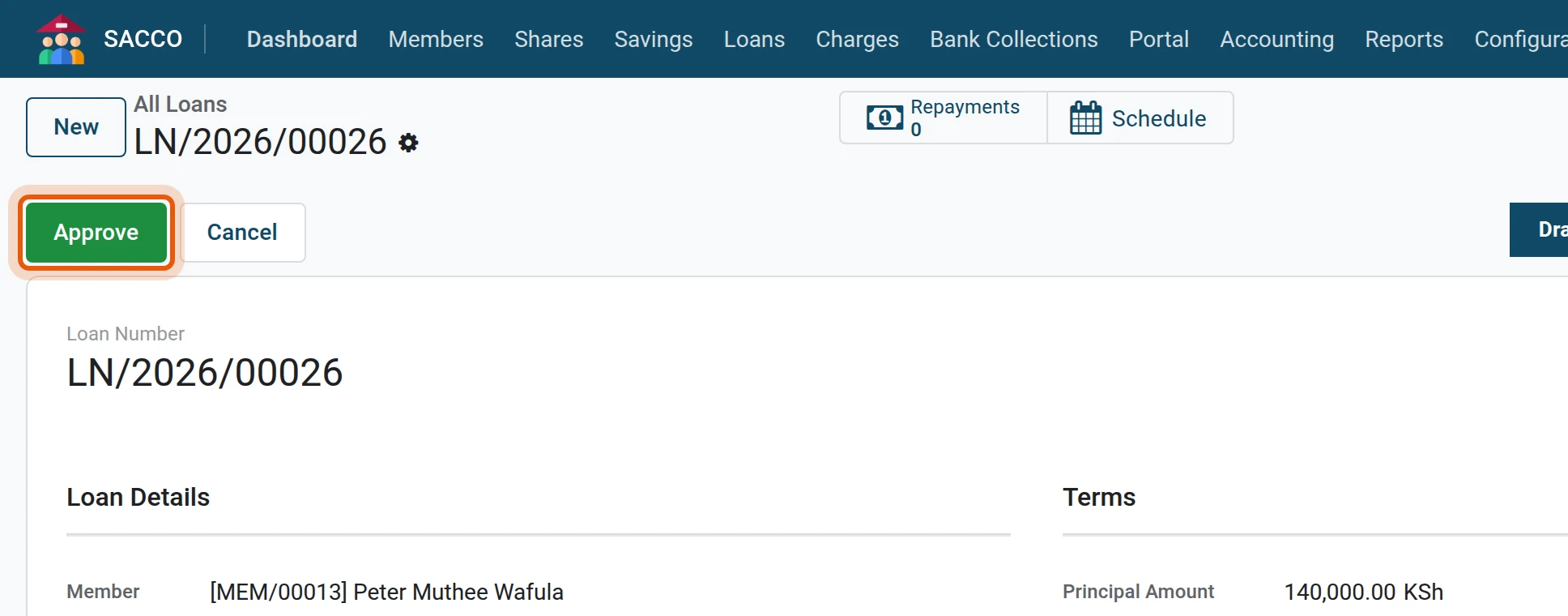
A loans manager opens the loan from and presses Approve.
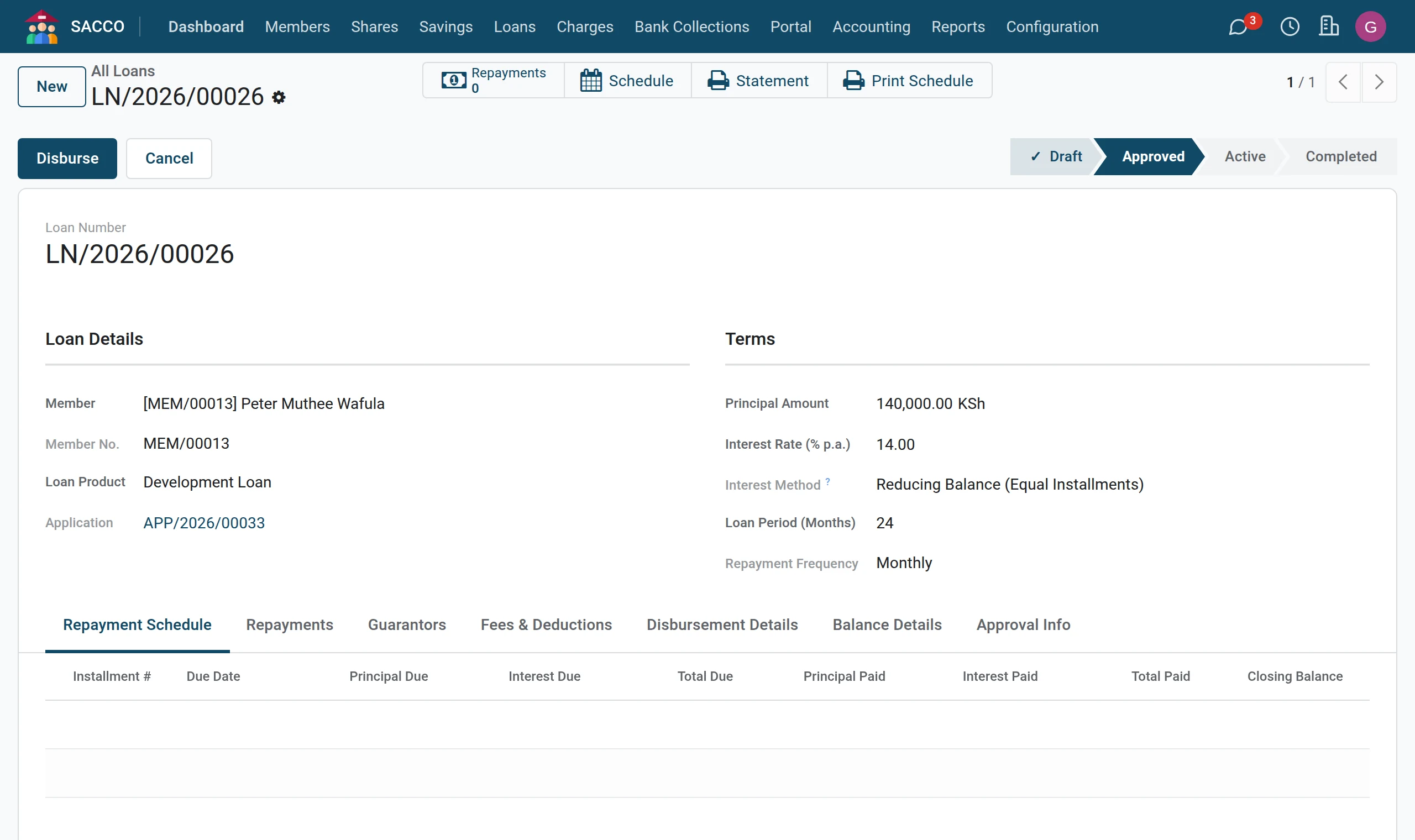
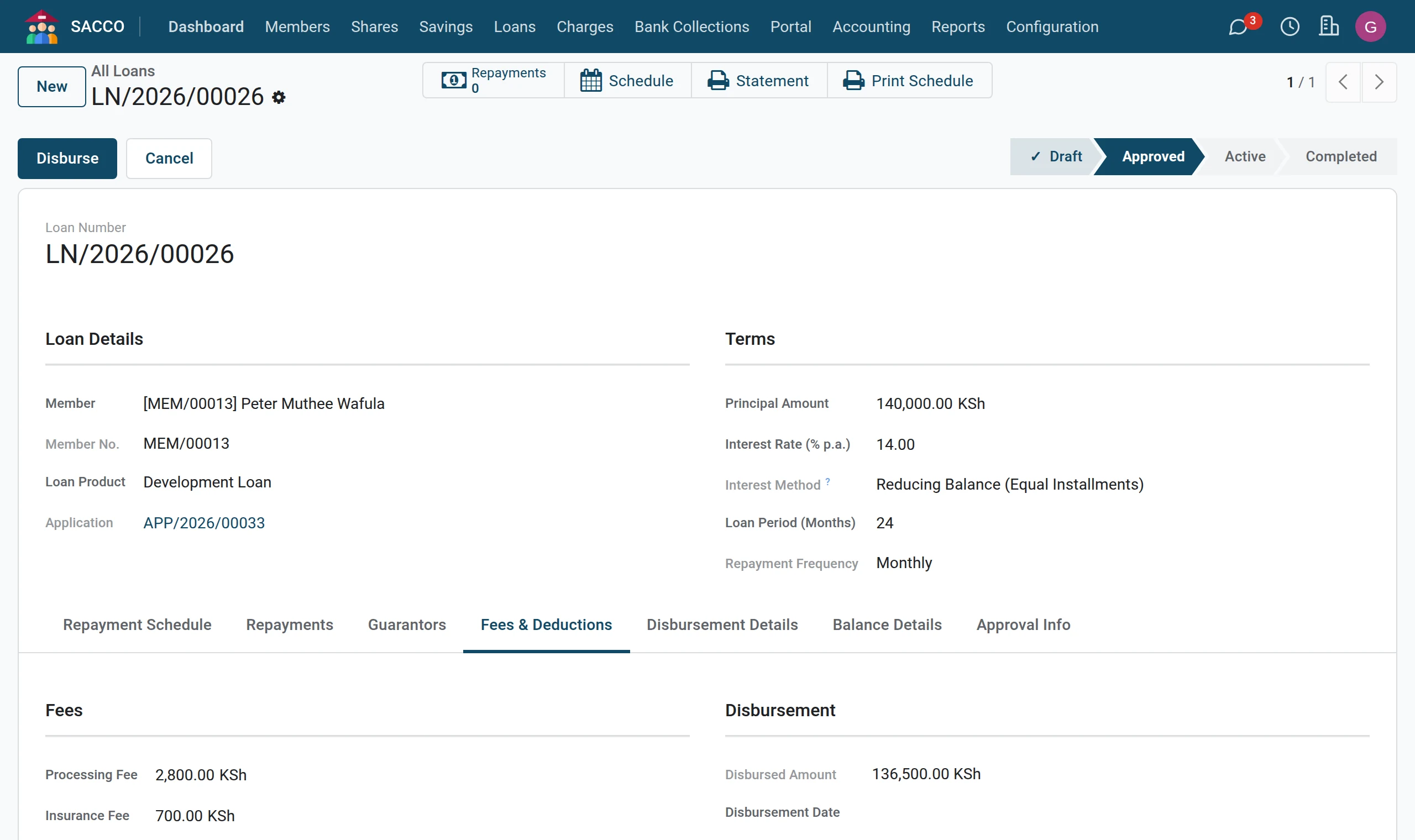
2Check the payment details
The Fees & Deductions tab shows the processing and insurance fees and the Disbursed Amount the member receives. The Disbursement Details tab holds the method and, for a bank transfer, M-Pesa or a cheque, the reference.
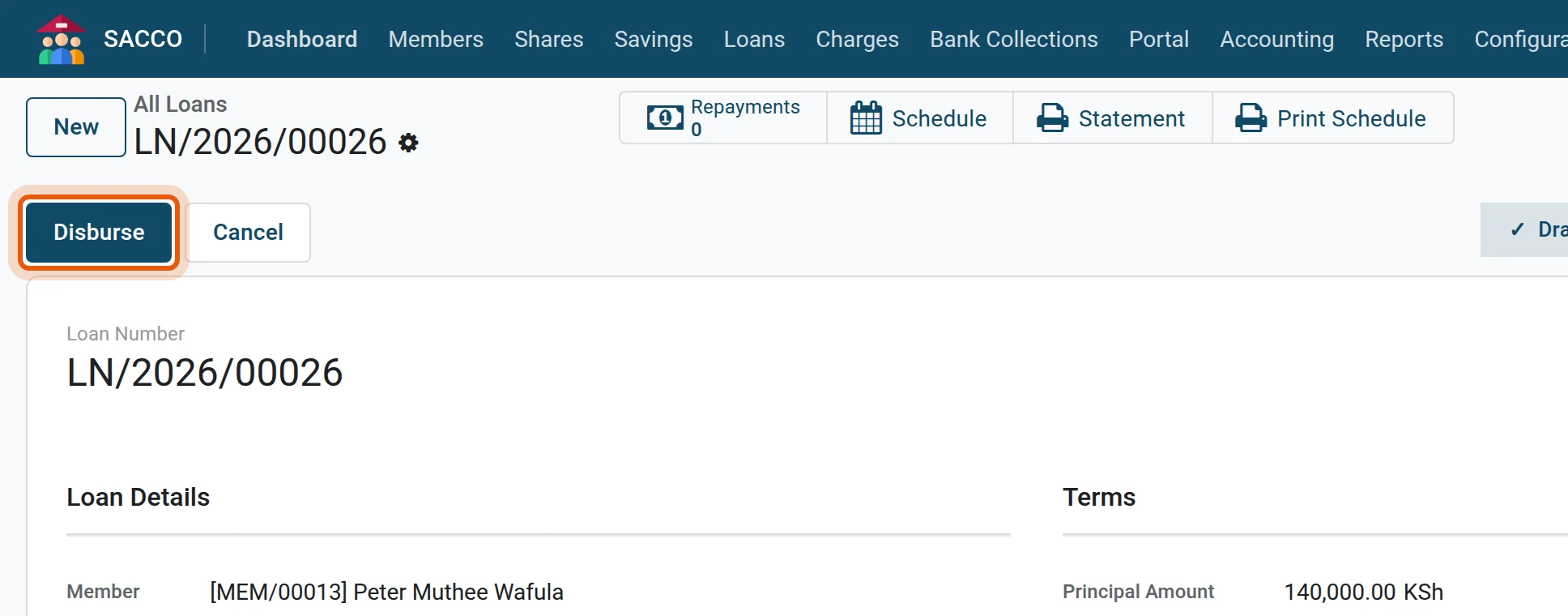
3Disburse
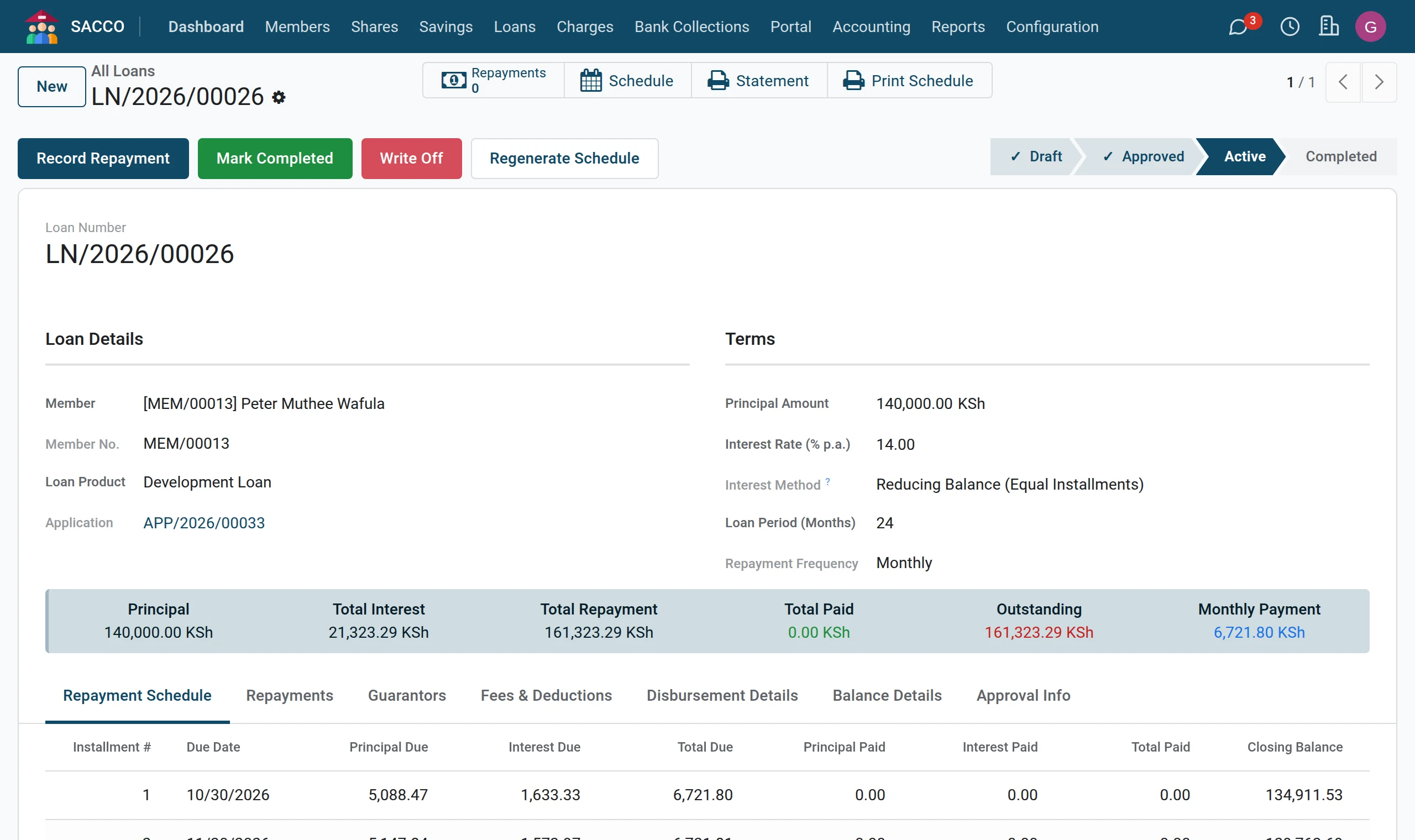
Press Disburse. The loan becomes Active, the first instalment falls due one month later, and the Repayment Schedule is drawn up. With the method To Savings Account the net amount is credited to the member’s account at once.
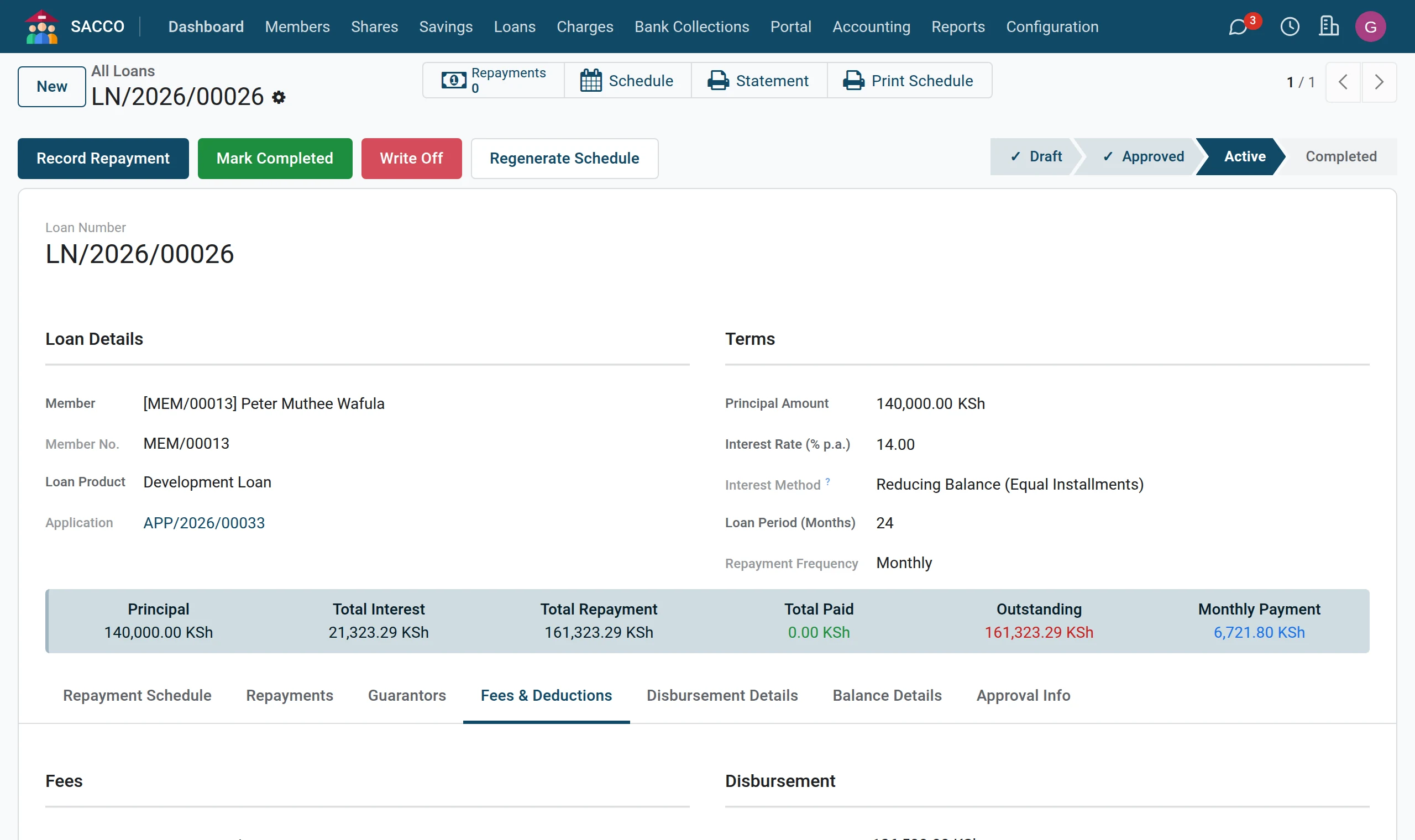
4The schedule
The Repayment Schedule tab lists every instalment: due date, principal, interest, total, what has been paid and the balance after it.
5Give the member the schedule
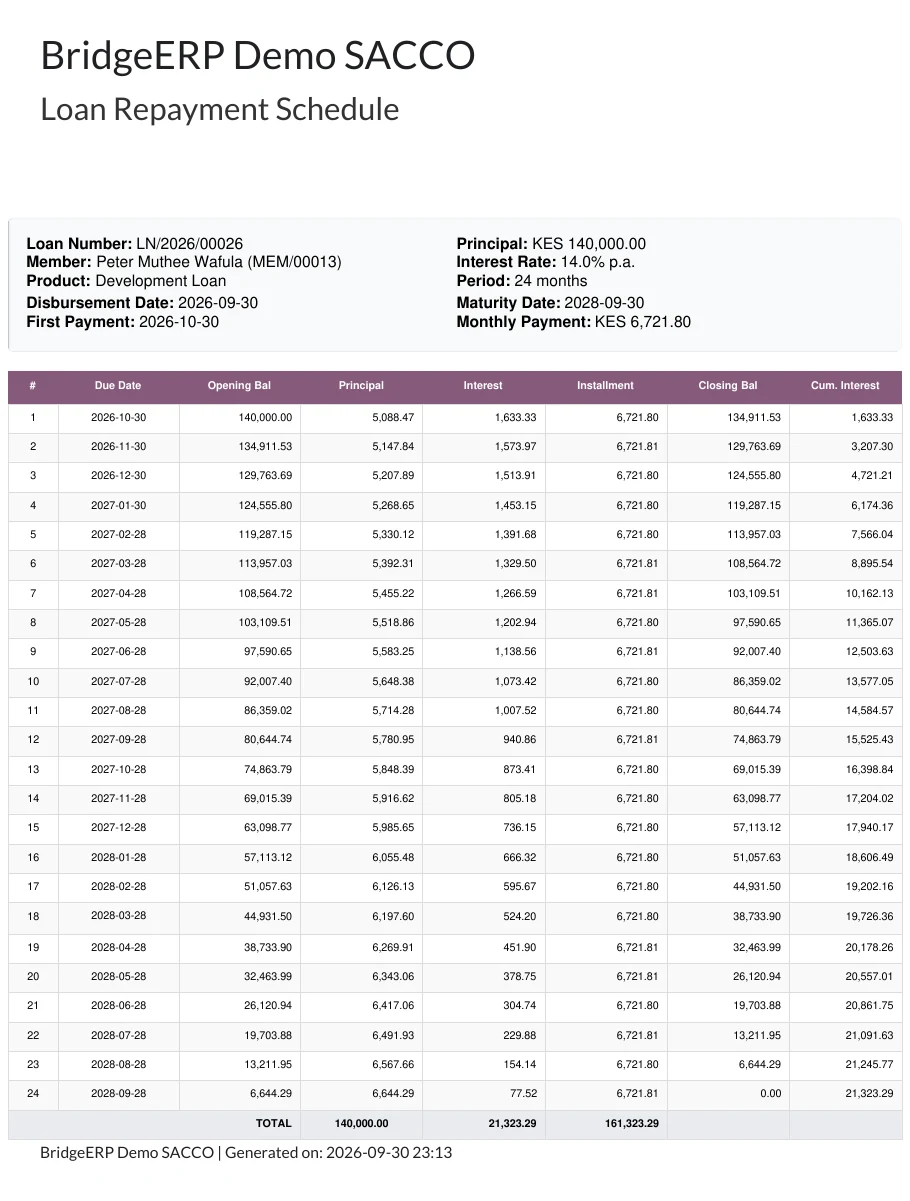
Press Print Schedule across the top and hand it to the member.
What happens at disbursement
- The loan gets its disbursement date and its maturity date.
- The loan, the fees and the payment post to the ledger (what posts, and how).
- A top-up clears the old loan first and pays the member the difference.