

Review, appraise and approve
The loan officer reviews the file and writes the appraisal; the credit committee decides.
Who: Loan Officer reviews and appraises; Credit Committee approves. Before you start: The guarantors have accepted (guarantors).
Review and appraise
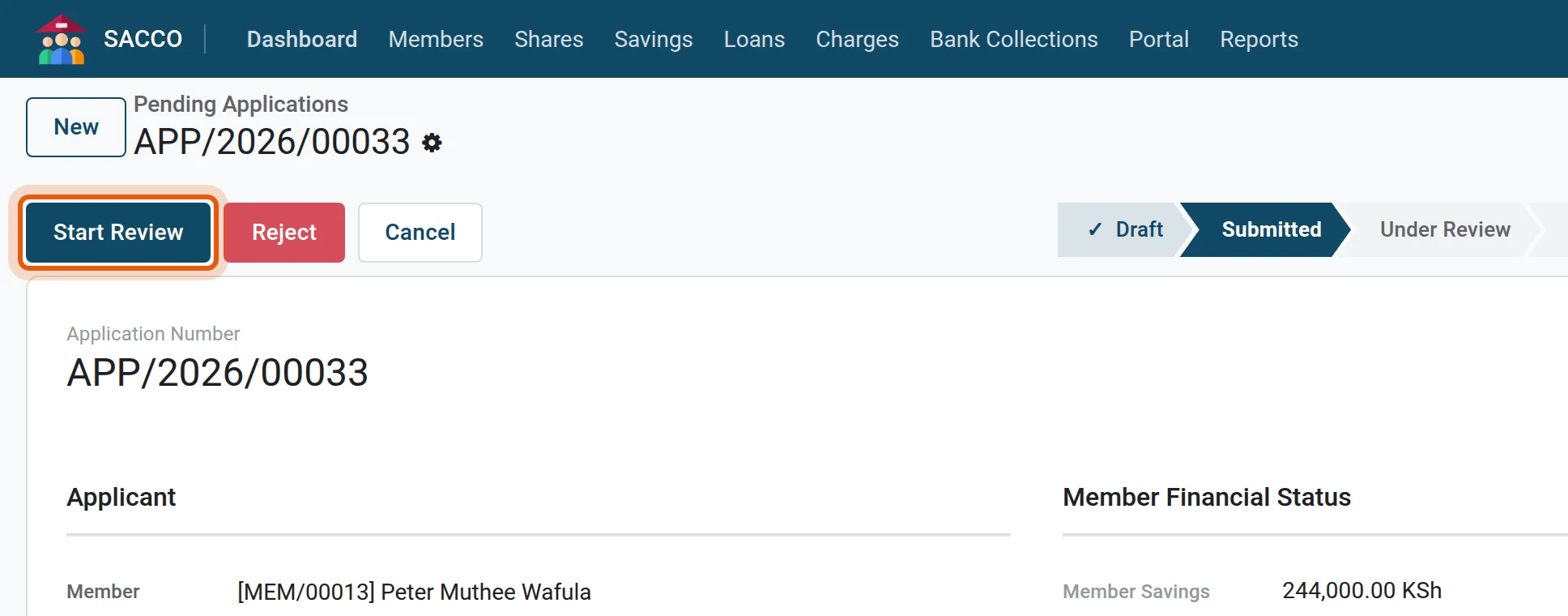
1Start the review
Open the application from and press Start Review.
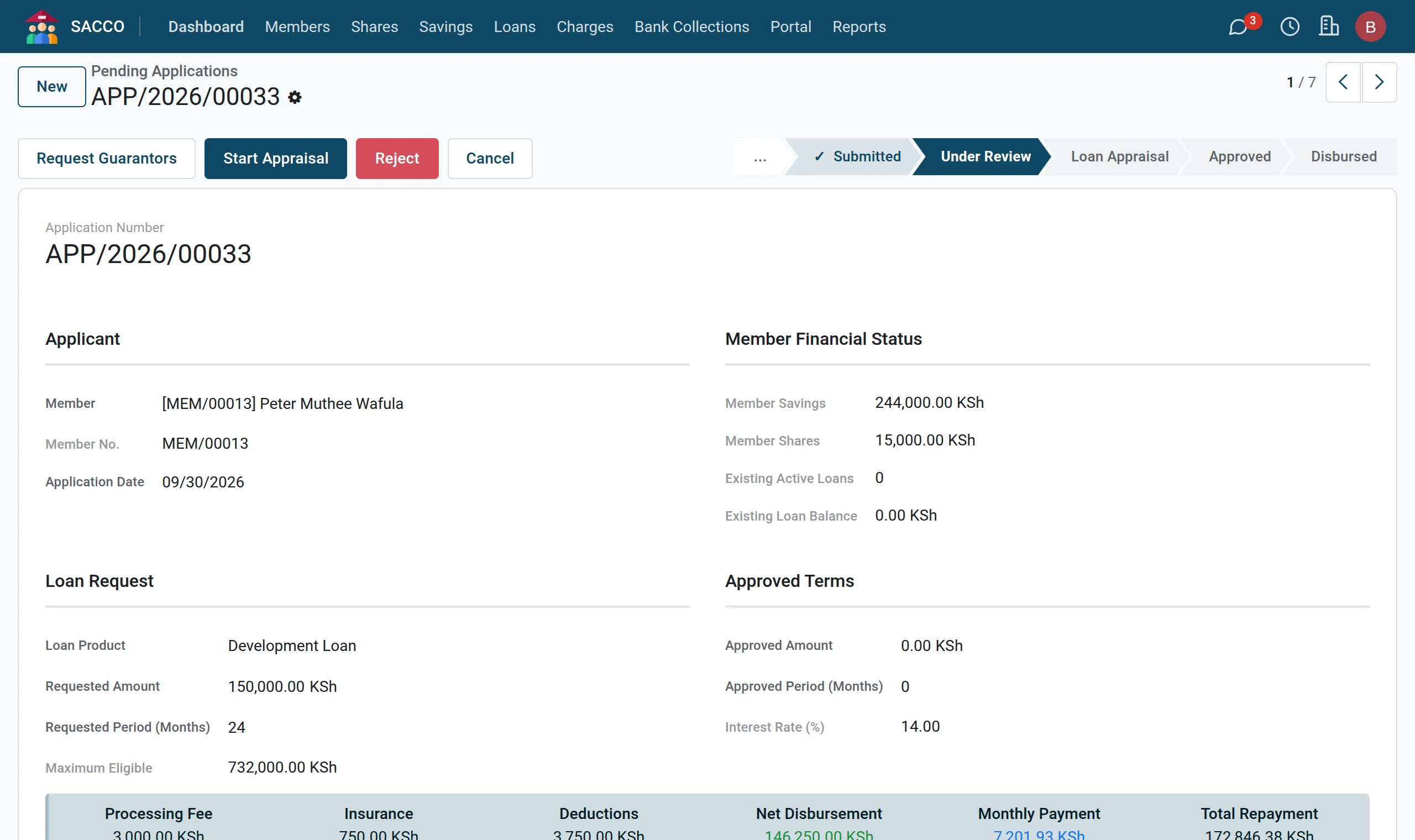
2Start the appraisal
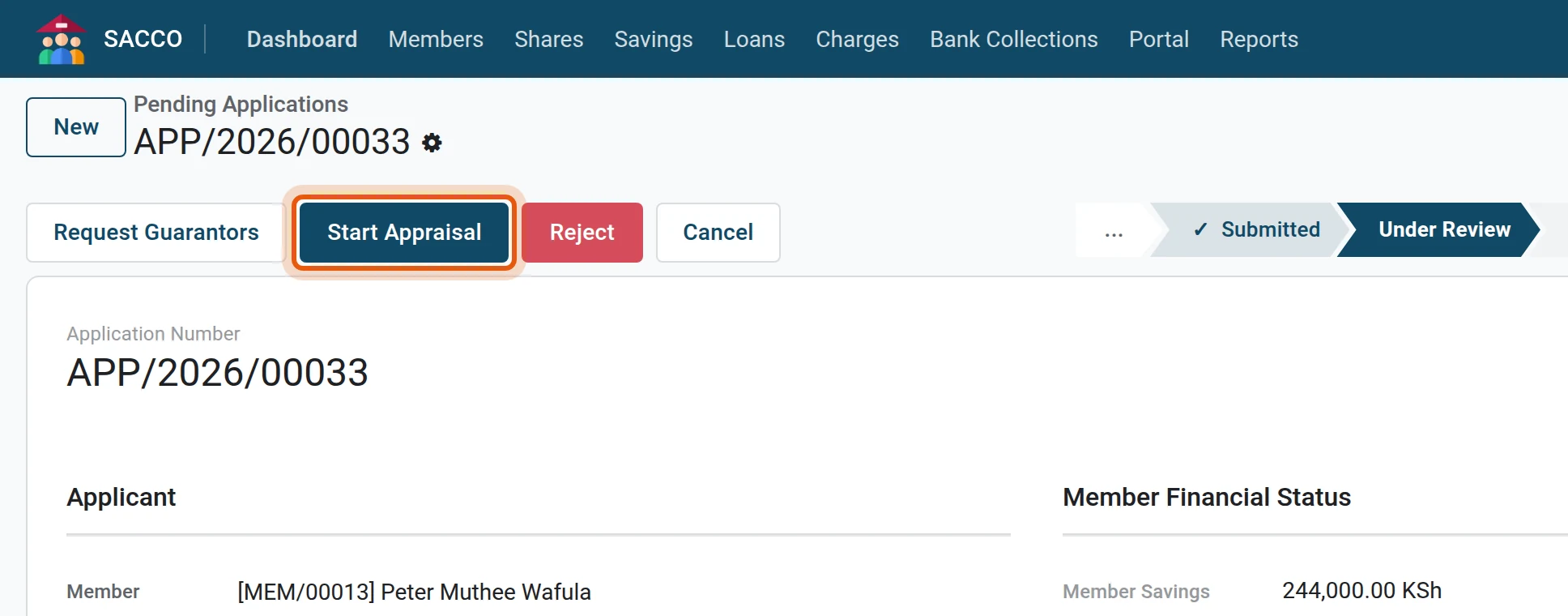
Press Start Appraisal. It is refused until the product’s guarantors have accepted. If you are still waiting for them, press Request Guarantors instead: the application waits, and Start Appraisal stays available.
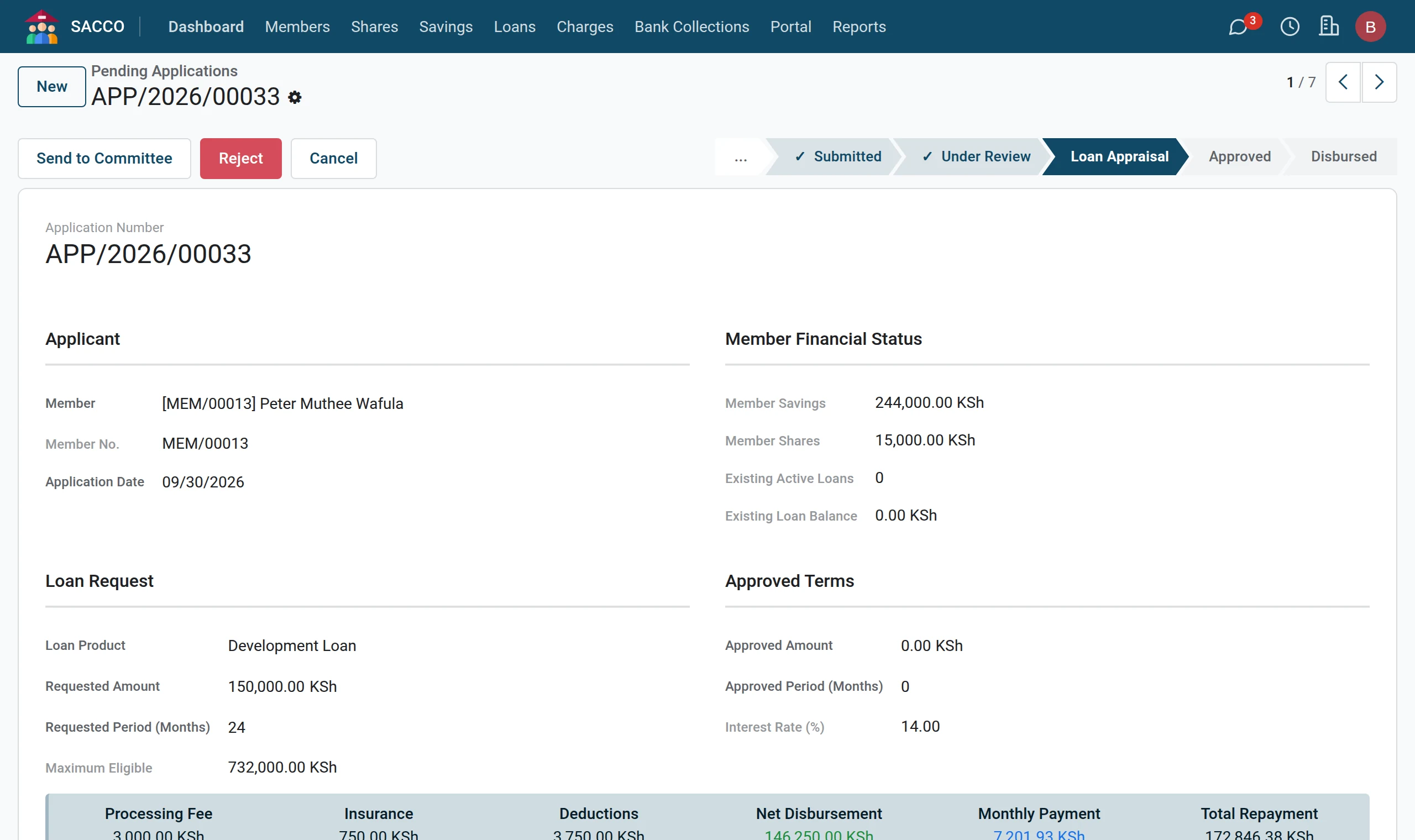
3Write the appraisal
On the Appraisal tab write your findings in Appraisal Notes: income, ability to repay, history, security.

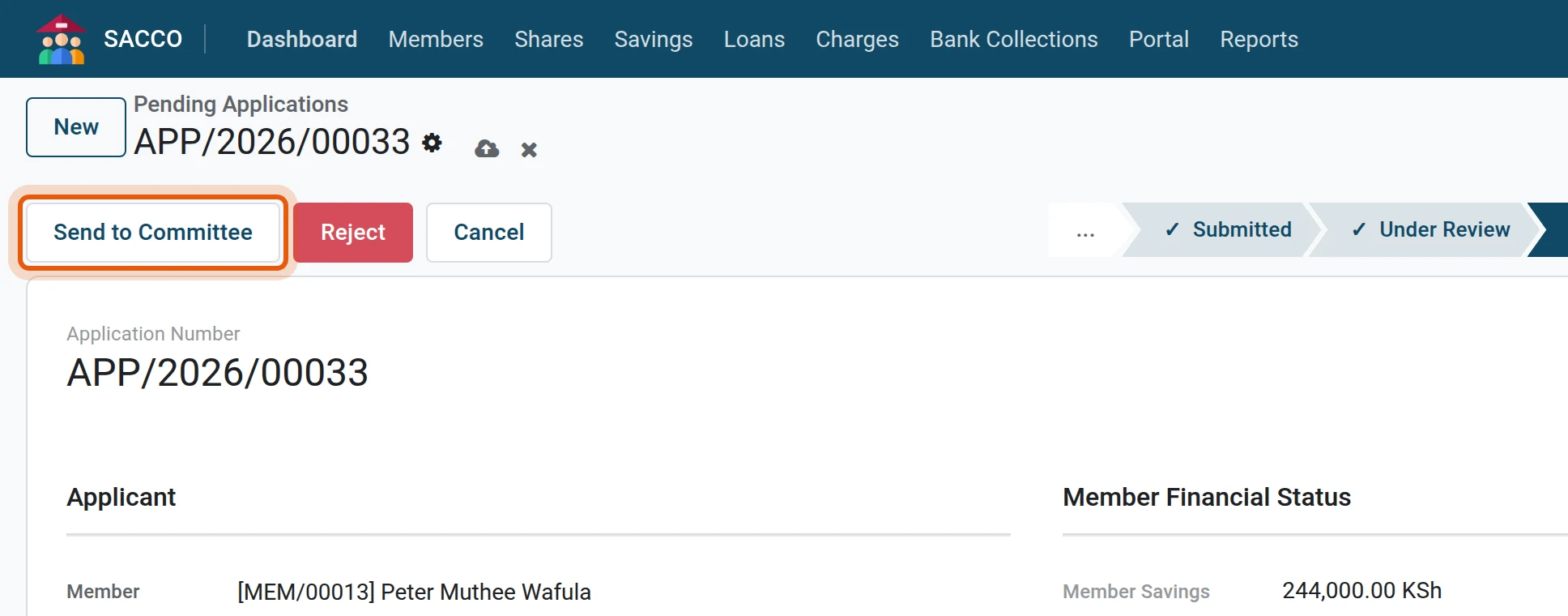
4Send to the committee
Press Send to Committee. The status becomes Committee Review.
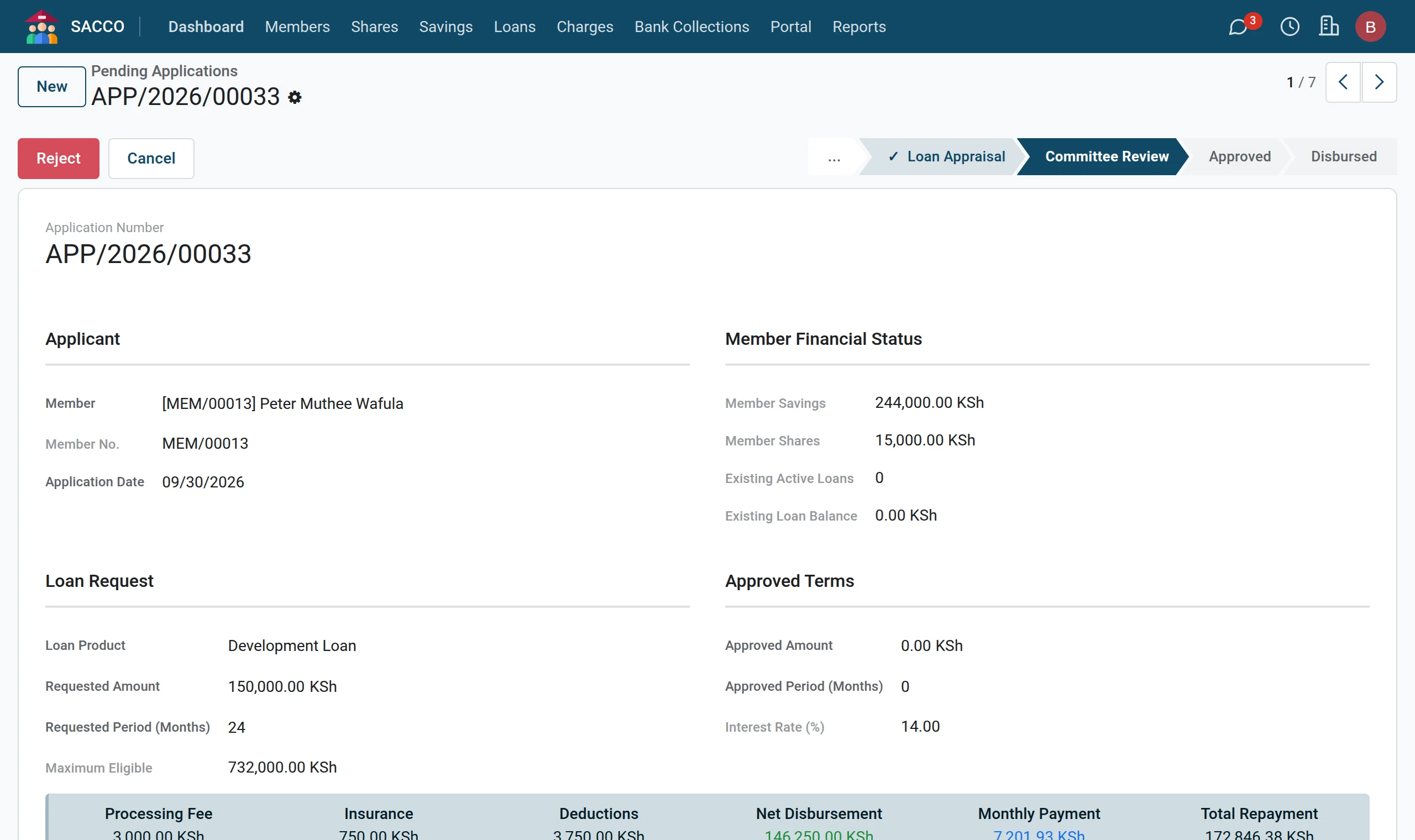
The committee decides
1Open the application
A committee member opens and clicks the application.
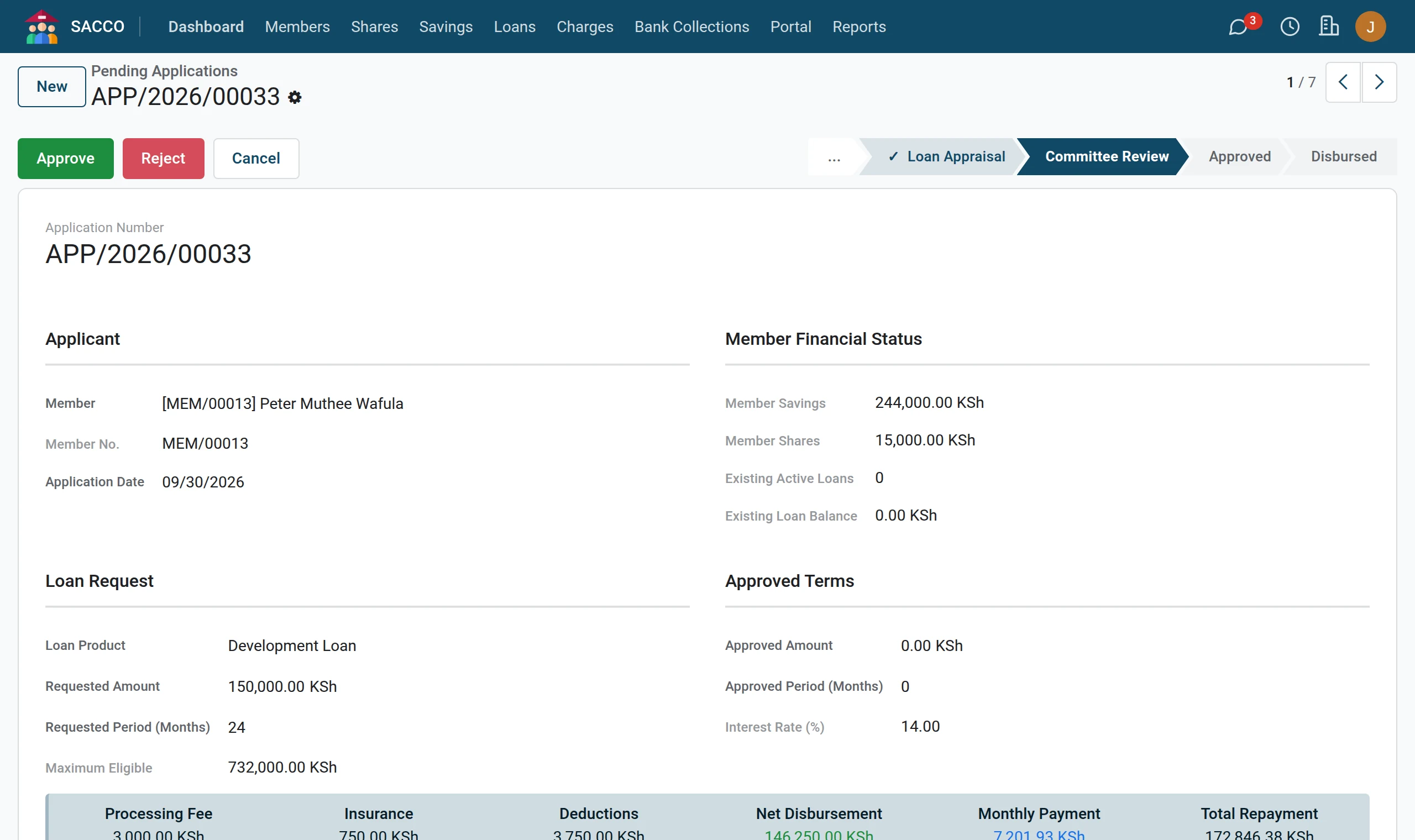
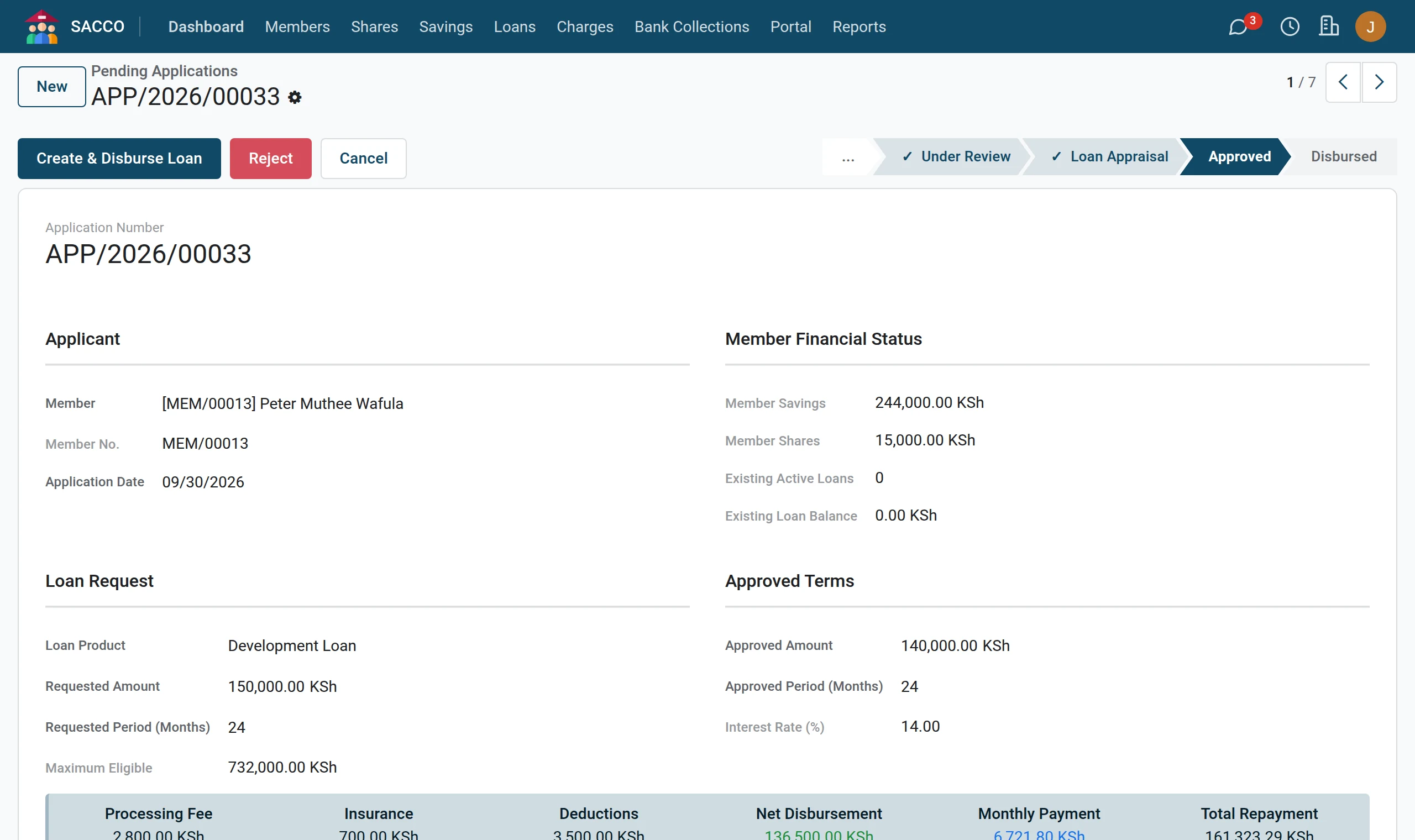
2Set the approved terms
Under Approved Terms type the Approved Amount and the Approved Period (Months) if the committee grants less or a different term. Left empty, the requested amount and period are approved.
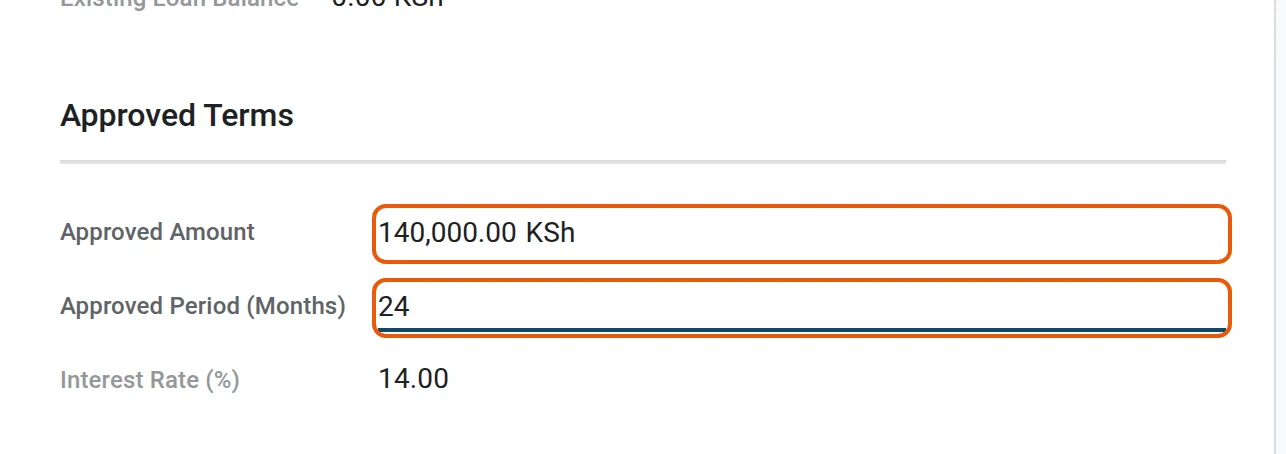
3Record the decision
On the Appraisal tab write the Committee Notes (the minute number and the conditions).

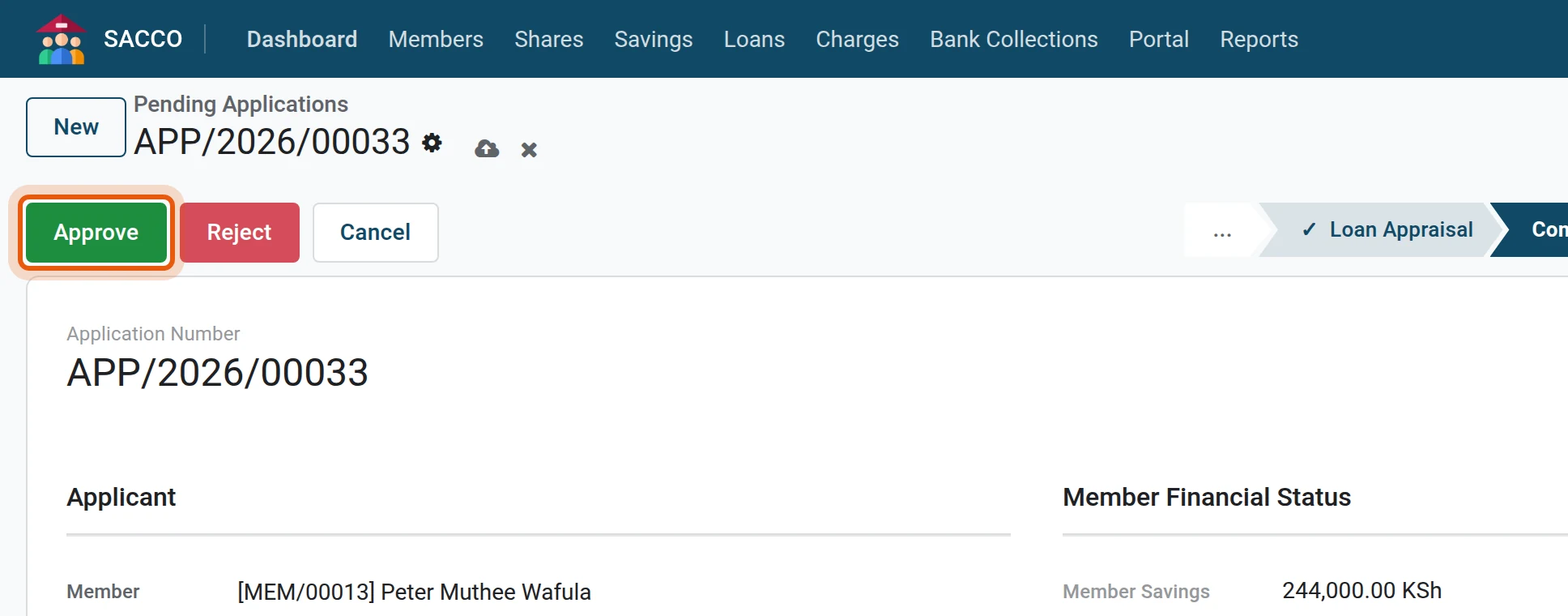
4Approve
Press Approve. To refuse, press Reject.
The Workflow tab keeps who submitted, reviewed, appraised and approved the application, and when.
Note
A product that does not require the committee can be approved straight from Loan Appraisal by a member of the credit committee group.