

Record a repayment
A repayment is split over the oldest unpaid instalments: penalty first, then interest, then principal. You type one amount; the system does the split and updates the schedule.
Who: Loan Officer. Before you start: The loan is Active.
Step by step
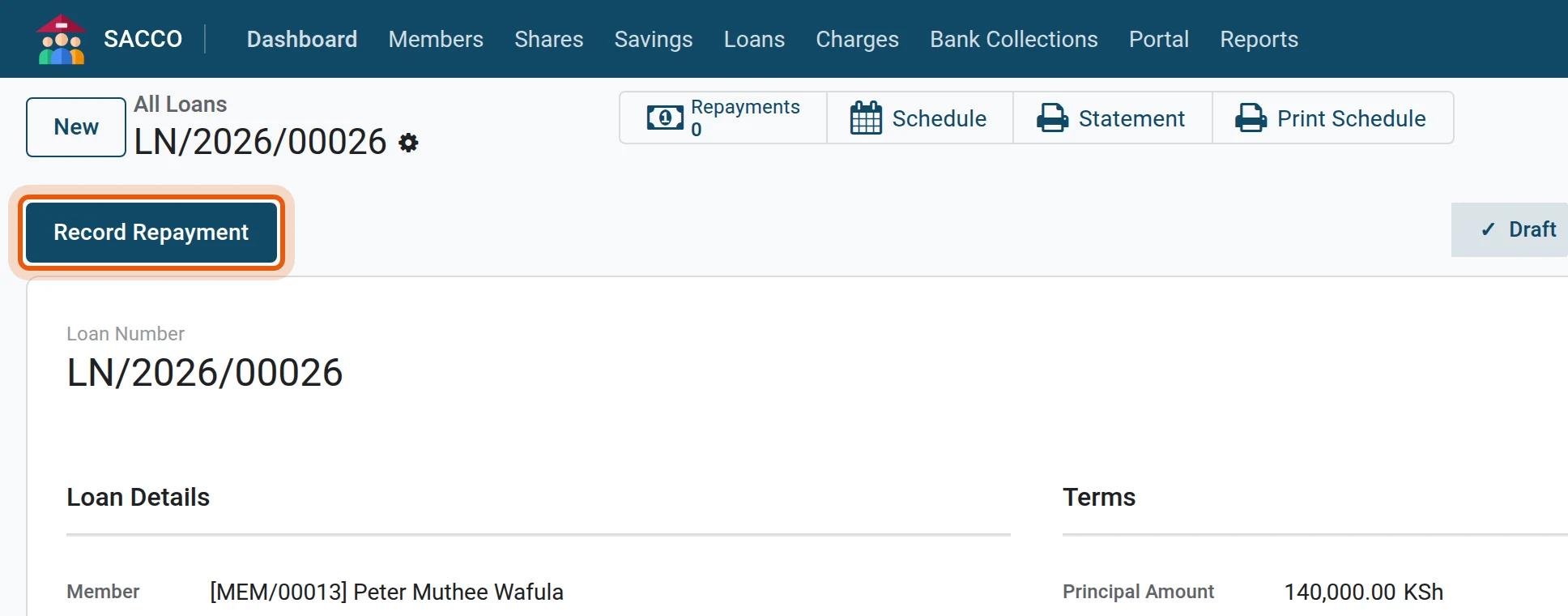
1Open the loan and press Record Repayment
Open the loan from and press Record Repayment. ( opens the same form with the loan still to choose.)
2Amount and payment method
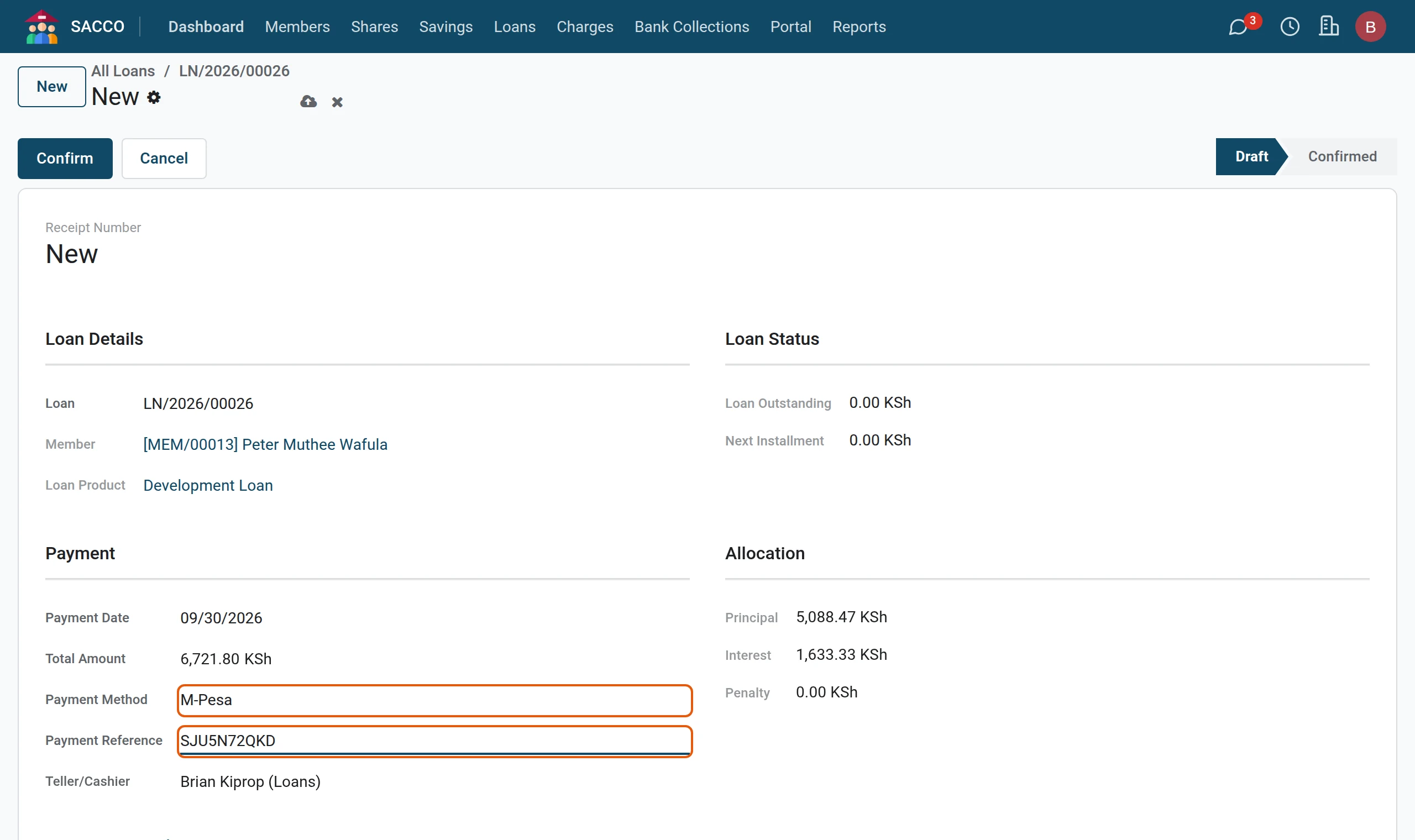
The Total Amount proposes the next instalment; change it to what the member pays. Pick the Payment Method and type the Payment Reference. Under Allocation you see how the amount splits into principal, interest and penalty.
3Confirm
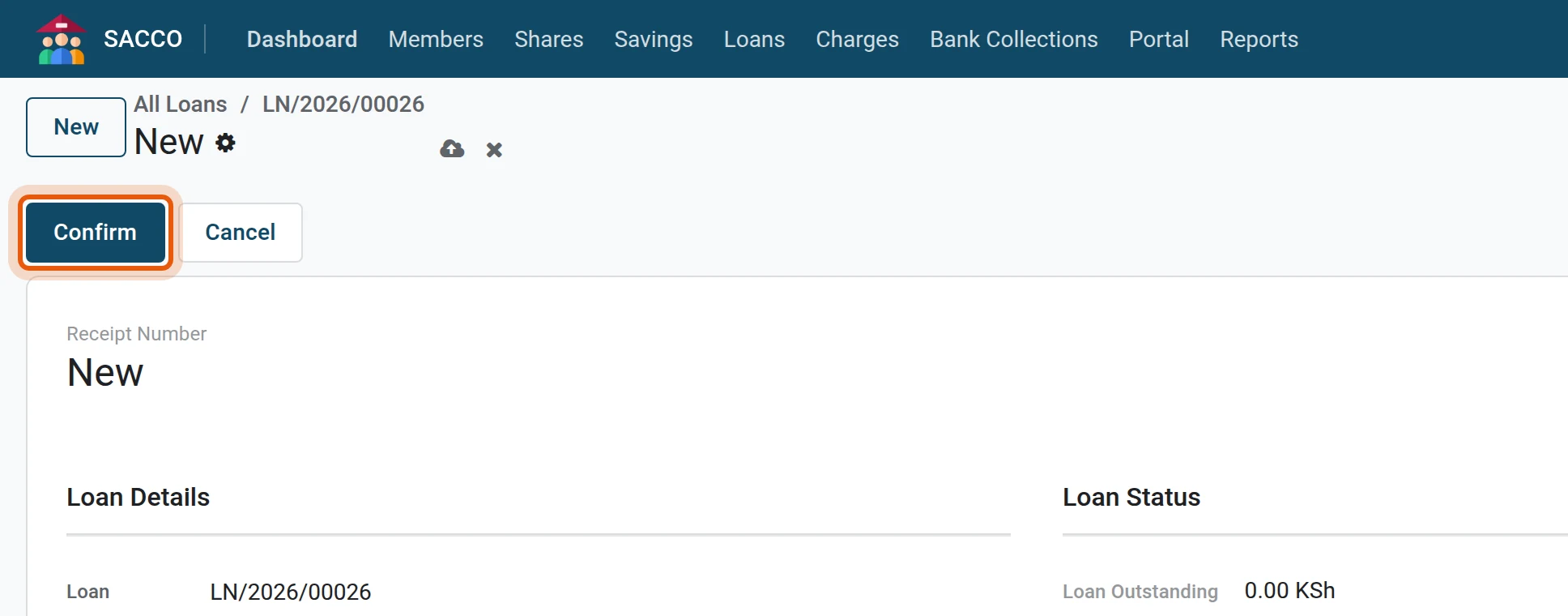
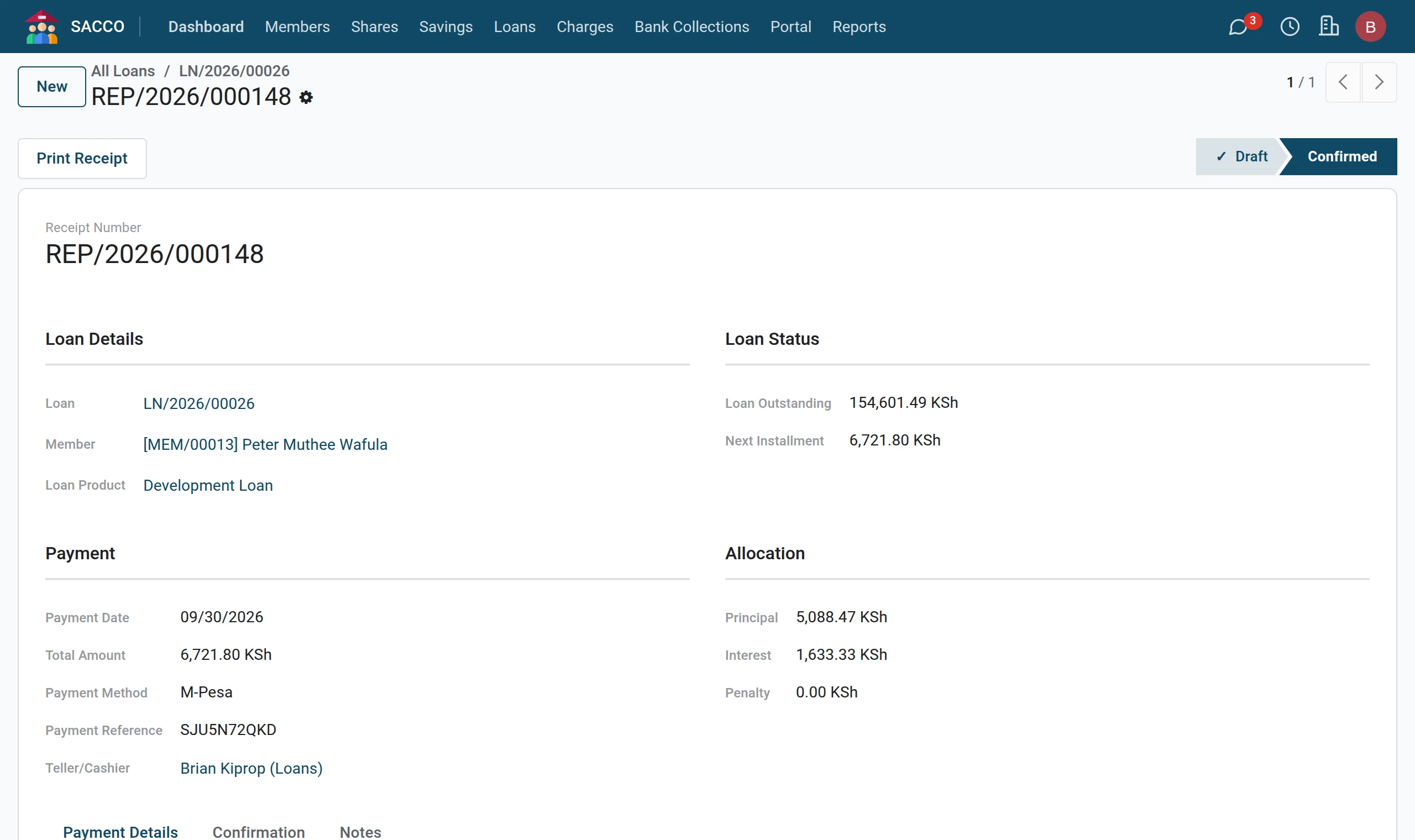
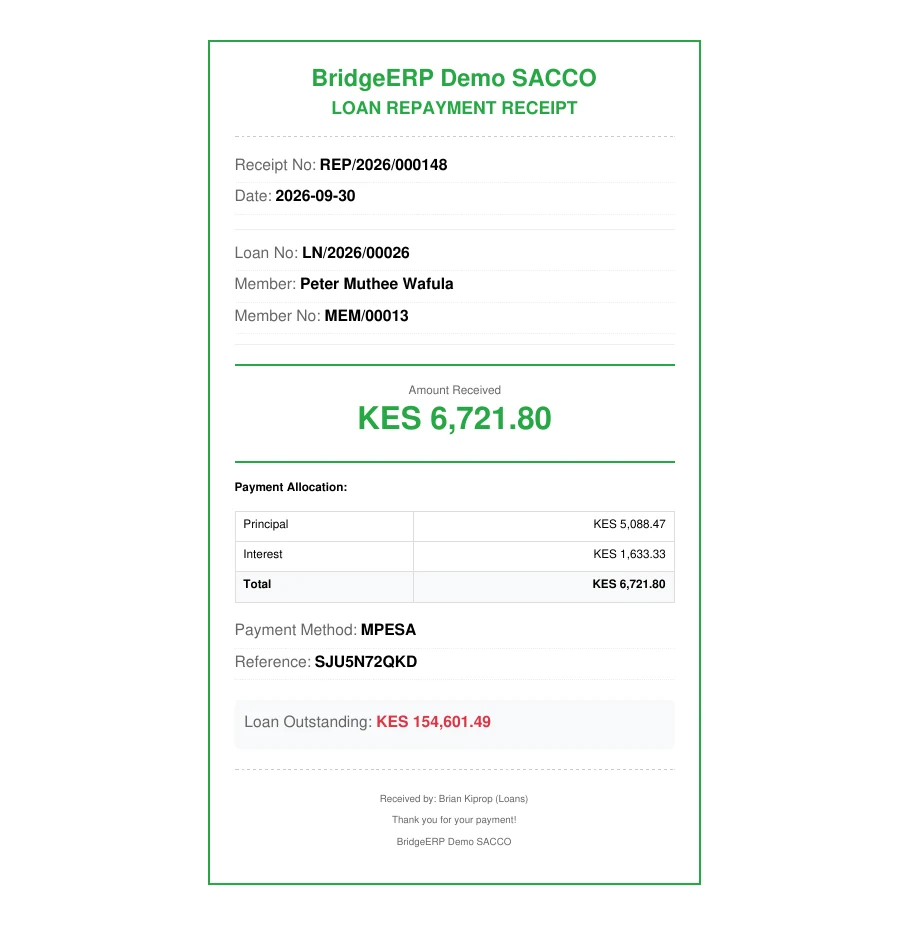
Press Confirm. The repayment gets its receipt number and the schedule and the outstanding balance are updated.
4Print the receipt
Press Print Receipt.
Payment methods
| Payment Method | What happens |
|---|---|
| Cash | Nothing more. |
| Bank Transfer, M-Pesa, Cheque, Check-off/Payroll | Type the reference. |
| From Savings | The amount is taken from the member’s savings account you choose; no money changes hands. |
Decide the split yourself
On the Manual Allocation tab tick Manual Allocation and type the principal, interest and penalty parts yourself. They must add up to the total amount. This is also how a late-payment penalty is collected.
Made a mistake?
A confirmed repayment is not deleted: a loans manager opens it and presses Reverse. The schedule goes back to where it was.
If the form stops you
| Message | What it means |
|---|---|
| Payment exceeds outstanding balance. | The member is paying more than the loan owes; lower the amount. |
| Manual allocation must equal total amount. | The three parts you typed do not add up to the total. |
| Savings account not specified. | For From Savings choose the account to take the money from. |