

Member statements
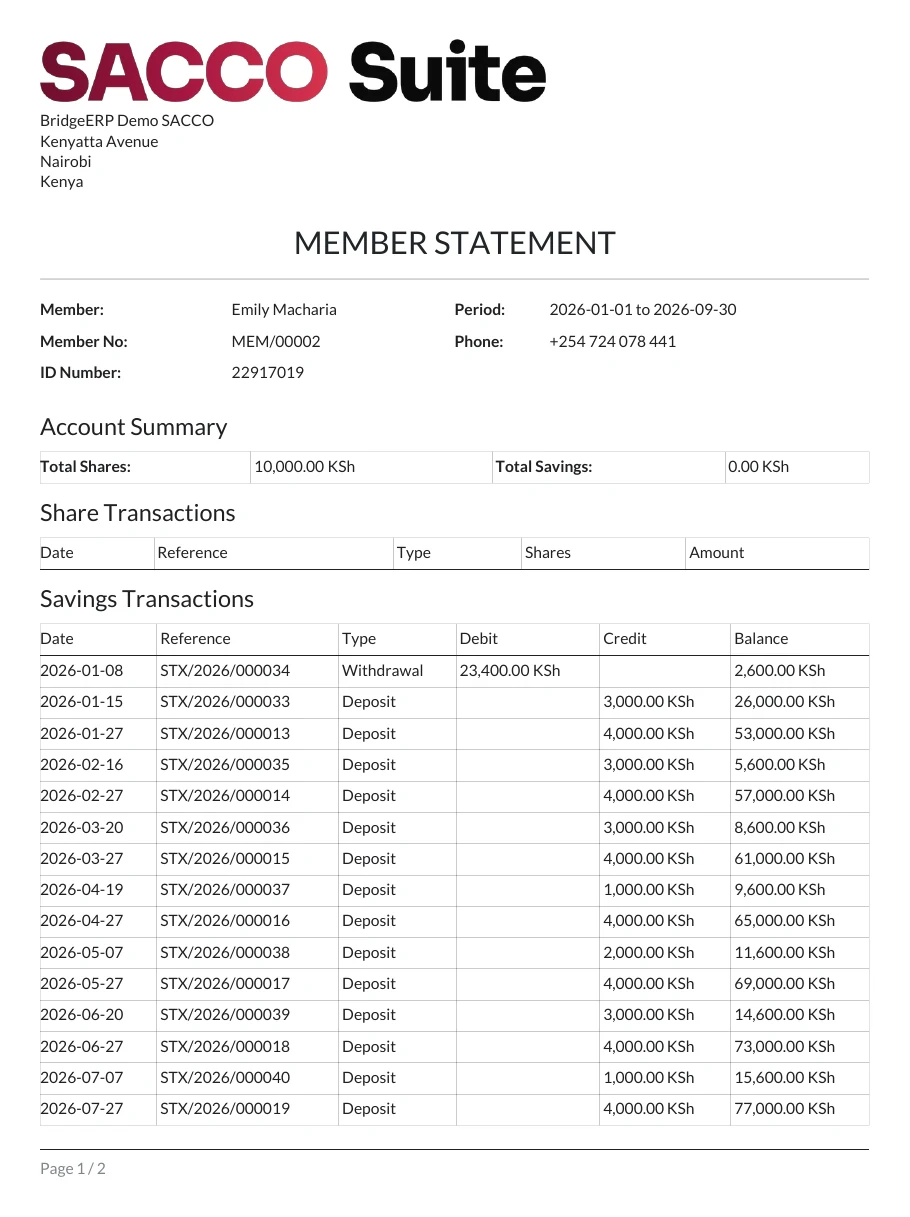
A member statement puts a member’s shares, savings and loans for a period on one document, to print or send.
Who: Any SACCO user.
Print a statement
1Open Member Statement
Open .
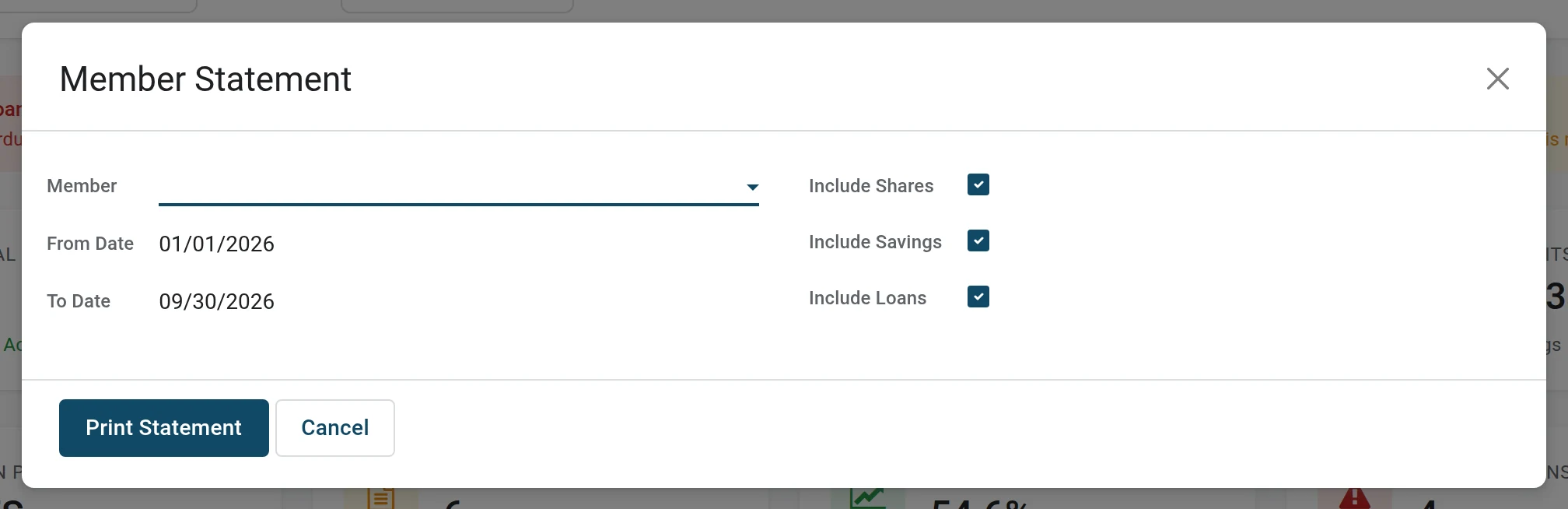
2Choose the member and the period
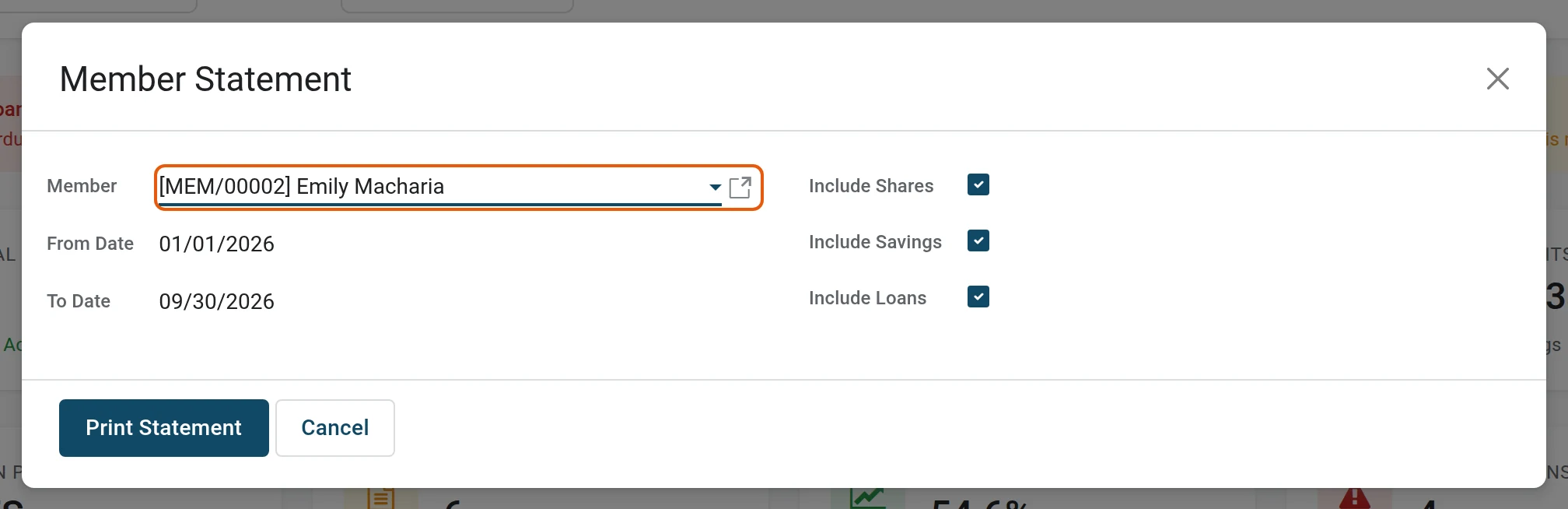
Pick the Member (type the name or the member number). From Date and To Date start as this year to today. Untick Include Shares, Include Savings or Include Loans to leave a part out.
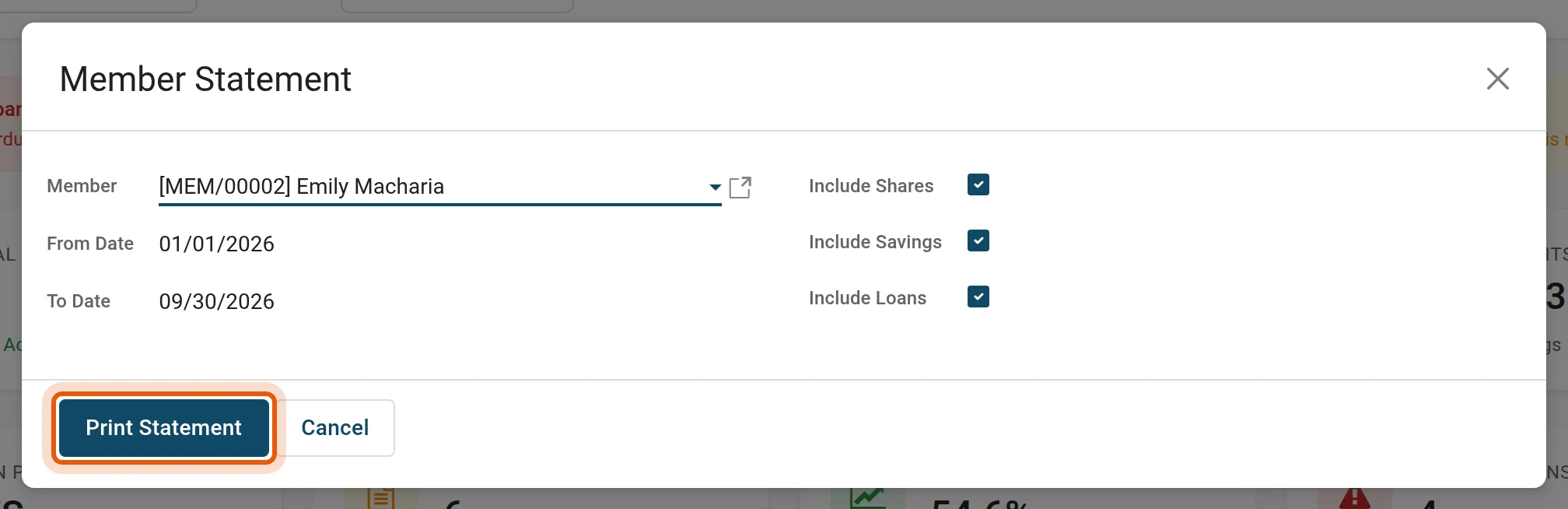
3Print
Press Print Statement. The PDF opens or downloads, ready to print or to attach to an email.
Other statements
| Statement | Where |
|---|---|
| The same statement, from the member | Open the member, gear menu, Print: see member documents. |
| One savings account | Statement on the account: see balances and statements. |
| A loan schedule | Print Schedule on the loan: see schedules and loan statements. |
| What the member sees online | Balances and transactions in the portal: see the member portal. |
Note
Only confirmed transactions appear on a statement. A deposit still in Draft or a withdrawal waiting for approval is not on it.
Was this page helpful?