

Journals and accounts
Tell the system once which journals and accounts the SACCO uses.
Who: SACCO GL Manager or Administrator. Before you start: The company has a chart of accounts (install the accounting localisation of your country).
Step by step
1Open the account settings
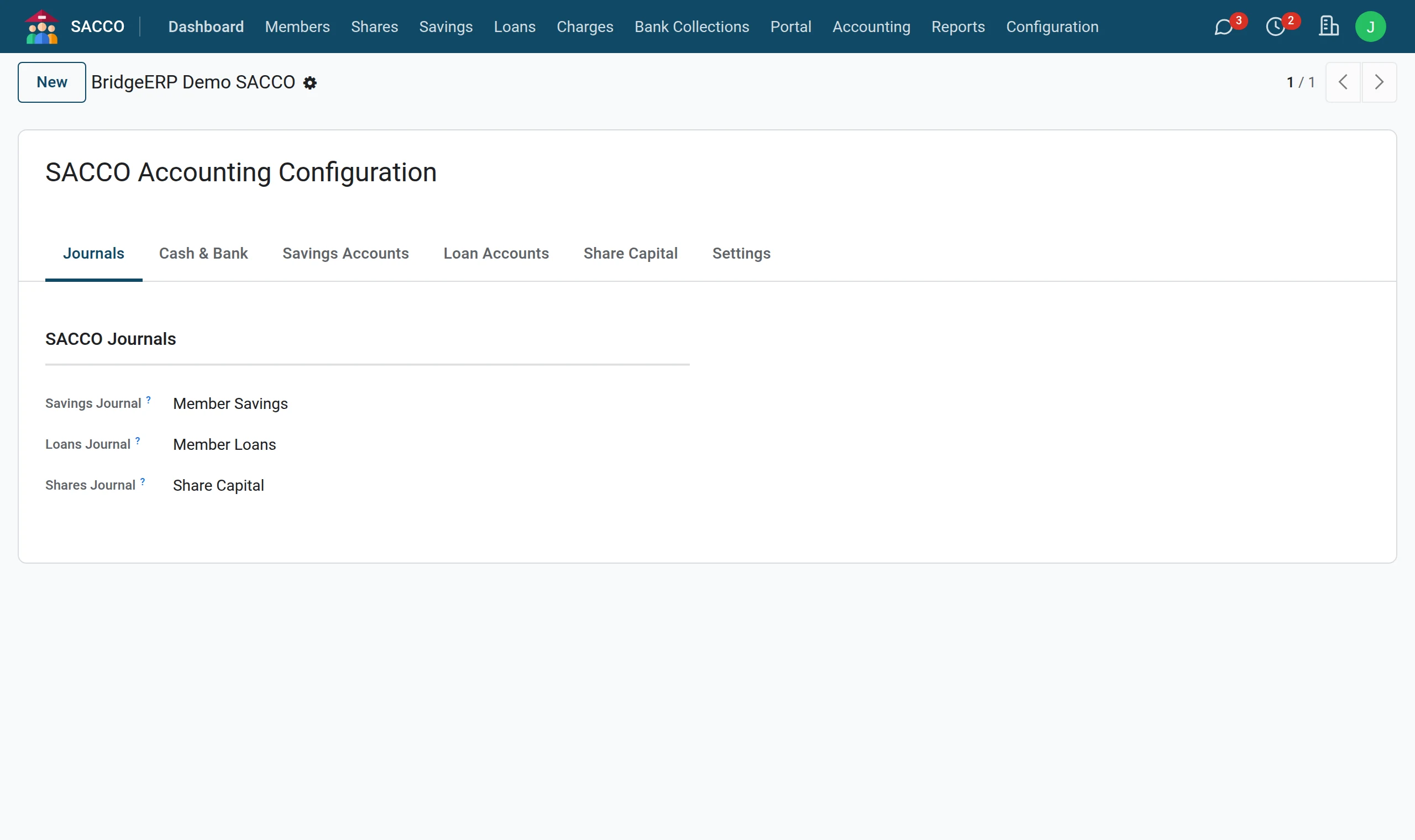
Open . The Journals tab holds the three SACCO journals: savings, loans and shares.
2Cash and bank
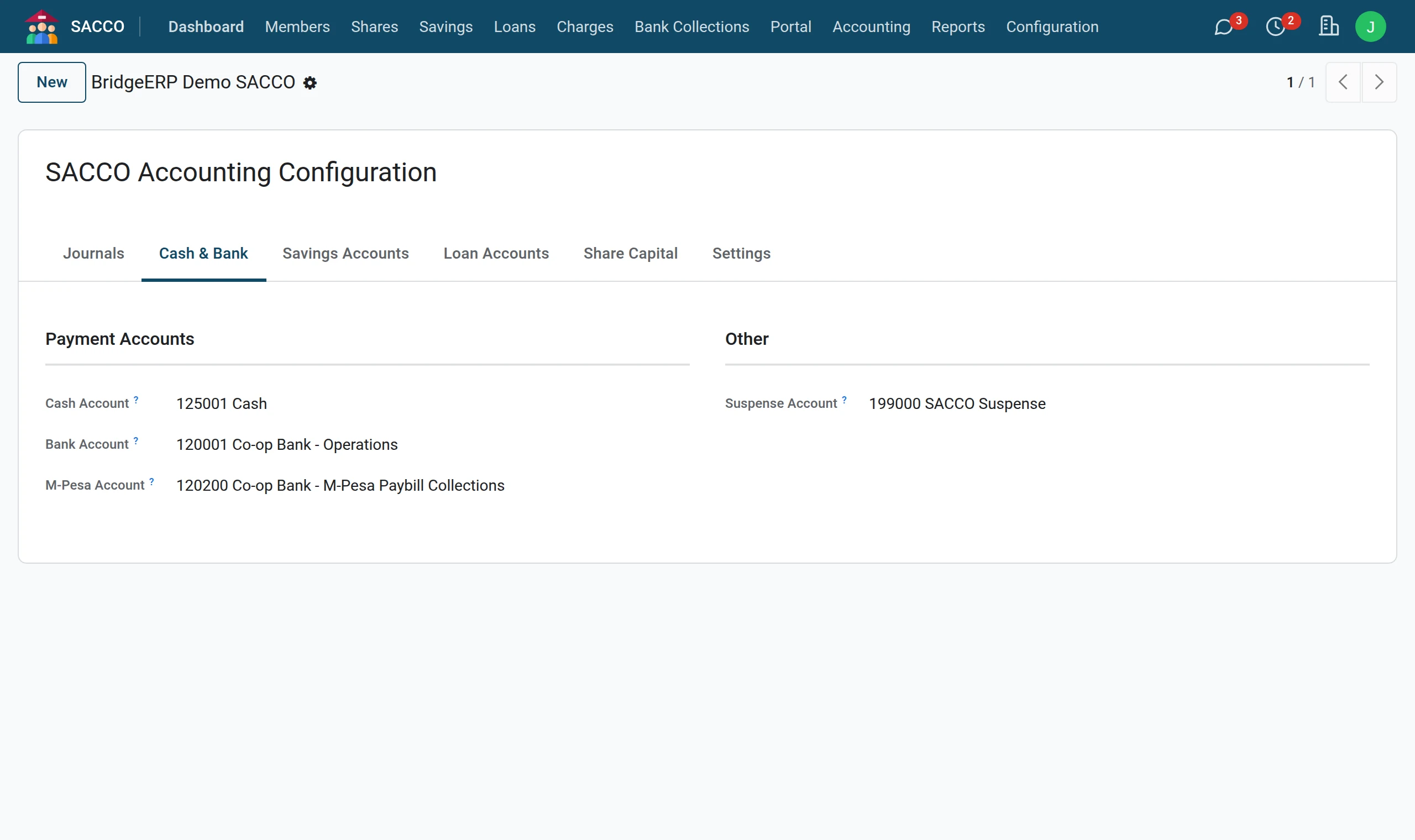
The Cash & Bank tab: the accounts that receive and pay money. Cash payments use the Cash Account, bank transfers and cheques the Bank Account, M-Pesa the M-Pesa Account; any other method uses the bank account. Suspense Account holds receipts not yet matched to a member.
3Savings accounts
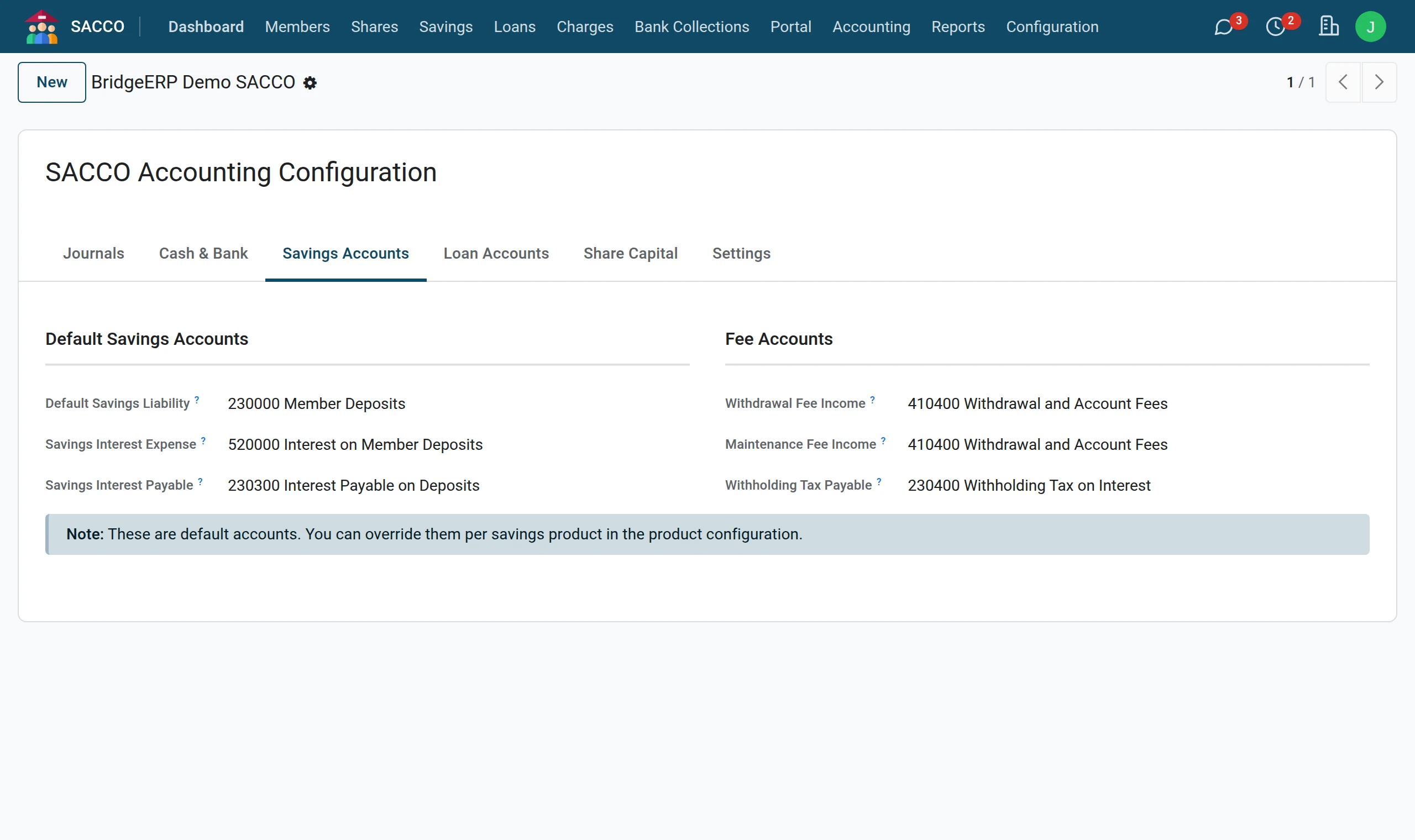
The Savings Accounts tab: the liability for members’ savings, interest expense and payable, fee income and withholding tax.
4Loan accounts
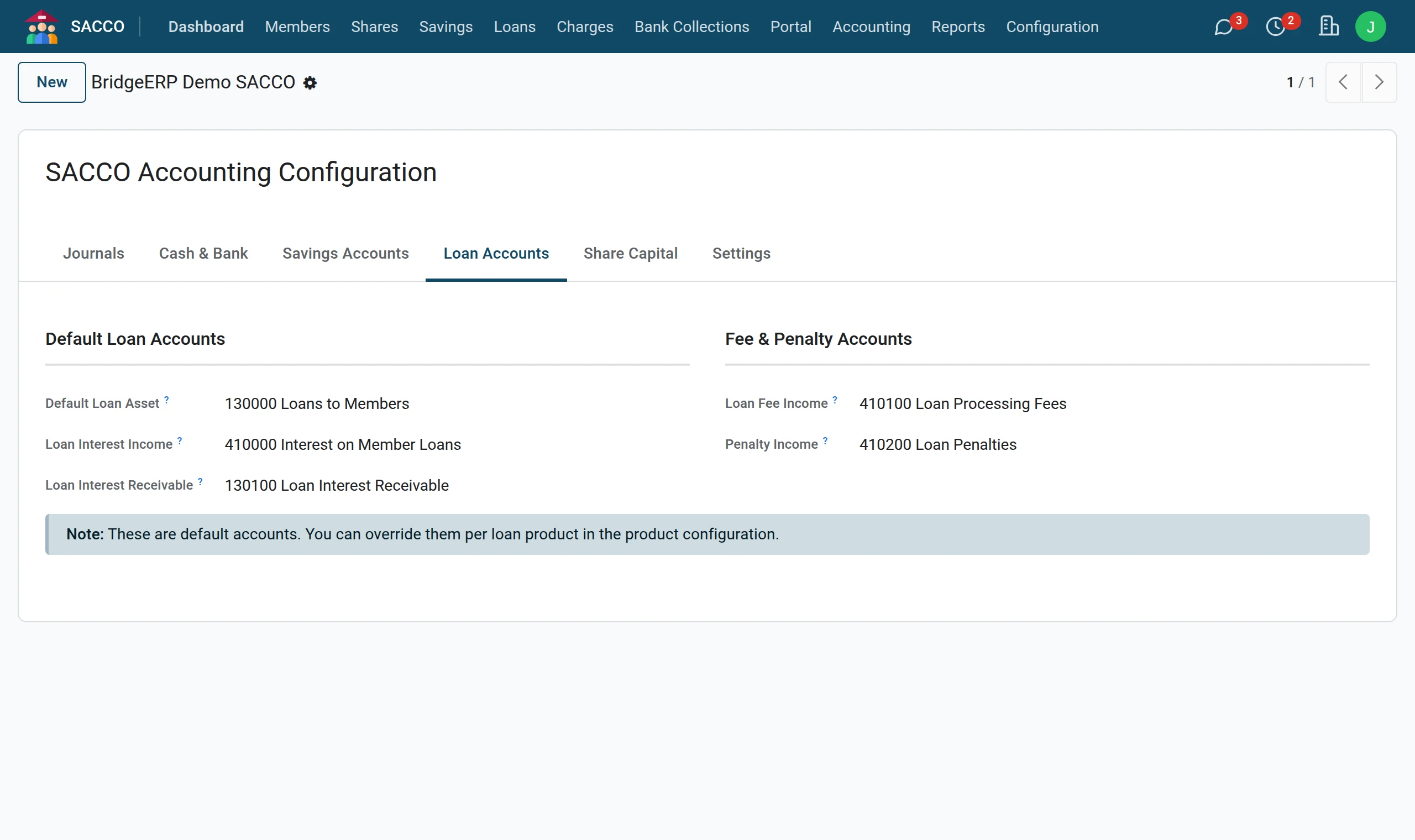
The Loan Accounts tab: loans to members (asset), interest income and receivable, fee income and penalty income.
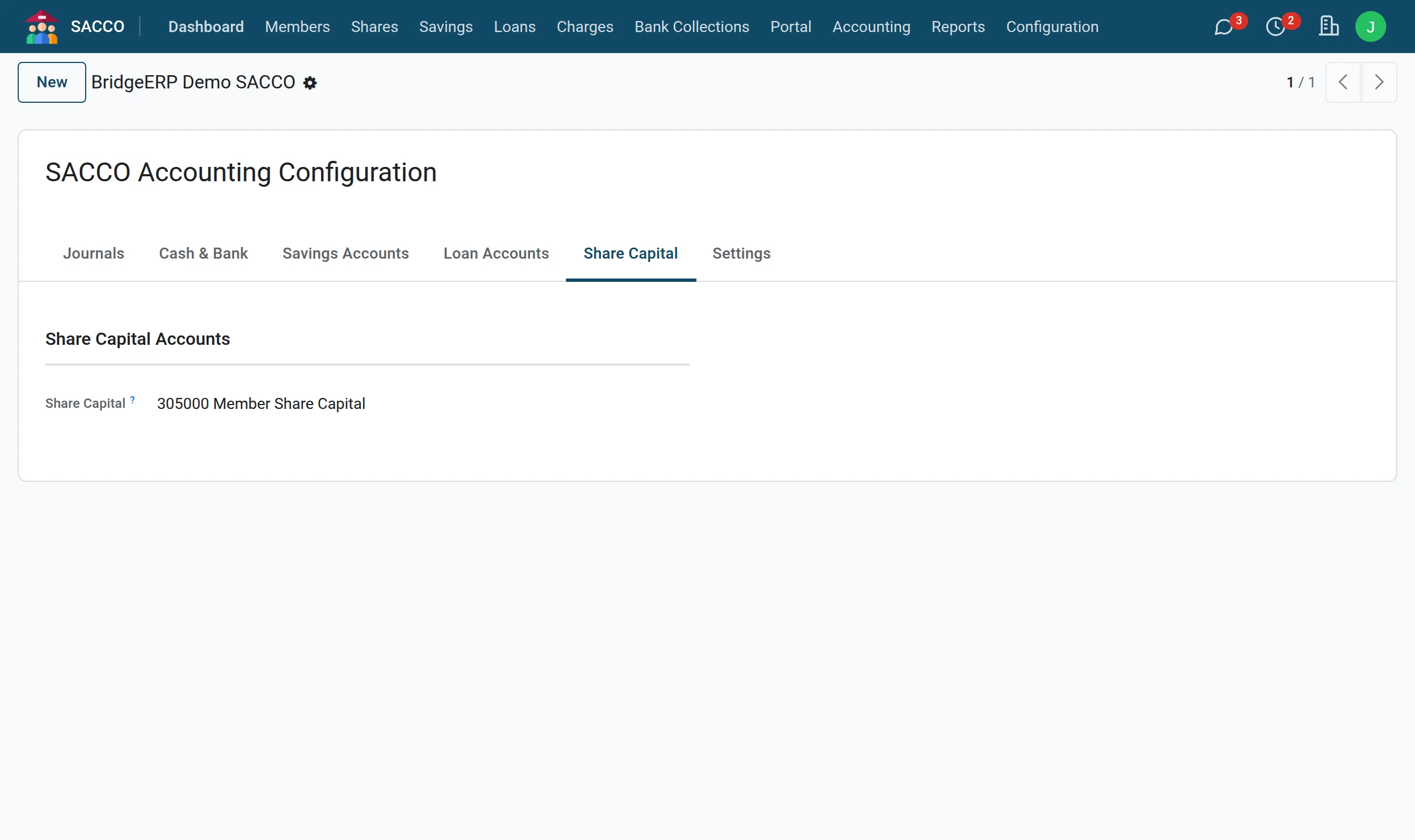
5Share capital
The Share Capital tab: the equity account for members’ shares.
6Switches
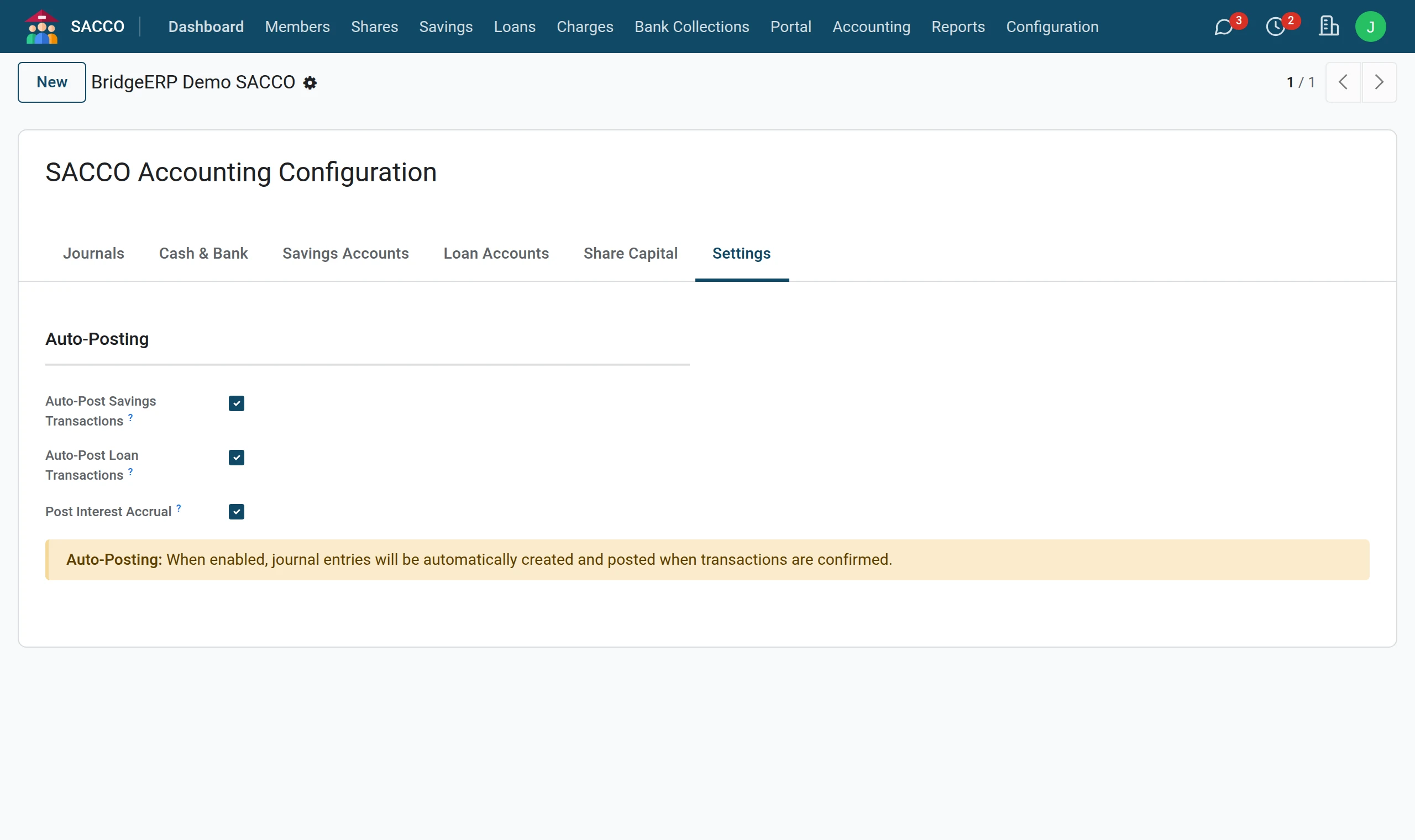
The Settings tab: Auto-Post Savings Transactions and Auto-Post Loan Transactions write the entries as transactions are confirmed. Leave them ticked.
Different accounts for one product
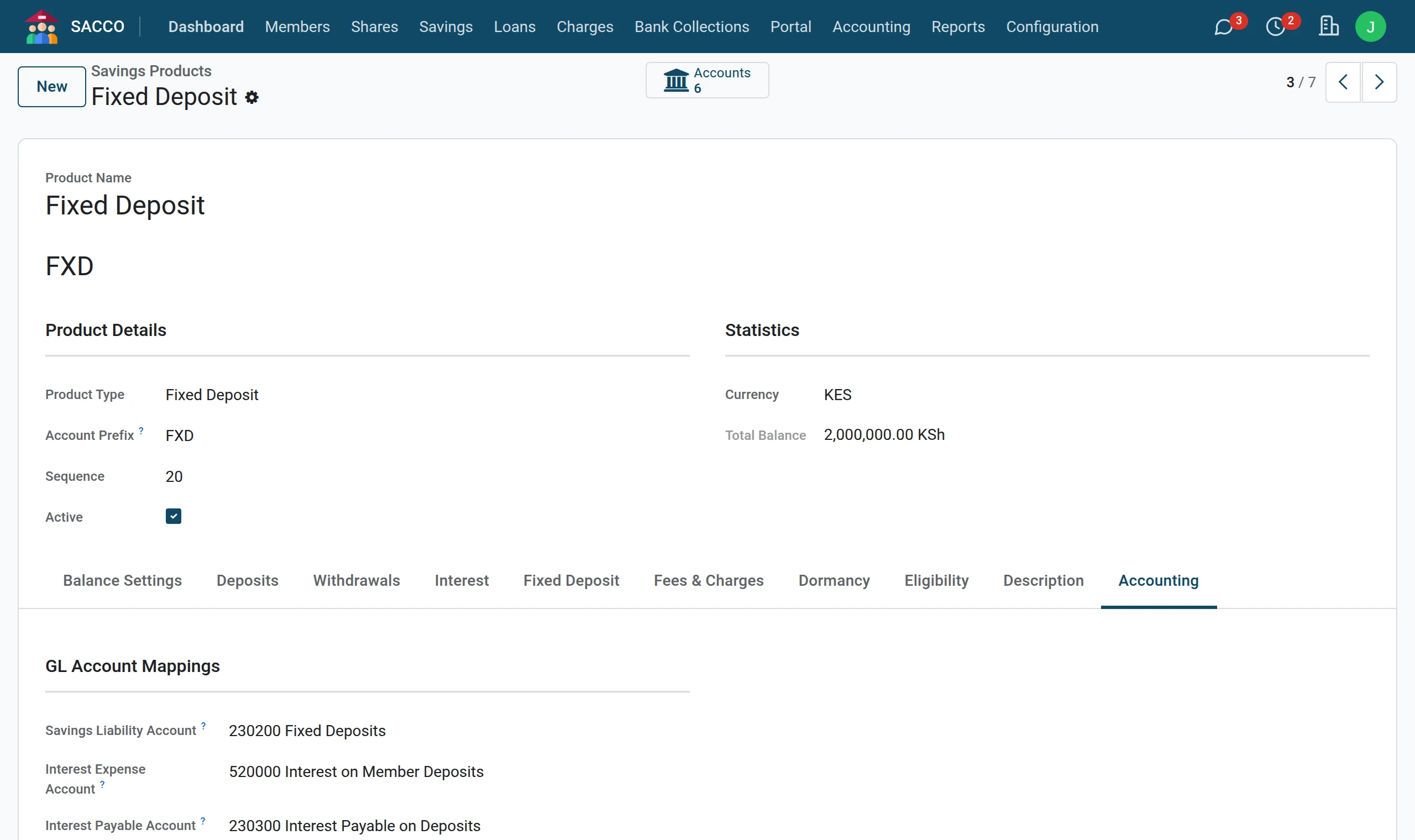
A savings or loan product can post to its own accounts: open the product and fill in its Accounting tab (savings products, loan products). Empty fields fall back on the settings above.
Opening balances
Balances brought over from your old system do not post member by member. Post the closing trial balance of your old system as one opening journal entry in the Accounting app.