

Dormancy Aging (PDF)
Dormancy Aging (PDF) produces an aged analysis of dormant accounts - bucketed by how long they have been inactive (e.g. 6-12 months, 1-2 years, over 2 years). It supports tiered dormancy fee application, escheatment timelines and provisioning for unclaimed balances.
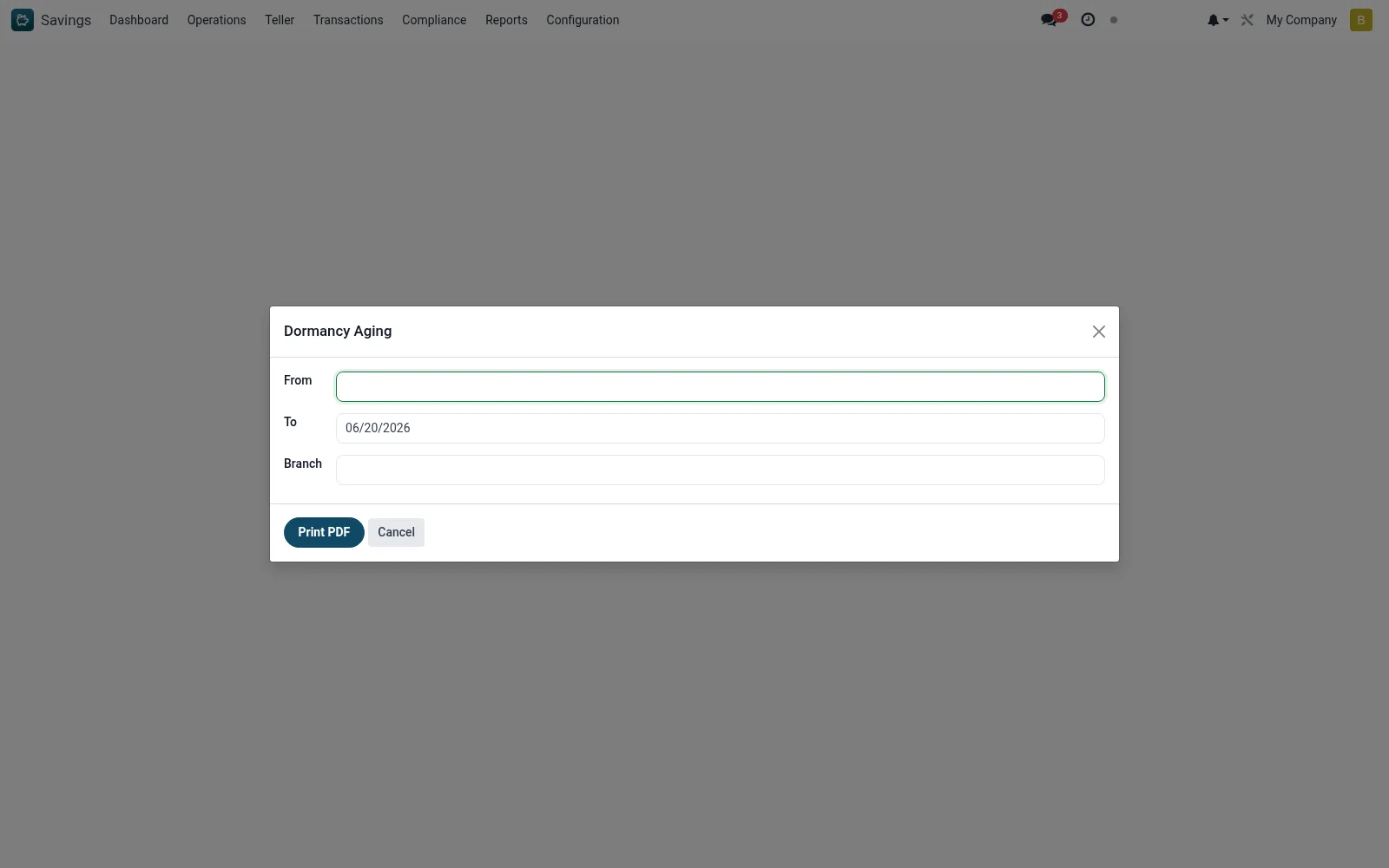
Workflow
- Open Savings > Reports > Print Reports > Dormancy Aging (PDF).
- Set the as-of date and aging buckets.
- Apply any branch or product filters.
- Generate the aged dormancy PDF.
- Use it for tiered fee, escheatment and provisioning decisions.
Fields reference
Every field on this screen, drawn from the live data model.
| Field | Type | Required | Description |
|---|---|---|---|
Fromdate_from | Date | — | From |
Todate_to | Date | — | To |
Branchbranch_id | Link → mfi.branch | — | Branch |
Actions & buttons
Buttons available on this screen and what they do:
- Print PDF
Notes & rules
- Wizard on mfi.dormancy.aging.wizard producing a PDF.
- Buckets dormant accounts by length of inactivity.
- Informs escheatment timelines and unclaimed-balance provisioning.
Was this page helpful?