

Disease surveillance & outbreaks
Disease surveillance in BridgeERP HMS implements Integrated Disease Surveillance and Response (IDSR): clinicians and the surveillance focal person capture suspect cases against standard case definitions, escalate them when thresholds are crossed, manage outbreaks, and compile the weekly aggregate return. It is the early-warning system that lets a facility notify the Ministry of Health within hours, not weeks.
Where to find it
The surveillance workbench is Public Health → Surveillance:
- Public Health → Surveillance → Case Line List — every captured case (model hms.idsr.case).
- Public Health → Surveillance → Outbreaks — declared and active outbreaks (hms.idsr.outbreak).
- Public Health → Surveillance → Weekly Reports (MoH 705) — the aggregate weekly submission (hms.idsr.weekly.report).
- Public Health → Surveillance → Configuration → Priority Diseases — the case-definition catalogue (hms.idsr.disease).
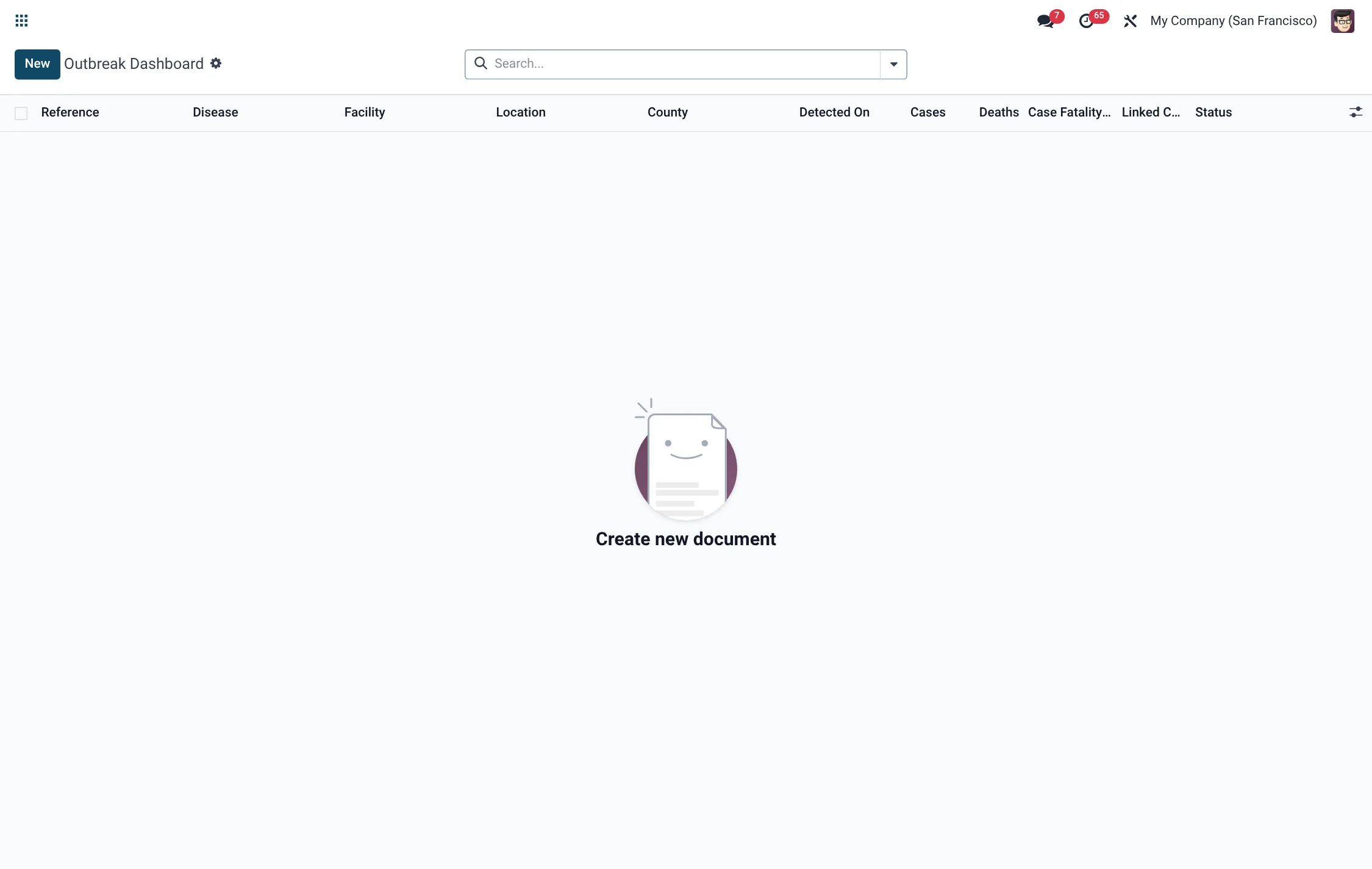
The notifiable-disease view and outbreak dashboard also surface under Public Health → MOH Reports → Notifiable Diseases.
Before you start
Surveillance is only as good as its case definitions. Under Configuration → Priority Diseases set up each priority disease with its category (vaccine-preventable, vector-borne, zoonotic, viral haemorrhagic fever, respiratory, diarrhoeal and so on), its priority (Immediate — notify in <24h, Weekly or Monthly), the written case definition, the confirmation method, and the alert and epidemic thresholds. Flag conditions that are IHR-2005 Notifiable where relevant.
Capture and notify a case
- Open Public Health → Surveillance → Case Line List and create a new case.
- Select the Suspected Disease; the priority is inherited from the disease.
- Enter the patient's age/sex, address, the Symptom Onset date and the Report Date. The epidemiological week and year are computed.
- Set the Case Classification — Suspect, Probable, Confirmed or Discarded.
- Capture travel history, hospitalisation and the Outcome (Alive, Recovered, Died, Lost to Follow-up or Unknown).
- Press Notify to move the case from Draft to Notified to MoH; a note is logged in the chatter.
- Press Investigate as the field investigation proceeds, then Close when complete.
When a case is not discarded, the system can automatically attach it to a matching active outbreak, so clusters assemble themselves.
Manage an outbreak
An Outbreak groups related cases and tracks the response.
- Create the outbreak and set its severity: Alert, Outbreak, Epidemic or Pandemic Response.
- Press Activate to move from Draft to Active; the declared date is stamped.
- Use Investigate, then Contain, then Close as the response progresses (states Active → Investigating → Contained → Closed). The closed date is recorded on close.
Linked cases, confirmed counts and other statistics are computed on the outbreak so the picture stays live.
Case field reference
| Field | Meaning | Required |
|---|---|---|
| Suspected Disease | Priority disease from the catalogue | Yes |
| Priority | Immediate / Weekly / Monthly (from disease) | Computed |
| Symptom Onset | Date symptoms began | Yes |
| Report Date | Date the case was reported | Yes |
| Epi Week / Year | Epidemiological week, computed from dates | Computed |
| Case Classification | Suspect, Probable, Confirmed, Discarded | Yes |
| Outcome | Alive, Recovered, Died, Lost, Unknown | Default Alive |
| Status | Draft, Notified, Investigated, Closed, Cancelled | Yes |
Weekly reporting (MoH 705)
The aggregate return is built under Surveillance → Weekly Reports (MoH 705).
- Create a report for the facility, epi year and epi week.
- Press Compile — the system clears any existing lines and tallies the week's cases by disease into report lines.
- Review the lines, then press Submit; the submitted flag and date are recorded.
Case definitions & thresholds
The quality of surveillance rests on disciplined use of standard case definitions, and the priority-disease catalogue is where that discipline is enforced. Each priority disease carries the written case definition that the clinician applies at the bedside, the confirmation method (the laboratory test that turns a suspect into a confirmed case), and two numeric thresholds. The alert threshold — expressed as cases per week — is the count at which an officer should start paying close attention; the epidemic threshold is the count that signals a probable epidemic and triggers a formal response. Keeping these values current for your catchment means the system can highlight when a disease is trending toward an outbreak rather than waiting for a human to notice. Conditions flagged as IHR-2005 Notifiable are those of international concern, where notification obligations extend beyond the national Ministry of Health.
From case to outbreak
The link between an individual case and a declared outbreak is what lets surveillance scale from one patient to a population event without re-keying data. When a suspect or confirmed case is captured and it is not discarded, the system looks for a matching active outbreak for that disease and attaches the case to it, keeping the outbreak's linked-case and confirmed counts live. This means a surveillance officer monitoring the Outbreak Dashboard sees the cluster grow in real time as field reports arrive, rather than reconstructing it after the fact. When the alert or epidemic threshold for a disease is reached, that is the cue to declare a new outbreak record and begin a structured investigation, after which subsequent cases of the same disease flow into it automatically.
Roles & access
Two groups govern surveillance: Surveillance Officer (capture, notify and investigate cases, compile weekly reports) and Surveillance Manager (manage priority-disease definitions, outbreaks and oversight). In a typical facility the clinician on duty captures the suspect case, the surveillance focal person notifies and investigates it, and the public-health manager owns the priority-disease catalogue and the outbreak response — a separation that keeps definitions stable while still letting front-line staff report quickly.
Tips & troubleshooting
Priority-disease catalogue reference
Each entry in Configuration → Priority Diseases carries a category and a notification priority that flow onto every case.
| Field | Values |
|---|---|
| Category | Vaccine-Preventable, Vector-borne, Zoonotic, Viral Haemorrhagic Fever, Acute Respiratory, Diarrhoeal, STD/Bloodborne, Chronic NCD, Foodborne, Other |
| Priority | Immediate (notify in <24h), Weekly, Monthly |
| Case definition | Written clinical definition applied at the bedside |
| Confirmation method | Laboratory test that confirms a suspect case |
| Alert threshold | Cases per week that warrant attention |
| Epidemic threshold | Count that signals a probable epidemic |
| IHR-2005 Notifiable | Flag for conditions of international concern |
Case classification & outcome
Two coded fields summarise where a case sits and how the patient fared.
| Field | Values |
|---|---|
| Case classification | Suspect, Probable, Confirmed, Discarded |
| Outcome | Alive, Recovered, Died, Lost to Follow-up, Unknown |
| Case state | Draft → Notified to MoH → Investigated → Closed (or Cancelled) |
Outbreak severity & lifecycle
An outbreak record groups linked cases and tracks the response from declaration to closure.
| Aspect | Values |
|---|---|
| Severity | Alert, Outbreak, Epidemic, Pandemic Response |
| State | Draft → Active → Investigating → Contained → Closed |
| Response flags | Rapid Response Team Dispatched, Incident Response Centre Activated |
| Computed statistics | Linked case count, confirmed count, death count, case-fatality rate (%) |
Surveillance menus at a glance
| Menu path | Opens | Model |
|---|---|---|
| Public Health → Surveillance → Case Line List | Captured cases | hms.idsr.case |
| Public Health → Surveillance → Outbreaks | Declared outbreaks | hms.idsr.outbreak |
| Public Health → Surveillance → Weekly Reports (MoH 705) | Aggregate weekly return | hms.idsr.weekly.report |
| Public Health → Surveillance → Configuration → Priority Diseases | Case-definition catalogue | hms.idsr.disease |
| Public Health → MOH Reports → Notifiable Diseases → Outbreak Dashboard | Outbreak overview | hms.moh.outbreak |