

Immunisation
The immunisation programme in BridgeERP HMS runs your full expanded-programme-on-immunisation (EPI / KEPI) workflow: who is due, who was vaccinated, who defaulted, and how the cold chain held up. Public-health nurses record each dose against the national schedule, trace children who miss doses, and capture any adverse event following immunisation (AEFI) — all from one menu, ready for coverage reporting.
Where to find it
The day-to-day workbench is Public Health → Operations:
- Public Health → Operations → Children Due — children with a dose due, your call list.
- Public Health → Operations → Vaccinations Today — doses scheduled or given today.
- Public Health → Operations → All Vaccinations — the complete vaccination register.
- Public Health → Operations → Sessions — static, outreach, school, home and campaign sessions.
- Public Health → Operations → Defaulters — the defaulter-tracing worklist.
- Public Health → Operations → AEFI Reports — adverse-event reports.
Supporting menus: Public Health → Cold Chain (Refrigerators, Temperature Logs, Excursions), Public Health → Configuration (Schedules, Dose Protocols), and Public Health → Reporting → Coverage Reports.
Before you start
Configure the schedule before recording doses. Under Public Health → Configuration → Schedules define each antigen — its code and name, doses required, the age at dose 1, the interval between doses, route, site, dose volume and target age. This is what drives the Children Due and Next Dose Due calculations. Register your vaccine refrigerators under Cold Chain → Refrigerators so doses can be linked to the fridge they came from.
Record a vaccination
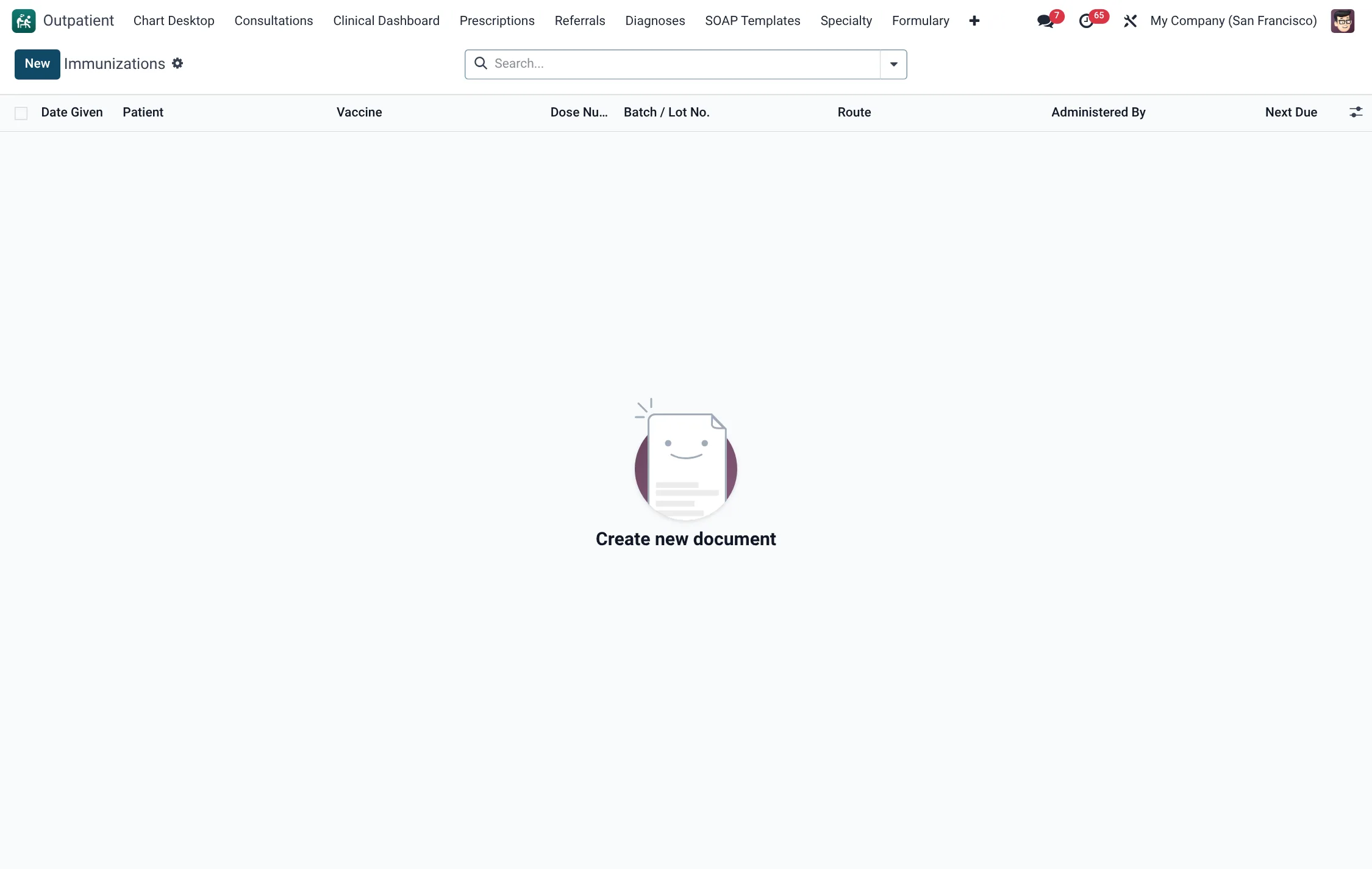
- Open Public Health → Operations → All Vaccinations and create a new record (or open the child from Children Due).
- Select the Patient, the Schedule (antigen) and the Dose Number.
- Set the Vaccination Date, Batch Number, Vaccine Expiry and Manufacturer.
- Check the VVM Status — values 1 and 2 are Use; 3 and 4 mean Discard.
- Choose where it was Administered At (In Clinic, Outreach, School or Home) and the Refrigerator the vial came from.
- Record the Vaccinator and confirm Parent / Guardian Consent.
- Set the Status. A given dose is Administered; if the child did not receive it choose Refused, Contraindicated, Missed or Wasted.
- If there is a reaction, set the Adverse Event field and, for a severe reaction, use the Create AEFI button to raise a formal AEFI report.
The system computes the Next Dose Due date from the schedule and can flag SMS/WhatsApp reminders.
Trace a defaulter
A child who misses a scheduled dose appears under Public Health → Operations → Defaulters, with the days overdue computed automatically.
- Open the defaulter and press Start Trace to move it from Open to Tracing.
- Record the Trace Method — Phone Call, SMS, Home Visit, Community Health Worker Referral or WhatsApp.
- When the family responds, set the Trace Outcome (e.g. Returned for Dose, Refused, Moved Away, Deceased, Lost to Follow-up or Rescheduled).
- Press Close to finish the trace.
Field reference
| Field | Meaning | Required |
|---|---|---|
| Patient | The child or person being vaccinated | Yes |
| Schedule | Antigen from the configured schedule | Yes |
| Dose Number | Which dose in the series | Yes |
| Batch Number / Expiry | Vaccine lot traceability | Recommended |
| VVM Status | Vaccine vial monitor reading (1–4) | Yes |
| Status | Administered, Refused, Contraindicated, Missed or Wasted | Yes |
| Adverse Event | None, Mild Local, Fever or Severe / AEFI | Default None |
| Next Dose Due | Computed from the schedule interval | Computed |
Sessions & cold chain
Outreach and campaign work is planned as a Session. Each session has a type (Static, Outreach, School, Home Visit or SIA Campaign), a target and reached count, refusals, wastage and a computed coverage percentage; it moves through Planned → In Progress → Completed. For the cold chain, log fridge temperatures under Cold Chain → Temperature Logs; any breach is captured as an Excursion so wasted stock is traceable.
Roles & access
The programme ships three groups: Immunisation User (read and basic entry), Immunisation Nurse (records doses, traces defaulters) and Immunisation Manager (configuration, schedules and coverage oversight).
Reporting
Public Health → Reporting → Coverage Reports aggregates the vaccination register into coverage figures that feed the statutory MOH returns.
Adverse events following immunisation (AEFI)
Vaccine safety is a programme obligation, and BridgeERP HMS treats it as a first-class workflow rather than a free-text note. When a reaction is observed, set the Adverse Event field on the vaccination, and for anything severe press Create AEFI to open a formal AEFI report. The AEFI record links back to the source vaccination and captures the reaction's severity (Mild, Moderate, Severe or Fatal) and its category (Local Reaction, Systemic Reaction, Anaphylaxis, Encephalopathy, Sepsis and so on), along with onset timing and outcome. Because the report carries the batch number and manufacturer through from the vaccination, a safety signal against a particular lot can be traced and the affected stock identified quickly.
Cold chain management
Potency depends on the cold chain, so the programme keeps the fridge as a managed asset. Register each unit under Cold Chain → Refrigerators, then log temperatures under Cold Chain → Temperature Logs on the schedule your guidelines require — typically twice daily. Any reading outside the safe range is captured as an Excursion, which records how long the breach lasted and which stock was exposed, so a manager can decide whether doses must be quarantined or discarded. Linking each administered dose to the refrigerator it came from closes the loop between cold-chain integrity and the child who received the vaccine, which is exactly the trail an EPI review or a recall investigation needs.
Tips & troubleshooting
Schedule (antigen) field reference
Each antigen on Configuration → Schedules carries the parameters that drive the due-date calculations and the administration record.
| Field | Meaning | Values / note |
|---|---|---|
| Antigen code / name | Identifier and label of the antigen | Required |
| Doses required | Number of doses in the series | Integer |
| Age at dose 1 (days) | Earliest age for the first dose | Drives Children Due |
| Interval between doses (days) | Spacing between doses | Drives Next Dose Due |
| Route | How the vaccine is given | Intramuscular, Subcutaneous, Oral, Intradermal, Intranasal |
| Default site | Body site of administration | Left/Right Arm, Left/Right Thigh, Oral, Deltoid, Gluteal |
| Dose volume (ml) | Volume per dose | Default 0.5 |
| Target age group | Population the antigen targets | Infant, Child, Adolescent, Adult, Women of Child-Bearing Age |
| Schedule type | Programme the antigen belongs to | KEPI Routine, SIA Campaign, Special / At-Risk |
Dose status & VVM reference
Every dose record carries a status and, where checked, a vaccine-vial-monitor reading.
| Status | Meaning |
|---|---|
| Scheduled | Dose is due but not yet given |
| Administered | Dose was given |
| Refused | Parent/guardian declined (refusal reason captured) |
| Contraindicated | Clinically deferred (contraindication reason captured) |
| Missed | Dose not given when due |
| Wasted | Vial wasted; counts toward session wastage |
| VVM reading | Action |
|---|---|
| VVM 1 | Use |
| VVM 2 | Use |
| VVM 3 | Discard |
| VVM 4 | Discard |
Defaulter tracing reference
The defaulter record moves through three states, with a trace method and an outcome captured along the way.
| Aspect | Values |
|---|---|
| State | Open → Tracing → Closed |
| Trace method | Phone Call, SMS, Home Visit, Community Health Worker Referral, WhatsApp |
| Trace outcome | Returned for Dose, Refused, Moved Away, Deceased, Lost to Follow-up, Rescheduled |
AEFI severity & category
A formal AEFI report classifies the event so safety signals can be aggregated.
| Severity | Category |
|---|---|
| Mild | Local Reaction |
| Moderate | Systemic Reaction |
| Severe | Anaphylaxis |
| Fatal | Encephalopathy |
| – | Sepsis |
| – | Death |
| – | Other |