

Reconciliation
Matches the institution's RTGS/EFT transaction records against the bank's settlement statement (mfi.rtgs.reconciliation), surfacing matched, unmatched and suspense items. It automates the bulk of the matching and isolates exceptions that need a human decision. This is where daily settlement is proven complete and balanced.
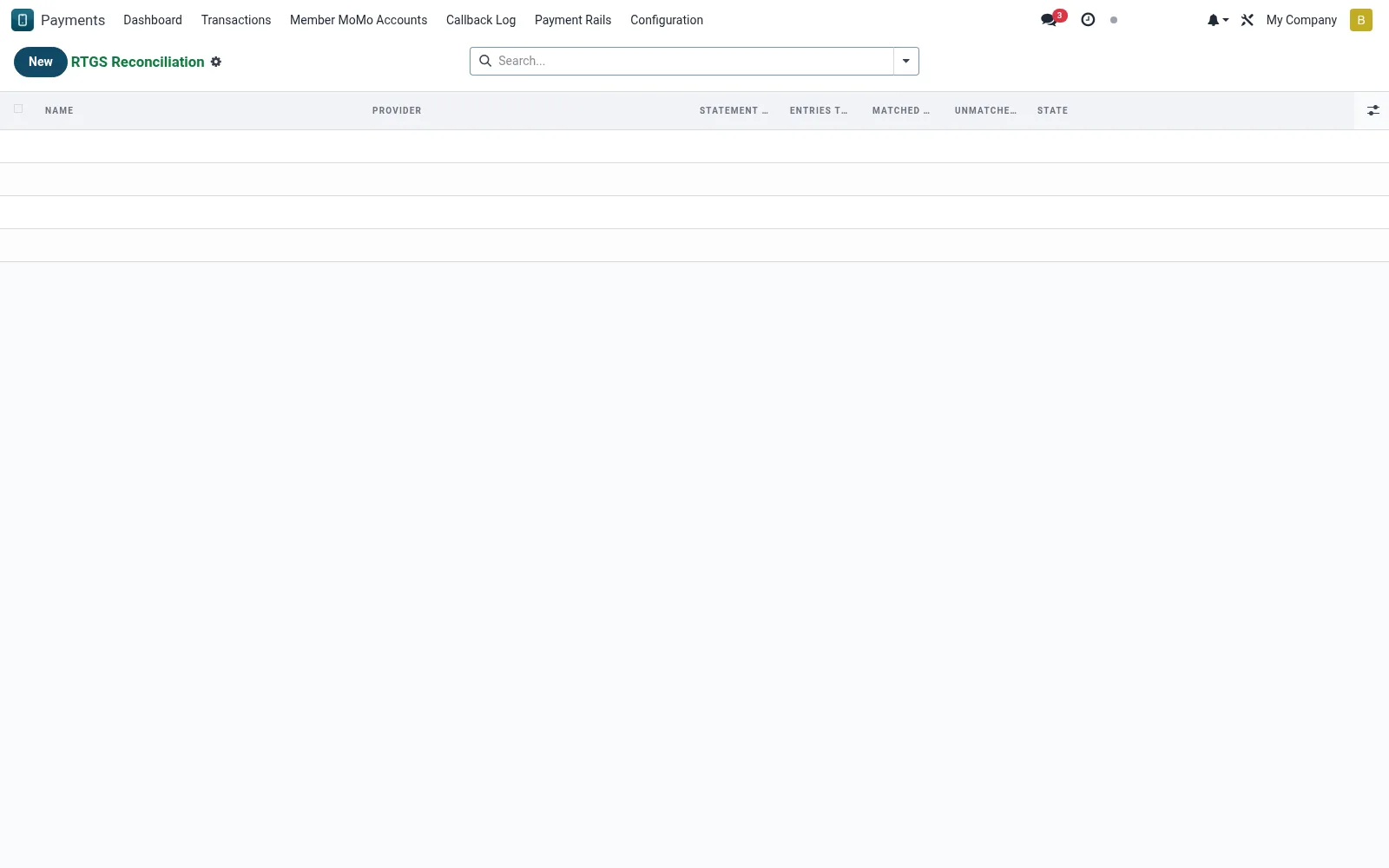
Workflow
- Open Reconciliation under RTGS & EFT.
- Import or load the bank settlement statement for the period.
- Run auto-matching against the transaction ledger.
- Review unmatched items and route them to the suspense queue.
- Resolve exceptions and close the reconciliation once balanced.
Fields reference
Every field on this screen, drawn from the live data model.
| Field | Type | Required | Description |
|---|---|---|---|
Providerprovider_id | Link → mfi.rtgs.provider | Yes | Provider |
Statement Datestatement_date | Date | Yes | Statement Date |
Statestate | Choice: Draft, Fetched, Matched, With Differences, Failed | Yes | State |
Namename | Text | — | Name |
Entries Totalentries_total | Number | — | Entries Total |
Matched Totalmatched_total | Number | — | Matched Total |
Unmatched Totalunmatched_total | Number | — | Unmatched Total |
Raw Statementraw_statement | Long text | — | Raw Statement |
Notesnotes | Long text | — | Notes |
Lineline_ids | List | — | Line |
Status lifecycle
Records on this screen move through these statuses:
Draft → Fetched → Matched → With Differences → Failed
Notes & rules
- Auto-matches transactions to statement lines by reference and amount.
- Unmatched credits land in a suspense queue for investigation.
- A reconciliation cannot close while material exceptions remain open.
- Provides the audited evidence that settlement balanced for the day.
Was this page helpful?