

PPI Trend Analytics
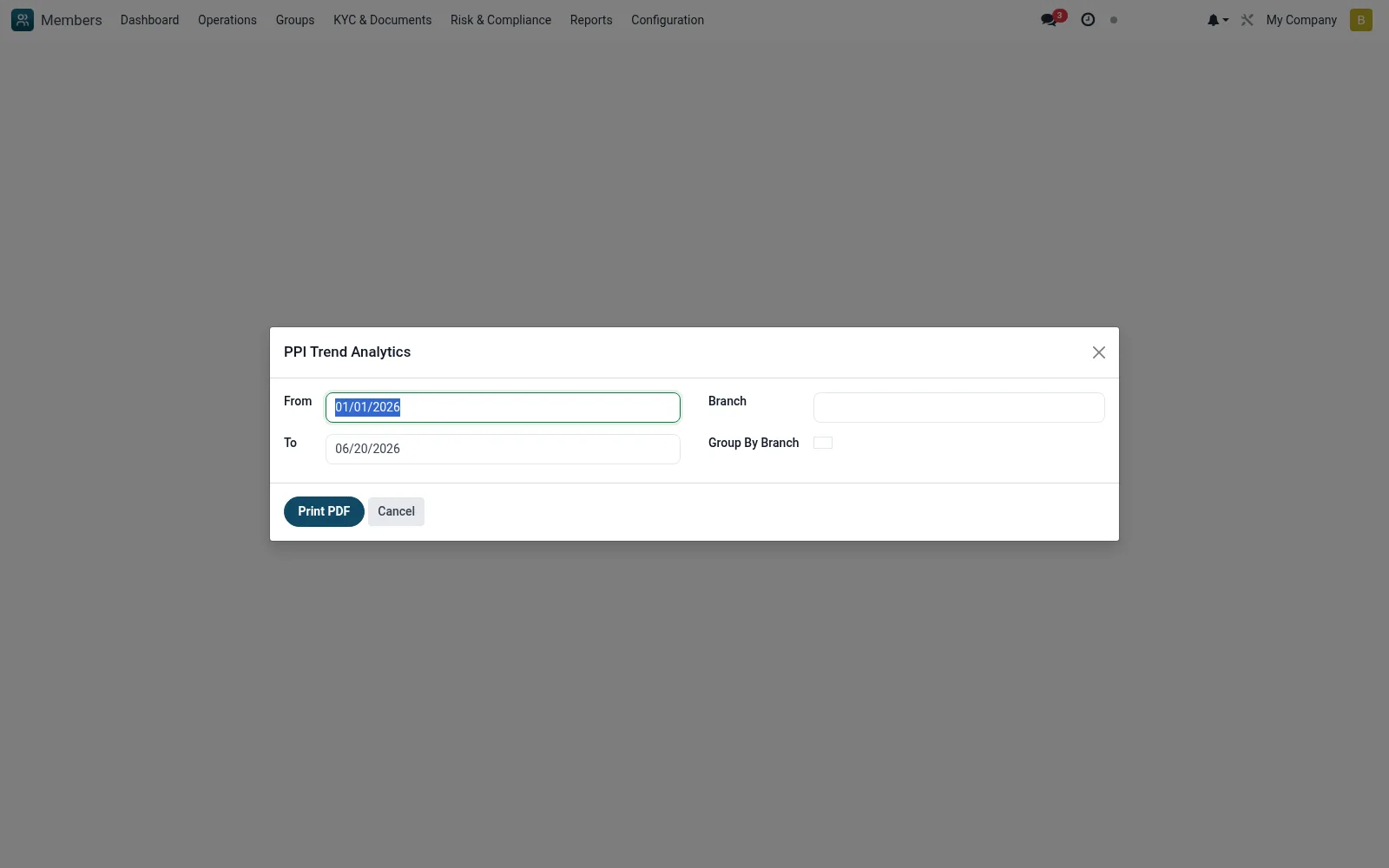
A wizard producing trend analysis of Progress out of Poverty Index scores over time and across segments. It lets the institution demonstrate social impact, whether members are moving out of poverty, and report against social-performance targets to funders.
Workflow
- Go to Reports then PPI Trend Analytics
- Choose the period, branch and segmentation
- Run the wizard to chart PPI score movements
- Compare cohorts or branches against poverty-reduction targets
- Export the analysis for social-performance reporting
Fields reference
Every field on this screen, drawn from the live data model.
| Field | Type | Required | Description |
|---|---|---|---|
Fromdate_from | Date | — | From |
Todate_to | Date | — | To |
Branchbranch_id | Link → mfi.branch | — | Branch |
Group By Branchgroup_by_branch | Yes/No | — | Group By Branch |
Actions & buttons
Buttons available on this screen and what they do:
- Print PDF
Notes & rules
- Wizard model mfi.ppi.trend.wizard
- Trends PPI scores over time/segment
- Social-performance management output
- Built on mfi.member.ppi data
Was this page helpful?