

Dashboard
The member dashboard is the landing screen that summarises the institution's membership at a glance: counts of total, active, dormant and pending members, KYC completion rates, blacklist exposure and recent onboarding activity. Officers use it as a daily control panel to spot members stuck in approval, expiring documents and growth trends without opening individual records.
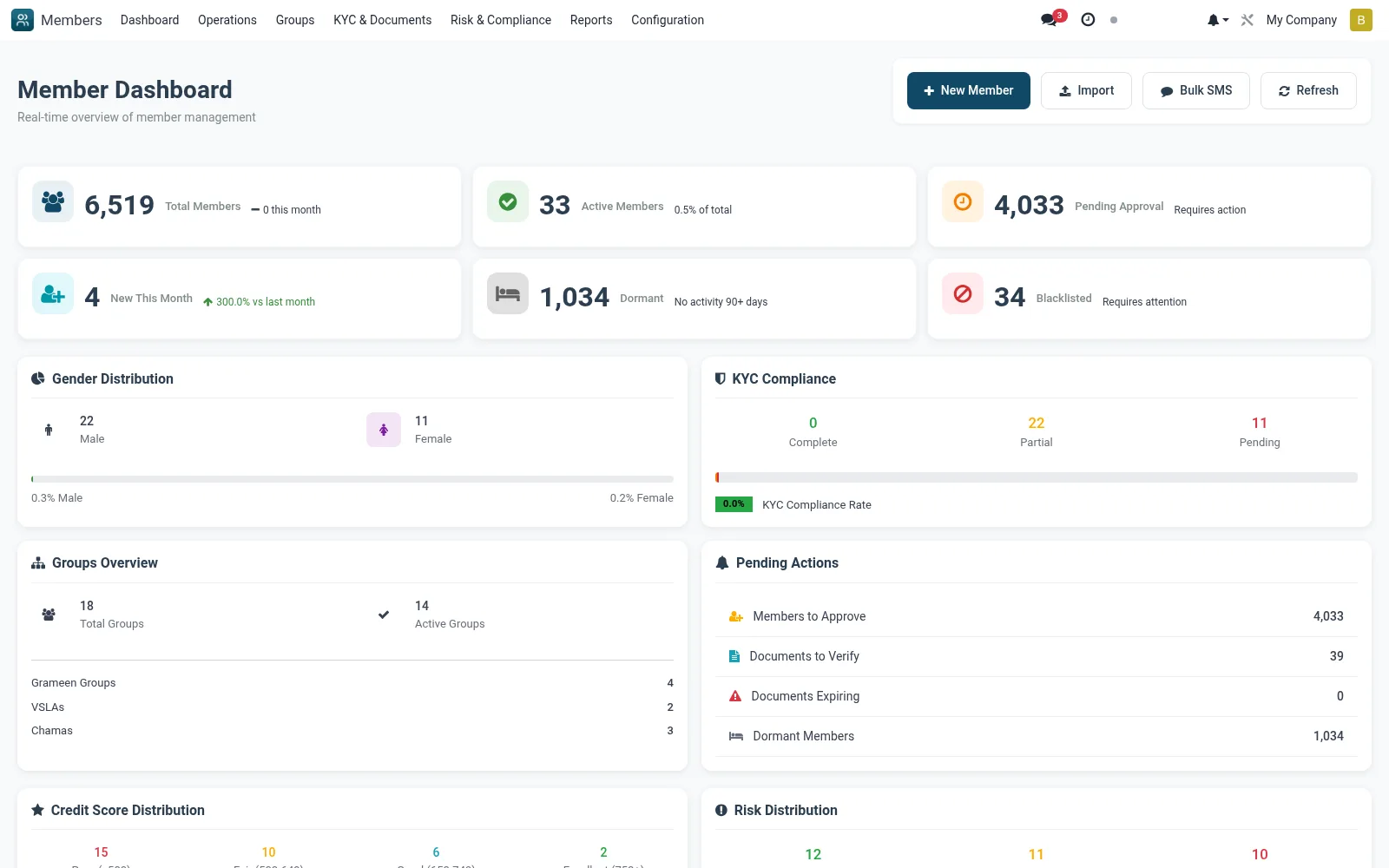
Workflow
- Open Members to land on the Dashboard tile by default
- Read the headline counters for total, active, dormant and pending members
- Click a KYC or pending-approval figure to drill into the underlying member list
- Use the trend widgets to compare onboarding against the previous period
- Jump to any flagged area such as expiring docs or blacklist from the dashboard shortcuts
Notes & rules
- Read-only aggregate of mfi.member and KYC state
- Surfaces approval backlog, dormancy and compliance gaps
- Entry point to Operations, KYC and Risk screens
- Useful for branch manager daily stand-ups
Was this page helpful?