

Audit Log
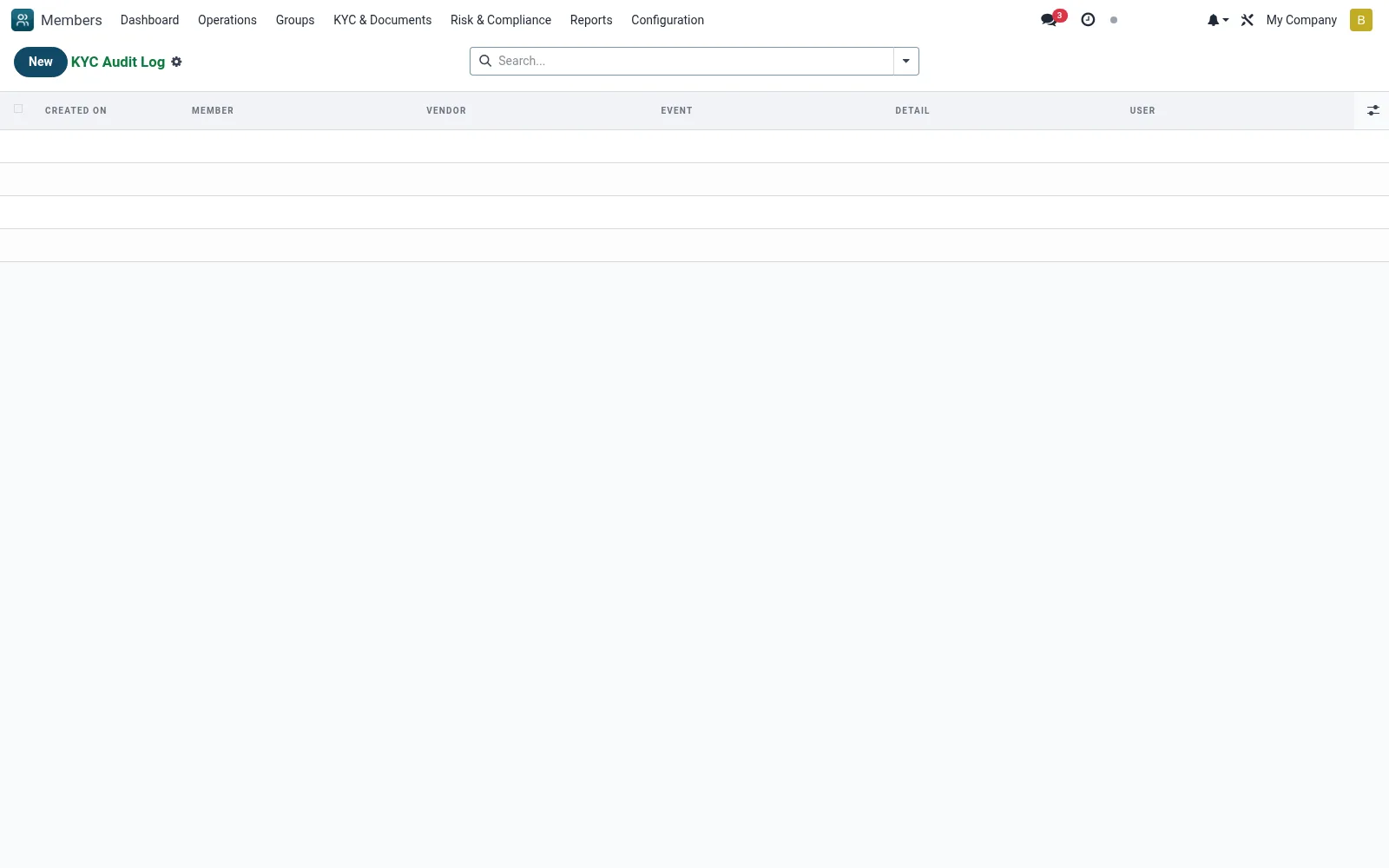
An immutable log of every KYC verification action: who ran what check, against which member, with which vendor and what response. It provides the evidence trail regulators and auditors require to prove customer due-diligence was performed.
Workflow
- Open KYC Aggregator then Audit Log
- Filter by member, vendor, date or result
- Open an entry to inspect the full request and response detail
- Export the log for an audit or examiner request
- Use it to investigate disputed or failed verifications
Fields reference
Every field on this screen, drawn from the live data model.
| Field | Type | Required | Description |
|---|---|---|---|
Verificationverification_id | Link → kyc.verification | Yes | Verification |
Eventevent | Choice: Submitted, Webhook Received, Completed, Failed, Manual Review, Expired, Retry | Yes | Event |
Membermember_id | Link → mfi.member | — | Member |
Vendorvendor_id | Link → kyc.vendor | — | Vendor |
Detaildetail | Long text | — | Detail |
Ip Addressip_address | Text | — | Ip Address |
Useruser_id | Link → res.users | — | User |
Companycompany_id | Link → res.company | — | Company |
Notes & rules
- Model kyc.audit
- Append-only verification audit trail
- Captures user, vendor, member, timestamp, result
- Core CDD/AML evidence for examiners
Was this page helpful?