

Payment plans & statements
When a patient cannot settle a bill in full, the cashier can set up a payment plan that splits the balance into scheduled installments, tracks what has been paid, flags overdue installments automatically, and prints a clear statement of account.
Where to find it
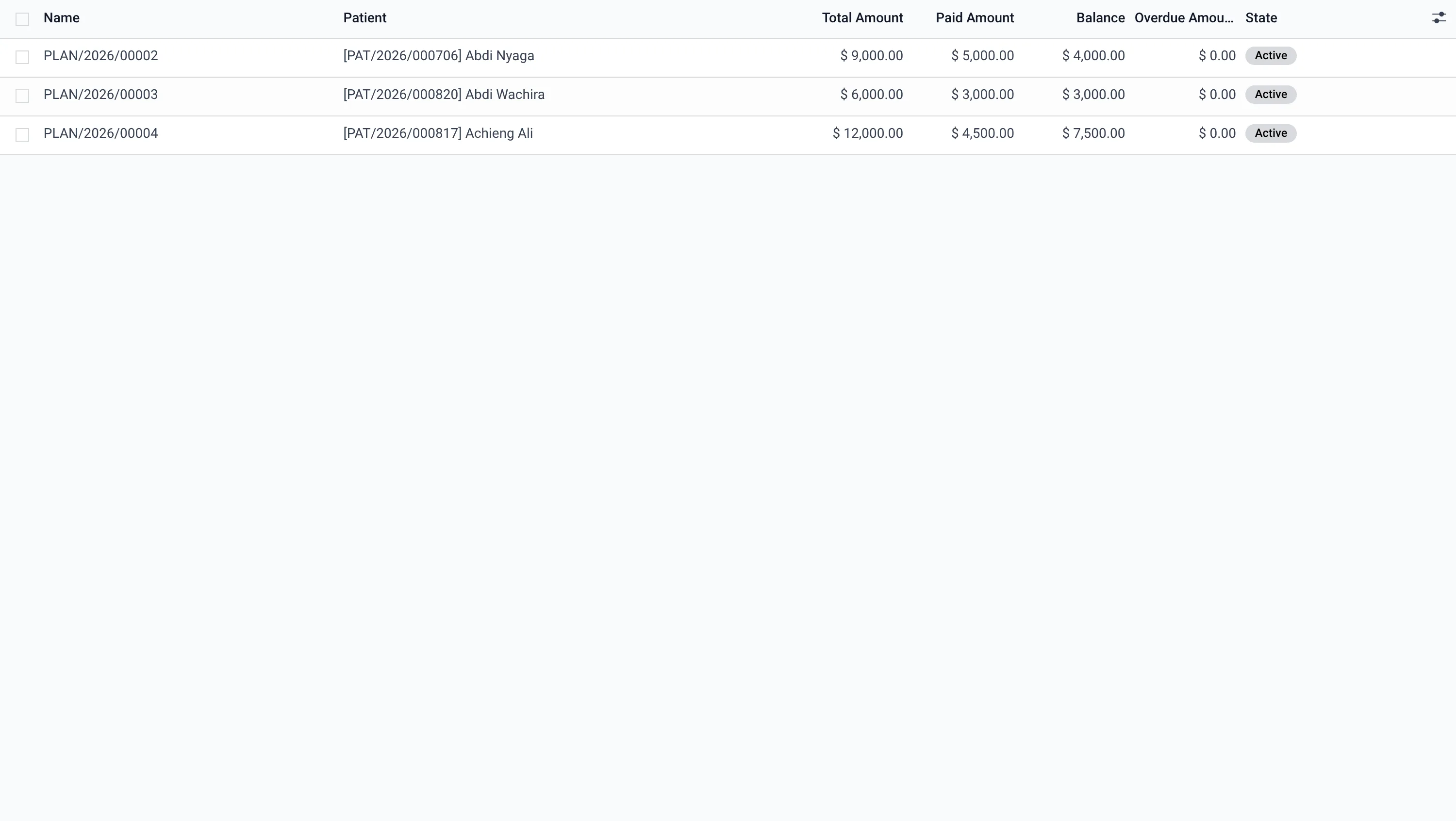
Billing → Payment Plans (model hms.payment.plan).
Creating a plan
- Pick the patient (and bill), enter the total, an optional down payment, the number of installments and the frequency (weekly / bi-weekly / monthly).
- Generate Schedule creates the dated installments; Activate starts the plan.
- As money comes in, mark each installment paid; paid amount, balance and overdue amount recompute automatically.
Overdue & dunning
A daily job flags installments past their due date as overdue and notes it on the plan, so the front office can follow up. The Payment Plan Schedule report prints the full installment plan for the patient to sign.
Statement of account
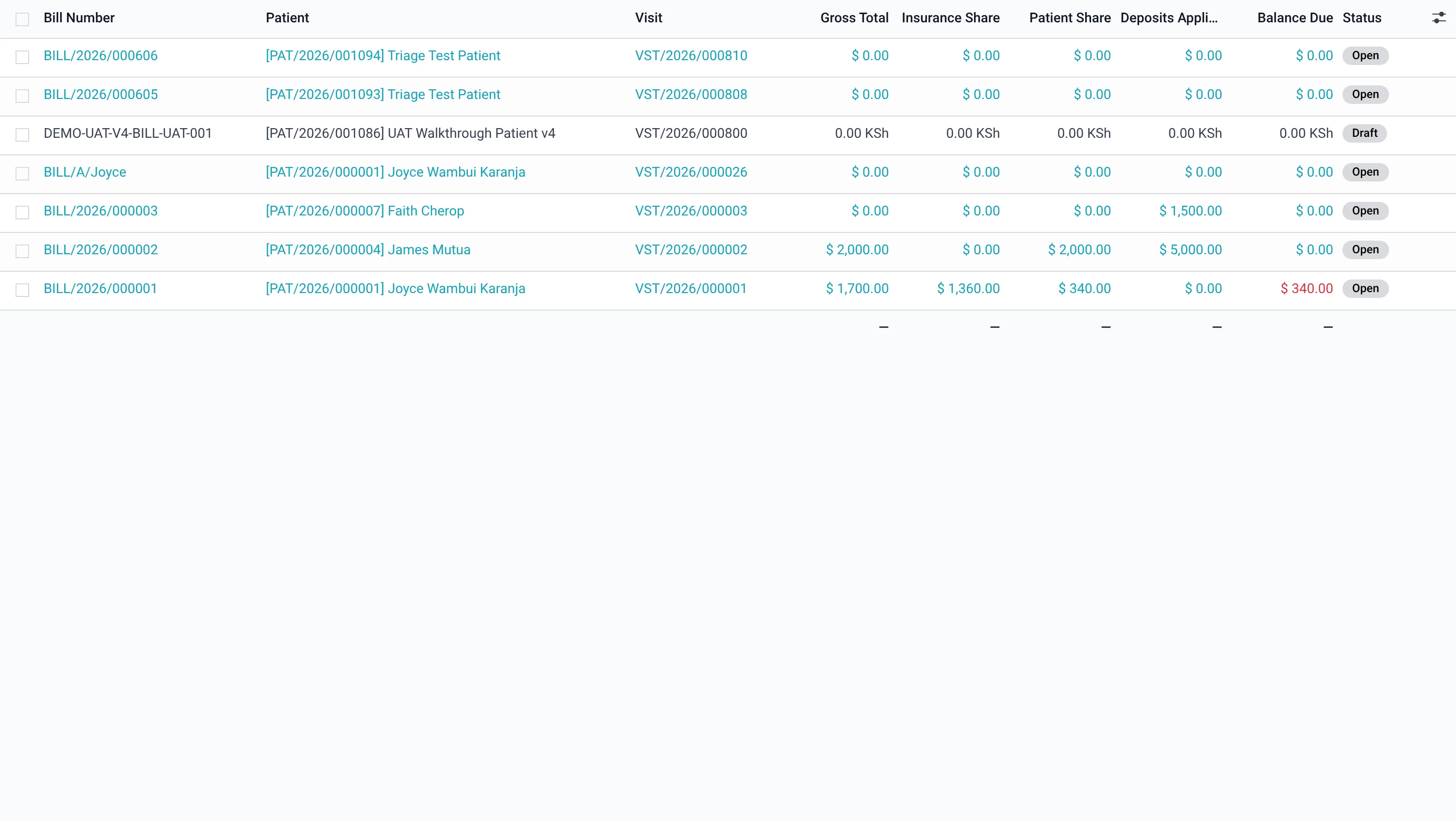
From a patient record, Print → Statement of Account lists every bill, what was paid and the running balance, with the total outstanding — ideal for handing to a patient or corporate sponsor.
Card payments
Card collections are captured against a configurable Card Gateway (Billing → Configuration → Card Gateways) with a sandbox/live mode and the card reference recorded on the payment. Live charging requires the processor’s credentials.