

Cashier & cash sessions
The cashier manages money at the front office through a controlled cash session (shift): a named cashier opens a till with a starting float, collects payments by cash, M-Pesa, card or other, and at the end of the shift counts the drawer and reconciles it against what the system expected — with any over/short flagged for supervisor sign-off.
Where to find it
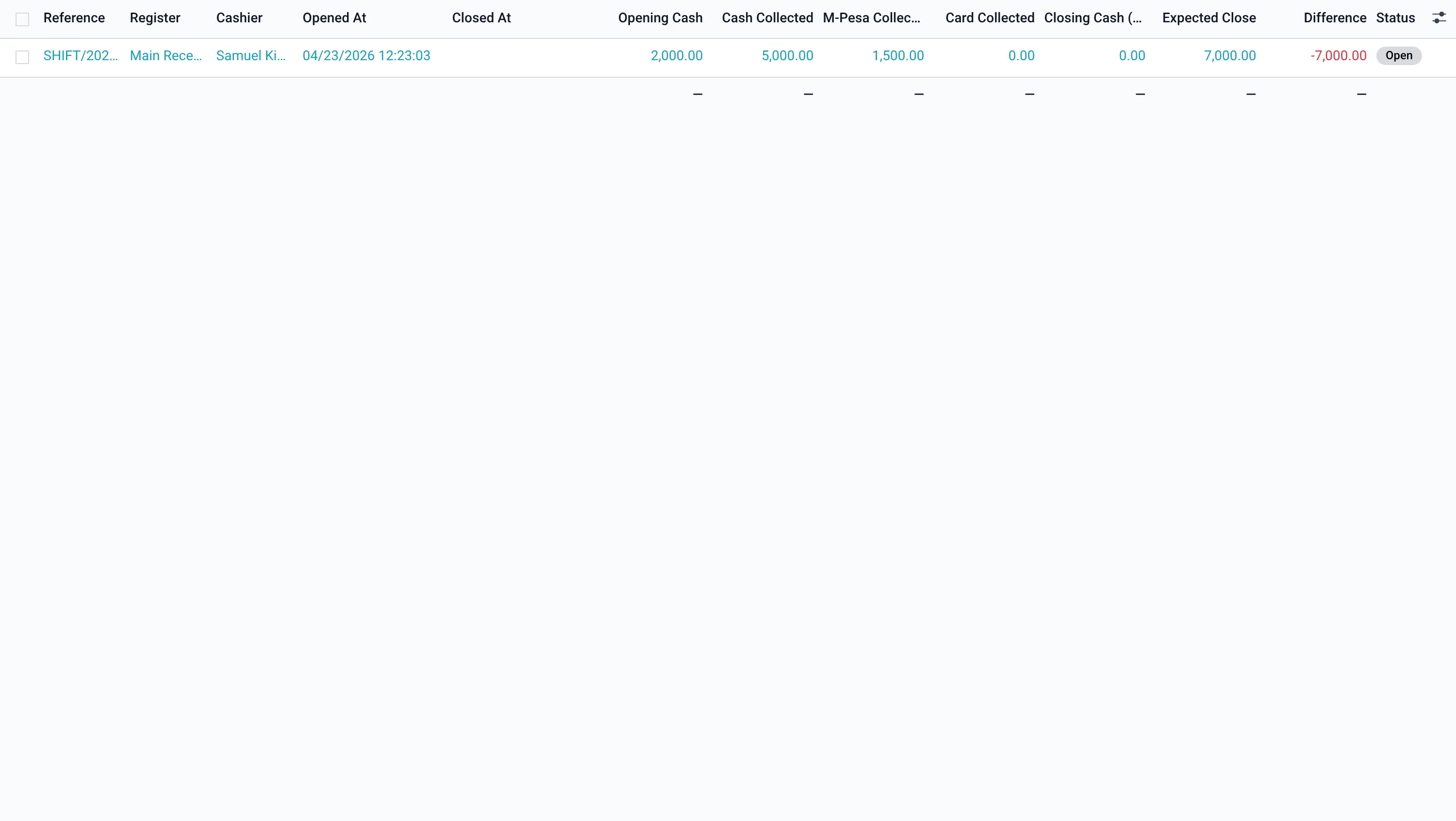
Billing → Cash Sessions (model hms.cash.session), opened against a Cash Register (hms.cash.register). Payments and deposits taken during the shift attach to the open session.
Running a shift
- Open the session with the opening cash (float).
- Collect payments — each posts to the session and is totalled by method: cash, M-Pesa, card, other.
- Count the drawer at close. Use Load denominations to count by note/coin; the counted total can be applied as the closing cash.
- Close — the system computes expected close (opening + cash collected) and the difference (over/short), held for supervisor approval.
Reconciliation & reports
The Cashier Shift Reconciliation report prints the shift summary — opening, per-method collections, expected vs counted, and the over/short — on the facility letterhead. Differences are visible on the session and require supervisor approval before the shift is finalised.
Receipts & fiscal (eTIMS)
Every payment prints a receipt, and sales are transmitted to the Kenya Revenue Authority via the built-in eTIMS integration (configuration, transmission, daily summary and tax rates) for statutory fiscal compliance.