

Quick Teller
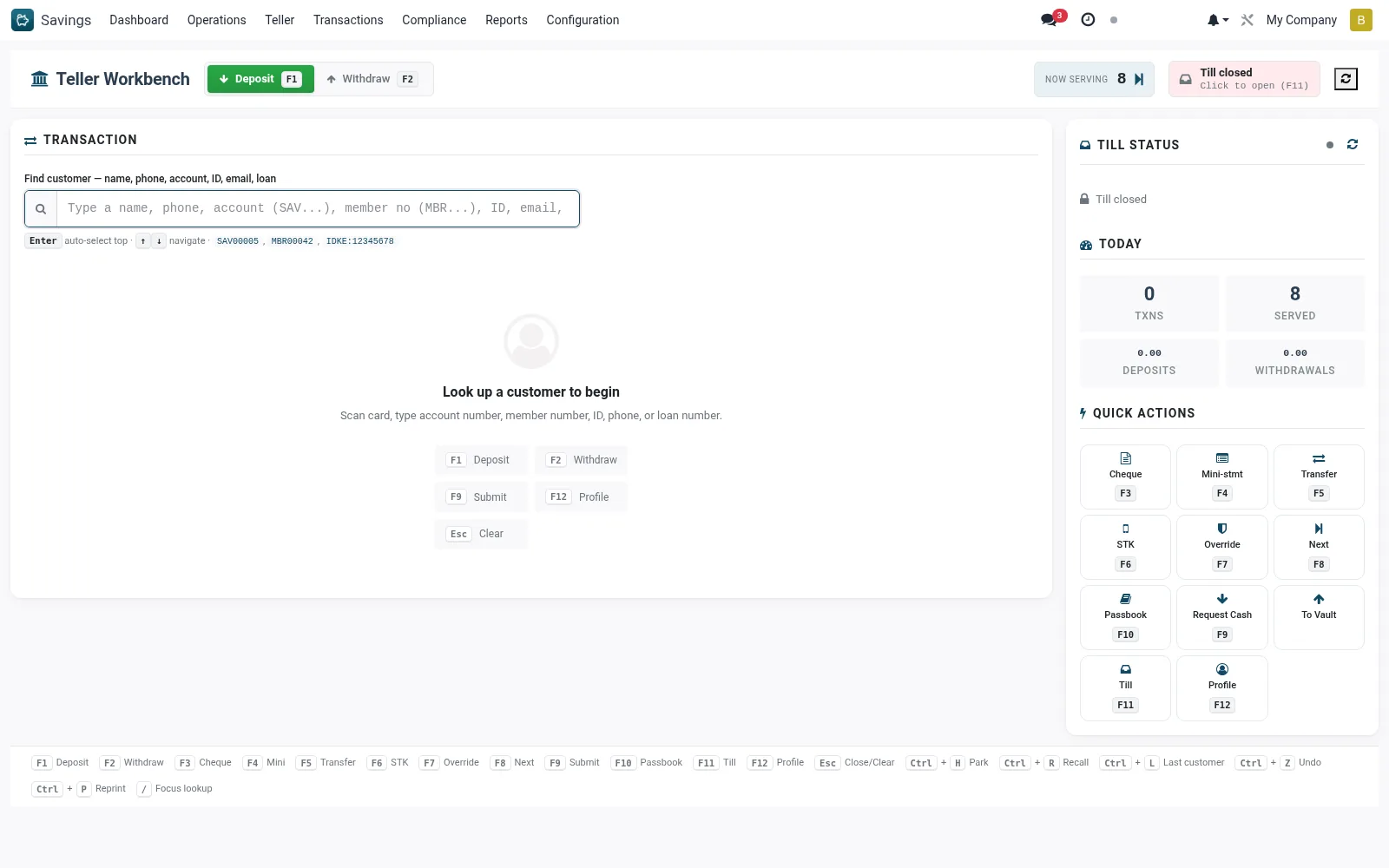
Quick Teller is the streamlined posting screen for front-office staff to process member deposits, withdrawals and transfers rapidly against an open till. It is optimised for high-volume counter work, letting a teller look up an account, enter an amount and post in a few keystrokes.
Workflow
- Open Savings > Teller > Quick Teller.
- Ensure your till is open with an opening float recorded.
- Search the member account by number, name or ID.
- Choose the transaction type (deposit, withdrawal or transfer) and enter the amount.
- Confirm to post; the till balance and account balance update immediately.
- Hand over or collect cash and issue the member receipt.
Notes & rules
- Front-office posting tool linked to the teller's open till.
- Each posting updates both the savings account and the till cash position.
- Withdrawals are checked against available balance, holds and till cash on hand.
Was this page helpful?