

My Dashboard
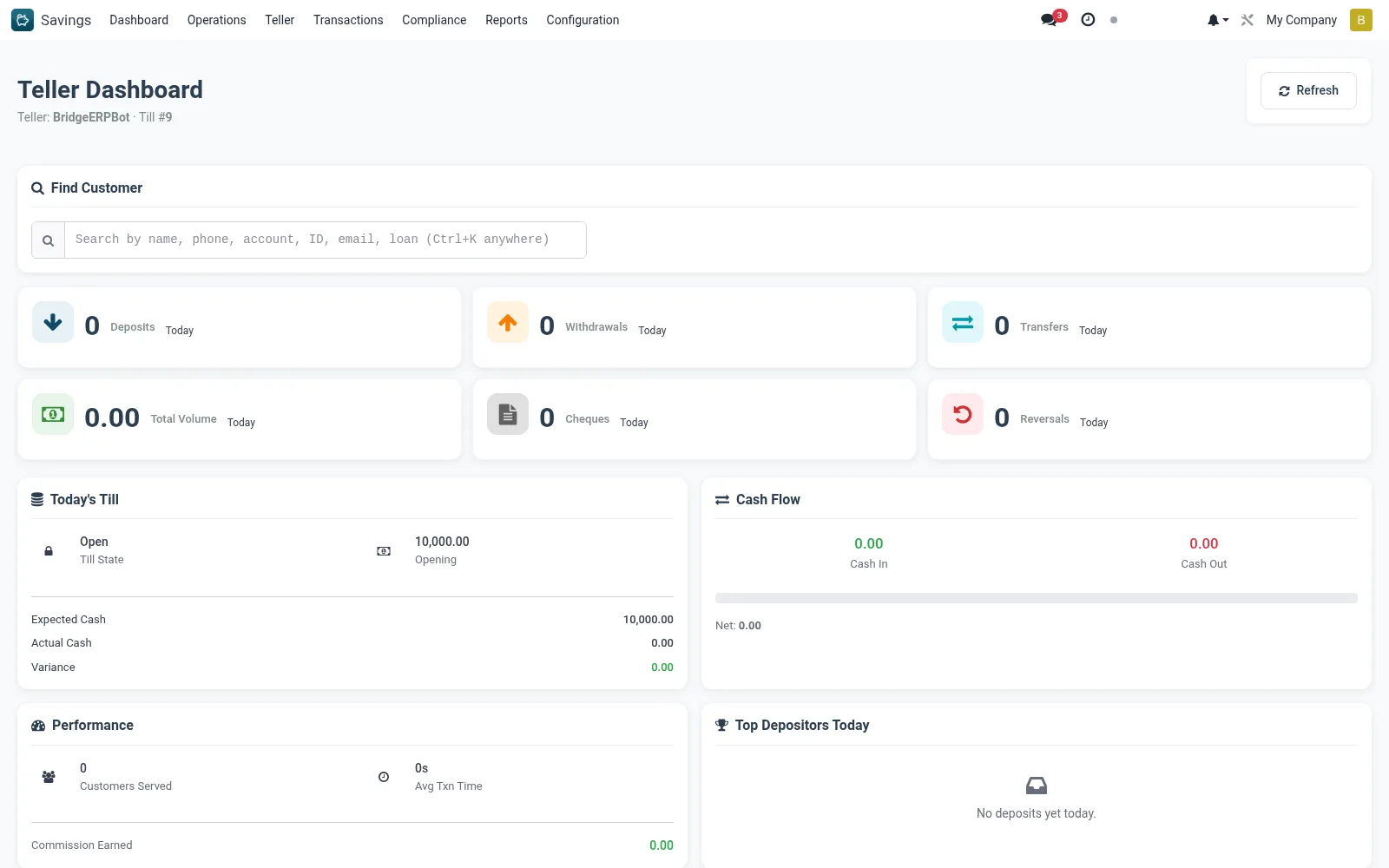
My Dashboard gives the individual teller a personal performance view - transactions processed today, deposit and withdrawal volumes handled, current till position and any outstanding items needing attention. It helps tellers self-monitor their counter activity through the day.
Workflow
- Open Savings > Teller > My Dashboard.
- Review your transaction counts and value totals for the day.
- Check your current till balance against the expected position.
- Action any pending items (e.g. unconfirmed cheques) shown.
- Use it as a self-check before closing your till at end of day.
Notes & rules
- Personalised summary scoped to the logged-in teller.
- Aggregates the teller's postings and current till state.
- Read-only; drill into Quick Teller or My Till to act.
Was this page helpful?