

SMS Templates
SMS Templates holds the reusable text-message bodies the institution sends to members -- deposit confirmations, loan reminders, OTPs and marketing -- with merge fields for personalisation. Standardising SMS here keeps member communication consistent and on-brand. Operations configure templates so the system can dispatch the right message per event.
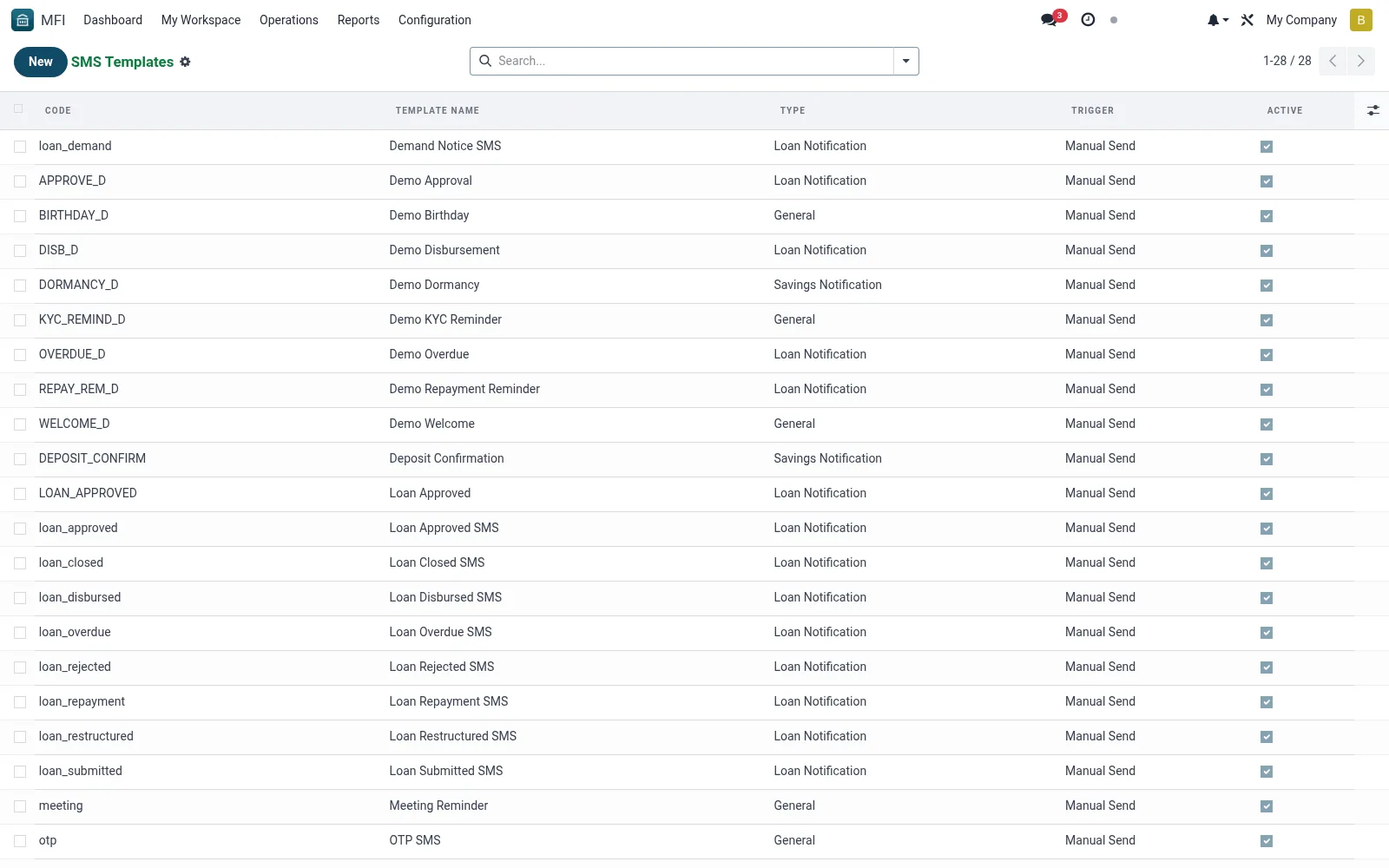
Workflow
- Open MFI > Configuration > Notifications > SMS Templates
- Click New and name the template by its purpose
- Write the message body with merge fields for member data
- Map the template to the triggering event or report
- Save and send a test SMS to verify rendering
Fields reference
Every field on this screen, drawn from the live data model.
| Field | Type | Required | Description |
|---|---|---|---|
Message Bodybody | Long text | Yes | Use placeholders like {member_name}, {amount}, {due_date} |
Template Namename | Text | Yes | Template Name |
Codecode | Text | Yes | Code |
Typetemplate_type | Choice: Member Notification, Loan Notification, Savings Notification, Payment Reminder, Promotional, General | Yes | Type |
Activeactive | Yes/No | — | Active |
Related Modelmodel_id | Link → ir.model | — | Related Model |
Modelmodel_name | Text | — | Model |
Triggertrigger_event | Choice: Manual Send, On Record Creation, On State Change, Scheduled | — | Trigger |
Companycompany_id | Link → res.company | — | Company |
Notes & rules
- Model mfi.sms.template -- reusable SMS bodies
- Key fields: name, body, merge fields, trigger event
- Related: Email Templates, Notification Log
- Used by operations and marketing staff
Was this page helpful?