

Email Templates
Email Templates holds the reusable email layouts the institution sends -- statements, receipts, notices and campaigns -- with formatting and merge fields. It lets the institution present professional, consistent correspondence to members and stakeholders. Admins maintain these so automated emails carry the right content and branding.
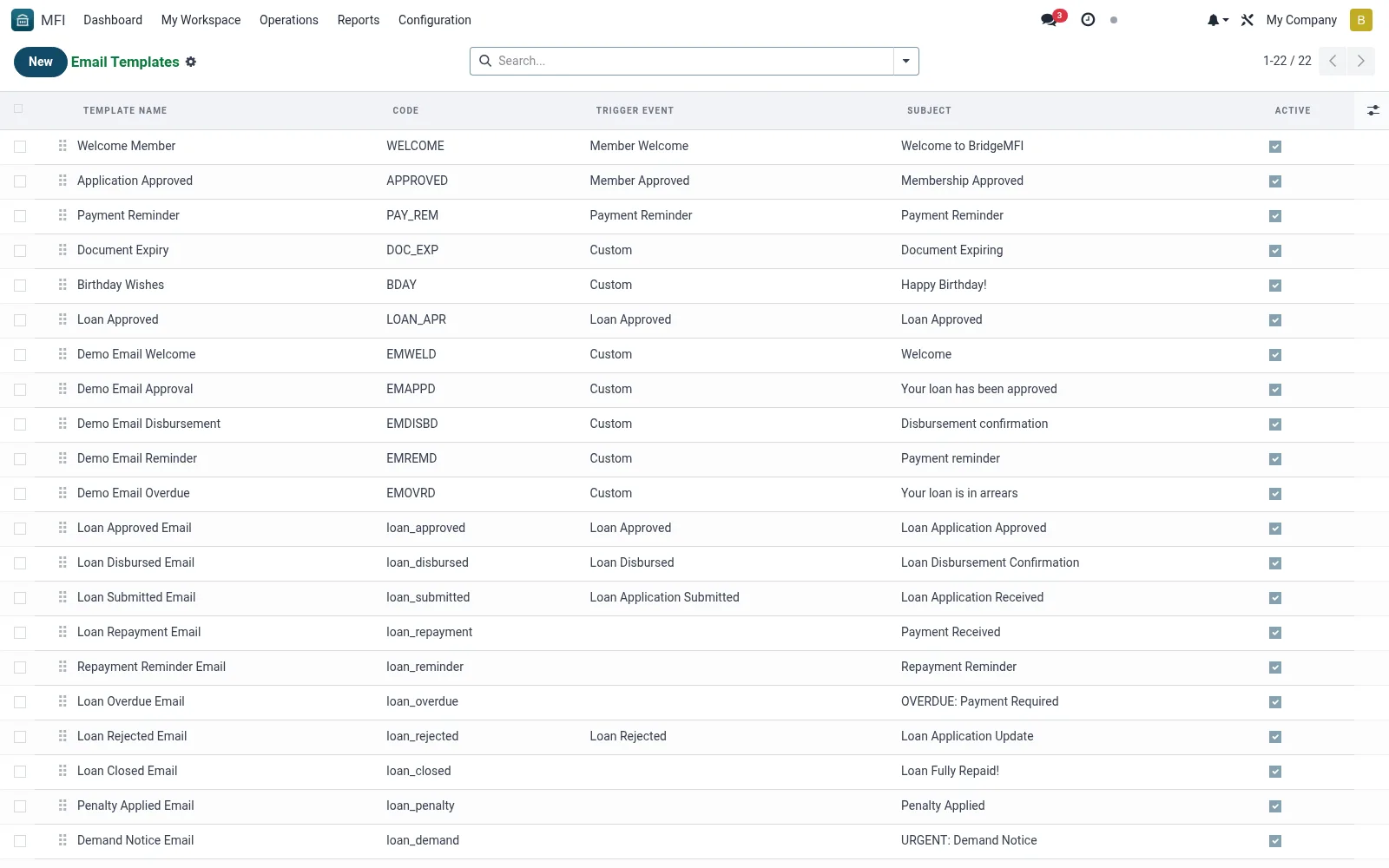
Workflow
- Open MFI > Configuration > Notifications > Email Templates
- Click New and name the template
- Compose the subject and HTML body with merge fields
- Attach any standard documents or report outputs
- Save and send a test email to confirm formatting
Fields reference
Every field on this screen, drawn from the live data model.
| Field | Type | Required | Description |
|---|---|---|---|
Codecode | Text | Yes | Unique code for this template |
Applies to Modelmodel_id | Link → ir.model | — | If set, enables full QWeb/Jinja rendering of {{ object.field }} expressions. |
Template Namename | Text | Yes | Template Name |
Subjectsubject | Text | Yes | Subject |
Sequencesequence | Number | — | Sequence |
Activeactive | Yes/No | — | Active |
Body (HTML)body_html | Rich text | — | Body (HTML) |
Trigger Eventtrigger_event | Choice: Member Welcome, Member Approved, Loan Application Submitted, Loan Approved, Loan Rejected, Loan Disbursed, Payment Received, Payment Reminder | — | Trigger Event |
Modelmodel_name | Text | — | Model |
Companycompany_id | Link → res.company | — | Company |
Notesnotes | Long text | — | Notes |
Notes & rules
- Model mfi.email.template -- reusable email layouts
- Key fields: subject, body, merge fields, attachments
- Related: SMS Templates, Notification Log
- Used by operations and marketing staff
Was this page helpful?