

Repay via M-Pesa
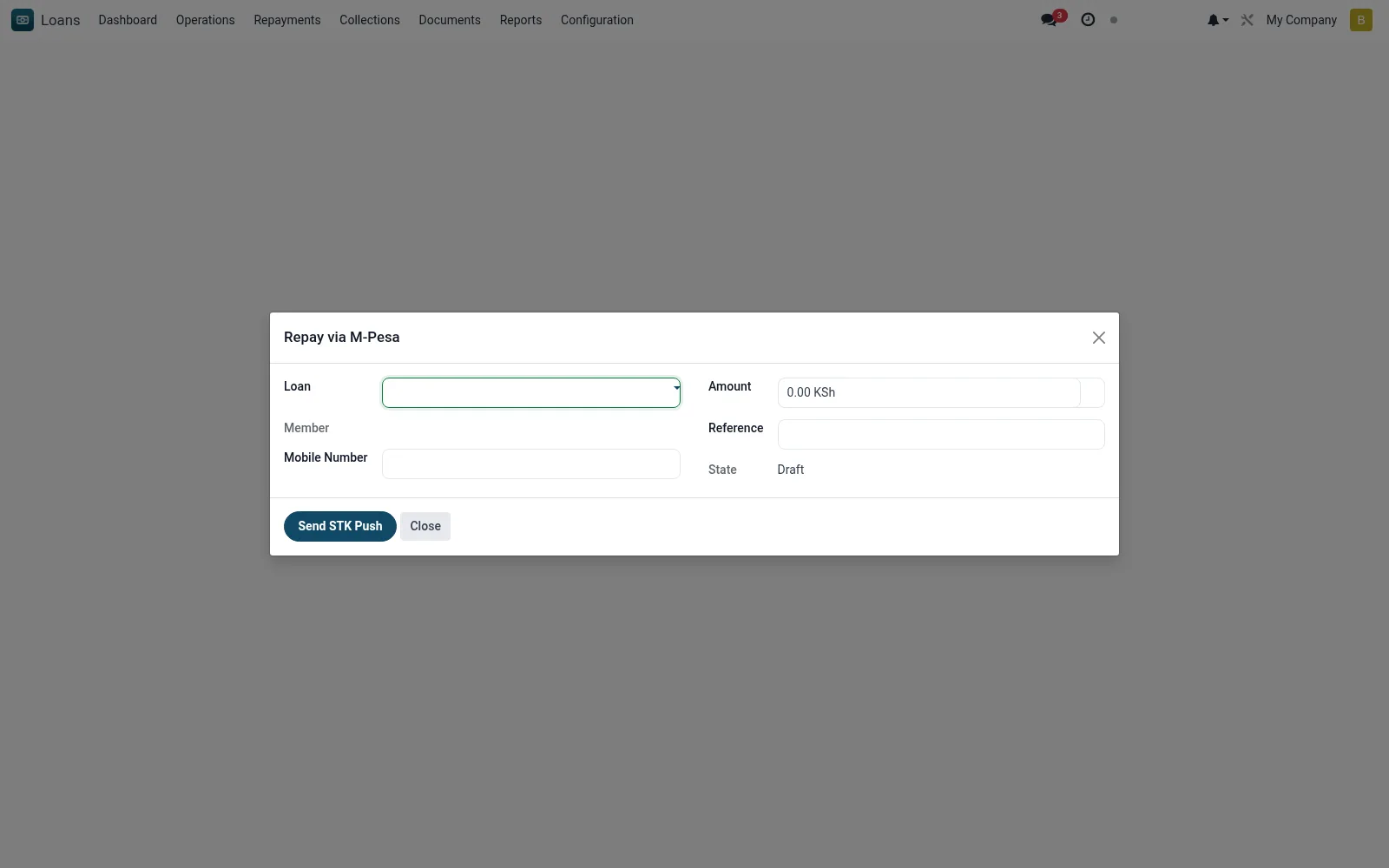
Repay via M-Pesa launches an STK (SIM Toolkit) push prompting the borrower's phone to authorise a repayment directly from their M-Pesa wallet. The customer approves with their own PIN on their handset; the institution never collects the PIN, and on callback the receipt is posted and allocated to the loan automatically.
Workflow
- Open the wizard and select the loan to be repaid.
- Confirm the borrower's M-Pesa phone number and the amount.
- Send the STK push request to the customer's phone.
- Ask the member to authorise the prompt with their M-Pesa PIN on their device.
- Confirm the callback posts the repayment and updates the schedule.
Fields reference
Every field on this screen, drawn from the live data model.
| Field | Type | Required | Description |
|---|---|---|---|
Loanloan_id | Link → mfi.loan | Yes | Loan |
Amountamount | Money | Yes | Amount |
Mobile Numberphone | Text | Yes | Mobile Number |
Membermember_id | Link → mfi.member | — | Member |
Currencycurrency_id | Link → res.currency | — | Currency |
Referencereference | Text | — | Reference |
Checkout Request IDcheckout_request_id | Text | — | Checkout Request ID |
Merchant Request IDmerchant_request_id | Text | — | Merchant Request ID |
Statestate | Choice: Draft, Requested, Failed | — | State |
Responseresponse_message | Long text | — | Response |
Actions & buttons
Buttons available on this screen and what they do:
- Send STK Push
Status lifecycle
Records on this screen move through these statuses:
Draft → Requested → Failed
Notes & rules
- Model: mfi.mpesa.repay.stk.wizard.
- STK push: customer authorises on their own handset; PIN never collected merchant-side.
- Callback auto-posts an mfi.loan.repayment.
- Repayment channel: M-Pesa.
Was this page helpful?