

Beneficiary Payouts
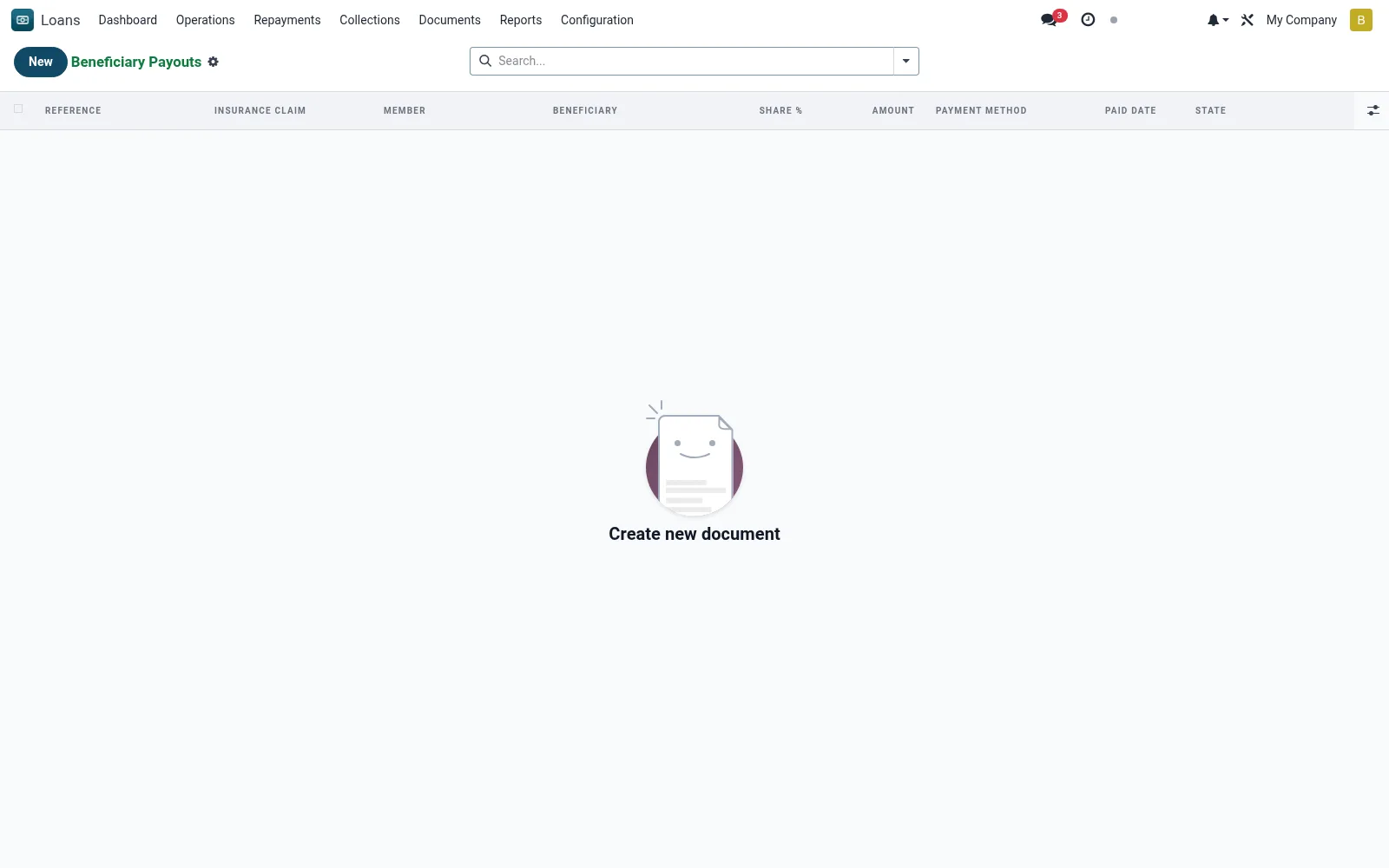
Beneficiary Payouts manages disbursing benefits owed to a member's nominated beneficiaries - for example insurance-claim proceeds or savings/welfare payouts on death - ensuring funds reach the correct nominee with proper authorisation. It links the payout to the underlying claim or member account and records settlement.
Workflow
- Open or create a beneficiary payout for the relevant member.
- Select the beneficiary and confirm the entitled amount.
- Verify supporting documentation and authorisation.
- Process the payout via the chosen channel.
- Record the payment reference and close the payout.
Fields reference
Every field on this screen, drawn from the live data model.
| Field | Type | Required | Description |
|---|---|---|---|
Insurance Claimclaim_id | Link → mfi.loan.insurance.claim | Yes | Insurance Claim |
Beneficiarybeneficiary_id | Link → mfi.member.beneficiary | Yes | Beneficiary |
Has Messagehas_message | Yes/No | — | Has Message |
Referencename | Text | — | Reference |
Membermember_id | Link → mfi.member | — | Member |
Companycompany_id | Link → res.company | — | Company |
Currencycurrency_id | Link → res.currency | — | Currency |
Share %share_pct | Decimal | — | Share % |
Amountamount | Money | — | Amount |
Payment Methodmethod | Choice: Cash, M-Pesa, Bank Transfer, Cheque | — | Payment Method |
Bank / M-Pesa Referencebank_ref | Text | — | Bank / M-Pesa Reference |
Paid Datepaid_date | Date | — | Paid Date |
Paid Bypaid_by_id | Link → res.users | — | Paid By |
Statestate | Choice: Draft, Paid, Cancelled | — | State |
Notesnotes | Long text | — | Notes |
Actions & buttons
Buttons available on this screen and what they do:
- Mark Paid
- Cancel
- Print Certificate
Status lifecycle
Records on this screen move through these statuses:
Draft → Paid → Cancelled
Notes & rules
- Model: mfi.member.beneficiary.payout.
- Linked to insurance claims or member welfare/savings.
- Requires beneficiary verification and authorisation.
- Records channel and payment reference.
Was this page helpful?