

Repayment Channels
Repayment Channels defines the routes through which repayments are received - cash, bank transfer, M-Pesa, standing order - and their reconciliation and accounting mapping. Channels drive how receipts are captured and matched to bank and mobile-money statements.
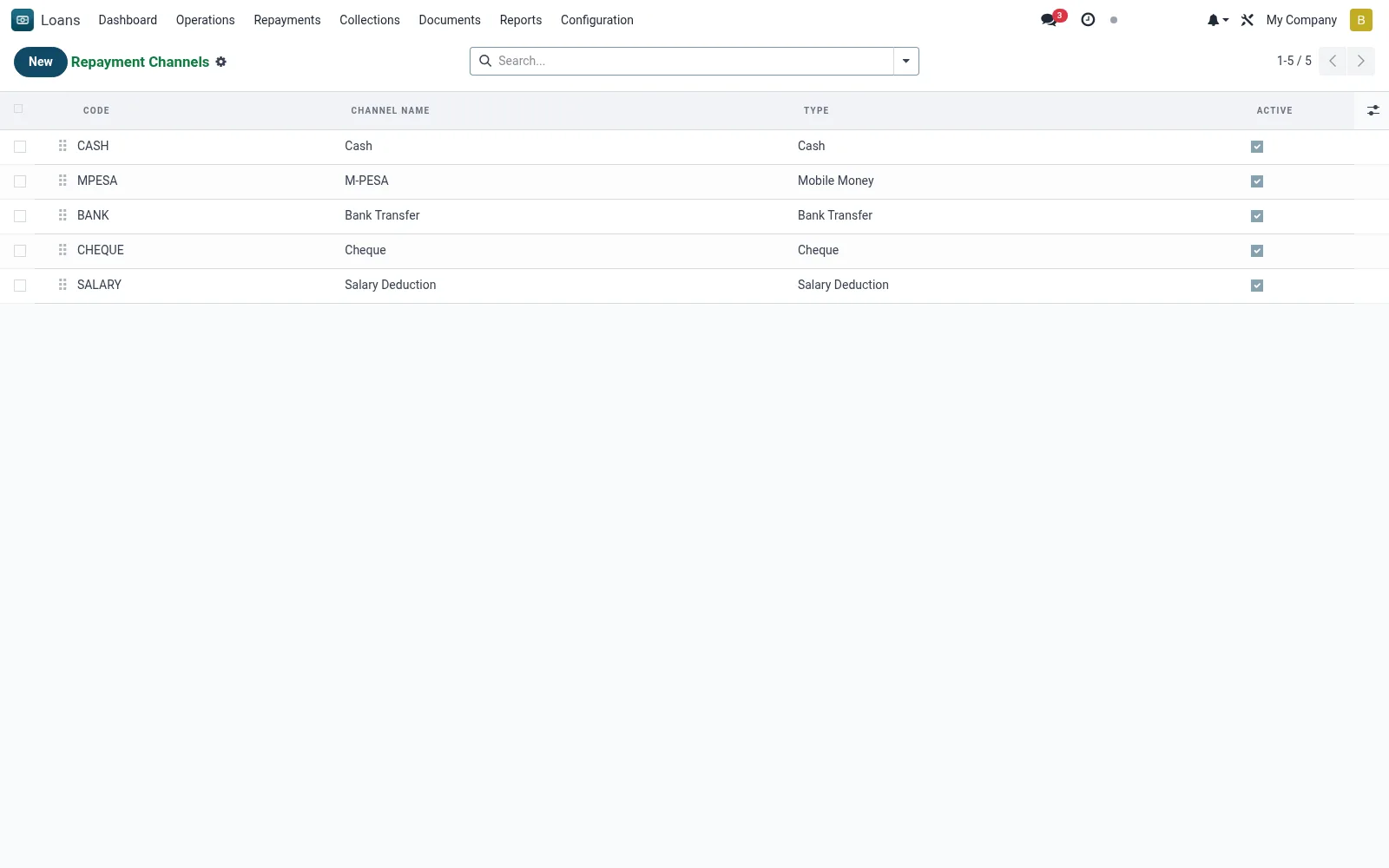
Workflow
- Open the list and review configured channels.
- Add a new channel with its name and type.
- Map the channel to its bank/cash/control account.
- Set any reconciliation or reference rules.
- Save and make it selectable on repayment capture.
Fields reference
Every field on this screen, drawn from the live data model.
| Field | Type | Required | Description |
|---|---|---|---|
Channel Namename | Text | Yes | Channel Name |
Codecode | Text | Yes | Code |
Typechannel_type | Choice: Cash, Mobile Money, Bank Transfer, Cheque, Standing Order, Salary Deduction, Agent | Yes | Type |
Sequencesequence | Number | — | Sequence |
Activeactive | Yes/No | — | Active |
Descriptiondescription | Long text | — | Description |
Notes & rules
- Model: mfi.loan.repayment.channel.
- Examples: cash, bank, M-Pesa, standing order.
- Mapped to GL accounts for reconciliation.
- Selected on every repayment receipt.
Was this page helpful?