

Webhook Events
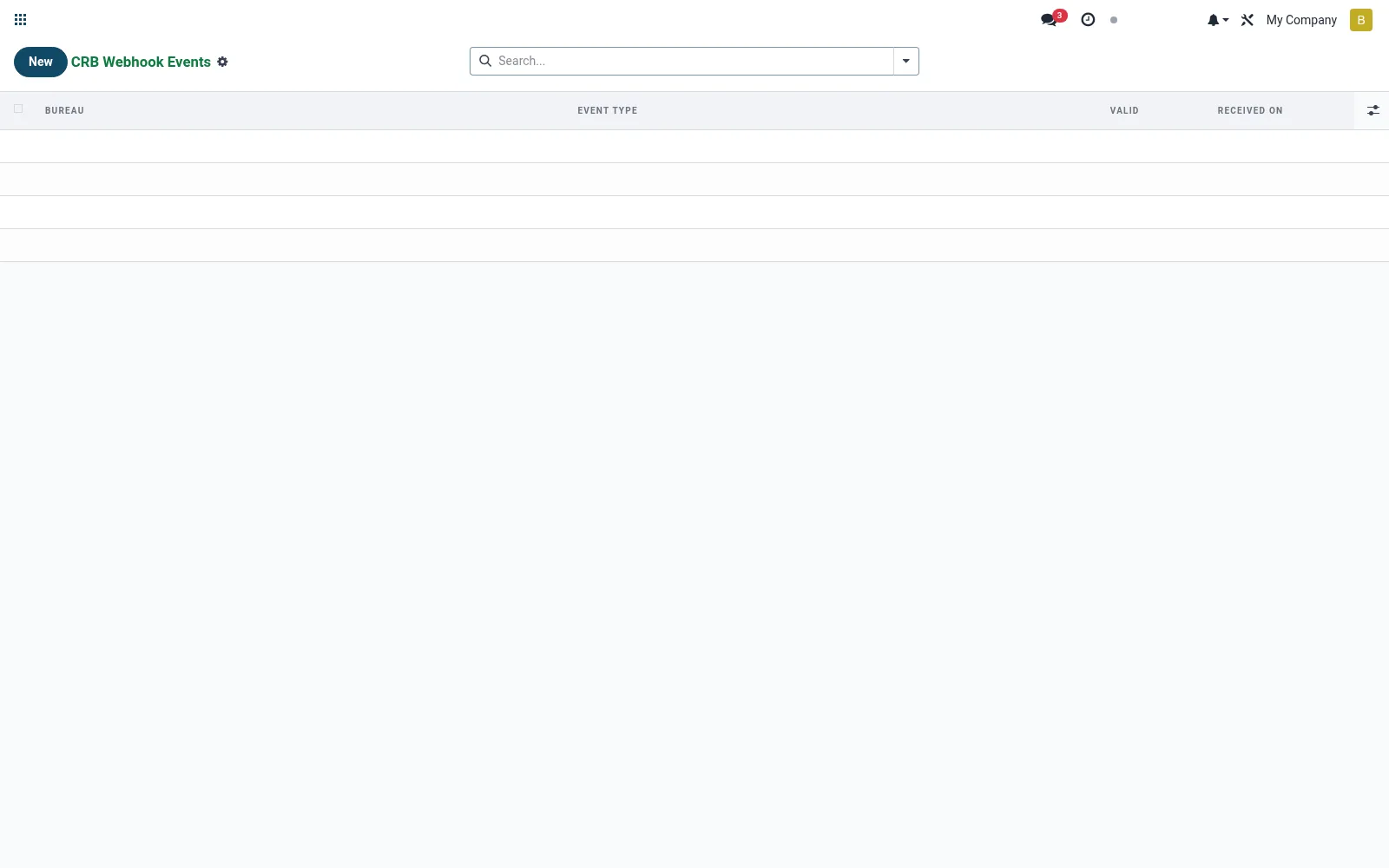
A log of asynchronous callbacks the bureau sends back to the suite — enquiry results, submission acknowledgements and status updates. It gives the integration team a transparent audit trail to confirm delivery and diagnose failures. This is the operational backbone that keeps pulls and pushes reliable.
Workflow
- Open Webhook Events to view inbound bureau callbacks.
- Filter by event type or date to trace a specific exchange.
- Open an event to inspect its payload and processing status.
- Reprocess or escalate any event that failed to apply.
- Use the trail to confirm a submission or pull completed end to end.
Fields reference
Every field on this screen, drawn from the live data model.
| Field | Type | Required | Description |
|---|---|---|---|
Bureaubureau_id | Link → mfi.crb.bureau | Yes | Bureau |
Event Typeevent_type | Text | — | Event Type |
Payloadpayload | Long text | — | Payload |
Signaturesignature | Text | — | Signature |
Validvalid | Yes/No | — | Valid |
Received Onreceived_on | Date & time | — | Received On |
Notes & rules
- Model mfi.crb.webhook.event; the inbound callback audit log.
- Captures event type, raw payload and processed/failed status.
- Links results back to the originating report or submission.
- Key diagnostic tool for integration health and dispute evidence.
Was this page helpful?