

Hot-List
The block register for lost, stolen or compromised cards. Adding a card here immediately marks it for decline so no further authorisations succeed, protecting both member and institution. It is the rapid-response control central to card fraud management.
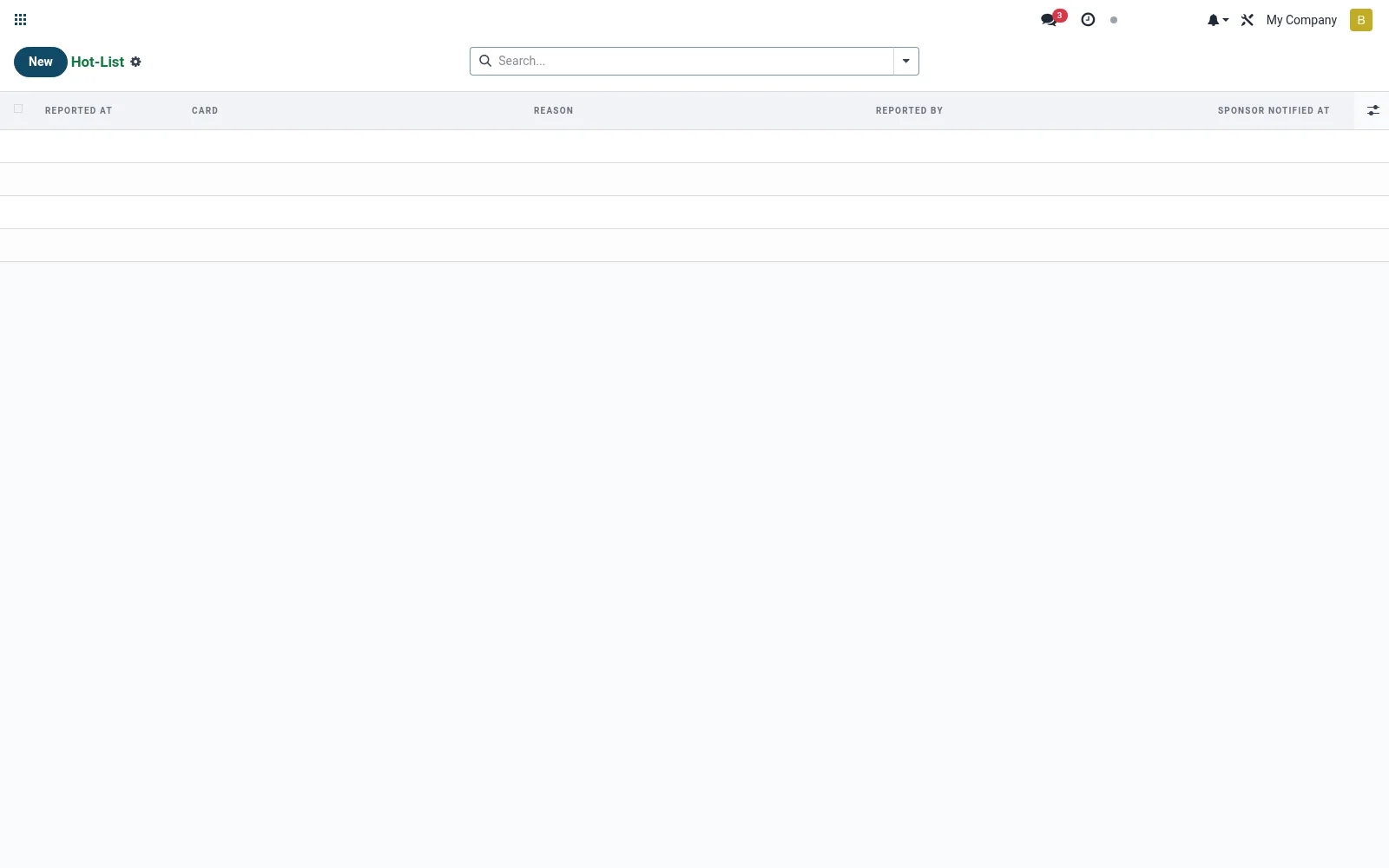
Workflow
- Open Hot-List to view currently blocked cards.
- Create an entry and select the card to block.
- Record the reason (lost, stolen, fraud, member request).
- Confirm to set the card status to blocked.
- Remove or reissue once the situation is resolved.
Fields reference
Every field on this screen, drawn from the live data model.
| Field | Type | Required | Description |
|---|---|---|---|
Cardcard_id | Link → mfi.card | Yes | Card |
Reasonreason | Choice: Lost, Stolen, Suspected Fraud, Compromised Data, Internal/Compliance | Yes | Reason |
Reported Atreported_at | Date & time | Yes | Reported At |
Reported Byreported_by_id | Link → res.users | — | Reported By |
Sponsor Notified Atsponsor_notified_at | Date & time | — | Sponsor Notified At |
Sponsor Responsesponsor_response | Long text | — | Sponsor Response |
Notesnotes | Long text | — | Notes |
Actions & buttons
Buttons available on this screen and what they do:
- Notify Processor
Notes & rules
- Model mfi.card.hot.list; the decline/block control record.
- Captures block reason and timestamp for audit.
- Setting a hot-list entry updates the related card status to blocked.
- Supports fraud-loss reporting and member service response times.
Was this page helpful?