

Meetings
Schedules and records group meetings, the regular gatherings where solidarity groups collect savings, review loans and enforce peer accountability. Each meeting record holds the date, venue, agenda and links to the attendance and contributions captured that day.
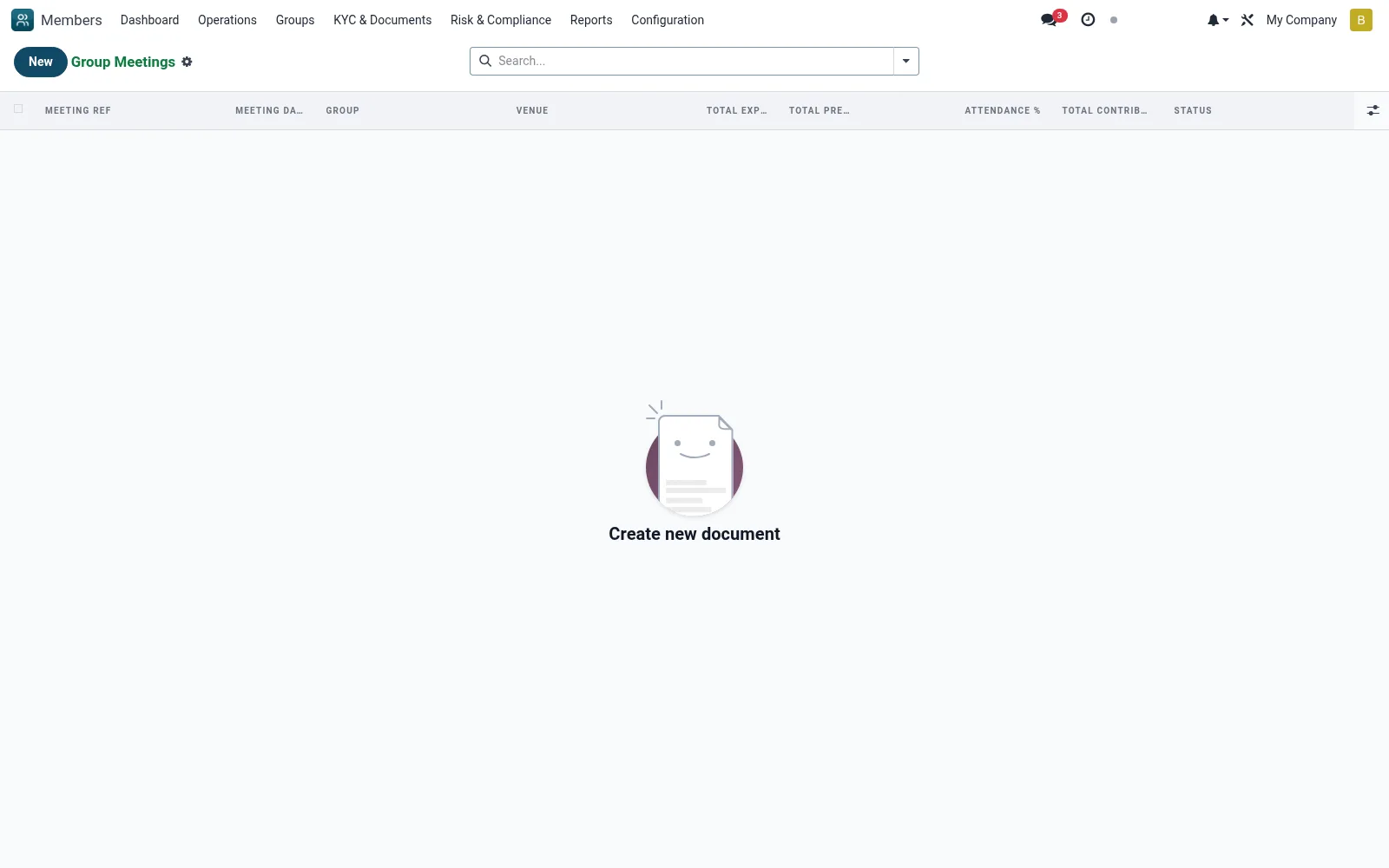
Workflow
- Go to Groups then Meetings
- Click New and select the group, date and venue
- Record the agenda and attending officials
- Capture attendance for the meeting
- Log the contributions collected and close the meeting record
Fields reference
Every field on this screen, drawn from the live data model.
| Field | Type | Required | Description |
|---|---|---|---|
Groupgroup_id | Link → mfi.member.group | Yes | Group |
Meeting Datemeeting_date | Date | Yes | Meeting Date |
Has Messagehas_message | Yes/No | — | Has Message |
Meeting Refname | Text | — | Meeting Ref |
Venuevenue | Text | — | Venue |
Chairpersonchairperson_id | Link → mfi.member | — | Chairperson |
Secretarysecretary_id | Link → mfi.member | — | Secretary |
Minutesminutes | Rich text | — | Minutes |
Attendanceattendance_ids | List | — | Attendance |
Contributionscontribution_ids | List | — | Contributions |
Total Expectedtotal_expected | Number | — | Total Expected |
Total Presenttotal_present | Number | — | Total Present |
Attendance %attendance_rate | Decimal | — | Attendance % |
Total Contributionstotal_contributions | Money | — | Total Contributions |
Currencycurrency_id | Link → res.currency | — | Currency |
Statusstate | Choice: Draft, Confirmed, Closed | — | Status |
Companycompany_id | Link → res.company | — | Company |
Actions & buttons
Buttons available on this screen and what they do:
- Populate Attendance
- Confirm
- Close
- Reset to Draft
Status lifecycle
Records on this screen move through these statuses:
Draft → Confirmed → Closed
Notes & rules
- Model mfi.member.group.meeting
- Anchors attendance and contribution records
- Core to group-lending discipline
- Date, venue and agenda per meeting
Was this page helpful?