

Contributions
Captures the savings or contribution amounts each member pays into the group at meetings, the table-banking and group-savings ledger. It tracks expected versus actual contributions, supporting peer accountability and feeding into group fund balances and member savings.
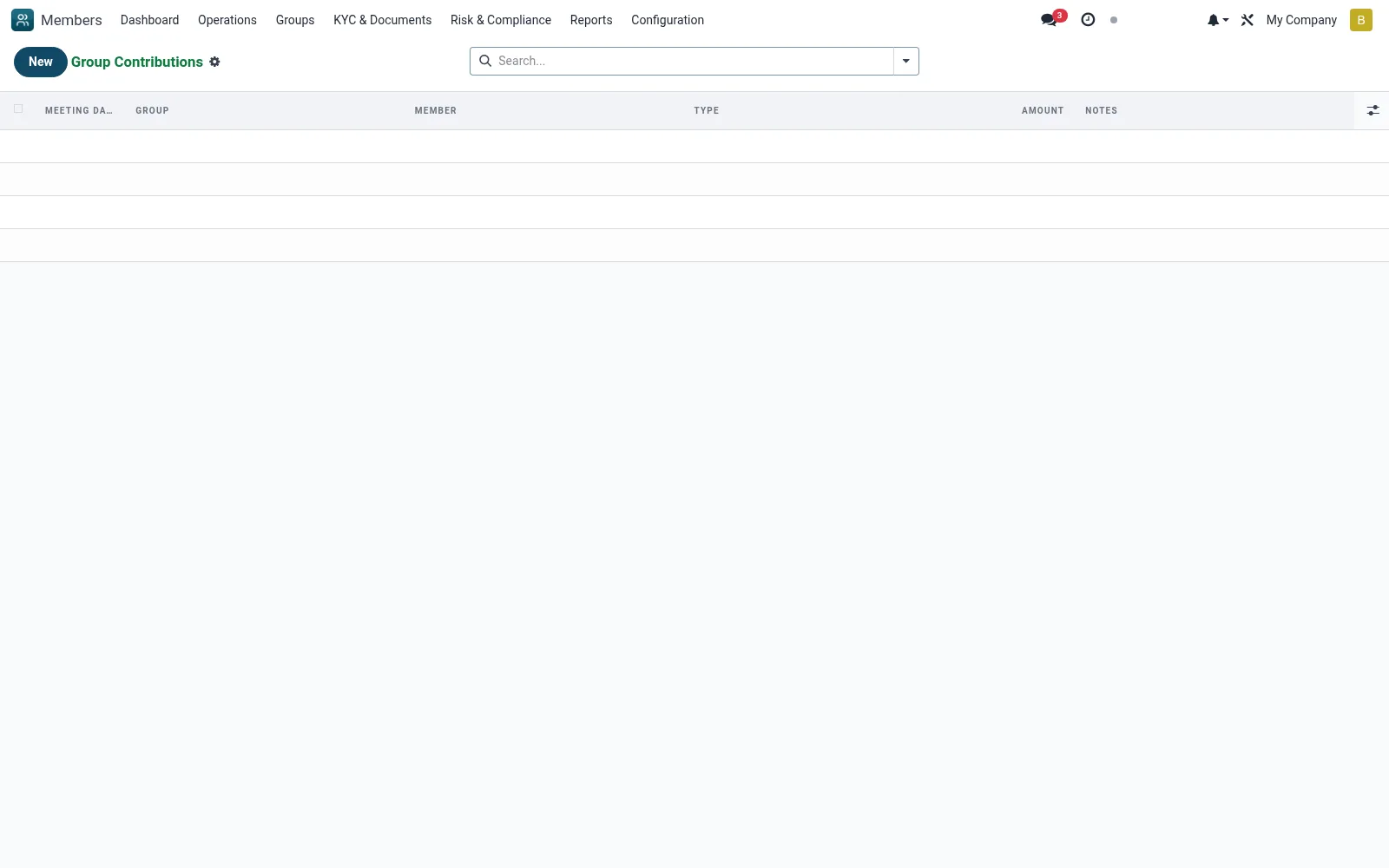
Workflow
- Go to Groups then Contributions
- Select the meeting and the contributing member
- Enter the contribution amount collected
- Reconcile expected versus actual contributions for the group
- Use the records to update group fund balances and reporting
Fields reference
Every field on this screen, drawn from the live data model.
| Field | Type | Required | Description |
|---|---|---|---|
Meetingmeeting_id | Link → mfi.member.group.meeting | Yes | Meeting |
Membermember_id | Link → mfi.member | Yes | Member |
Amountamount | Money | Yes | Amount |
Typecontribution_type | Choice: Savings, Loan Repayment, Penalty, Welfare, Other | Yes | Type |
Currencycurrency_id | Link → res.currency | Yes | Currency |
Groupgroup_id | Link → mfi.member.group | — | Group |
Meeting Datemeeting_date | Date | — | Meeting Date |
Notesnotes | Text | — | Notes |
Notes & rules
- Model mfi.member.group.contribution
- Table-banking / group-savings ledger
- Tracks expected vs actual contribution
- Linked to meetings and member savings
Was this page helpful?