

Pending Verification
Pending Verification queues loan documents that have been uploaded but not yet checked, so a verifier can confirm each is valid, legible and complete before the loan advances. It enforces the document-control gate in origination and KYC compliance.
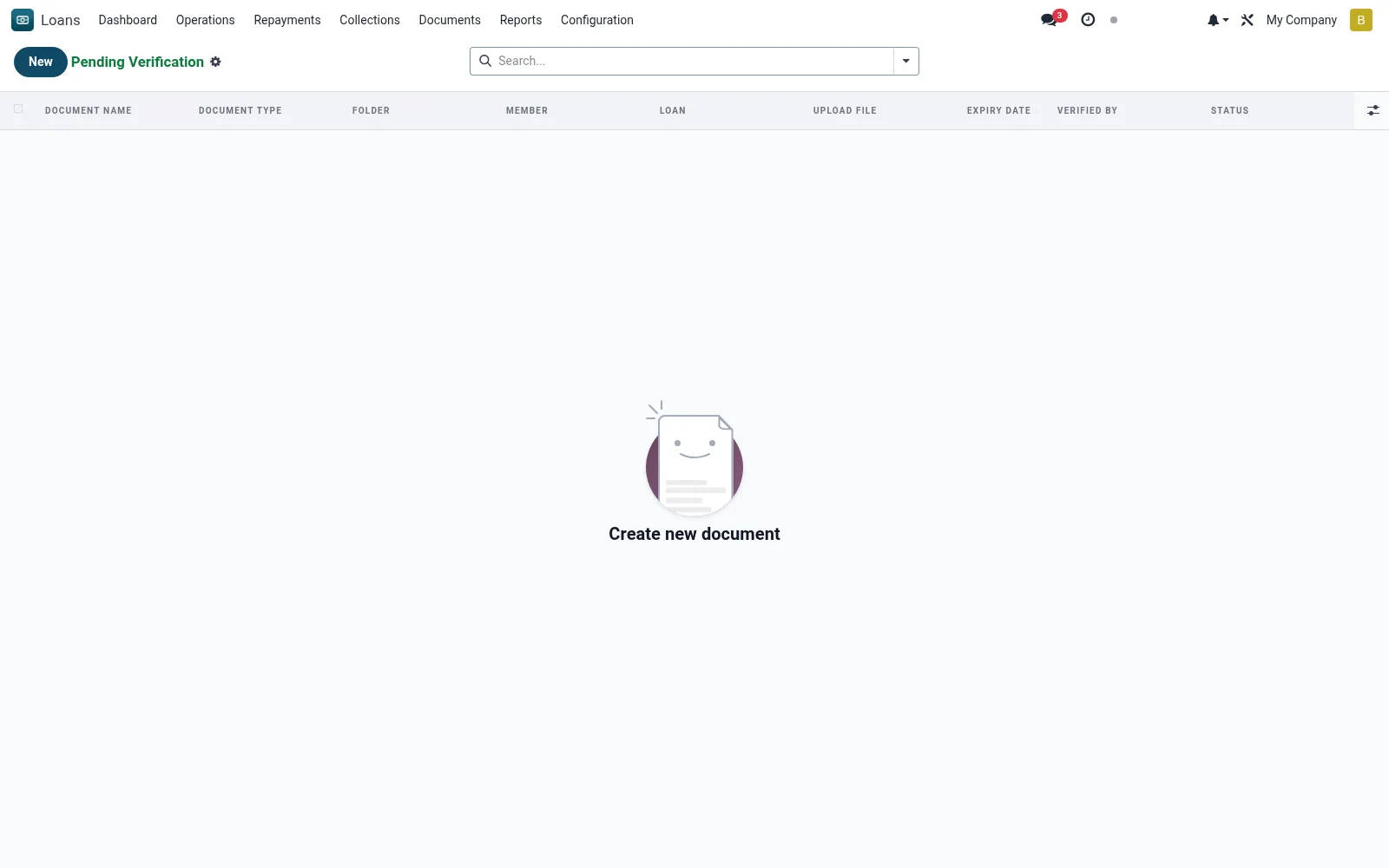
Workflow
- Open the queue of documents awaiting verification.
- Open a document to inspect the file and its metadata.
- Confirm it matches the requirement and is legible/valid.
- Approve to verify, or reject with a reason for re-upload.
- Ensure all required documents are verified before approval/disbursement.
Fields reference
Every field on this screen, drawn from the live data model.
| Field | Type | Required | Description |
|---|---|---|---|
Document Namename | Text | Yes | Document Name |
Document Typedocument_type | Choice: ID Card / Passport, Passport Photo, Proof of Income, Bank Statement, Business License, Collateral Document, Title Deed, Valuation Report | Yes | Document Type |
Folderfolder | Choice: Members, Loan Applications, Loan Agreements, Collateral Documents, Guarantor Documents, Correspondence, Legal Documents, Other | Yes | Folder |
Statusstate | Choice: Uploaded, Verified, Rejected, Expired | Yes | Status |
Has Messagehas_message | Yes/No | — | Has Message |
Loanloan_id | Link → mfi.loan | — | Loan |
Membermember_id | Link → mfi.member | — | Member |
Branchbranch_id | Link → mfi.branch | — | Branch |
File Namefile_name | Text | — | File Name |
Descriptiondescription | Long text | — | Description |
Verified Byverified_by | Link → res.users | — | Verified By |
Verified Dateverified_date | Date | — | Verified Date |
Expiry Dateexpiry_date | Date | — | Expiry Date |
Expiredis_expired | Yes/No | — | Expired |
Documents App Recorddocuments_document_id | Link → documents.document | — | Documents App Record |
Companycompany_id | Link → res.company | — | Company |
Actions & buttons
Buttons available on this screen and what they do:
- Verify
- Reject
Status lifecycle
Records on this screen move through these statuses:
Uploaded → Verified → Rejected → Expired
Notes & rules
- Model: mfi.loan.attachment, unverified state.
- Verification gate for KYC and origination.
- Statuses: pending, verified, rejected.
- Blocks progression until required docs are cleared.
Was this page helpful?