

Incident register
The incident register is where BridgeERP HMS captures patient-safety events — medication errors, falls, device problems, near misses and more — and works each one through investigation, root-cause analysis, corrective action, committee review and closure. Reports are confidential by default, automatically risk-scored, and feed the board safety dashboard. Any member of staff can raise an incident; investigators and committee members take it forward.
Where to find it
The register lives under Quality & Governance → Incidents & Risk.
- Quality & Governance → Incidents & Risk → Incident Reports — the register; create and work incidents here.
- Quality & Governance → Incidents & Risk → Action Plans — the corrective actions arising from incidents.
- Quality & Governance → Incidents & Risk → Committee Reviews — the governance review of each case.
- Quality & Governance → Incidents & Risk → Board Dashboard — the board-level safety overview.
Before you start
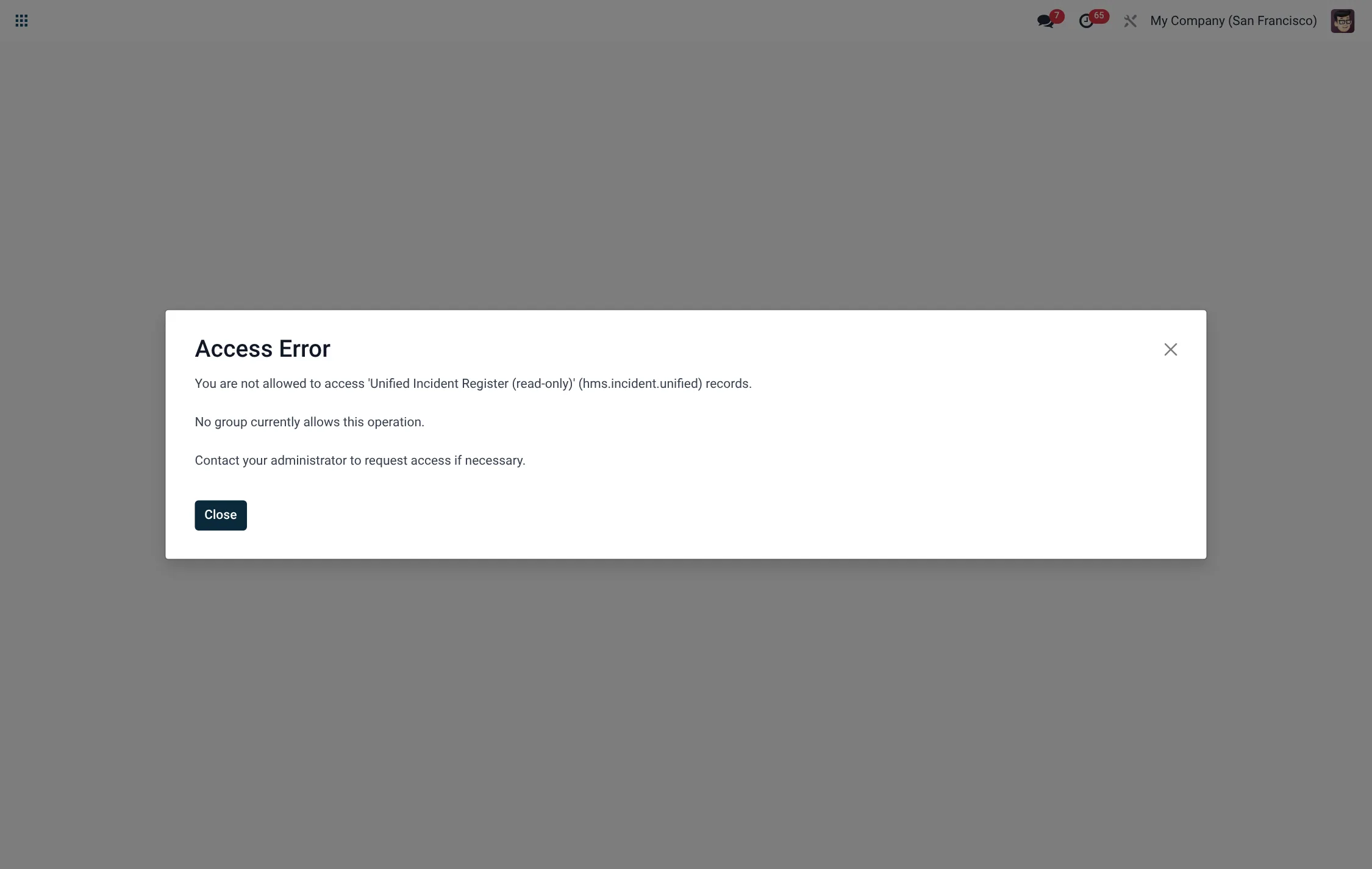
No master data is needed to report an incident — the goal is to make reporting frictionless. Reports are confidential by default; only the reporter, assigned investigators and committee members can open a confidential record. Before running the investigation stages, make sure your investigators hold the Incident Investigator role and committee members the Incident Committee role.
Reporting an incident
- Open Quality & Governance → Incidents & Risk → Incident Reports and create a new record. It receives an automatic reference number and starts in the Draft state.
- Enter a title, the occurred at date/time, the ward and, if a patient was involved, the patient.
- Choose the category (medication error, fall, pressure injury, healthcare-associated infection, device/equipment, care delay, violence/aggression, near miss or other).
- Set the severity (1 No harm/near miss … 5 Catastrophic/sentinel) and likelihood (Rare … Almost certain). The risk score is calculated automatically as severity × likelihood.
- Describe what happened in description and record any immediate action already taken.
- Press Submit. The incident moves to Submitted and is now in the queue for investigation.
Investigate, RCA and action
- An investigator presses Investigate to move the record to Investigating.
- Press Start RCA to begin root-cause analysis; the state becomes RCA in progress and a linked RCA record is created automatically if none exists.
- In the RCA, choose the method (such as 5 Whys), name the facilitator and team, work through the why-chain and record the root cause(s) and contributing factors.
- Move to the Action plan stage (state Action plan). Add one or more action plans, each with an owner, a due date and evidence of completion; actions track from Open through to completion.
- Press Review to send the case to committee (state Committee review); record the committee, chair, members, findings and recommendations.
- Once actions are complete and the committee is satisfied, press Close (state Closed).
Incident categories
Choosing the right category drives the board reporting breakdown, so pick the closest match. The available categories are:
| Category | Typical example |
|---|---|
| Medication error | Wrong drug, dose, route or patient. |
| Patient fall | Fall on the ward, in a bathroom or in transit. |
| Pressure injury | Hospital-acquired pressure ulcer. |
| Healthcare-associated infection | Infection acquired during care. |
| Device / equipment | Equipment failure or misuse. |
| Care delay | Delayed treatment, review or transfer. |
| Violence / aggression | Abuse or assault involving staff or patients. |
| Near miss | An event caught before it reached the patient. |
| Other | The default where no category fits; describe in the text. |
RCA methods & action tracking
The root-cause analysis attached to an incident records the method used, and each corrective action carries its own state.
| RCA method | Action-plan state |
|---|---|
| 5 Whys (default) | Open |
| Fishbone / Ishikawa | In progress |
| FMEA | Done |
| Apparent cause | Overdue |
| – | Cancelled |
The RCA record itself tracks Draft → In progress → Completed as the team works the why-chain to a verified root cause.
Risk scoring
Every incident is scored automatically so the most dangerous events rise to the top of the queue. The risk score is the product of severity (1–5) and likelihood (1–5), giving a value from 1 to 25. A no-harm near miss that is unlikely to recur scores low; a catastrophic event that is almost certain to happen again scores 25 and demands immediate attention. Because the score is computed from the two underlying fields, you change it by changing severity or likelihood rather than typing a number. Use the score consistently to prioritise investigation effort and to set the cadence of committee review — high-scoring incidents should not sit in Submitted for long.
| Severity | Likelihood |
|---|---|
| 1 – No harm / near miss | 1 – Rare |
| 2 – Minor | 2 – Unlikely |
| 3 – Moderate | 3 – Possible |
| 4 – Major | 4 – Likely |
| 5 – Catastrophic / sentinel | 5 – Almost certain |
Incident states
| State | Meaning |
|---|---|
| Draft | Report being written; not yet in the queue. |
| Submitted | Reported and awaiting triage/investigation. |
| Investigating | Under active investigation. |
| RCA in progress | Root-cause analysis under way. |
| Action plan | Corrective actions assigned and in progress. |
| Committee review | Reviewed by the governance committee. |
| Closed | Actions complete and case signed off. |
Field reference
| Field | Meaning | Required |
|---|---|---|
| Title | Short description of the event. | Yes |
| Occurred at | When the event happened; defaults to now. | Yes |
| Category | Type of event; defaults to Other. | Yes |
| Severity | Harm level 1–5; defaults to 2 (Minor). | Yes |
| Likelihood | Recurrence likelihood 1–5; defaults to Possible. | No |
| Risk score | Severity × likelihood, computed automatically. | Auto |
| Confidential | Restricts visibility to reporter, investigators and committee; on by default. | Default on |
| Description | What happened. | Yes |
| Immediate action | What was done at the time. | No |
Roles & access
| Role | What they can do |
|---|---|
| Incident Reporter | Raise and submit incidents; see their own reports. |
| Incident Investigator | Investigate, run RCA and manage action plans across all incidents. |
| Incident Committee | Review cases, record committee findings and close incidents. |
A record rule keeps confidential incidents visible only to the reporter, investigators and committee, while investigators and committee members can see all incidents.
Board reporting
The Board Dashboard aggregates incidents for governance — volumes by category, severity and risk score, and progress through investigation to closure — so the board can monitor patient safety at a glance. The most serious events should also be escalated through the wider Quality & Governance tools (Sentinel Events and the RCA Workspace).
Incident menus at a glance
The whole register sits under Quality & Governance → Incidents & Risk:
| Menu | Opens |
|---|---|
| Incidents & Risk → Incident Reports | The register; create and work each incident here. |
| Incidents & Risk → Action Plans | The corrective actions arising from incidents. |
| Incidents & Risk → Committee Reviews | The governance review of each case. |
| Incidents & Risk → Board Dashboard | The board-level patient-safety overview. |
Tips & troubleshooting
Related
- Quality & Governance overview — audits, infection control, CAPAs and KPIs.
- Theatre — surgical complications and outcomes that may generate incidents.