

Messages
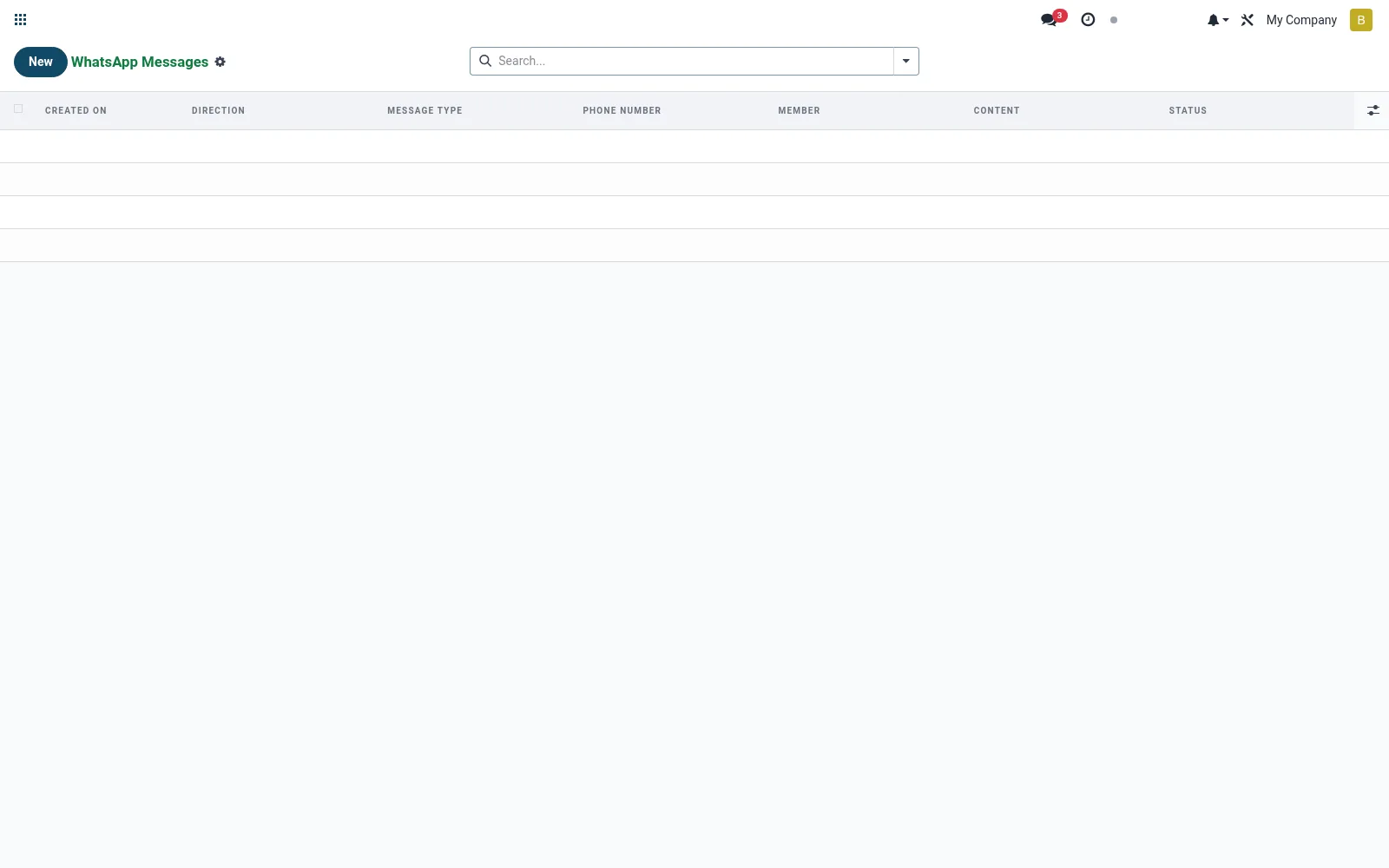
The granular log of every individual WhatsApp message sent or received, with direction, content, template used and delivery status. It gives operations a precise audit trail for compliance, dispute handling and delivery monitoring. Each line is the atomic record behind a conversation.
Workflow
- Open Messages to browse all individual message records.
- Filter by conversation, direction or status.
- Open a message to view its content and delivery state.
- Investigate failed or undelivered messages.
- Use the trail as evidence for member queries or audits.
Fields reference
Every field on this screen, drawn from the live data model.
| Field | Type | Required | Description |
|---|---|---|---|
Params Jsonparams_json | Long text | — | Rendered placeholder params (JSON list). |
Conversationconversation_id | Link → mfi.whatsapp.conversation | Yes | Conversation |
Providerprovider_id | Link → mfi.whatsapp.provider | Yes | Provider |
Directiondirection | Choice: Inbound, Outbound | Yes | Direction |
Statusstatus | Choice: Pending, Sent, Delivered, Read, Failed, Received | Yes | Status |
Membermember_id | Link → mfi.member | — | Member |
Phone Numberphone_number | Text | — | Phone Number |
Templatetemplate_id | Link → mfi.whatsapp.template | — | Template |
Contentcontent | Long text | — | Content |
Provider Messageprovider_message_id | Text | — | Provider Message |
Error Messageerror_message | Text | — | Error Message |
Http Statushttp_status | Number | — | Http Status |
Raw Responseraw_response | Long text | — | Raw Response |
Raw Requestraw_request | Long text | — | Raw Request |
Sent Atsent_at | Date & time | — | Sent At |
Delivered Atdelivered_at | Date & time | — | Delivered At |
Read Atread_at | Date & time | — | Read At |
Failed Atfailed_at | Date & time | — | Failed At |
Short Labelshort_label | Text | — | Short Label |
Notes & rules
- Model mfi.whatsapp.message; inbound and outbound message lines.
- Captures direction, body/template, timestamp and delivery status.
- Statuses such as queued, sent, delivered, read, failed.
- Belongs to a parent conversation; key for audit and reconciliation.
Was this page helpful?