

PPI Country Tables
Holds the country-specific lookup tables that convert raw PPI scores into poverty-likelihood percentages, since the index is calibrated per country. Administrators maintain these so PPI scoring matches the institution's operating country and the official PPI methodology.
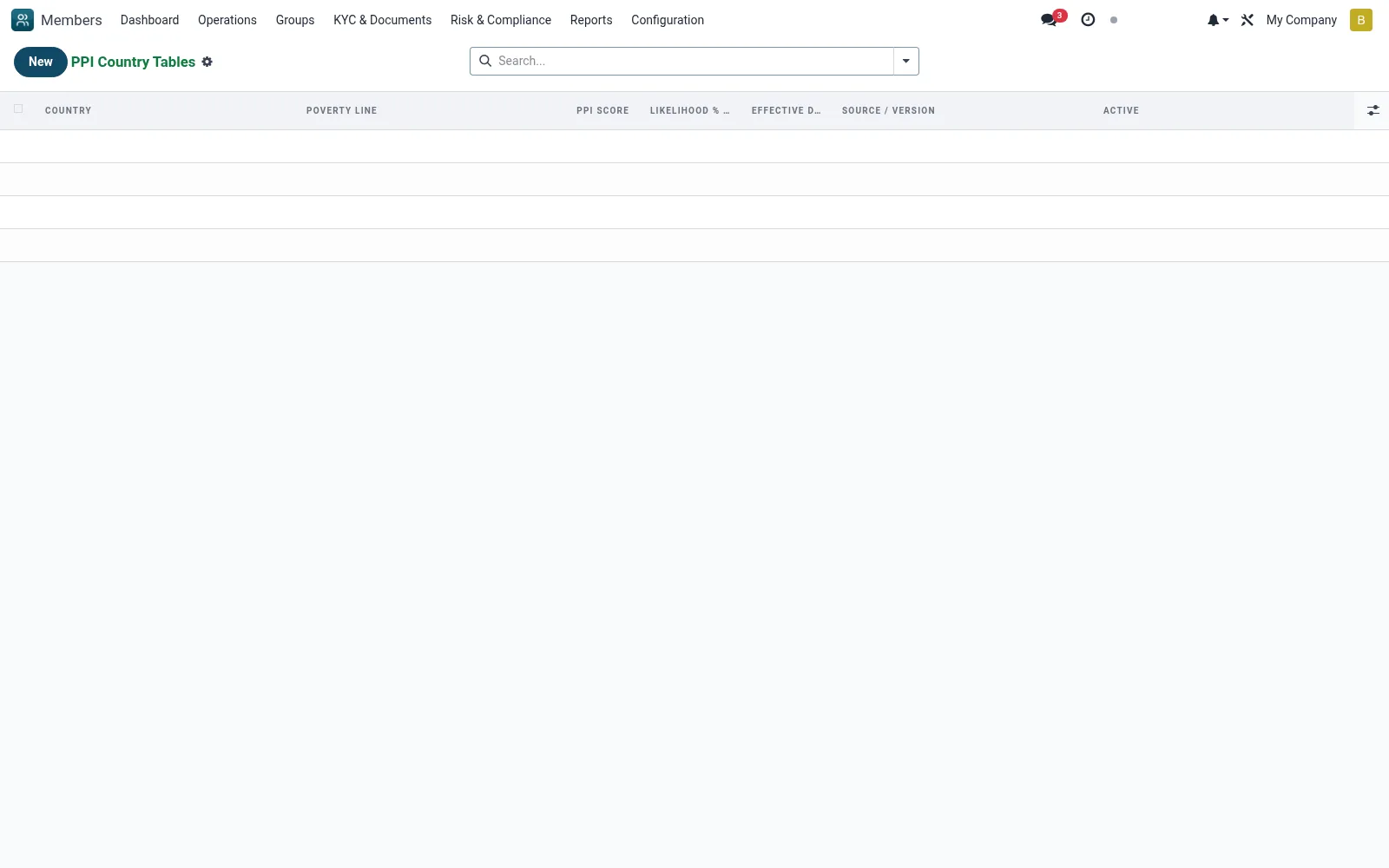
Workflow
- Go to Configuration then PPI Country Tables
- Select or create the country table
- Enter the score-to-likelihood conversion bands
- Link it to the matching PPI question set
- Save so PPI assessments use the correct calibration
Fields reference
Every field on this screen, drawn from the live data model.
| Field | Type | Required | Description |
|---|---|---|---|
PPI Scorescore | Number | Yes | Raw PPI score (0-100) |
Likelihood % below linelikelihood_pct | Decimal | Yes | % probability household is below the chosen poverty line |
Source / Versionsource | Text | — | e.g. "Grameen Foundation / IPA v2017" |
Countrycountry_id | Link → res.country | Yes | Country |
Poverty Linepoverty_line | Choice: National Poverty Line, $1.90/day PPP (extreme), $2.50/day PPP, $5.50/day PPP | Yes | Poverty Line |
Effective Dateeffective_date | Date | Yes | Effective Date |
Activeactive | Yes/No | — | Active |
Notes & rules
- Model mfi.member.ppi.country.table
- Country-calibrated score conversions
- Pairs with PPI Questions
- Ensures valid poverty-likelihood output
Was this page helpful?