

Officer Reports
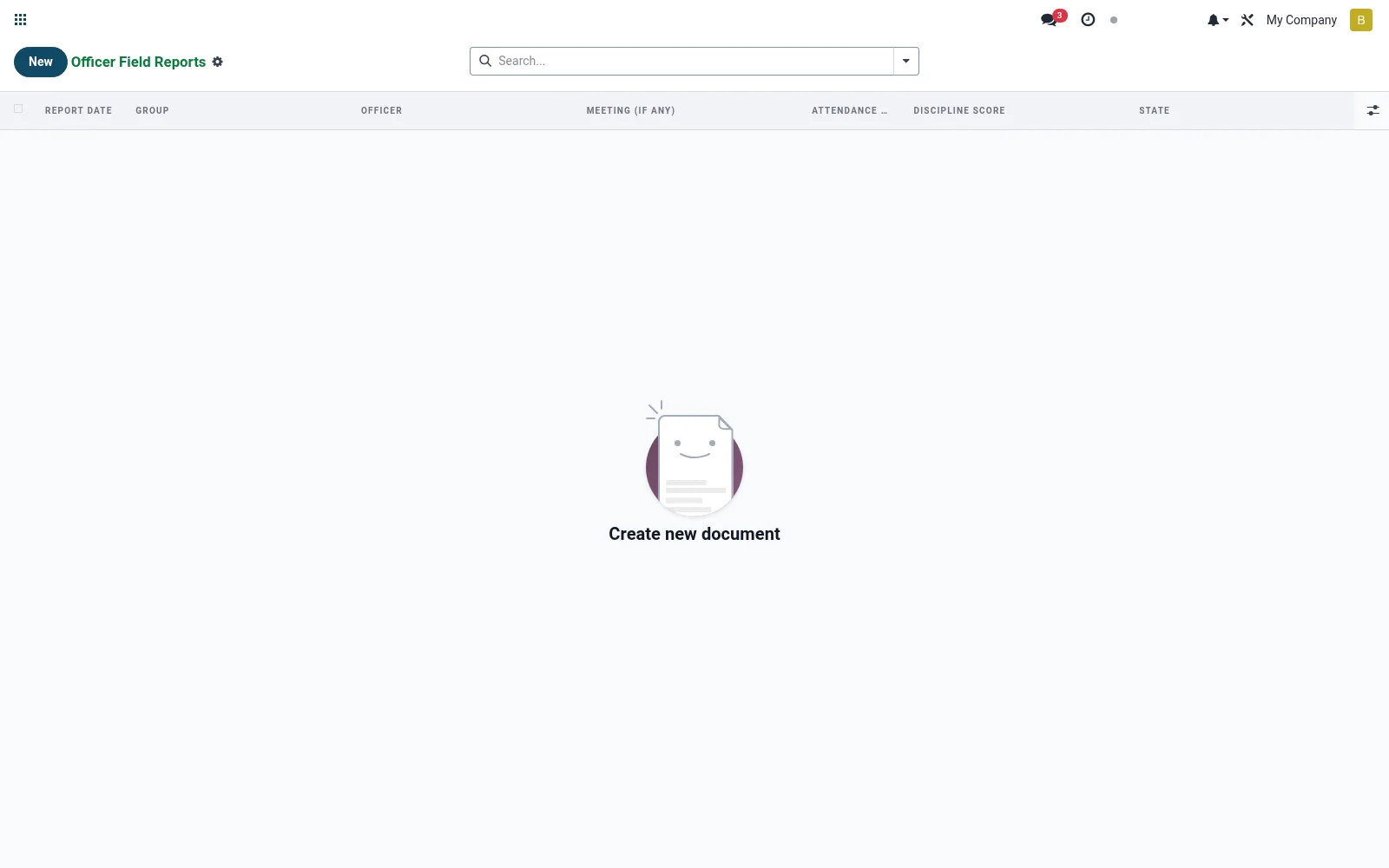
Where field officers log their visit reports — groups seen, collections made, issues raised and follow-ups. The record gives supervisors a structured account of field productivity and emerging portfolio risks. It is the accountability link between head office and the field.
Workflow
- Open Officer Reports under Field Activity.
- Create a report for the officer and field day.
- List groups/centres visited and collections made.
- Note any arrears, conflicts or follow-up actions.
- Submit for the supervisor's review.
Fields reference
Every field on this screen, drawn from the live data model.
| Field | Type | Required | Description |
|---|---|---|---|
Website Messageswebsite_message_ids | List | — | Website communication history |
Officerofficer_id | Link → res.users | Yes | Officer |
Groupgroup_id | Link → mfi.group.group | Yes | Group |
Report Datereport_date | Date | Yes | Report Date |
My Activity Deadlinemy_activity_date_deadline | Date | — | My Activity Deadline |
Has Messagehas_message | Yes/No | — | Has Message |
Ratingsrating_ids | List | — | Ratings |
Namename | Text | — | Name |
Meeting (if any)meeting_id | Link → mfi.group.meeting | — | Meeting (if any) |
Attendance Pctattendance_pct | Decimal | — | Attendance Pct |
Discipline Scorediscipline_score | Choice: Excellent (5), Good (4), Average (3), Poor (2), Bad (1) | — | Discipline Score |
Issuesissues | Long text | — | Issues |
Actionsactions | Long text | — | Actions |
Statestate | Choice: Draft, Submitted, Reviewed | — | State |
Companycompany_id | Link → res.company | — | Company |
Actions & buttons
Buttons available on this screen and what they do:
- Submit
Status lifecycle
Records on this screen move through these statuses:
Draft → Submitted → Reviewed
Notes & rules
- Model mfi.group.officer.report; the field visit/performance record.
- Captures groups visited, collections and flagged issues.
- Supports officer KPI tracking and supervision.
- Complements meeting data for early-warning risk signals.
Was this page helpful?