

Dashboard
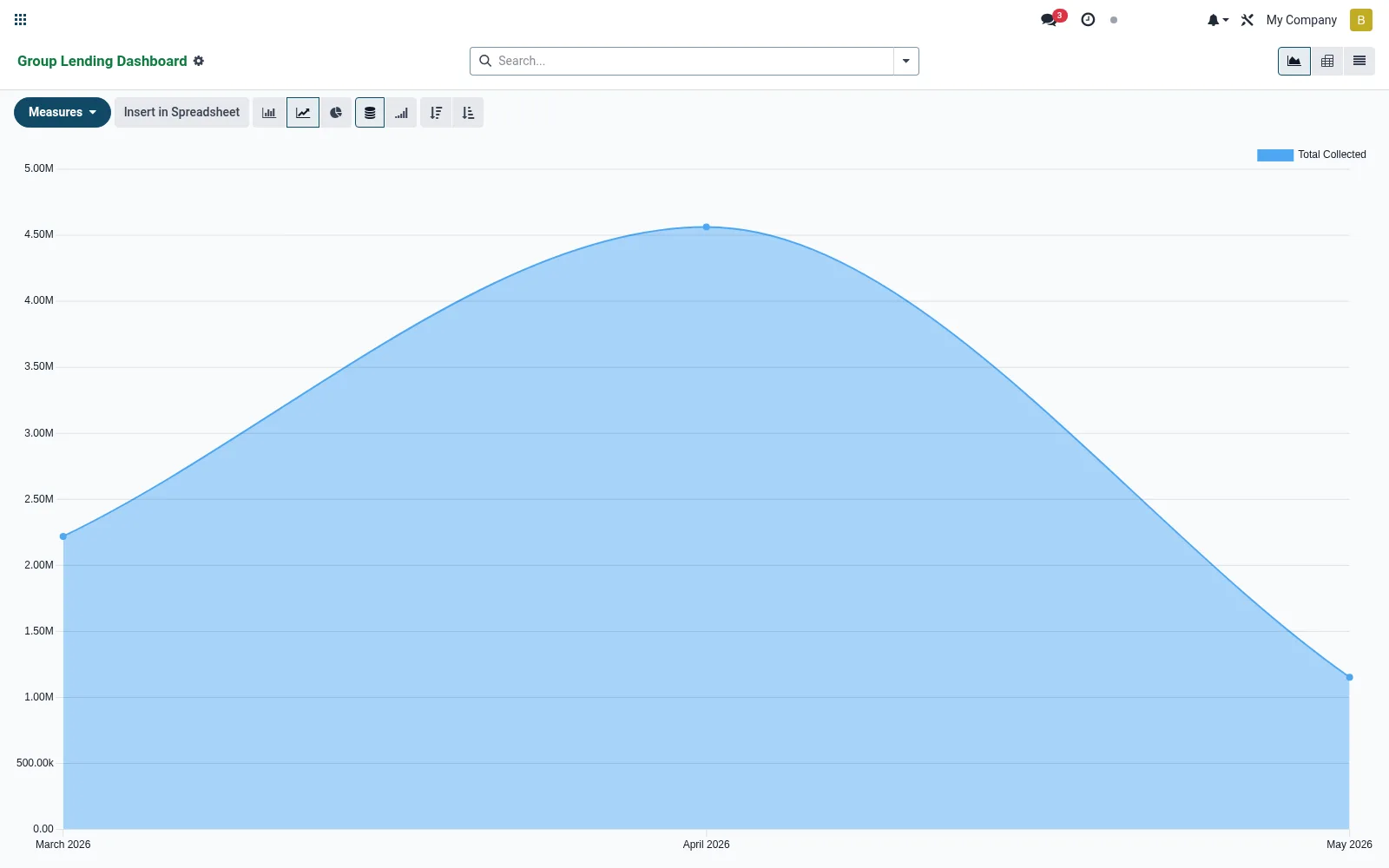
An analytics dashboard built on meeting data that visualises group-lending performance through graphs and pivots. Managers track attendance, collections and meeting frequency across centres and officers at a glance. It turns routine field records into the operational pulse of the group-lending portfolio.
Workflow
- Open Dashboard from the Group lending menu.
- Switch between graph and pivot views to slice the data.
- Group by centre, officer or period to spot trends.
- Drill into a weak attendance or collection cell.
- Use the findings to direct field supervision.
Fields reference
Every field on this screen, drawn from the live data model.
| Field | Type | Required | Description |
|---|---|---|---|
Website Messageswebsite_message_ids | List | — | Website communication history |
Groupgroup_id | Link → mfi.group.group | Yes | Group |
Meeting Datemeeting_date | Date | Yes | Meeting Date |
My Activity Deadlinemy_activity_date_deadline | Date | — | My Activity Deadline |
Has Messagehas_message | Yes/No | — | Has Message |
Ratingsrating_ids | List | — | Ratings |
Namename | Text | — | Name |
Cyclecycle_id | Link → mfi.group.cycle | — | Cycle |
Attendanceattendance_ids | Tags | — | Attendance |
Agendaagenda | Long text | — | Agenda |
Minutesminutes | Long text | — | Minutes |
Collectionscollection_ids | List | — | Collections |
Total Collectedtotal_collected | Money | — | Total Collected |
Total Duetotal_due | Money | — | Total Due |
Collection Ratecollection_rate | Decimal | — | Collection Rate |
Statestate | Choice: Scheduled, In Progress, Done | — | State |
Companycompany_id | Link → res.company | — | Company |
Currencycurrency_id | Link → res.currency | — | Currency |
Actions & buttons
Buttons available on this screen and what they do:
- Complete
Status lifecycle
Records on this screen move through these statuses:
Scheduled → In Progress → Done
Notes & rules
- Built on model mfi.group.meeting with graph and pivot views.
- Surfaces attendance, contribution and collection trends.
- Group/filter by centre, cycle and officer for supervision.
- Read-oriented; underlying records are edited under Operations.
Was this page helpful?