

Export Runs
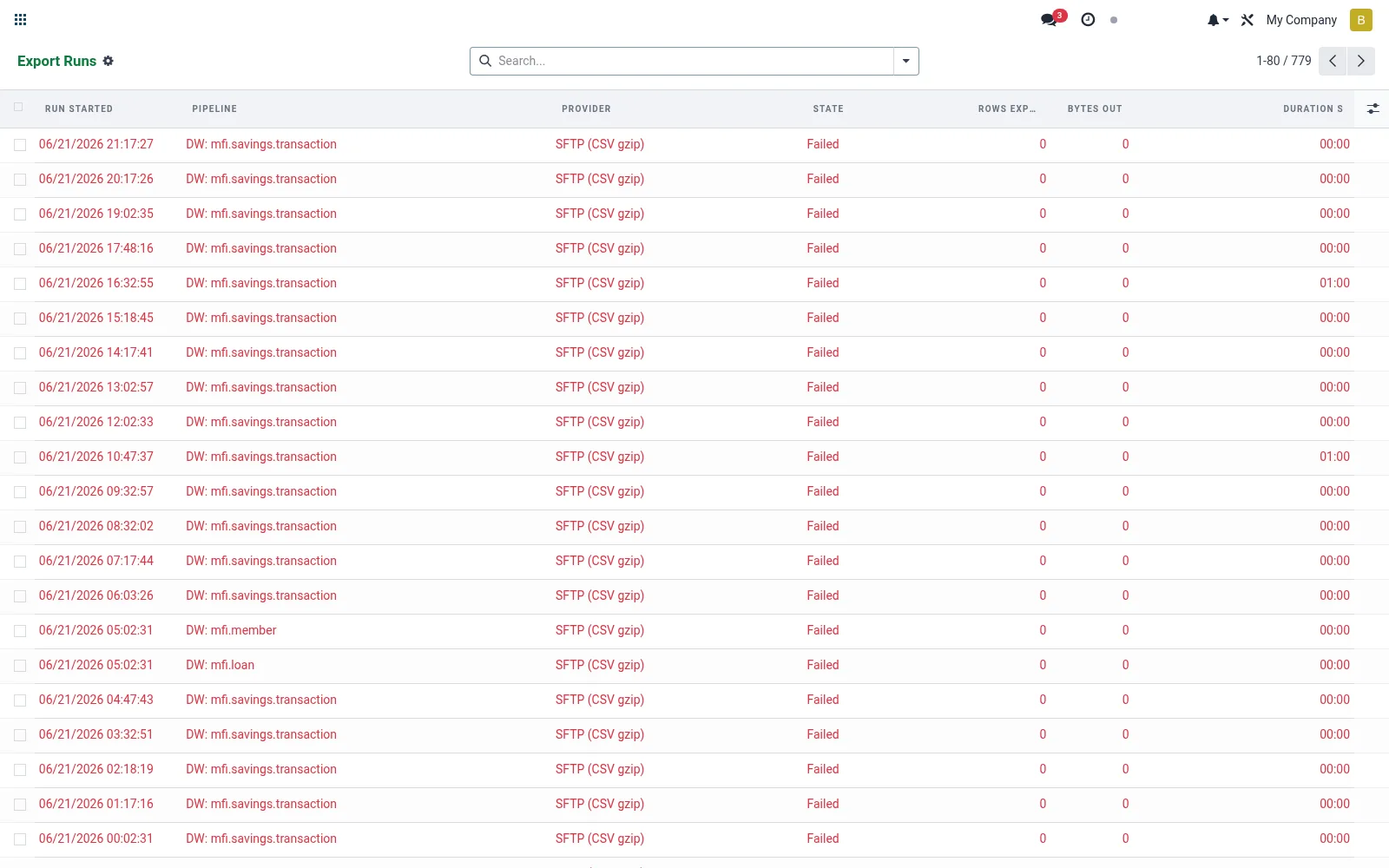
Export Runs is the execution history — one record per pipeline run, showing start/end time, row counts and success or failure. It is the monitoring and audit surface that confirms the warehouse is fresh and helps diagnose any failed load. Reliable run history is essential for trustworthy BI reporting.
Workflow
- Open Export Runs to view the run history.
- Filter by pipeline or date to find a specific load.
- Open a run to inspect rows exported, duration and status.
- Investigate the error detail on any failed run.
- Re-trigger the pipeline once the issue is resolved.
Fields reference
Every field on this screen, drawn from the live data model.
| Field | Type | Required | Description |
|---|---|---|---|
Pipelinepipeline_id | Link → mfi.dw.pipeline | Yes | Pipeline |
Destinationdestination_id | Link → mfi.dw.destination | — | Destination |
Providerprovider | Choice: Google BigQuery, Snowflake, Amazon Redshift, Amazon S3 (Parquet), SFTP (CSV gzip), Generic HTTP POST | — | Provider |
Run Startedrun_started | Date & time | — | Run Started |
Run Endedrun_ended | Date & time | — | Run Ended |
Duration Sduration_s | Decimal | — | Duration S |
Statestate | Choice: Running, Success, Failed, Partial | — | State |
Rows Exportedrows_exported | Number | — | Rows Exported |
Bytes Outbytes_out | Number | — | Bytes Out |
Watermark Oldwatermark_old | Text | — | Watermark Old |
Watermark Newwatermark_new | Text | — | Watermark New |
Columns (JSON)columns_json | Long text | — | Columns (JSON) |
Error Messageerror_message | Text | — | Error Message |
Lineagelineage_ids | List | — | Lineage |
Status lifecycle
Records on this screen move through these statuses:
Running → Success → Failed → Partial
Notes & rules
- Model mfi.dw.export.run; one record per pipeline execution.
- Captures start/end time, row counts and success/failed status.
- Holds error detail for diagnosing load failures.
- Confirms warehouse freshness for downstream BI dashboards.
Was this page helpful?