

Destinations
Destinations register the external analytics targets the suite writes to — a data warehouse, object storage bucket or BI connector. Each record holds the connection type, endpoint and credentials. Configuring destinations correctly is what lets pipelines deliver data securely to the right downstream system.
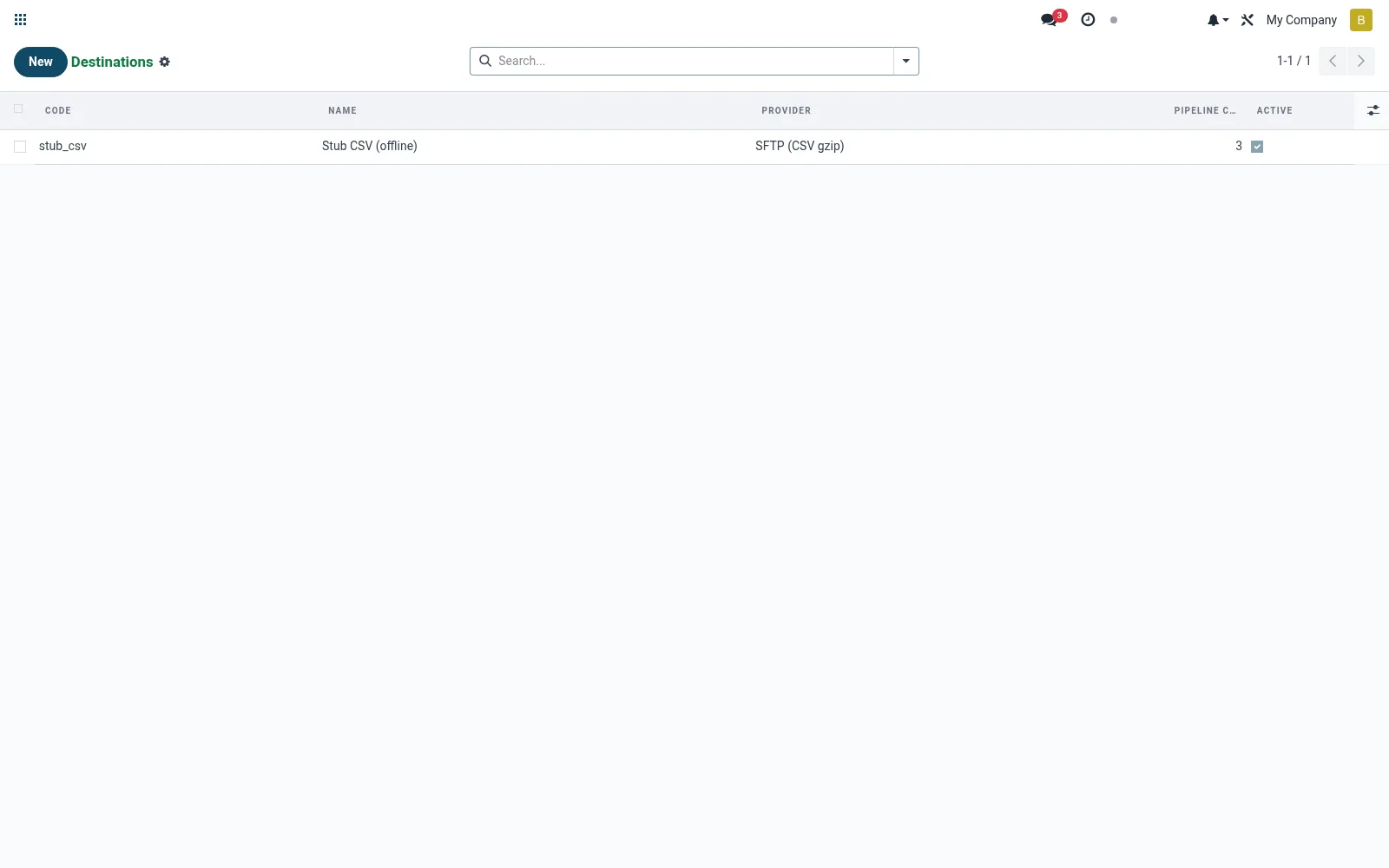
Workflow
- Open Destinations from the Data Warehouse export menu.
- Create a destination and pick the connector type.
- Enter the endpoint, database/bucket and credentials.
- Test the connection.
- Activate so pipelines can target it.
Fields reference
Every field on this screen, drawn from the live data model.
| Field | Type | Required | Description |
|---|---|---|---|
Codecode | Text | Yes | Unique short code, used in audit logs. |
Website Messageswebsite_message_ids | List | — | Website communication history |
Base URL / Endpointbase_url | Text | — | Optional. For HTTP POST or self-hosted Snowflake/Redshift endpoints. |
Namename | Text | Yes | Name |
Providerprovider | Choice: Google BigQuery, Snowflake, Amazon Redshift, Amazon S3 (Parquet), SFTP (CSV gzip), Generic HTTP POST | Yes | Provider |
Has Messagehas_message | Yes/No | — | Has Message |
Ratingsrating_ids | List | — | Ratings |
Sequencesequence | Number | — | Sequence |
Credentials (encrypted)credentials_enc | Long text | — | Credentials (encrypted) |
Provider Config (JSON)config_json | Long text | — | Provider Config (JSON) |
Activeactive | Yes/No | — | Active |
Companycompany_id | Link → res.company | — | Company |
Pipelinespipeline_ids | List | — | Pipelines |
Pipeline Countpipeline_count | Number | — | Pipeline Count |
Actions & buttons
Buttons available on this screen and what they do:
- Test Connection
Notes & rules
- Model mfi.dw.destination; the external warehouse/BI target master.
- Holds connector type, endpoint and authentication credentials.
- Common targets: SQL warehouse, object storage, BI connector.
- Referenced by pipelines as their write target.
Was this page helpful?