

Dashboard
The Dashboard is the treasurer's at-a-glance view, consolidating the latest liquidity coverage and net stable funding ratios, the repricing gap position, FX exposure, investment maturities and any open alarms. It surfaces the most recent computed values against their regulatory limits so deteriorating positions are spotted early. From here the treasurer can drill into any underlying report.
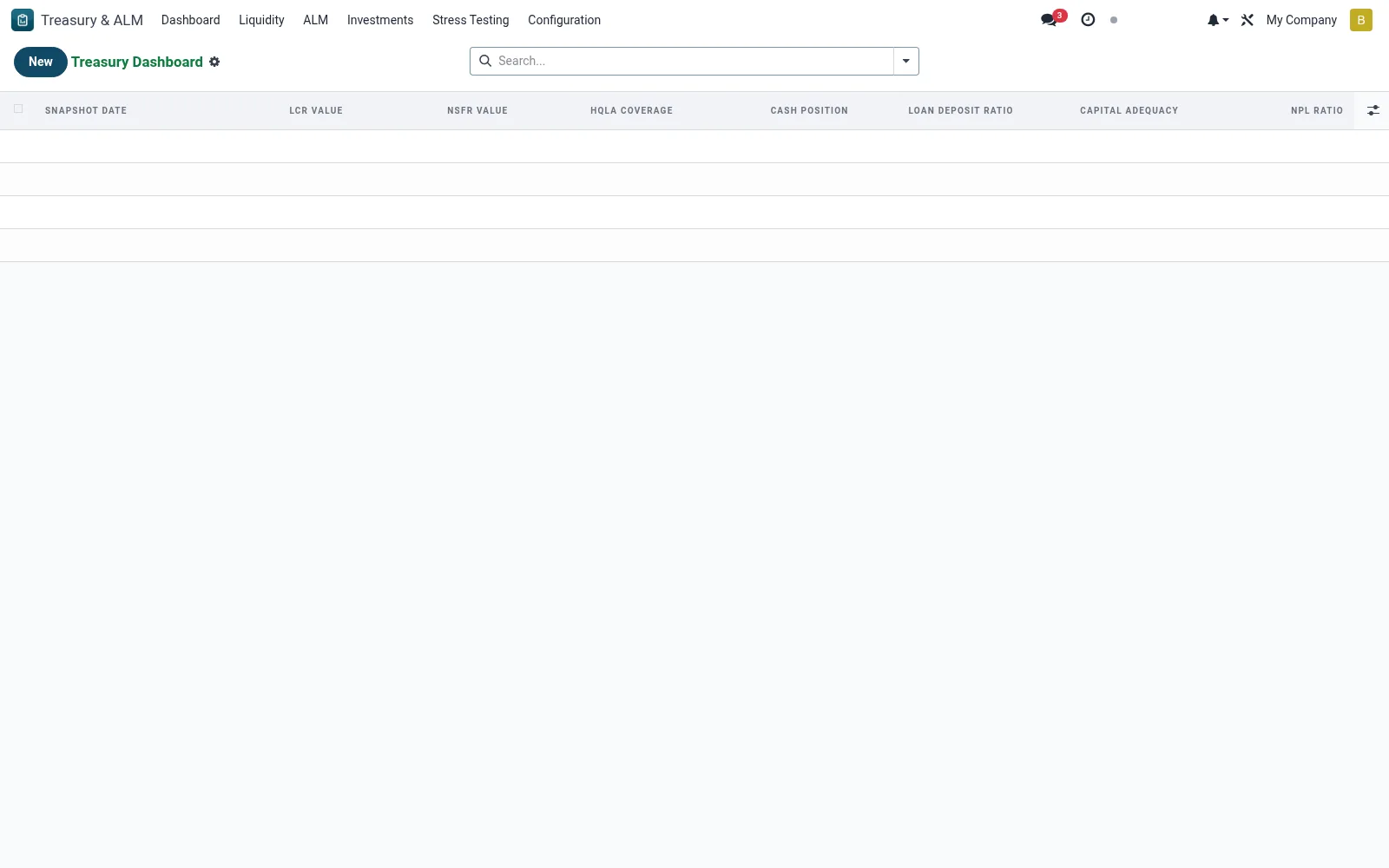
Workflow
- Open Treasury & ALM then Dashboard to load the consolidated position.
- Review the headline LCR, NSFR, gap and FX figures against their thresholds.
- Check the open alarms panel for any limit breaches needing action.
- Click a tile to drill into the detailed report behind a metric.
- Refresh after the latest computation run to see current values.
Fields reference
Every field on this screen, drawn from the live data model.
| Field | Type | Required | Description |
|---|---|---|---|
Snapshot Datesnapshot_date | Date | Yes | Snapshot Date |
Lcr Valuelcr_value | Decimal | — | Lcr Value |
Nsfr Valuensfr_value | Decimal | — | Nsfr Value |
Fx Max Exposure Pctfx_max_exposure_pct | Decimal | — | Fx Max Exposure Pct |
Repricing Gap Totalrepricing_gap_total | Money | — | Repricing Gap Total |
Hqla Coveragehqla_coverage | Decimal | — | Hqla Coverage |
Cash Positioncash_position | Money | — | Cash Position |
Investment Yieldinvestment_yield | Decimal | — | Investment Yield |
Cost Of Fundscost_of_funds | Decimal | — | Cost Of Funds |
Loan Deposit Ratioloan_deposit_ratio | Decimal | — | Loan Deposit Ratio |
Interbank Netinterbank_net | Money | — | Interbank Net |
Capital Adequacycapital_adequacy | Decimal | — | Capital Adequacy |
Npl Rationpl_ratio | Decimal | — | Npl Ratio |
Deposit Concentrationdeposit_concentration | Decimal | — | Deposit Concentration |
Largest Counterparty Pctlargest_counterparty_pct | Decimal | — | Largest Counterparty Pct |
Var Totalvar_total | Money | — | Var Total |
Notesnotes | Long text | — | Notes |
Companycompany_id | Link → res.company | — | Company |
Currencycurrency_id | Link → res.currency | — | Currency |
Notes & rules
- Figures are read from the most recent computed records in each underlying model.
- Threshold colouring flags positions approaching or breaching prudential minimums.
- Open alarms shown here originate from the alarm configuration screen.
- The dashboard is read-only; remediation happens in the source screens.
Was this page helpful?