

Data Warehouse Export
Data Warehouse Export schedules batch loads of mfi.* tables to a downstream warehouse. Destinations: BigQuery, Snowflake, Redshift, S3 Parquet, SFTP CSV. PII obfuscation is per-field.
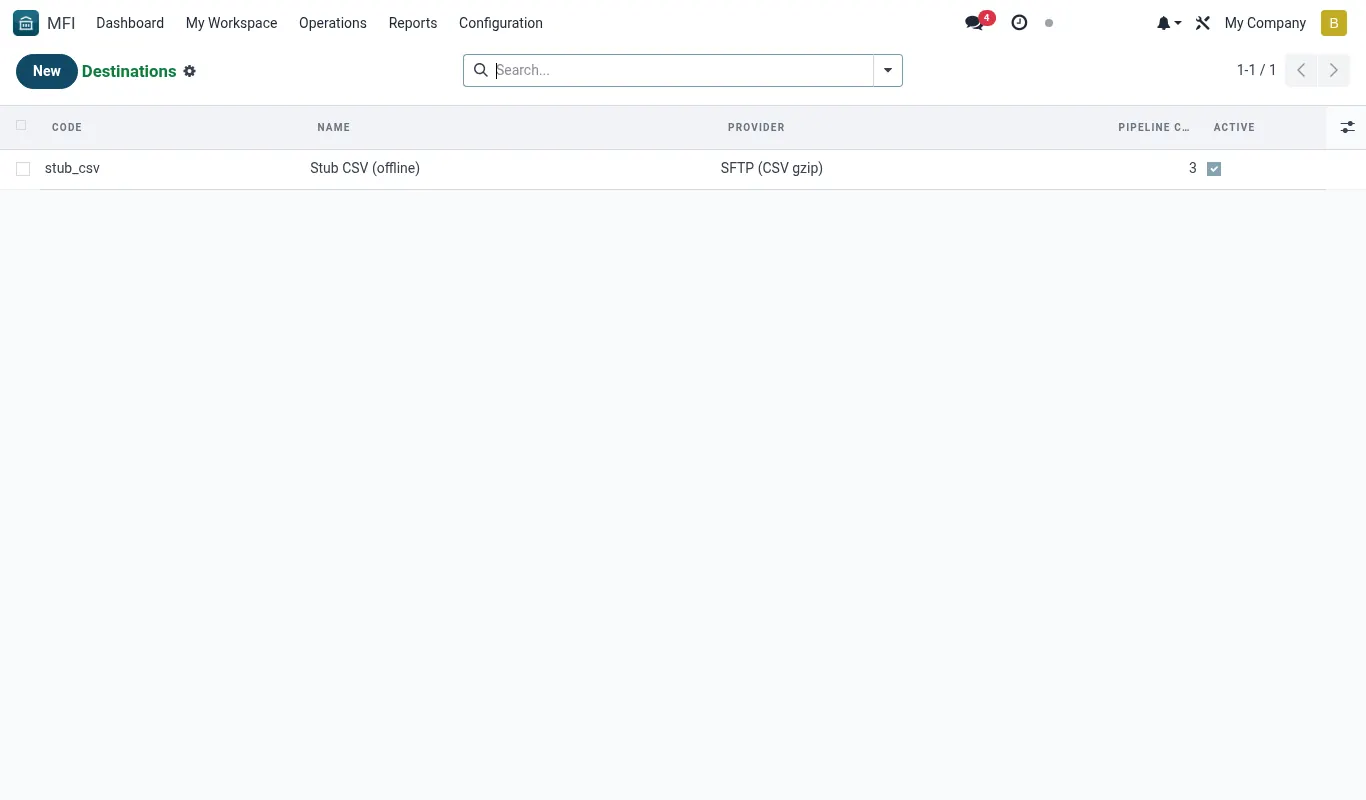
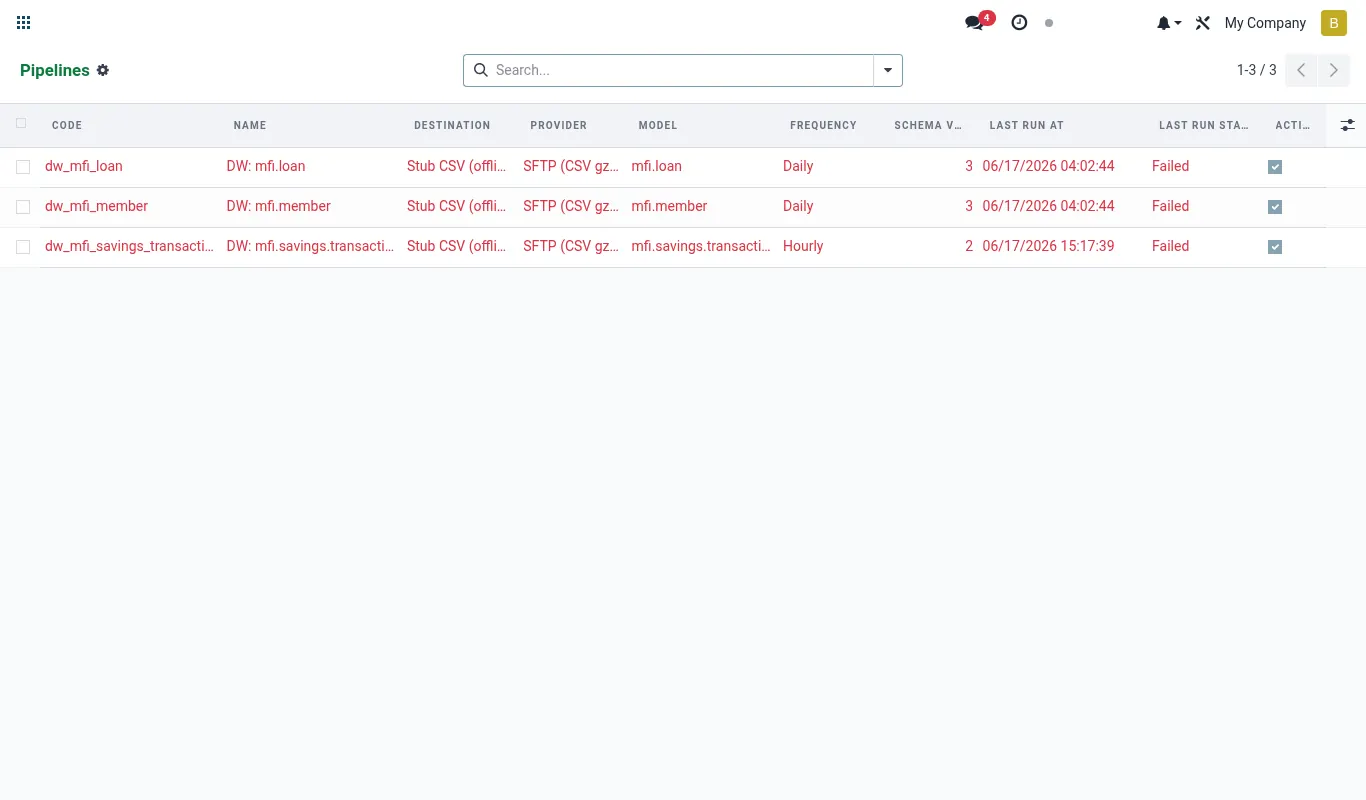
How to set up a daily export to BigQuery
Pick the tables, pick the cadence, pick the PII handling per column — the rest happens nightly.
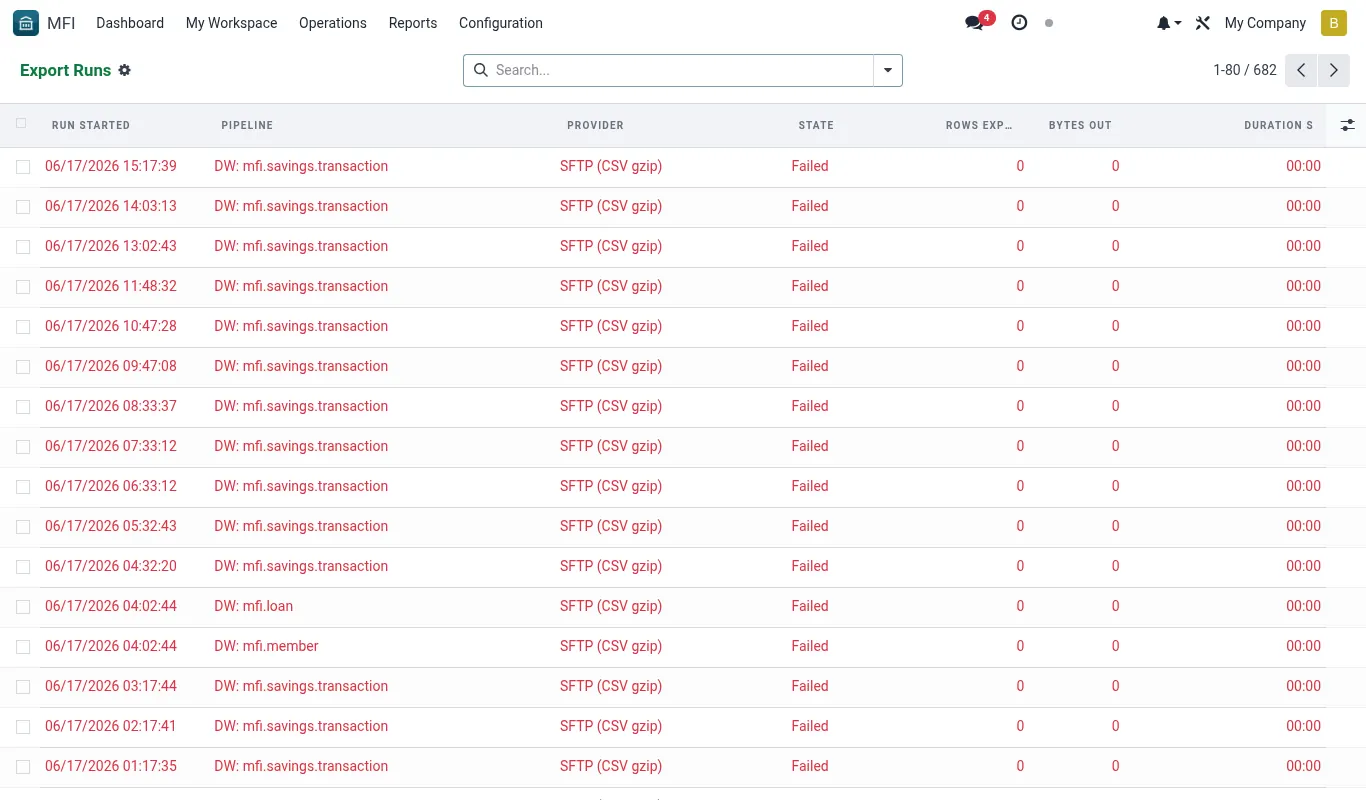
- Open Data Warehouse → Export profiles → New.
- Pick BigQuery as the destination; paste the service-account JSON.
- Pick the tables (mfi.member, mfi.loan, mfi.savings.account, etc.).
- For each PII column, pick handling: hash, mask, or drop.
- Set cadence (daily 02:00 is the default).
- Save. The first run fires on the next cron tick.
Reference
Feature checklist
- 5 destination drivers
- Incremental + full snapshot modes
- PII obfuscation per field
- Per-table cadence
Configuration reference
| Where | What to set |
|---|---|
| Destination credentials | Per driver |
| Tables + cadence | Per-table |
| PII mapping | Hash phone, mask ID, drop national_id_image |
Roles & permissions
| Group | Capability |
|---|---|
| mfi_data_warehouse_export.group_dw_admin | Configure, run, view |
Accounting integration
Read-only.Tip. Use SFTP CSV as the cheapest destination — useful for analyst teams who have no cloud-warehouse budget.
Was this page helpful?