

The parent & student portal
The portal is how families engage with the school every day. Parents and students see grades, the fee statement (and can pay it), attendance, the timetable, library loans and announcements – each scoped to their own children.
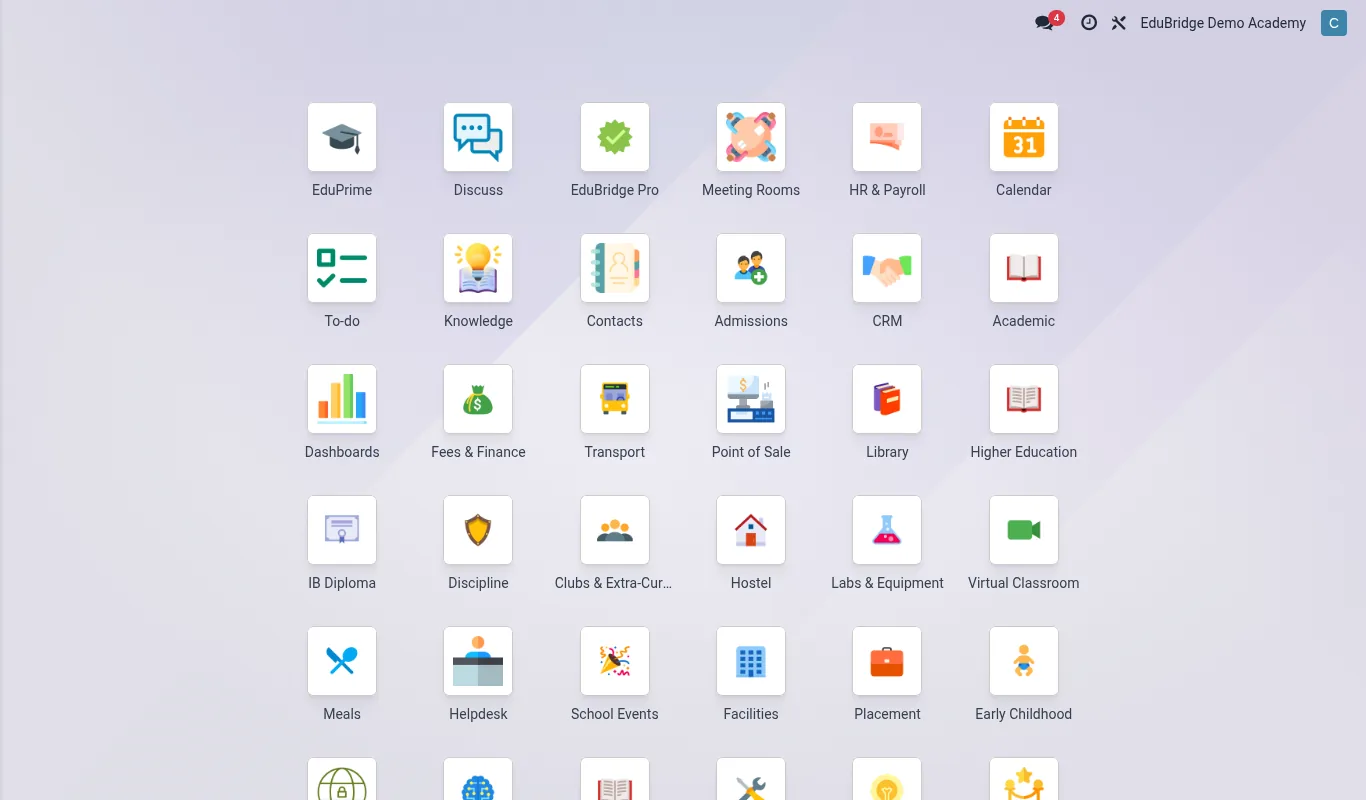
Where to find it — App drawer → Parent Engagement → Alert Log.
What families see
| Section | Shows |
|---|---|
| Grades | Marks, report cards, progress |
| Fees | Statement, balance, pay online |
| Attendance | Daily attendance and absences |
| Timetable | The student's weekly schedule |
| Library | Current loans and due dates |
| Announcements | School and class messages |
Signing in & linked children
- The school invites the parent by email; they set a password and sign in at the portal address.
- A parent with several children sees a child switcher; each view is scoped to the selected child.
- Students get their own login showing their data only.
Important — A portal account sees only that family's children, enforced by the same server-side record rules used across EduPrime. Never link a parent to a child they are not authorised for – in custody-sensitive cases, confirm the authorised contacts before sending an invite.
Paying fees
From the Fees section a parent views the statement and pays online through the school's configured payment channels. Receipts are issued automatically and the balance updates, reducing front-office queues and reconciliation work.
Engagement scoring
EduPrime tracks how actively each family uses the portal – logins, messages read, payments made – into an engagement score. Low engagement flags families who may be missing important information, so the school can reach out through another channel.
Tip — Promote the portal at enrolment and parents' evenings. The more families self-serve grades and fees, the fewer phone calls and the faster fees are paid.
Related pages
Was this page helpful?