

HR & payroll overview
The HR & Payroll app manages the people who run the school: a staff directory, contracts and documents, payroll on the local pay calendar, leave and appraisals – with teaching loads linked to the timetable.
The HR dashboard
The dashboard is the HR officer's home: headcount, contracts ending soon, leave awaiting approval, payroll status and upcoming appraisals, all on one screen.
What HR covers
| Area | Manages |
|---|---|
| Staff directory | Every employee, role and contact |
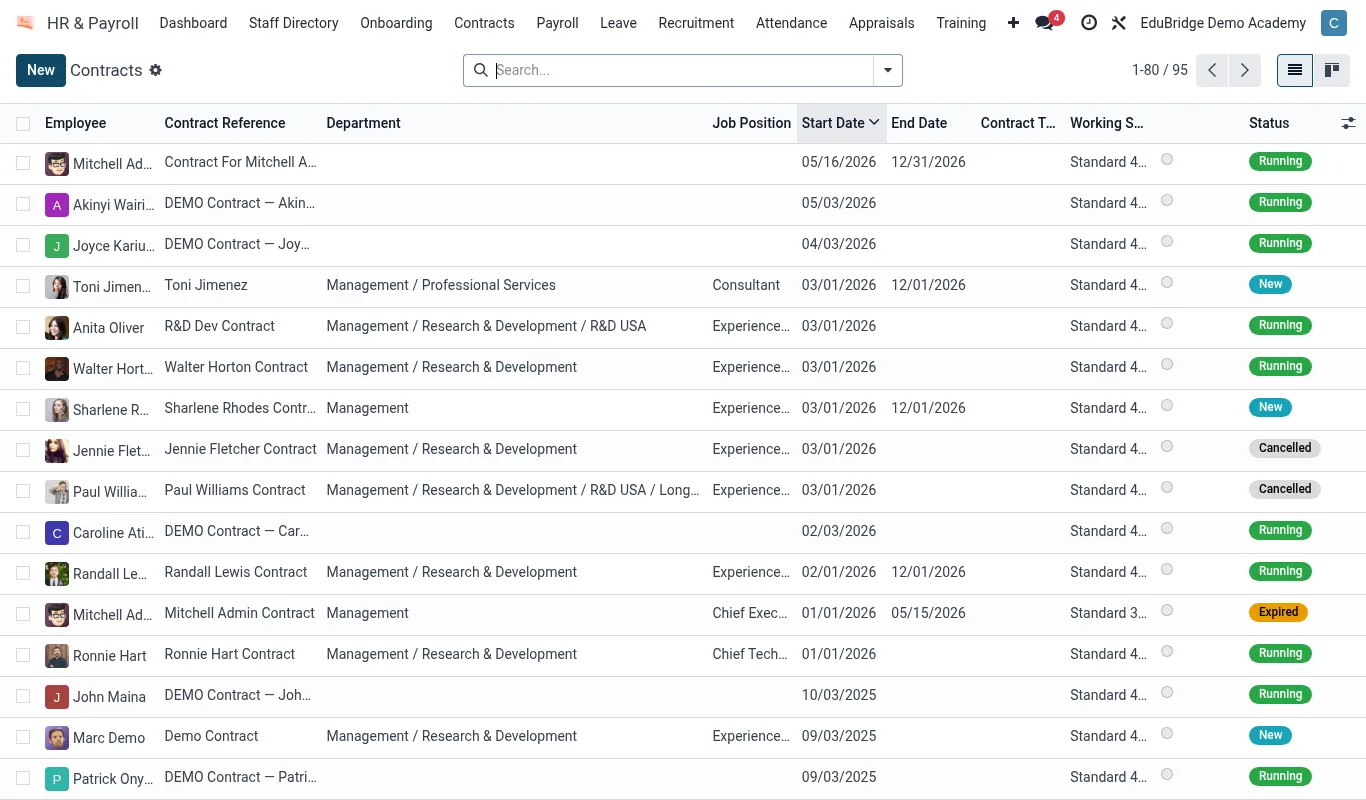
| Contracts | Terms, dates, salary, renewals |
| Documents | Certificates, IDs, vetting checks |
| Payroll | Pay runs on the local calendar |
| Leave | Requests, balances, approvals |
| Appraisals | Review cycles and outcomes |
Teaching loads & the timetable
For teaching staff, HR and the timetable are connected. A teacher's teaching load – the periods they teach each week – is read from the timetable, so HR can see who is over- or under-loaded, and leave cover can be arranged against real periods rather than guesswork.
Access & privacy
HR data is confidential. Salary, documents and appraisal notes are visible only to HR officers and the relevant manager. Ordinary staff see the directory contact details, not each other's pay or reviews.