

Leave & appraisals
EduPrime manages staff leave from request to approval, arranges cover against the timetable, and runs appraisal cycles that keep professional development on track.
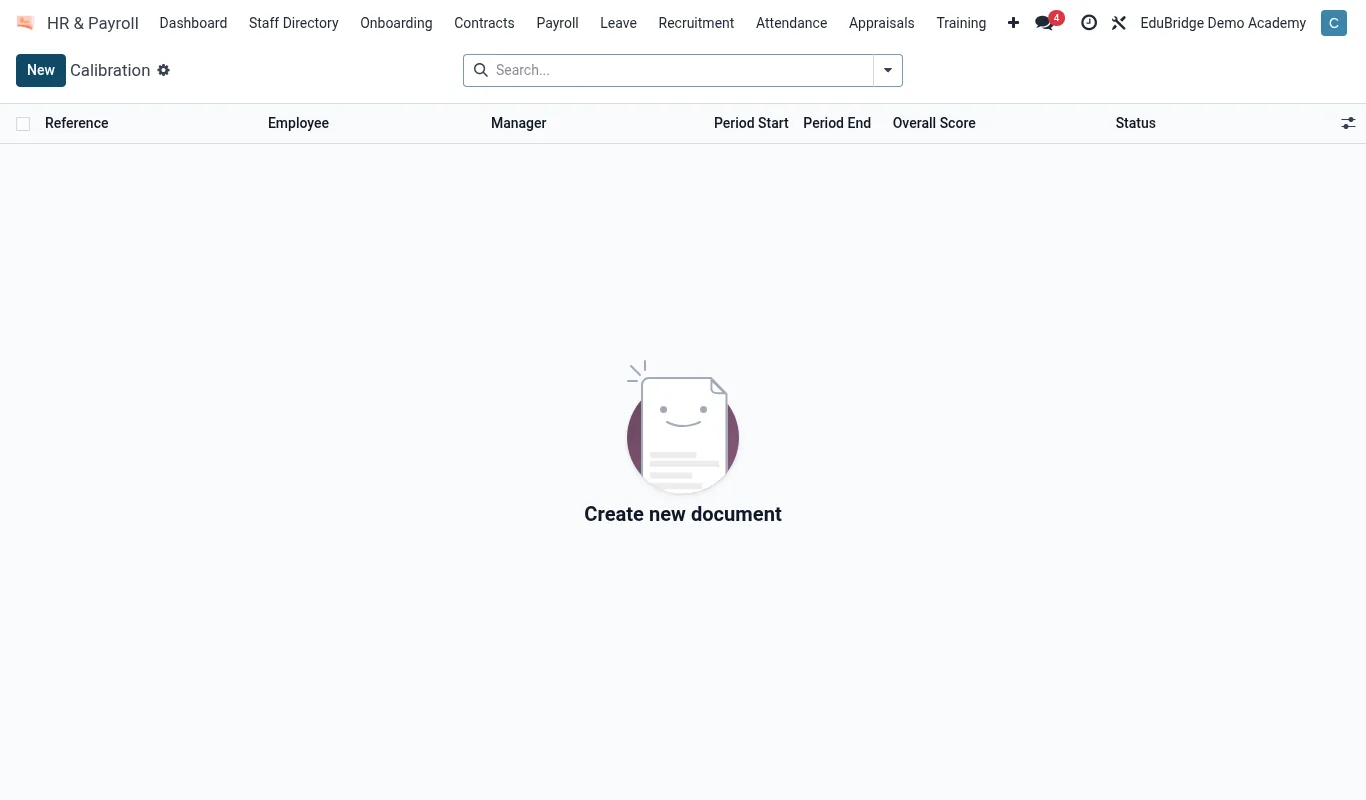
Where to find it — App drawer → HR & Payroll → Appraisals → Calibration.
Leave types, requests & approvals
Configure your leave types once, then staff self-serve their requests.
- In
HR → Leave → Typesdefine each type – annual, sick, compassionate, study, maternity/paternity – with its annual allocation and whether it is paid. - A staff member opens Leave → New request, picks the type and dates, and submits.
- The manager receives the request, sees the staff member's balance and any clash, and approves or declines.
- Approved leave deducts from the balance and appears on the team calendar.
| Leave type | Paid? | Approval |
|---|---|---|
| Annual | Yes | Manager |
| Sick | Yes | Manager (+ certificate over threshold) |
| Compassionate | Yes | Manager |
| Study | Policy | Head + HR |
Cover via the timetable
When a teacher's leave is approved, EduPrime reads their teaching load from the timetable and lists the periods needing cover. The deputy or timetabler assigns cover staff against those exact periods, and the affected classes' timetables update so students and the portal show the change.
Tip — Encourage staff to file foreseeable leave (study, appointments) well ahead so cover can be planned. The leave calendar shows clashes – too many absences in one department on one day – before they become a crisis.
Appraisal cycles
Appraisals keep staff growth visible and fair.
- HR opens an appraisal cycle for the year and the staff in scope.
- Each appraisal moves through self-review, manager review and a meeting.
- Record objectives, ratings and development actions; agreed CPD links back to the qualifications tab.
- The cycle dashboard tracks completion so no appraisal is forgotten.
Important — Appraisal notes are confidential between the staff member, their manager and HR. They are not visible to colleagues and must not be used outside the appraisal process.
Related pages
Was this page helpful?