

Announcements & alert rules
The communications team broadcasts announcements to the school community and configures alert rules that automatically notify parents about absences, low fee balances and behaviour – across the channels families actually use.
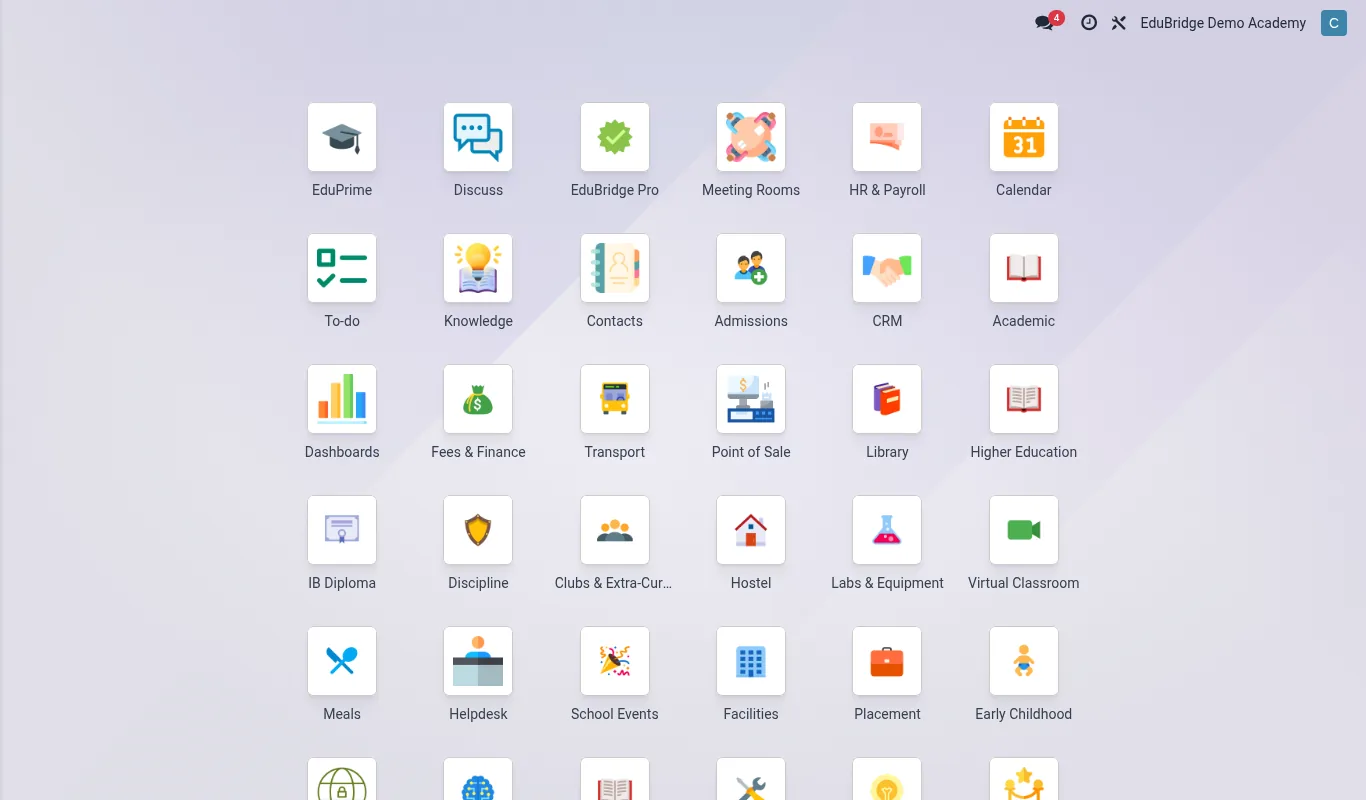
Where to find it — App drawer → Parent Engagement → Alert Rules.
Broadcasting announcements
- Open
Portal → Announcementsand click New. - Write the message and choose the audience – whole school, a year group, a class, or a single family.
- Pick the channels – portal, email, SMS – and a publish/expiry date.
- Publish. The announcement appears on the portal and is sent on the chosen channels.
Configuring alert rules
Alert rules turn data events into automatic notifications – no one has to remember to send them.
- Open
Portal → Alert Rulesand create a rule. - Choose the trigger – absence recorded, fee balance below threshold, behaviour incident logged, immunisation overdue.
- Set the condition (e.g. balance more than 30 days overdue) and the recipients (parent, the student, a staff group).
- Choose the channel and a quiet-hours window, then enable the rule.
| Trigger | Typical recipient | Channel |
|---|---|---|
| Absence | Parent | SMS + portal |
| Low fee balance | Parent | Email + portal |
| Behaviour incident | Parent | Portal (+ SMS if serious) |
| Overdue immunisation | Parent + nurse |
Important — Behaviour alerts can be sensitive. Configure them to send a factual, neutral notice (“an incident was logged; please contact the school”) rather than the full detail, which belongs in a conversation, not an SMS.
Tip — Pilot a new alert rule on one class before enabling it school-wide. It lets you tune thresholds and wording without flooding every family at once.
Channels & delivery logs
Every announcement and alert records a delivery log: who it went to, on which channel and whether it was delivered and read. This proves a parent was notified – important when a family later disputes that they were told about a fee or an absence.
Related pages
Was this page helpful?