

Year-end finance rollover
At the end of a term – and especially the end of a year – you close the books cleanly, carry each family’s balance forward, and open the new period without losing a cent or double-counting. This page is the rollover runbook: do it in order and the new year starts reconciled.
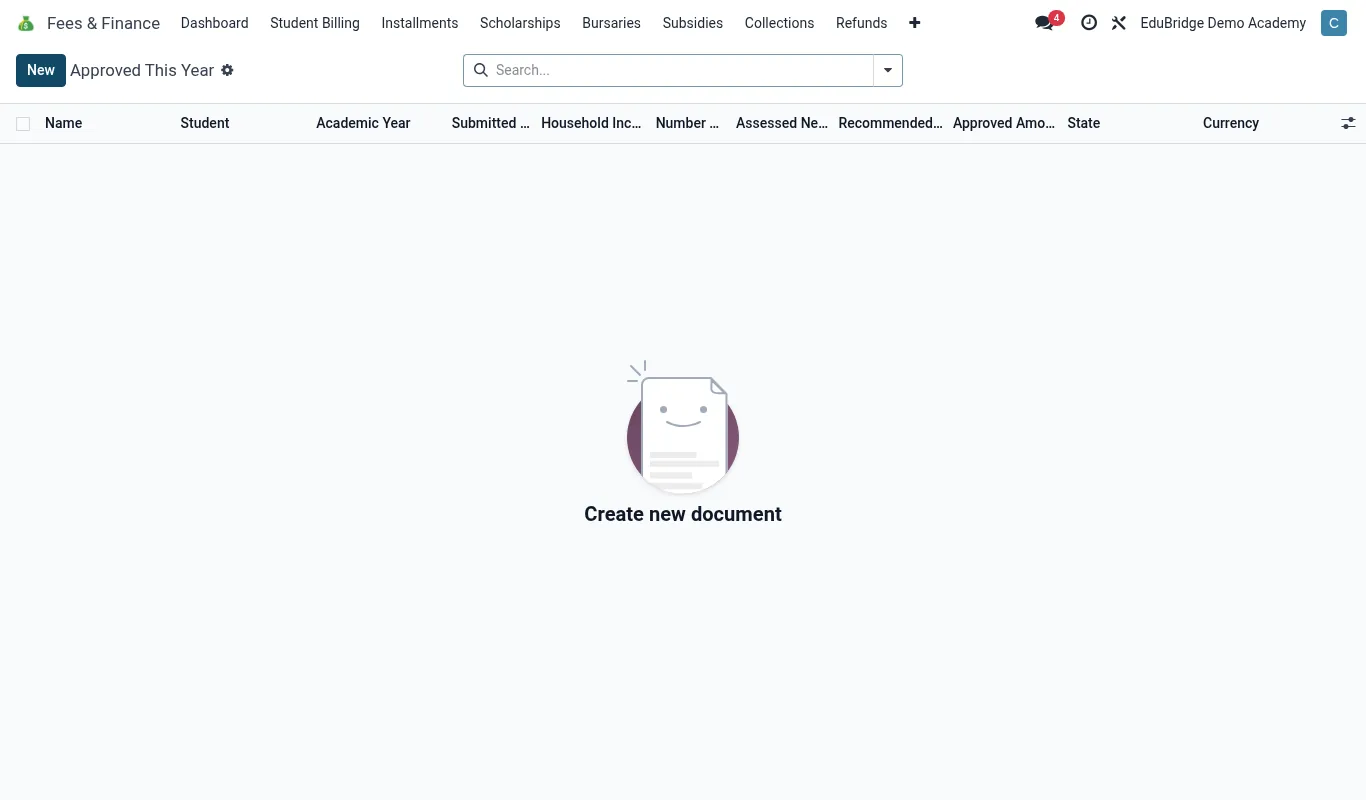
Where to find it — App drawer → Fees & Finance → Bursaries → Approved This Year.
Closing a term
Before you generate the next term’s invoices, close the current one.
- Ensure all payments are recorded and the Unmatched tray is empty.
- Reconcile mobile money, cash and bank for the final week.
- Run the Outstanding and Aging reports – this is the snapshot of what carries forward.
- Action any last-minute reminders, plans or write-offs you intend to apply to this term.
- Mark the term closed so it is locked against accidental edits.
Important — Reconcile fully before closing. Once a term is closed and the next is invoiced, untangling a missed payment from the previous term is far harder. The Unmatched tray must be empty.
Carrying balances forward
Each family’s closing balance becomes the opening line of the next term – arrears as a debit, credit as a credit. EduPrime does this automatically when you roll forward, so the running statement is continuous across terms and years.
| Closing position | Carries forward as |
|---|---|
| Family owes 12,000 | Opening arrears 12,000 (debit) |
| Family in credit 3,000 | Opening credit 3,000 applied to new bill |
| Settled (zero) | Clean start, no opening line |
Tip — Verify the total carried-forward arrears matches the closing Outstanding report exactly. If they differ, an adjustment slipped through after you ran the report – re-run and reconcile before opening the new period.
Opening the new year
With balances carried, set up the new academic year.
- Roll students into their new classes (Academic app) – promotions and repeats.
- Create or duplicate the fee structures for the new year/term and set effective dates.
- Confirm scholarships and bursaries that continue, and re-approve those that are annual.
- Run Generate Term Invoices for the new term – opening balances already sit on the statements, so new invoices add cleanly on top.
- Re-confirm payment plans that span the year and adjust schedules.
Important — Generate new invoices only after carrying balances forward and promoting students. Invoice first and you risk billing children in their old class or losing the opening-balance line under the new charges. Order is everything: close → carry → promote → structures → invoice.
Year-end checklist
- All payments recorded; Unmatched tray empty.
- Final reconciliation done for the year.
- Outstanding and Aging snapshots saved.
- Write-offs and refunds for the year approved and posted.
- Balances carried forward; total reconciled to closing report.
- Students promoted; new structures active.
- Scholarships and plans re-confirmed.
- New term invoiced and statements verified.
Work the checklist top to bottom and the school enters the new year with a finance ledger that balances to the cent.
Related pages
Was this page helpful?