

The school shop (POS)
The School Shop is EduPrime’s point of sale for uniforms, books, stationery and other items. It can take cash on the spot or post the purchase straight to the student’s fee account so it appears on the family statement. This page covers selling, account posting, and the basics of keeping stock accurate.
Selling an item
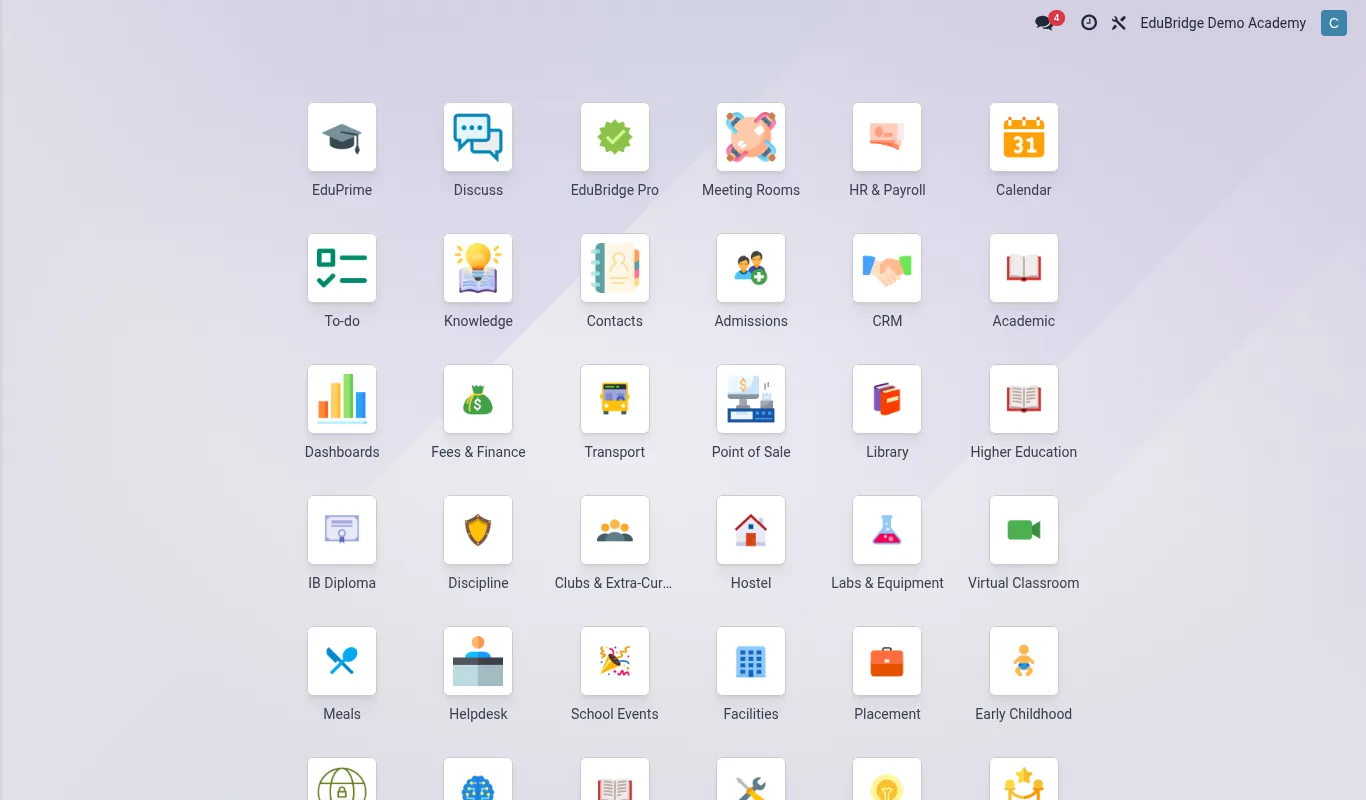
Open the School Shop from the app drawer and start a session.
- Scan or select the product (e.g. Sweater – Size 8, Maths Textbook Grade 5).
- Set the quantity; the line total updates.
- Choose the customer: a walk-in, or a specific student if it should hit their account.
- Take payment – cash, card, mobile money – or choose Post to student account.
- Finish the sale; a receipt prints or is sent by SMS.
Posting to the student account
Posting to account means the parent does not pay cash at the counter – the charge is added to the family’s fee balance and collected with the rest of the fees.
- At payment, choose Post to student account.
- EduPrime creates a charge on the selected student and updates the family statement.
- The item appears as a normal line the parent can pay through any rail.
| Settlement | Effect on statement | Stock |
|---|---|---|
| Cash / mobile money at counter | No change – paid on the spot | Reduced |
| Post to student account | Charge added to family balance | Reduced |
Stock basics
The shop tracks inventory so you know what to reorder and can spot shrinkage.
- Each product has a quantity on hand that drops with every sale.
- Record deliveries when new uniform or book stock arrives so quantities rise.
- Run a periodic stock count and adjust for differences, with a reason recorded.
- Set reorder points so popular sizes do not run out mid-term.
Reconciling shop takings
At the end of each session, close it and reconcile the till: cash counted should equal cash sales, and account-posted sales should reconcile to the charges that hit student statements. Shop income posts to its own account so it never muddles tuition collections, and the finance reports can show shop revenue separately from fees.