

Payment plans & instalments
Many families earn informally and cannot pay a full term’s fees on day one. A payment plan splits a balance into agreed instalments so the child stays in class and the school still collects. This page covers setting up a plan, building the schedule, tracking whether a family is keeping to it, and handling defaults fairly.
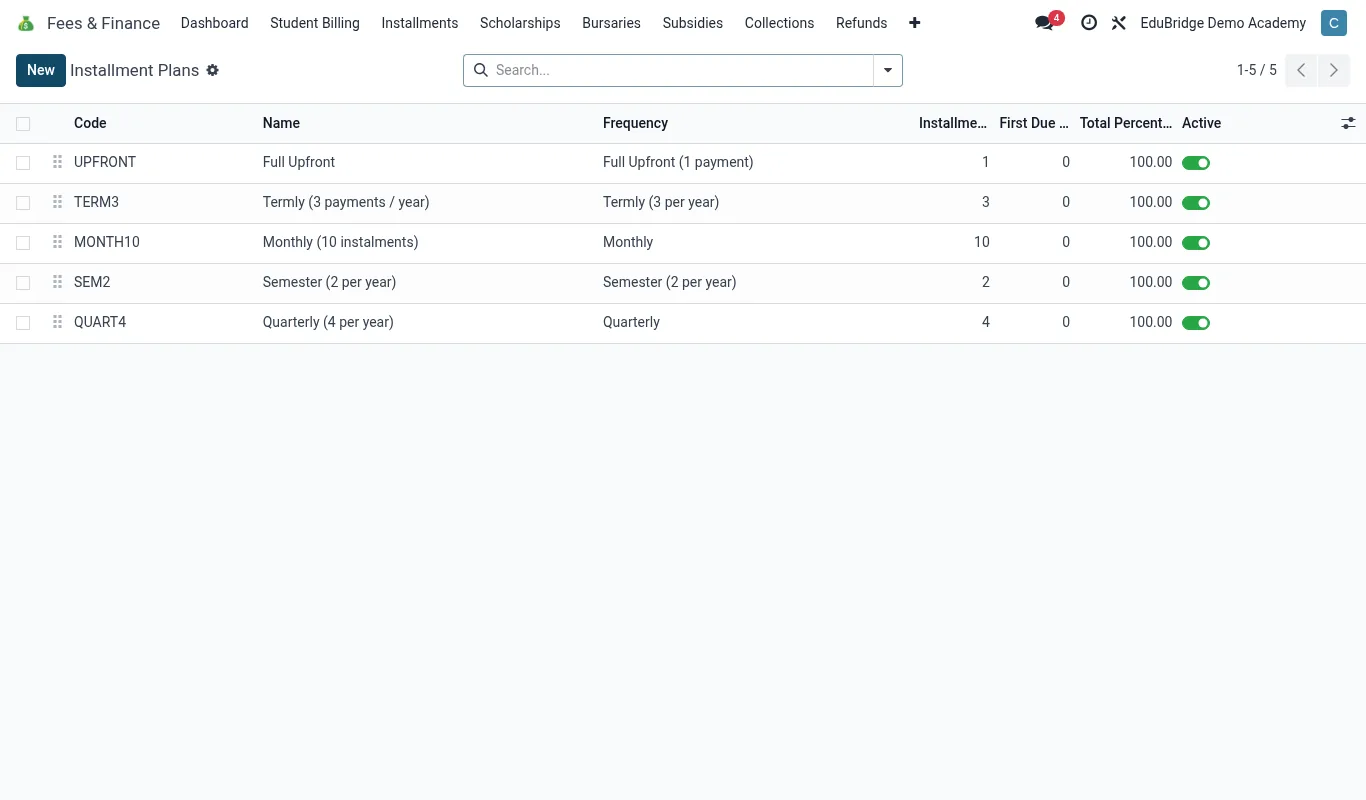
Setting up a plan
From a student or family with an outstanding balance, click Payment Plan → New.
- Confirm the balance the plan covers (one invoice, the term, or arrears + current).
- Enter the number of instalments and the frequency (weekly, fortnightly, monthly).
- Set the first due date; EduPrime spreads the balance across the dates.
- Optionally collect a down payment up front.
- Record agreement with the parent and activate the plan.
Schedules & how payments apply
EduPrime turns the plan into a dated schedule of expected amounts. As money arrives, it ticks off instalments automatically.
| Instalment | Due | Amount | Status |
|---|---|---|---|
| 1 | 05 May | 10,000 | Paid |
| 2 | 05 Jun | 10,000 | Paid |
| 3 | 05 Jul | 10,000 | Due |
A payment that matches the next instalment marks it paid; a larger payment can clear several ahead. The underlying invoice balance reduces in step, so the statement and the plan always agree.
Tracking adherence
Open Fees & Finance → Payment Plans for a live view of every plan’s health.
- On track – instalments paid on or before due date.
- Behind – one or more instalments missed; flagged for follow-up.
- Completed – balance fully cleared.
Families on a plan in good standing are excluded from the normal dunning reminders – only when they fall behind on the plan do reminders resume. This keeps you from chasing parents who are paying exactly as agreed.
Handling defaults
When a family misses instalments, handle it as a process, not a surprise:
- EduPrime flags the plan Behind and resumes reminders for the missed amount.
- The bursar contacts the parent to understand the cause and, if needed, renegotiate the schedule.
- To renegotiate, edit the remaining instalments or create a fresh plan for the residual balance.
- If the plan collapses entirely, the balance reverts to ordinary arrears and follows the normal aging and suspension-review path.